

Short answer: buy the Lenovo LOQ 2025 (RTX 5050) if you edit every day and use After Effects. Buy the Motorola Motobook 60 Pro if you want the best screen under ₹1 lakh. Buy the MacBook Air M5 if you edit on the move and battery matters.
Geekman has covered consumer tech for over 10 years, and this ranking is built the way our buying guides always are: research first, then a hard look at the numbers. For every model we compared official specs, screen colour coverage, CPU, memory and storage, graphics power, price, warranty and service reach, and checked live prices on Amazon and Flipkart.
What editors need
What each editing app asks for
Most buying guides skip the software side. Premiere Pro, After Effects and DaVinci Resolve all publish what they want, and those numbers decide which laptop suits you. Here are the figures that matter, taken from the maker’s specs.
16GB
Adobe, HD editing
Adobe recommends 16GB of RAM for HD in Premiere Pro and After Effects.
Read review
32GB or more
Adobe, 4K editing
Adobe recommends 32GB or more for 4K, so check each laptop maximum.
Read review
4GB to 8GB
Graphics memory
Adobe lists 4GB as the minimum and 8GB as the recommended amount.
Read review
Adobe recommends 16GB of RAM for HD and 32GB or more for 4K in both Premiere Pro and After Effects. It lists 4GB of graphics memory as the minimum and 8GB as the recommended amount. Blackmagic sets the final DaVinci Resolve requirements, so check them on its own page before you buy.
The big question
Do you need a graphics card for video editing?
Built-in graphics
Reels, 1080p and light 4K
A built-in GPU does the job and gives you a lighter laptop with a longer battery.
Read review
An RTX card
After Effects and heavy grading
Pay for an RTX card for After Effects, heavy colour grading and AI tools.
Read review
It depends on the app. For Reels, 1080p and light 4K in Premiere Pro, a built-in GPU does the job, and you get a lighter laptop with a longer battery. For After Effects, heavy colour grading and AI tools, I would pay for an RTX card. That is why this guide has four laptops of each kind. If you want gaming laptops with a strong screen as well, my gaming laptops for video editing guide goes deeper.
Find your editing laptop in 3 quick taps
Short answer: the Lenovo LOQ 2025 is the best for daily editing with After Effects, the Motobook 60 Pro has the best screen under 1 lakh and the MacBook Air M5 is best on the move. Turn on JavaScript to use the Finder.
The ranking
How I ranked these laptops for editing
Each laptop gets a score out of 10 for performance (40%), value (40%) and service (20%). Performance is weighted toward the screen, CPU cores, RAM, storage and graphics. Value is price against what you get and what you can upgrade. Service looks at warranty and how easy it is to get help.
See the scores
| # | Laptop | Perf. | Value | Service | Overall |
|---|---|---|---|---|---|
| 1 | Lenovo LOQ 2025 (Core i7-13650HX, RTX 5050 8GB, 1TB) | 9.0 | 8.2 | 7.8 | 8.4 |
| 2 | Lenovo Legion 5 2025 (Core i7-13650HX, RTX 5050 8GB, 115W) | 9.2 | 7.4 | 7.8 | 8.2 |
| 3 | Motorola Motobook 60 Pro (Core Ultra 5 225H, 2.8K OLED) | 7.8 | 8.8 | 6.8 | 8.0 |
| 4 | Motorola Motobook 60 (Core 5 210H, 2.8K OLED) | 7.2 | 9.2 | 6.8 | 7.9 |
| 5 | ASUS Gaming V16 2026 (Core 5 210H, RTX 5050 8GB) | 8.4 | 7.6 | 7.2 | 7.8 |
| 6 | Apple MacBook Air M5 (13.6 inch, 16GB, 1TB) | 8.6 | 6.2 | 8.4 | 7.6 |
| 7 | Lenovo LOQ Essential (Ryzen 7 7735HS, RTX 4050 6GB, 65W) | 6.8 | 8.0 | 7.8 | 7.5 |
| 8 | Lenovo Yoga Slim 7 Aura Edition (Core Ultra 5 226V, OLED) | 7.8 | 6.8 | 7.8 | 7.4 |
Scores weigh performance 40%, value 40% and service 20%. They come from official specs, listed warranty terms and live prices on 22 October 2026.
Quick picks
| Pick | Laptop | Best for |
|---|---|---|
| Best Overall | Lenovo LOQ 2025 (Core i7-13650HX, RTX 5050 8GB, 1TB) | Editors who also use After Effects and want upgrade room |
| Best Screen and Cooling | Lenovo Legion 5 2025 (Core i7-13650HX, RTX 5050 8GB, 115W) | A taller 16:10 screen and the strongest cooling here |
| Best OLED Value | Motorola Motobook 60 Pro (Core Ultra 5 225H, 2.8K OLED) | A bright OLED screen and 1.39 kg for under ₹85,000 |
| Cheapest OLED | Motorola Motobook 60 (Core 5 210H, 2.8K OLED) | The cheapest way into a colour accurate OLED screen |
| Cheapest RTX | ASUS Gaming V16 2026 (Core 5 210H, RTX 5050 8GB) | The cheapest RTX 5050 laptop with a 16:10 screen |
| Best Battery and Portability | Apple MacBook Air M5 (13.6 inch, 16GB, 1TB) | Final Cut Pro and Premiere Pro on a light, silent laptop |
| Cheapest RTX Card | Lenovo LOQ Essential (Ryzen 7 7735HS, RTX 4050 6GB, 65W) | An RTX card and a 100% sRGB screen for ₹1.15 lakh |
| Best Thin OLED | Lenovo Yoga Slim 7 Aura Edition (Core Ultra 5 226V, OLED) | A premium 1.19 kg OLED laptop with a 70Wh battery |
Tap a name to jump to its review. Live prices are in the buy box under each review. Prices are as seen on 22 October 2026 and bank offers can change them.
The reviews
Best laptops for video editing in India: 8 picks
Best Overall
1. Lenovo LOQ 2025 (Core i7-13650HX, RTX 5050 8GB, 1TB)
8.4 Overall
9.0 Performance
8.2 Value
7.8 Service
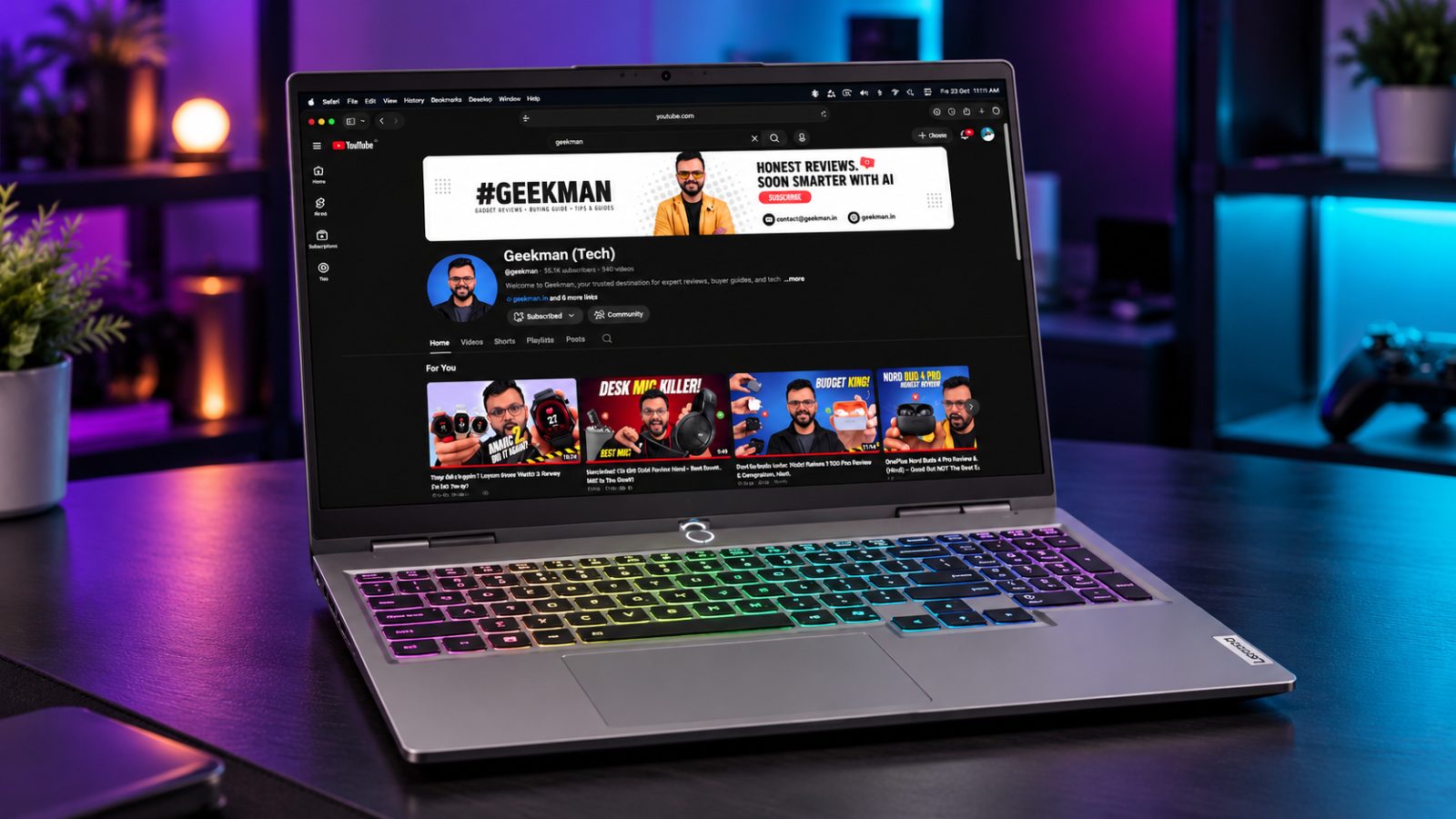
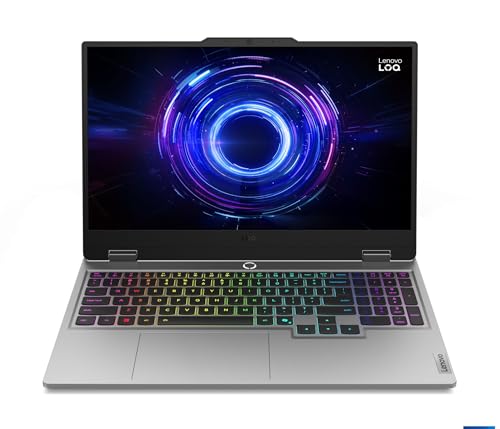
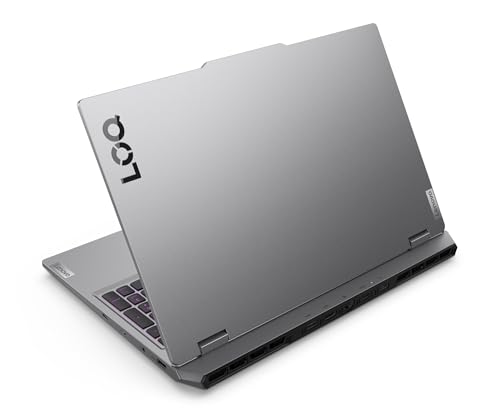
Core i7-13650HX · RTX 5050 8GB · 1TB SSD · Up to 32GB RAM · 100% sRGB
Best for
✓ After Effects and DaVinci Resolve users
✓ Editors who need storage for footage
✓ Buyers who plan to add a second RAM stick
Not ideal for
– Editors who work on trains and cafes
– Anyone who wants an OLED or HDR screen
Verdict: The most complete editing machine on this list for the money.


Lenovo LOQ 2025, Intel Core i7-13650HX, 13th Gen, NVIDIA RTX 5050 8GB, 16GB RAM, 1TB SSD, FHD IPS, 15.6" (39.6cm), 144Hz Refresh Rate, Windows 11, Office 24, Grey, 2.4Kg, 83JE010SIN, Gaming Laptop
 Great Indian Festival
Up to 6% instant discount on select credit cards +1
- Up to 6% instant discount on select credit cards
- Cashback with Amazon Pay ICICI Bank Credit Cards
Pros and cons
What we like
+ RTX 5050 with 8GB video memory
+ 14 cores and 1TB SSD
+ Two RAM slots, up to 32GB
What we don’t like
– 2.4 kg
– Single 16GB stick at purchase
– Full HD screen
Lenovo LOQ 15IRX10 RTX 5050 review: the video editing laptop with the roomy 1TB drive
The Lenovo LOQ 2025 (15IRX10, Core i7-13650HX, RTX 5050 8GB, 1TB) is built around raw cores and a big drive. The Core i7-13650HX is a 14 core, 20 thread chip, which gives timeline scrubbing, proxy generation and software exports a lot of parallel power. The RTX 5050 brings 8GB of GDDR7 video memory and a hardware video encoder. Memory is normally 16GB DDR5 with a free slot, and this version carries a 1TB SSD, which matters when raw footage fills a drive in a week. The 15.6 inch Full HD 144 Hz panel in this family is the usual LOQ screen, and the 15IRX10 family uses a 60 Wh battery, weighs about 2.4 kg and has three USB-A ports, a USB-C, HDMI and Ethernet with no Thunderbolt. Lenovo sets the GPU power of the LOQ separately from the Legion’s 115 W, so compare the wattage line on the carton instead of assuming the same speed.
My take: for a student or a freelancer editing 1080p and 4K footage in DaVinci Resolve or Premiere Pro, the LOQ is the budget way to get a hardware encoder, 8GB of VRAM and 14 CPU cores. It is also the one that gives the most storage per rupee. Expect the CPU to run hot under a long export: a related LOQ with a Core i7-14700HX measured around 96 degrees at peak, the keyboard centre sat near 42 degrees and the WASD keys near 36 degrees, with a low whoosh of fan noise. That is acceptable for a gaming laptop. It is not a quiet office machine. Colour work is possible only if the panel is the 100 percent sRGB version, so match the screen line on the carton before you commit to client work.
Lenovo LOQ 15IRX10 power cost, battery and the 1TB drive maths
The 135 W to 170 W class charger means a heavy editing session costs real electricity. A system pulling 120 W for four hours uses 0.48 kWh, which is about Rs 4 at Rs 8 a unit, so a year of daily four hour sessions costs about Rs 1,400. Battery life is weak, so assume that the laptop is a plugged-in editing machine and a 2 to 4 hour device away from a socket. The 1TB drive is the money saver here: a second 1TB SSD or an external drive for the same space would cost a good part of what you save, and you avoid carrying a drive around. Keep the second M.2 slot free for a project drive. The 16GB memory is the next upgrade for heavy timelines.
Living with the LOQ 15IRX10: noise, keyboard and ports for editors
The fan is clearly audible under export and is a low whoosh rather than a whine. The keyboard has a numpad and a good layout, which suits shortcut heavy editing, and the plastic chassis is sturdy. The port set has no Thunderbolt, so fast external drives work over USB-C and USB-A at 5 to 10 Gbps, not 40 Gbps. There is Ethernet, which helps when you pull footage from a NAS or upload large files. The webcam is basic. The 144 Hz display is smooth for scrolling timelines. Plan to use headphones, since the speakers are not for audio checks.
Lenovo LOQ 15IRX10 warranty, service and what to check on delivery
Lenovo gives one year of warranty in India, normally courier or carry in on LOQ models, and accidental damage protection and an onsite upgrade are paid extras. The consumer helpline is 1800-419-7555, Monday to Saturday, 10 to 7. On delivery, match the carton for Core i7-13650HX, RTX 5050 8GB, 16GB and 1TB, because LOQ has many variants with RTX 3050, 4050 and 5060. Run the Lenovo Vantage app and set the thermal mode to Performance for exports. Update the NVIDIA Studio driver, which is better tuned for Resolve and Premiere than the Game Ready driver.
Who should buy the Lenovo LOQ 2025 and where it falls short
It falls short on weight, battery and noise. The Lenovo Legion 5 2025 has the same CPU and GPU with a better cooling design and a brighter, taller screen. The ASUS Gaming V16 2026 is lighter. Buy the LOQ 2025 if you want the biggest drive and the most cores for the least money and you edit mostly at a desk.
Key specs
| CPU | Intel Core i7-13650HX, 14 cores, 20 threads |
| GPU | NVIDIA RTX 5050 8GB GDDR7, graphics power 100W |
| Memory | 16GB DDR5-4800 (1 stick), up to 32GB |
| Display | 15.6 inch FHD IPS, 144Hz, 300 nits, 100% sRGB |
| Storage | 1TB PCIe 4.0 NVMe |
| Weight | About 2.4 kg |
Best Screen and Cooling
2. Lenovo Legion 5 2025 (Core i7-13650HX, RTX 5050 8GB, 115W)
8.2 Overall
9.2 Performance
7.4 Value
7.8 Service
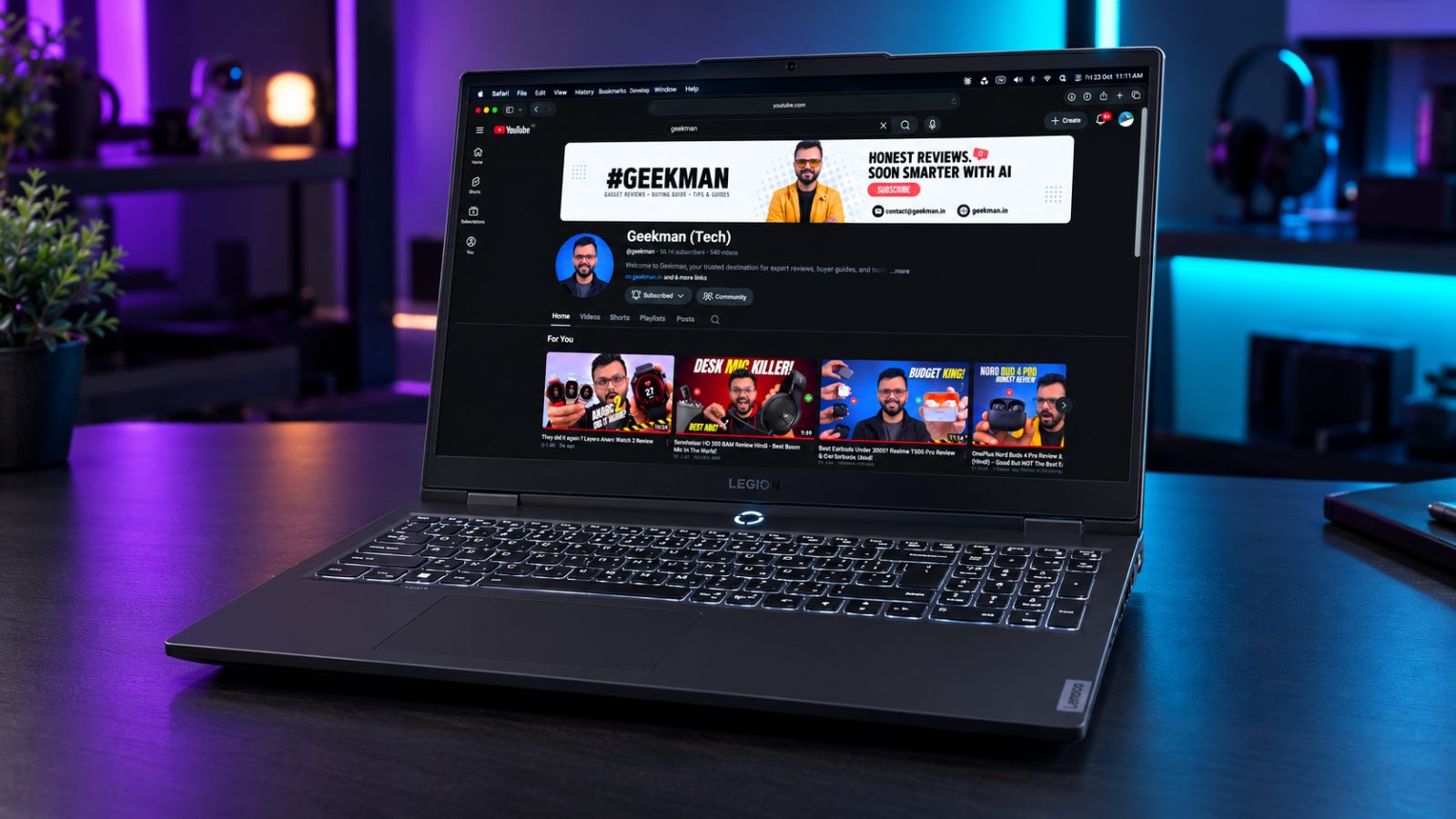
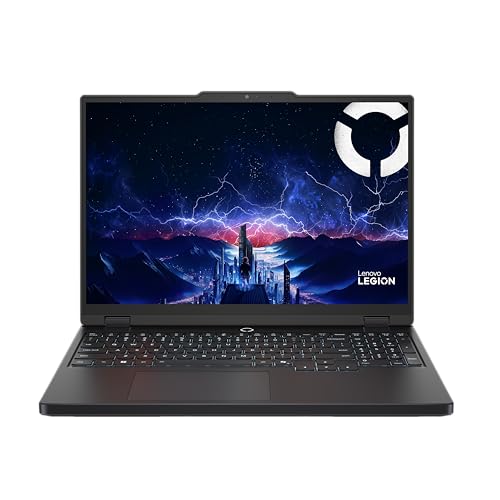
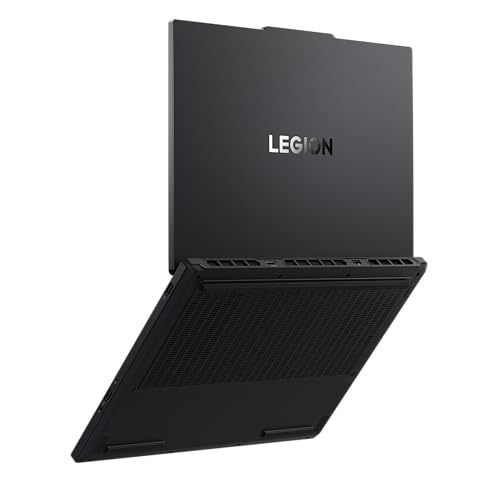
Core i7-13650HX · RTX 5050 8GB, 115W · WUXGA, 165Hz · 100% sRGB, Dolby Vision · 2.1 kg
Best for
✓ Long exports that need steady cooling
✓ Editors who like a taller timeline view
✓ People who want the highest graphics power
Not ideal for
– Anyone with a ₹1.5 lakh limit
– People who need more than 512GB out of the box
Verdict: The best screen and cooling here. I would only change the 512GB drive.
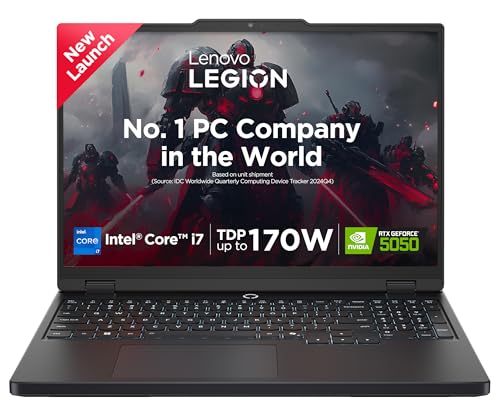
Lenovo Legion 5 2025 Intel Core i7-13650HX | NVIDIA RTX 5050 8GB (16GB RAM/512GB SSD/WUXGA IPS/165Hz/15.3" (38.8cm)/Windows 11/Office 2024+AI Now/Black/2.1Kg), 83LY00SUIN AI Powered Gaming Laptop
Pros and cons
What we like
+ WUXGA 165Hz screen, 100% sRGB, Dolby Vision
+ RTX 5050 at a published 115W
+ 2.1 kg with vapor chamber cooling
What we don’t like
– 512GB SSD
– Costs the most of the four RTX picks
– Single 16GB RAM stick
Lenovo Legion 5 15IRX10 RTX 5050 115W review: the cool-running editing workhorse
The Lenovo Legion 5 2025 (15IRX10, Core i7-13650HX, RTX 5050 8GB, 115W) is the better cooled sibling of the LOQ. It carries the same 14 core Core i7-13650HX and an RTX 5050 with 8GB of GDDR7 memory that is allowed to run at 115 W. Memory is 16GB of DDR5-4800 in one SODIMM with two slots, expandable to 32GB, and storage is a 512GB PCIe Gen 4 SSD. The 15.3 inch screen is a 1920 by 1200 IPS panel at 165 Hz, 300 nits and 100 percent sRGB, and the 80 Wh battery sits in a 2.1 kg body. The 245 W charger feeds three USB-A ports, two USB-C ports at 10 Gbps (one with 95 to 100 W power delivery and DisplayPort 2.1), HDMI 2.1 and Ethernet. Like the LOQ, it is a 13th gen HX chip, so it has no NPU and no Thunderbolt, which is a deliberate trade for raw cores at this price.
My take: the Legion 5 is the one I would buy for steady editing. The 16:10 aspect ratio gives a taller timeline, the screen covers full sRGB for colour critical web video, the 115 W GPU renders effects faster than a lower power card, and the 80 Wh battery gives you more unplugged time than any other gaming laptop here. Most of the benefit shows in sustained loads: a 20 minute export that would throttle a thinner laptop should hold its clocks. The performance claim rests on the 115 W rating and the cooling design of the Legion family, so judge it by sustained clocks rather than by a short benchmark. It is the right choice if you edit paid projects. Pair it with a calibrated external monitor if you grade footage, and keep the lid closed or angled to let the fans pull air from the base.
Lenovo Legion 5 power cost, battery and storage plan
A 115 W GPU plus a 55 W class CPU pulls well over 150 W at full load. Four hours of heavy rendering a day at roughly 170 W uses 0.68 kWh, about Rs 5.4 at Rs 8 a unit, so a month of daily four hour work costs near Rs 165. The 80 Wh battery gives a couple of hours of editing unplugged, and about 6 to 7 hours of light work. The 512GB drive is the weak point. Raw footage fills it fast, so plan for a second NVMe drive or an external SSD. Memory is one stick of 16GB with a free slot, so adding a second 16GB stick later gives dual channel and a speed boost. If you edit from a power bank or in a train, the 245 W charger and its size mean you should plan your sessions around a wall socket.
Living with the Legion 5: screen, keyboard and ports
The 1920 by 1200 screen is sharp for the size and the 165 Hz refresh helps preview smoothness. The panel is 300 nits and covers sRGB fully, so colour is fine for web delivery but not for HDR or wide gamut work. The keyboard has a numpad and good travel, and the trackpad is large. The 10 Gbps USB-C ports and the DisplayPort 2.1 output let you connect a reference monitor and a fast SSD at the same time. Fan noise rises on Performance mode but remains controlled. There is no Thunderbolt.
Lenovo Legion 5 15IRX10 warranty, service and what to check on delivery
The India SKU ships with one year of warranty, plus one year of accidental damage protection and one year of Legion Ultimate Support with onsite service on the India spec sheet, which is rare at this price. Confirm each of the three on the invoice. On delivery, match the carton for Core i7-13650HX, RTX 5050 8GB, 16GB and 115W, since the Legion 5 name is also used for models with other GPUs. Set Performance mode in Lenovo Vantage and update the NVIDIA Studio driver.
Who should buy the Lenovo Legion 5 2025 and where it falls short
It falls short on weight, charger size and the 512GB drive. The Lenovo LOQ 2025 gives more storage for less. The ASUS Gaming V16 2026 is lighter. Buy the Legion 5 for serious editing. Skip it if you need a light bag or only edit short phone clips, because a laptop with an iGPU is cheaper and easier to carry.
Key specs
| CPU | Intel Core i7-13650HX, 14 cores, 20 threads |
| GPU | NVIDIA RTX 5050 8GB GDDR7, graphics power 115W |
| Memory | 16GB DDR5-4800 (1 stick), up to 32GB |
| Display | WUXGA 1920×1200 IPS, 165Hz, 300 nits, 100% sRGB, Dolby Vision |
| Storage | 512GB PCIe 4.0 NVMe, two M.2 slots |
| Weight | About 2.1 kg |
Best OLED Value
3. Motorola Motobook 60 Pro (Core Ultra 5 225H, 2.8K OLED)
8.0 Overall
7.8 Performance
8.8 Value
6.8 Service
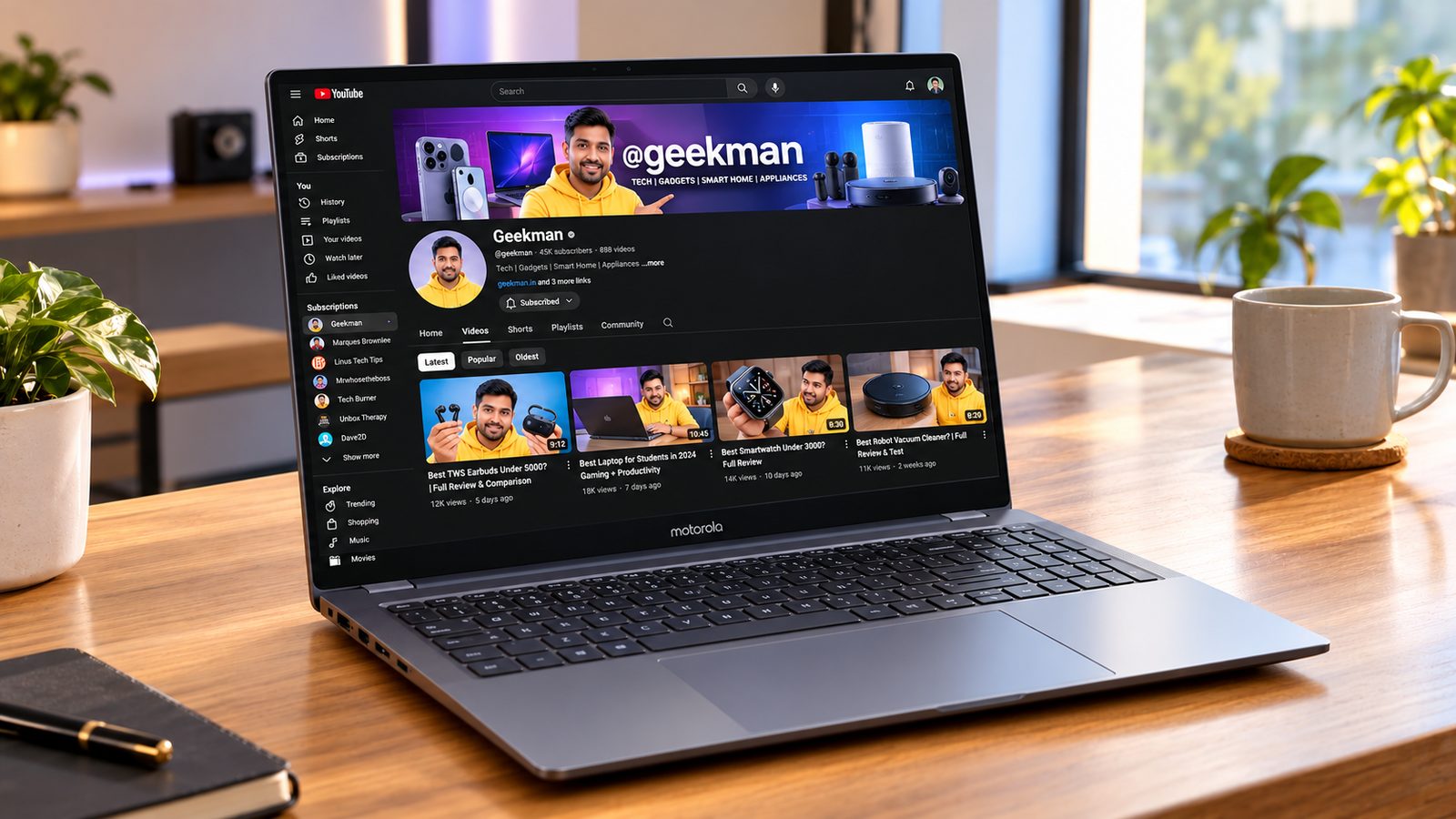
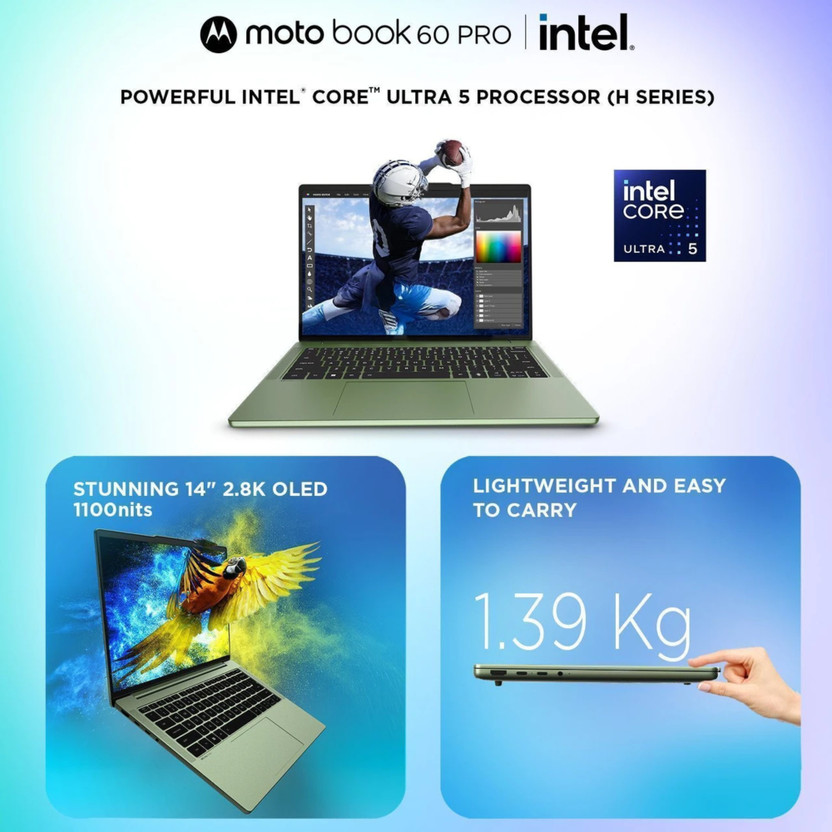
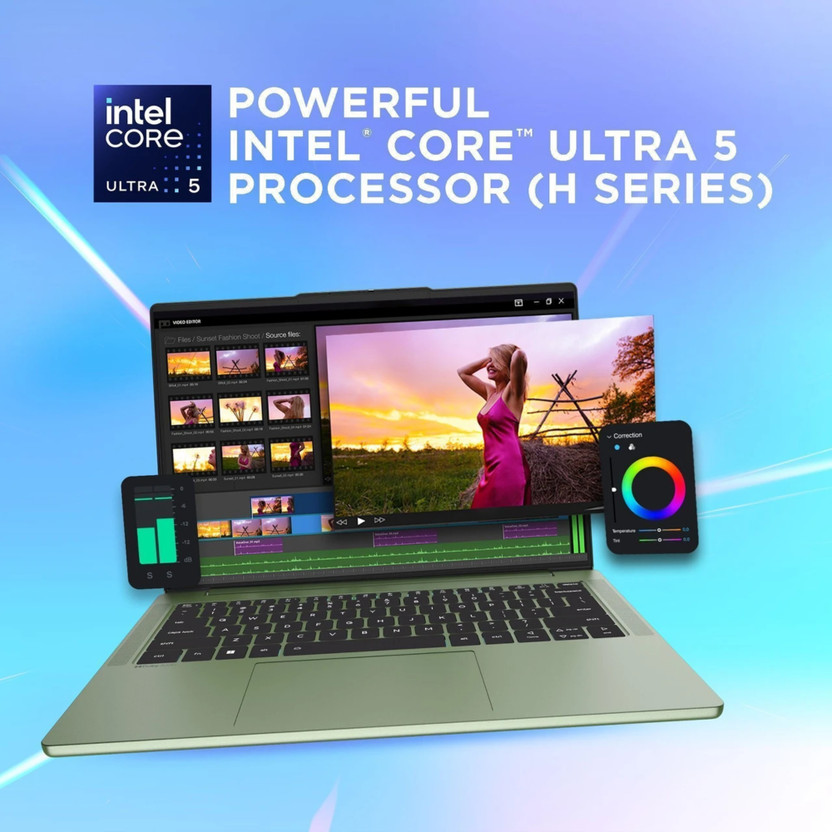
Core Ultra 5 225H · 16GB DDR5 · 2.8K OLED, 120Hz · 100% DCI-P3 · 1.39 kg
Best for
✓ Editors who grade colour on the go
✓ Premiere Pro users on 1080p and light 4K
✓ Anyone who wants the best screen under ₹1 lakh
Not ideal for
– After Effects users who need a discrete GPU
– People with a lot of heavy 4K projects
Verdict: The best screen you can buy under ₹1 lakh, with a processor that suits light to medium editing.

MOTOROLA Motobook 60 Pro Full Metal AI PC 2.8K OLED Intel Core Ultra 5 225H - (16 GB/512 GB SSD/Windows 11 Home) Motobook 60 14IAH10 Thin and Light Laptop

Up to 5% instant discount on Flipkart Axis & Flipkart SBI credit cards Details
- Up to 5% instant discount on Flipkart Axis & Flipkart SBI credit cards
Pros and cons
What we like
+ 2.8K 120Hz OLED, 100% DCI-P3
+ 1.39 kg
+ Up to 32GB DDR5 per Motorola
What we don’t like
– No discrete graphics card
– Sold on Flipkart only
– 512GB SSD
Motorola Moto Book 60 Pro Core Ultra 5 225H OLED review: the colour first editing laptop
The Motorola Moto Book 60 Pro (Core Ultra 5 225H, 2.8K OLED, 16GB, 1TB) is a thin laptop that puts the screen first. The Core Ultra 5 225H is a 14 core Arrow Lake H chip with 4 performance cores, 8 efficiency cores and 2 low power cores, boosting up to 4.9 GHz, with Intel Arc graphics and an NPU. The 14 inch OLED panel is 2880 by 1800 at 120 Hz. The sibling Moto Book 60 uses the same family of design: 16GB of DDR5, an NVMe SSD, a 60 Wh battery, a weight of 1.39 kg, two USB-C 3.2 ports, two USB-A, HDMI 1.4b, a microSD reader, Wi-Fi 7 and a 1080p webcam with a privacy shutter. Check the Wh figure on the carton for the Pro, because Motorola ships more than one build. The 120 Hz refresh helps timeline scrubbing feel fluid, and the 1TB drive is the right size for a laptop that has no second storage bay to spare.
My take: this is the laptop for someone who edits colour sensitive content such as social video, weddings or product shots and wants to see the grade on the laptop itself. OLED gives deep blacks and a wide colour range, and the 2.8K resolution lets you see a 1080p preview and the tools around it at once. Intel’s Arc graphics will not match an RTX card for heavy effects, but the hardware decoders handle H.264 and H.265 and the 14 cores handle exports for 1080p projects. For 4K timelines with colour effects or noise reduction, a laptop with an RTX GPU such as the Lenovo Legion 5 2025 will be faster. Expect it to be a very good editor for talking head videos, reels, event highlights and photo retouching, where the CPU does the heavy lifting and the OLED helps you judge skin tones and contrast. If you shoot log footage and apply LUTs, test that the panel’s colour profile is switched to the gamut you deliver in.
Moto Book 60 Pro power cost, battery and OLED care
Light editing draws about 30 to 45 W, and a full charge of the 60 Wh class battery costs about 48 paise at Rs 8 a unit. Daily charging for a year costs under Rs 180. In tests of the Moto Book 60, the battery came in below the Vivobook 16 and the Swift Go 14 AI, and almost half a day of moderate use was the result, so carry the charger. OLED panels draw more on bright timelines, so lower the preview brightness while you cut and only raise it for the final grade. Use a dark UI theme in Resolve or Premiere to cut power and reduce static burn in.
Living with the Moto Book 60 Pro: keyboard, build and ports
The build is sturdy and survives knocks, but the keyboard lacks the tactile snap of the Acer Swift Go 14 AI and needs a firm press. The trackpad is smaller and has some friction. Speakers sound tiny, so use headphones for audio sync work. The port set is generous for a thin laptop: two USB-C 3.2, two USB-A, HDMI and a microSD reader, which helps for camera cards. The Pantone colour option attracts fingerprints. The fans stay controlled in light and medium work. The 1080p webcam is good for client calls while you share the timeline.
Motorola Moto Book 60 Pro warranty, service and what to check on delivery
The Pro carries a Lenovo machine code (83NY), so ask the seller whether service goes through Lenovo centres or Motorola’s own route, and confirm the warranty length in writing. On delivery, match the carton for Core Ultra 5 225H, 16GB and 1TB, the 2.8K OLED line and the battery Wh. Check the OLED for dead pixels on black and white screens, and set the colour profile to the correct gamut in the display settings before you grade.
Who should buy the Moto Book 60 Pro and where it falls short
It falls short on GPU power, speakers and battery. The Motorola Moto Book 60 has the same screen with a lower chip. The Lenovo Yoga Slim 7 Aura Edition has a brighter OLED. Buy the Moto Book 60 Pro for colour work on a budget. Skip it if your work is GPU heavy, such as 3D titles, motion graphics or Fusion effects, and take the Legion instead.
Key specs
| CPU | Intel Core Ultra 5 225H |
| GPU | Intel integrated graphics |
| Memory | 16GB DDR5 (Motorola lists up to 32GB) |
| Display | 14 inch 2.8K OLED, 120Hz, 100% DCI-P3, 500 nits (1100 peak) |
| Storage | 512GB SSD |
| Weight | About 1.39 kg, 60Wh battery |
Cheapest OLED
4. Motorola Motobook 60 (Core 5 210H, 2.8K OLED)
7.9 Overall
7.2 Performance
9.2 Value
6.8 Service
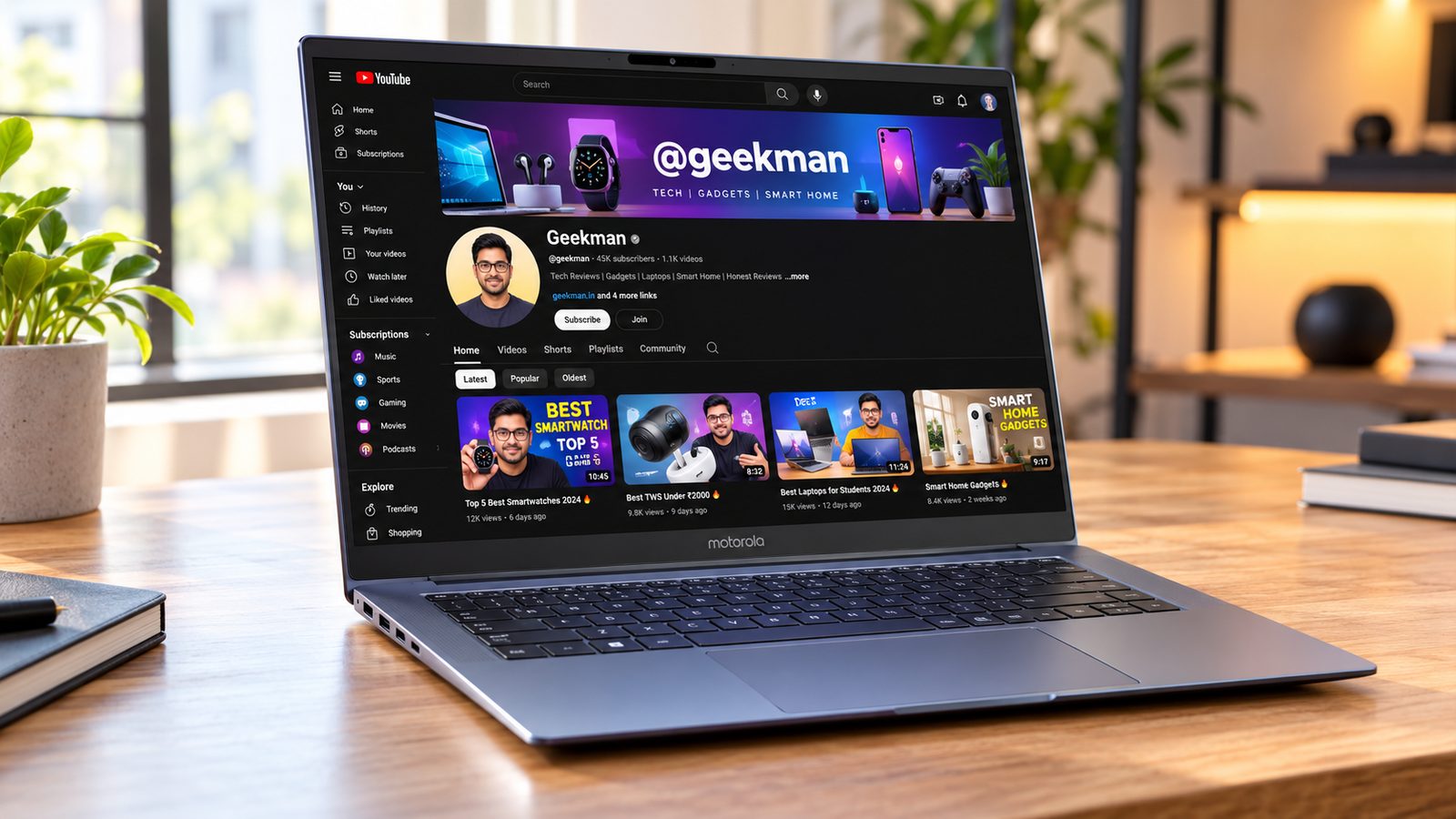
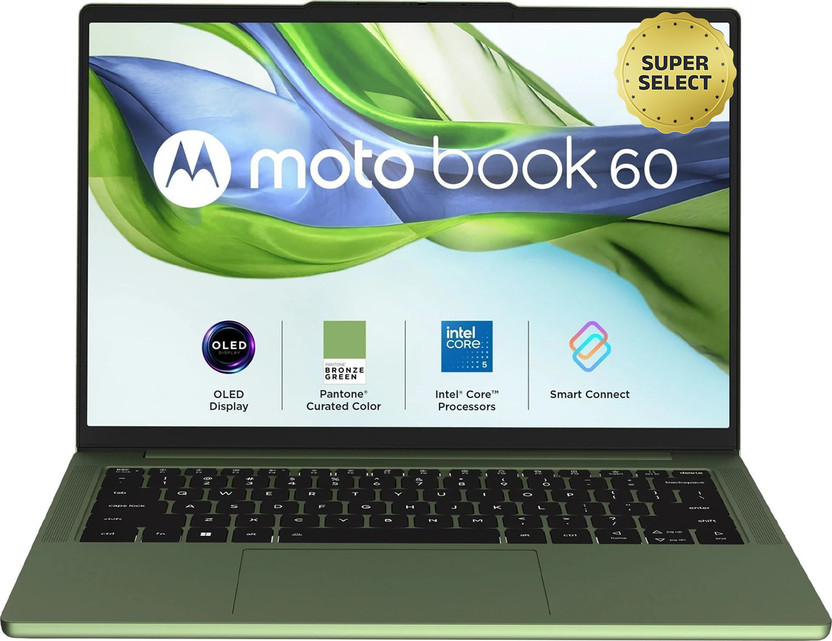
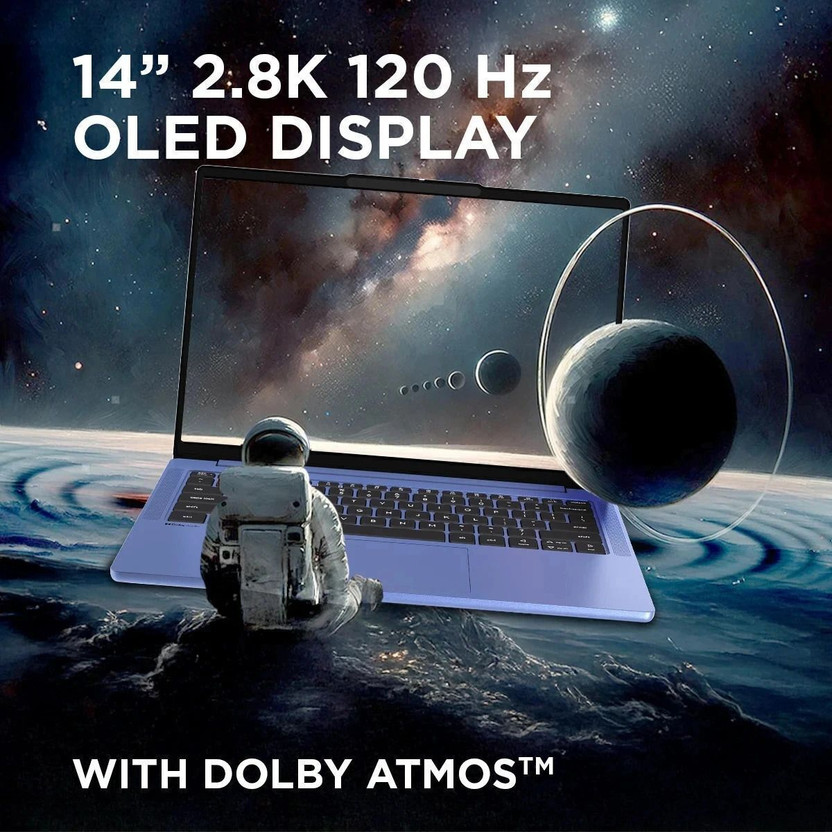
Core 5 210H · 16GB DDR5 · 2.8K OLED, 120Hz · 100% DCI-P3 · 1.4 kg
Best for
✓ Students who edit Reels and short videos
✓ Photo editors
✓ Anyone who wants an OLED screen on a budget
Not ideal for
– After Effects users
– Heavy 4K editors
Verdict: The best price for a colour accurate screen. Fine for 1080p, tight for 4K.

MOTOROLA Motobook 60 Full Metal 2.8K OLED (i5 14th Gen) Intel Core 5 Series 2 210H - (16 GB/512 GB SSD/Windows 11 Home) 14IRH10R Thin and Light Laptop
Up to 5% instant discount on Flipkart Axis & Flipkart SBI credit cards Details
- Up to 5% instant discount on Flipkart Axis & Flipkart SBI credit cards
Pros and cons
What we like
+ Cheapest laptop in the guide
+ 2.8K 120Hz OLED, 100% DCI-P3
+ 1.4 kg
What we don’t like
– 8-core processor
– No discrete graphics card
– Flipkart only
Motorola Moto Book 60 Core 5 210H OLED review: the budget OLED for light editing
The Motorola Moto Book 60 (Core 5 210H, 16GB, 512GB, 14 inch OLED) is Motorola’s first laptop and a surprisingly confident one. The Core 5 210H is a 6 core, 12 thread H-series chip with integrated Intel graphics. Memory is 16GB of DDR5 and storage is a 512GB NVMe PCIe 4.0 SSD. The 14 inch OLED screen is 2880 by 1800 at 120 Hz and about 300 nits. The battery is 60 Wh, the weight is 1.39 kg and the body is 16.9 mm thick. Ports are two USB-C 3.2 Gen 1 and HDMI 1.4b on the left, a microSD reader and two USB-A on the right, with a headphone jack, Wi-Fi 7, Bluetooth 5.4 and a 1080p webcam with a privacy shutter. Because it is built from a 6 core chip with 12 threads, exports of 1080p projects finish in reasonable time, while 4K exports with heavy effects will take noticeably longer than on a laptop with a 14 core chip and an RTX card.
My take: the Moto Book 60 is the budget answer to the question of a good screen for editing. It handles light work: trimming vlogs, editing shorts and reels, colour correcting stills and cutting 1080p timelines in CapCut, DaVinci Resolve or Premiere. It does not have a discrete GPU, so heavy effects, 4K multicam and noise reduction will slow down. In lab-style tests, the 210H model trailed the Qualcomm laptops and the Samsung Galaxy Book5 Pro in Geekbench 6 multi core, Cinebench 2024 and PCMark applications, though it matched or beat them in the Geekbench GPU test. Treat it as a screen with a competent chip, not a workstation. That makes it a sensible laptop for a beginner who wants to learn editing on a good screen, a student who makes college films, or a creator who edits reels and shorts on the go. The 16GB of memory is enough for Resolve at 1080p, though 4K timelines with several layers will push it.
Moto Book 60 power cost, battery and storage reality
A full charge of the 60 Wh battery costs about 48 paise at Rs 8 a unit, so a year of daily charging is Rs 175. Moderate use gives almost half a day, and in the PCMark battery test it ran shorter than the Vivobook 16, the Swift Go 14 AI and the Galaxy Book5 Pro. Treat it as a 5 to 6 hour laptop. The 512GB drive is the constraint for editors. Footage from a phone can fill it in a week, so budget for an external SSD or a microSD card for the reader on the right edge. Keep the OS and apps on the internal drive and projects on the external. If you buy an external SSD, pick a USB 3.2 model and plug it into one of the left-side USB-C ports for the best speed.
Living with the Moto Book 60: keyboard, trackpad and speakers
The keyboard is well spaced and comfortable, but it needs more pressure than usual and lacks tactile feedback. The trackpad is small and has some friction on swipes. The speakers are tiny and lack richness, so use headphones when editing sound. The build is sturdy and survives accidental drops, and the Pantone Wedgewood colour of the review unit shows fingerprints and divides opinion. The OLED screen is the star, with deep contrast that makes footage pop. Wi-Fi 7 helps when you upload a finished video, and the 1080p webcam is clean enough for client calls. The laptop stays cool and quiet in light tasks, and the fan becomes audible only when you export.
Motorola Moto Book 60 warranty, service and what to check on delivery
Ask the seller for the warranty length and the service route in writing, because Motorola is new to laptops. On delivery, match the carton for Core 5 210H, 16GB and 512GB, the OLED line and the Wh. Check the OLED for dead pixels and uneven brightness, and set the display profile to the right gamut. Keep the invoice and the box for the first two weeks.
Who should buy the Moto Book 60 and where it falls short
It falls short on GPU power, keyboard feel, speakers and battery. The Moto Book 60 Pro has a stronger chip. The ASUS Gaming V16 2026 has a discrete GPU. Buy the Moto Book 60 for a screen first editing laptop. Skip it if you need a quiet keyboard with deep travel, a big trackpad or loud speakers. It is a screen and a chip in a light body, and for first time editors at this price that is a fair deal.
Key specs
| CPU | Intel Core 5 210H, 8 cores, 12 threads |
| GPU | Intel integrated graphics |
| Memory | 16GB DDR5 |
| Display | 14 inch 2.8K OLED, 120Hz, 100% DCI-P3, up to 500 nits |
| Storage | 512GB SSD |
| Weight | About 1.4 kg, 60Wh battery |
Cheapest RTX
5. ASUS Gaming V16 2026 (Core 5 210H, RTX 5050 8GB)
7.8 Overall
8.4 Performance
7.6 Value
7.2 Service
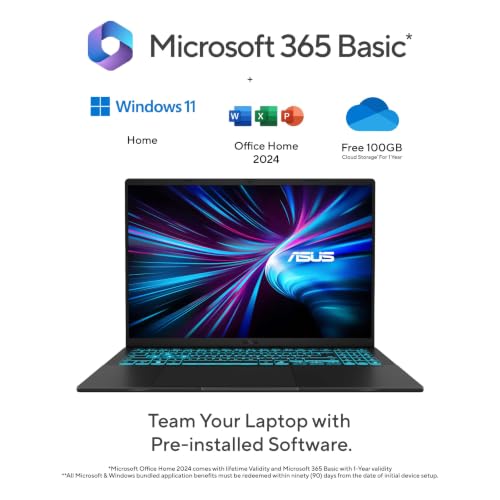
Core 5 210H · RTX 5050 8GB · 16GB DDR5 · 16 inch 16:10 · 1.95 kg
Best for
✓ Editors on a tighter RTX budget
✓ Students who edit and game
✓ Anyone who wants a lighter RTX laptop
Not ideal for
– Anyone who needs a measured colour spec
– Heavy multi-layer 4K projects
Verdict: The lowest price for an RTX 5050 here, with a colour claim you should verify.

ASUS Gaming V16 (2026),Intel Core 5 210H (i5-14th Gen),RTX 5050-8GB,16GB RAM(Upgradeable),512GB SSD,FHD+,16"(40 cm),144Hz,Win 11,M365 Basic(1Y),Office 24,Black,1.95 Kg,V3607VH-TK154WS,Gaming Laptop
Up to 6% instant discount on select credit cards +1
- Up to 6% instant discount on select credit cards
- Cashback with Amazon Pay ICICI Bank Credit Cards
Pros and cons
What we like
+ Cheapest RTX 5050 laptop here
+ 16:10 screen, 1.95 kg
+ Office 2024 included
What we don’t like
– 8-core CPU
– Graphics power not published
– 512GB SSD
ASUS Gaming V16 V3607VH RTX 5050 review: the light 16 inch editing laptop
The ASUS Gaming V16 2026 (V3607VH, Core 5 210H, RTX 5050 8GB) is the lightest discrete GPU laptop in this list. The Core 5 210H is a 6 core, 12 thread chip. The RTX 5050 has 8GB of GDDR7 memory and, on the V16, a maximum power of about 65 W across four modes: Whisper at 35 W, Standard at 50 W, Performance at 60 W and Full Speed at 65 W, with noise measured at roughly 35, 40, 42 and 45 dBA. Memory is 16GB of DDR5-5600 in one stick with one free slot, storage is one M.2 slot, and the 16 inch 16:10 screen is 1920 by 1200 at about 300 nits and 70 percent sRGB. The battery is 63 Wh, the charger is 150 W over USB-C, and the weight is about 2 kg.
My take: the V16 is the right laptop for a student who edits and also wants a lighter bag than a Legion. The 16:10 screen gives the timeline space, the 5050 brings a hardware encoder and 8GB of VRAM for Resolve, and the 65 W power cap keeps it calm. It is not a fast laptop for effects: a V16 with the 5050 and a Core 7 240H reached about 8,300 in 3DMark Time Spy and roughly 110 fps in The Witcher 3, which is far above integrated graphics but behind the 115 W Legion. The screen is the weak link for editing. At 70 percent sRGB, colours will look flatter than what a client sees on a phone, so do not grade by eye on this panel. Connect an external monitor for colour work. With the Core 5 210H you give up a few CPU cores against that test unit, so software exports will be a little slower. It still handles 1080p timelines, short 4K edits and photo batches comfortably.
ASUS Gaming V16 power cost, battery and storage
Draw under load is around 100 to 120 W with the CPU and GPU together, so a four hour session uses about 0.45 kWh, or Rs 3.6 at Rs 8 a unit. Over a year of daily sessions that is about Rs 1,300. A 63 Wh battery gives a few hours unplugged, and the USB-C charger can be a smaller power bank sized unit for light work. The single M.2 slot is the storage limit: if you buy 512GB, you will fill it quickly. Plan on a fast USB-C external SSD as your project drive, or choose a model with a 1TB drive.
Living with the ASUS Gaming V16: screen, ports and noise
The screen is the largest compromise. A related V16 with the older RTX 4050 was washed out and reflective in tests, and the 5050 V16 reaches about 300 nits with a narrow colour range. Ports are one USB-C with power and DisplayPort, two USB-A and HDMI 2.1, with no Ethernet, so a USB-C hub is useful. The keyboard is a strength, and the speakers are weak. Fans stay at 35 to 45 dBA in the four modes, quiet compared with most gaming laptops. Heat gathers around the keyboard under load. The hinge and lid are plastic and twist a little if you hold the corner, so carry it in a padded sleeve. The 1080p style camera has a shutter, and the 150 W charger is compact for a gaming laptop.
ASUS Gaming V16 V3607VH warranty, service and what to check on delivery
ASUS India gives one year of standard warranty, with more than 200 service centres, a toll free line and WhatsApp support through the MyASUS app. Accidental damage cover through Premium Care is optional. On delivery, match the carton: Core 5 210H, RTX 5050 8GB, 16GB and the storage size, and note that ASUS sells V16 versions with RTX 4050 and 3050. Use Armoury Crate to set Performance mode, and update the NVIDIA Studio driver. Ask the seller for the model code printed on the carton, because the V16 name is shared by several generations.
Who should buy the ASUS Gaming V16 2026 and where it falls short
It falls short on screen colour and port count. The Lenovo LOQ 2025 has a better display and more storage. The Lenovo Legion 5 2025 is faster. Buy the V16 for a light editing laptop with a hardware encoder. Skip it if you grade footage on the laptop screen or need Ethernet, and choose it if you carry the laptop to class or client sites.
Key specs
| CPU | Intel Core 5 210H, 8 cores, 12 threads |
| GPU | NVIDIA RTX 5050 8GB GDDR7, graphics power not published |
| Memory | 16GB DDR5, upgradeable |
| Display | 16 inch 1920×1200, 16:10, 144Hz, 300 nits |
| Storage | 512GB PCIe 4.0 SSD |
| Weight | About 1.95 kg |
Best Battery and Portability
6. Apple MacBook Air M5 (13.6 inch, 16GB, 1TB)
7.6 Overall
8.6 Performance
6.2 Value
8.4 Service
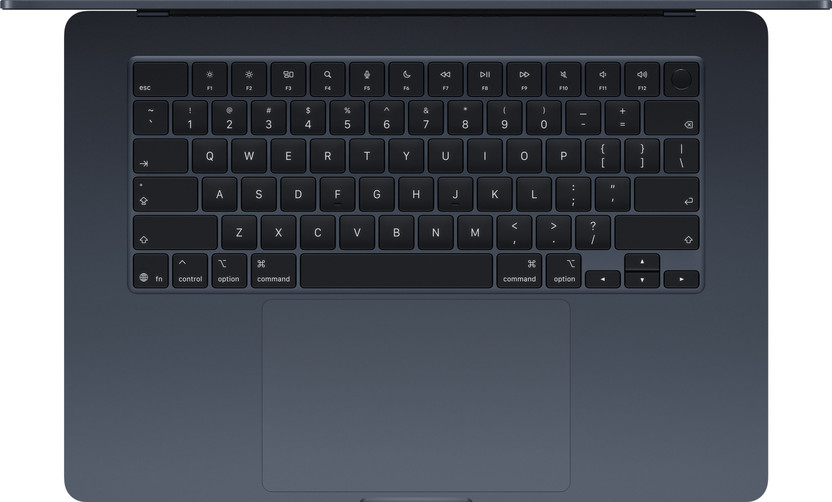
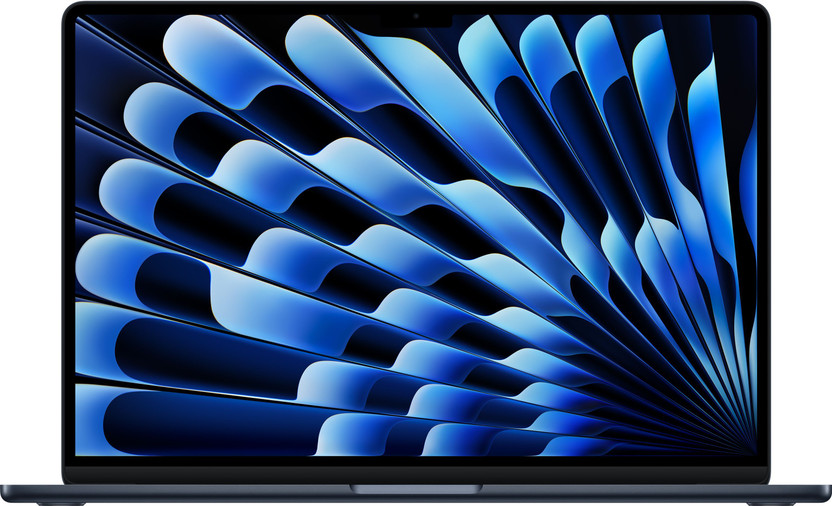
Apple M5 · 16GB unified memory · 1TB SSD · 500 nits, P3 · 1.23 kg
Best for
✓ Editors who travel and edit on battery
✓ Final Cut Pro users
✓ Anyone already in the Apple ecosystem
Not ideal for
– After Effects power users
– Anyone who wants to upgrade RAM later
Verdict: The best laptop here for battery life and weight, and the most expensive.

Apple 2026 MacBook Air 13″ Laptop with M5 chip: AI and Apple Intelligence, 34.46 cm (13.6″) Liquid Retina Display, 16GB Unified Memory, 1TB SSD Storage, 12MP Center Stage Camera, Touch ID; Silver
Up to 6% instant discount on select credit cards +1
- Up to 6% instant discount on select credit cards
- Cashback with Amazon Pay ICICI Bank Credit Cards
Pros and cons
What we like
+ 1.23 kg and about 18 hours of rated battery
+ P3 wide colour display
+ Quiet, no fan noise worth mentioning
What we don’t like
– Most expensive pick
– Memory cannot be upgraded
– Not suited to After Effects heavy work
Apple MacBook Air M5 13.6 inch review: the fanless editor for Final Cut and Resolve
The Apple MacBook Air M5 (13.6 inch, 16GB, 1TB) is the quiet, long lasting editing laptop in this list. The M5 chip has a 10 core CPU with 4 performance cores up to 4.6 GHz and 6 efficiency cores, and an 8 core GPU in the base model with a 10 core GPU in the dearer one. Memory is 16GB of unified LPDDR5X, and the SSD is PCIe Gen 4. The 13.6 inch Liquid Retina screen is 2560 by 1664 at 224 ppi with Apple’s 500 nit rating, and Notebookcheck measured a peak of 546 nits, 98.1 percent P3 coverage and no PWM. The battery is 53.8 Wh, the body weighs 1.23 kg and is 11.3 mm thick, and ports are MagSafe, two Thunderbolt 4 ports and a headphone jack. Wi-Fi 7 and Bluetooth 6 are included. The chip also carries a media engine that decodes and encodes H.264, H.265 and ProRes in hardware, which is what makes long timelines feel light.
My take: for a solo editor working in Final Cut Pro, DaVinci Resolve or CapCut, the Air M5 is my pick in this list for sheer smoothness. The media engine plays 4K H.264, H.265 and ProRes timelines without effort, and the display covers P3, which is more than any Windows laptop here except the OLED models. Geekbench 6 gives about 4,185 single core and 17,070 multi core, and Tom’s Hardware recorded a Handbrake encode in 4 minutes 41 seconds and an Xcode build in 165 seconds. The one thing the Air cannot do is sustain: it has no fan, so Cinebench 2024 dropped from 957 to about 820 after 30 minutes. For a 10 minute export that is invisible, and for hour long renders the Pro is better. Resolve and Final Cut both run natively, and Premiere Pro runs well too. The catch is that 16GB of unified memory is shared between the CPU and GPU, so heavy 4K multicam timelines with effects will lean on the SSD; if you edit that way every day, consider the Pro chip.
MacBook Air M5 power cost, battery and the 1TB decision
Efficiency is the Air’s big advantage. A heavy edit draws about 20 to 30 W, so four hours costs under 0.12 kWh, or about Rs 1 at Rs 8 a unit, a fraction of what an RTX laptop uses. Tom’s Hardware measured 15 hours 28 minutes of battery at 150 nits, and Apple quotes 18 hours of video playback, so the Air edits on a train. The 1TB configuration is the right one for editors, since storage is soldered and cannot be upgraded, and 512GB fills quickly with 4K clips. Add a fast Thunderbolt SSD for projects. AppleCare plus on the 15 inch Air costs Rs 8,900 for screen or enclosure damage and Rs 25,900 for other damage, so budget for it if you want cover.
Living with the MacBook Air M5: ports, display and charging
Two Thunderbolt 4 ports drive an external display and a fast SSD, and MagSafe frees a port for charging. The 12 MP Center Stage camera and four speaker system are the best on this list for client calls. The keyboard and trackpad are excellent. There is no HDMI or SD card slot, so camera cards need a dongle. Apple supplies a 30 W charger with the 8 core GPU model, and a faster charger charges quicker. The glossy display is bright, though it reflects light. Wi-Fi 7 speeds up cloud uploads of finished files. The notch-free bezel and the no-PWM panel are easy on the eyes for long sessions.
Apple MacBook Air M5 warranty, service and what to check on delivery
Apple gives one year of limited warranty and 90 days of phone support. Apple stores and authorised service providers handle repairs across India. On delivery, check the carton and About This Mac for M5, 16GB and 1TB, and the GPU core count, since the 8 core and 10 core models differ. Activate with your own Apple ID, and inspect the screen for dead pixels. Keep the invoice, because Apple coverage is tied to the serial number and the purchase date, and ask the seller to confirm GST billing if you edit for clients and want to claim the device.
Who should buy the MacBook Air M5 and where it falls short
It falls short on sustained performance, ports and software choice. The Lenovo Legion 5 2025 beats it on long GPU renders. The Lenovo Yoga Slim 7 Aura Edition offers an OLED on Windows. Buy the Air M5 for quiet, long lasting 4K editing. Skip it if your software is Windows only, if you need an SD card slot every day, or if your renders run for an hour at a time.
Key specs
| CPU | Apple M5, 10 cores |
| GPU | Apple M5 8-core GPU |
| Memory | 16GB unified memory, not upgradeable |
| Display | 13.6 inch 2560×1664, 500 nits, P3 wide colour, 60Hz |
| Storage | 1TB SSD |
| Weight | About 1.23 kg, 53.8Wh battery |
Cheapest RTX Card
7. Lenovo LOQ Essential (Ryzen 7 7735HS, RTX 4050 6GB, 65W)
7.5 Overall
6.8 Performance
8.0 Value
7.8 Service

Ryzen 7 7735HS · RTX 4050 6GB, 65W · 100% sRGB · 16GB max RAM · 1.8 kg
Best for
✓ Editors who need an RTX card on a budget
✓ Students who edit and game
✓ Anyone who carries the laptop every day
Not ideal for
– 4K editors
– Anyone who needs more than 16GB of RAM
Verdict: The cheapest laptop here with an RTX card. The 16GB RAM limit keeps it to lighter work.

Lenovo LOQ Essential AMD Ryzen 7 7735HS | NVIDIA RTX 4050 6GB (16GB RAM/512GB SSD/144Hz Refresh Rate/15.6" (39.6cm)/Windows 11/Office Home 2024/Grey/1.8Kg), 83S000FWIN Gaming Laptop
Pros and cons
What we like
+ RTX card under ₹1.2 lakh
+ 100% sRGB screen
+ 1.8 kg
What we don’t like
– 16GB RAM maximum
– 6GB video memory
– 8-core CPU
Lenovo LOQ Essential 15ARP10E RTX 4050 review: the budget editor with a power cap
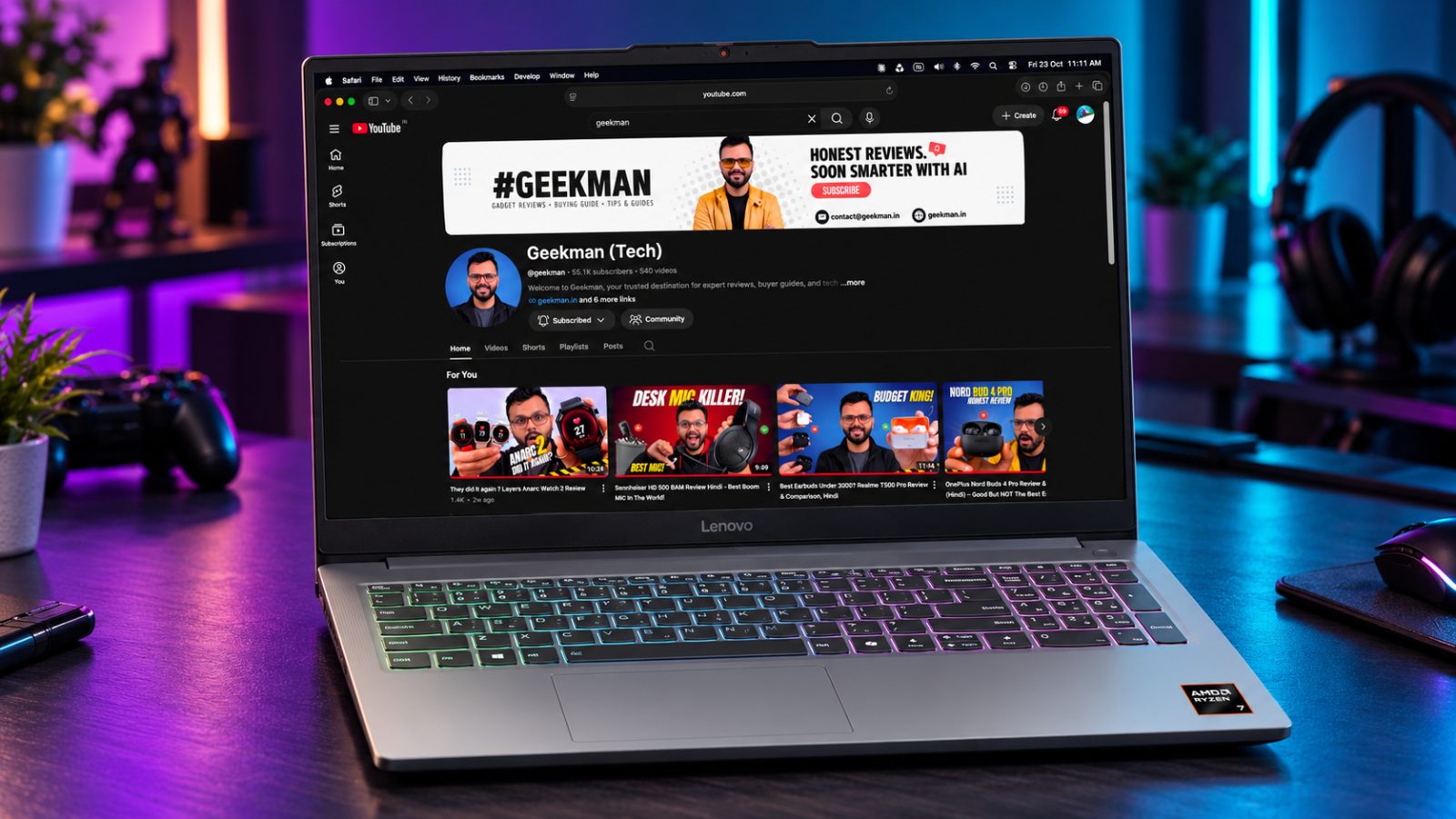
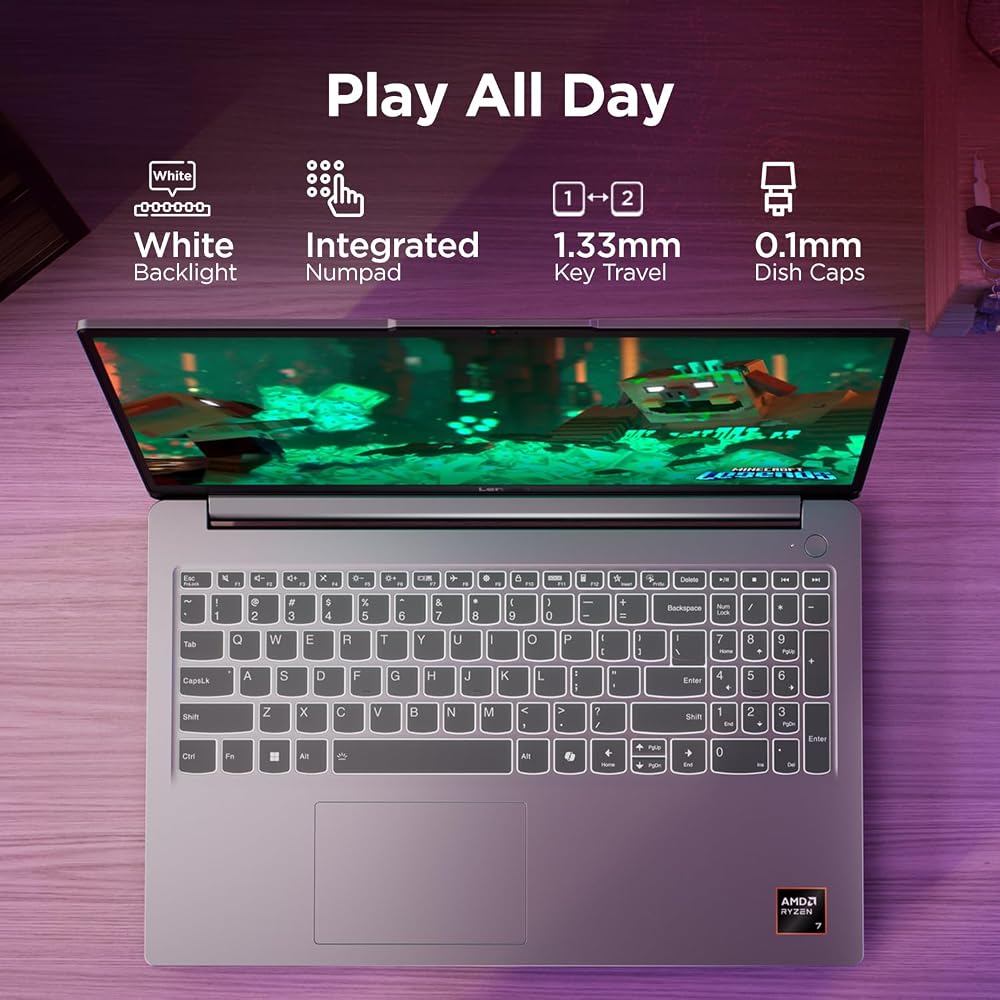
The Lenovo LOQ Essential (15ARP10E, Ryzen 7 7735HS, RTX 4050 6GB, 65W) is the cheapest RTX laptop in this list, and the 65 W in the name is its main limit. The Ryzen 7 7735HS is an 8 core, 16 thread chip. The RTX 4050 has 6GB of video memory and a total graphics power of 65 W, with Lenovo’s Extreme mode lifting the GPU to around 50 W within a custom 65 W budget. Memory is 16GB of DDR5 in a single stick with a free slot, storage is a 512GB PCIe Gen 4 drive, and the 15.6 inch Full HD 144 Hz screen covers 100 percent sRGB at about 300 nits. The battery is 57.5 Wh, the charger is 135 W, the weight is 1.8 kg, and ports include two USB-A, a USB-C with power delivery, HDMI 2.1, Ethernet and an SD card reader. The chip is an older Zen 3+ design with no NPU, which matters little for editing because Resolve and Premiere lean on cores and the GPU.
My take: for editing on a very tight budget, the LOQ Essential is a real option because it offers 8 CPU cores, an RTX encoder and a full sRGB screen. In Cinebench R23 it reaches roughly 13,200 multi core, and its 3DMark Time Spy score is near 7,900, against about 8,800 for a full power 4050. That gap is why I would call it a 1080p machine: it is happy with Resolve at 1080p, short 4K edits with proxies and Photoshop, and it will slow on effects heavy 4K. The CPU hits about 81 degrees in benchmarks, the build is plastic and the touchpad is small. A card slot is rare on gaming laptops, and photographers will appreciate it. In practice that means a wedding highlight reel, a college project or a short vlog is fine, but long 4K timelines with colour effects, noise reduction and stabilisation will test your patience. Use proxy files and keep the preview at half resolution and the laptop will feel quick.
Lenovo LOQ Essential power cost, battery and storage
With a 135 W charger and a combined draw near 100 W, four hours of editing uses 0.4 kWh, about Rs 3.2 at Rs 8 a unit, or roughly Rs 1,150 a year for daily sessions. The 57.5 Wh battery gives 2 to 4 hours for editing and 5 or 6 for light work. The 512GB drive is small, but the chassis has two M.2 slots, so a second drive is an easy and inexpensive upgrade. A second 16GB stick takes memory to 32GB with dual channel speed. Those two upgrades will transform the laptop for far less than buying a bigger model.
Living with the LOQ Essential: heat, keyboard and the single fan
A single fan cools the CPU and GPU, and the W key area gets warm under load. The keyboard is solid, though the touchpad is small, so carry a mouse. Games such as Cyberpunk 2077 reach about 97 fps at High settings and Full HD without ray tracing, which shows the GPU is capable. Fan noise is clear under export. The Ethernet and SD ports are a bonus for editors who pull footage from cards or a NAS. There is no Thunderbolt. Set the fan profile to Balanced when you cut and switch to Performance only for exports, which keeps noise down during the long editing hours.
Lenovo LOQ Essential 15ARP10E warranty, service and what to check on delivery
Lenovo gives one year of carry in or courier warranty, with accidental damage protection and onsite upgrades as paid extras, and the consumer helpline is 1800-419-7555, Monday to Saturday, 10 to 7. On delivery, match the carton for Ryzen 7 7735HS, RTX 4050 6GB, 16GB and 512GB, because the LOQ Essential name is also sold with RTX 3050 and a Ryzen 5 chip. Check the GPU power line says 65W. Update the NVIDIA Studio driver and set Performance mode for exports.
Who should buy the Lenovo LOQ Essential and where it falls short
It falls short on GPU power, cooling and VRAM. The ASUS Gaming V16 2026 has a 5050 and a lighter body. The Lenovo LOQ 2025 has the stronger i7. Buy the LOQ Essential if budget rules. Skip it if you grade colour on the laptop screen for paying clients or edit long 4K timelines with effects every day, and look at the Legion 5 instead.
Key specs
| CPU | AMD Ryzen 7 7735HS, 8 cores, 16 threads |
| GPU | NVIDIA RTX 4050 6GB GDDR6, graphics power 65W |
| Memory | 16GB DDR5-4800, one SODIMM, up to 16GB per maker specs |
| Display | 15.6 inch FHD IPS, 144Hz, 300 nits, 100% sRGB |
| Storage | 512GB PCIe 4.0, two M.2 slots |
| Weight | About 1.8 kg |
Best Thin OLED
8. Lenovo Yoga Slim 7 Aura Edition (Core Ultra 5 226V, OLED)
7.4 Overall
7.8 Performance
6.8 Value
7.8 Service
Core Ultra 5 226V · 16GB LPDDR5X · 14 inch OLED · 100% DCI-P3 · 1.19 kg
Best for
✓ Editors who want a thin, premium build
✓ Photo editors
✓ People who travel a lot
Not ideal for
– After Effects users
– Anyone who wants to upgrade RAM later
Verdict: A beautiful and light laptop, but the Motobook 60 Pro gives you a similar screen for ₹35,000 less.

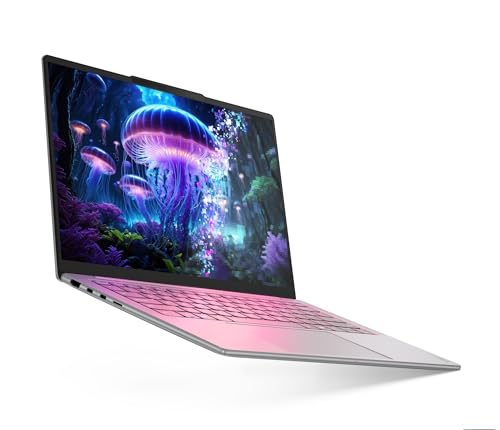
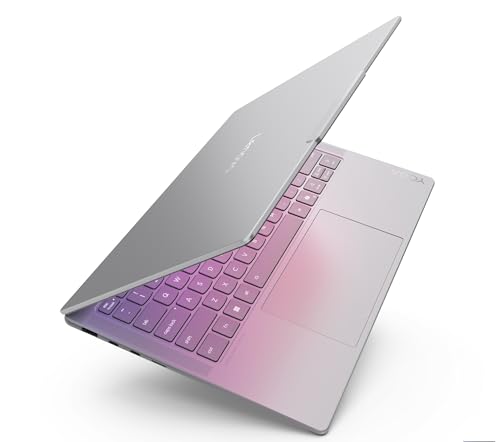
Lenovo Yoga Slim 7 Smartchoice Aura Edition Intel Evo Core Ultra 5 226V (16GB RAM/512GB SSD/14 inch (35.5cm)/WUXGA OLED/Copilot+ PC/Windows 11/MSO 365 Basic+Office 24/Grey/1.19Kg), 83JX00ENIN Laptop
Great Indian Festival Up to 6% instant discount on select credit cards +1
- Up to 6% instant discount on select credit cards
- Cashback with Amazon Pay ICICI Bank Credit Cards
Pros and cons
What we like
+ 1.19 kg and a 70Wh battery
+ OLED screen with 100% DCI-P3
+ Intel Arc graphics, 8-core processor
What we don’t like
– Memory cannot be upgraded
– Costs more than the Motobook 60 Pro
– No discrete graphics card
Lenovo Yoga Slim 7i Aura Edition 14ILL10 Core Ultra 5 226V OLED review: the portable colour editor
The Lenovo Yoga Slim 7 Aura Edition (14ILL10, Core Ultra 5 226V, 16GB, 512GB, OLED) is a thin, premium Lunar Lake laptop with a very good screen. The Core Ultra 5 226V is an 8 core chip with 4 performance cores up to 4.5 GHz and 4 efficiency cores, paired with 16GB of LPDDR5X-8533 memory on the package and integrated Arc graphics. The 14 inch OLED is 1920 by 1200, glossy, touch enabled, rated 600 nits peak and 400 nits typical, with 100 percent DCI-P3 and DisplayHDR True Black 500. Ports are two USB-C ports that support Thunderbolt 4 at 40 Gbps with power delivery and DisplayPort 2.1, one USB-A, HDMI and a microSD reader. A 5 MP IR webcam, four speakers with Dolby Atmos, a backlit keyboard and Wi-Fi 7 complete the package. The maker does not print battery capacity or weight.
My take: this is the editing laptop for someone who lives on trains, in cafes and in client offices. The OLED covers P3, so colours match what an iPhone or a good TV shows, and Thunderbolt 4 lets you connect a fast SSD and an external monitor. Lunar Lake’s hardware decoders handle H.264, H.265 and AV1, and the 226V is quick for 1080p timelines, social video and photo editing, with multi core power close to a Ryzen 7 7730U. It is not a laptop for heavy effects or long 4K exports with colour work, because it has no RTX card, and the 16GB of memory is soldered. If your work is mostly cutting, captioning and exporting short films, it is excellent. For motion graphics, choose the Lenovo Legion 5 2025. Pair it with a Thunderbolt SSD and a calibrated monitor at your desk, and you get a light travel kit and a proper edit station in one.
Lenovo Yoga Slim 7 Aura power cost, battery and storage
Lunar Lake laptops draw very little in light editing, around 15 to 30 W, so a four hour session uses under 0.12 kWh, about Rs 1 at Rs 8 a unit. A longer battery day is the reason to buy this over an RTX laptop. Lenovo does not print the battery capacity for this model, so check the Wh figure on the carton and expect a long working day rather than an all-day edit. The 512GB drive is small for video, so add a Thunderbolt SSD for projects. Memory is on the package and cannot be changed, so buy the 16GB version.
Living with the Yoga Slim 7 Aura: screen, speakers and ports
The glossy OLED is vivid and bright, and the touch input is handy for scrubbing, though fingerprints show. Four speakers with Dolby Atmos tuning make it a good laptop for checking audio on the go. The 5 MP IR camera is excellent for calls and face login. Both USB-C ports do charging and display, which frees you from a dock, and the microSD reader helps with cameras that use small cards. The keyboard is backlit and quiet. The body is thin and light, the hinge is smooth, and the fan noise stays low during light and medium editing.
Lenovo Yoga Slim 7 Aura Edition 14ILL10 warranty, service and what to check on delivery
Lenovo gives one year of warranty on this model, with the consumer helpline at 1800-419-7555 from Monday to Saturday, 10 to 7. Accidental damage protection and onsite upgrades are paid extras. On delivery, match the carton for Core Ultra 5 226V, 16GB, 512GB and the OLED line, and check the Arc graphics label. The graphics name appears as Arc 130V on some product sheets and 140V on others, so read the carton. Check the OLED for dead pixels, and update Lenovo Vantage.
Who should buy the Lenovo Yoga Slim 7 Aura Edition and where it falls short
It falls short on GPU power, storage and a missing battery figure. The Motorola Moto Book 60 Pro has a stronger CPU, and the MacBook Air M5 is faster and quieter. Buy the Yoga Slim 7 for a bright OLED in a thin body. Skip it if your work is GPU heavy or if you need a large internal drive without an external one.
Key specs
| CPU | Intel Core Ultra 5 226V, 8 cores |
| GPU | Intel Arc integrated graphics |
| Memory | 16GB LPDDR5X, not upgradeable |
| Display | 14 inch OLED, 100% DCI-P3 (spec database lists 1920×1200, 400 nits) |
| Storage | 512GB SSD |
| Weight | About 1.19 kg, 70Wh battery |
Questions other guides skip
The questions most editing laptop guides leave out
These are the questions buyers keep asking and the top guides rarely answer. Each figure was checked against the maker’s own specs.
1 · Can I edit 4K on 16GB of RAM?
Yes for simple timelines, but Adobe recommends 32GB or more for 4K in Premiere Pro and After Effects. With 16GB, use proxy files, close other apps and keep effects light. The LOQ 2025 and Legion 5 take up to 32GB later. The MacBook Air and the Yoga Slim 7 cannot be upgraded, so buy the memory you need on day one.
2 · Will After Effects run without a graphics card?
Adobe lists a discrete GPU with at least 4GB of memory for After Effects on Intel and AMD laptops. Built-in graphics are not stated as supported. If After Effects is your main app, choose one of the four RTX picks.
3 · Why is the cheaper MacBook Neo not here?
It has 8GB of unified memory, against the 16GB Adobe recommends for HD editing. A published Final Cut Pro test found that simple 4K timelines play smoothly while stacked effects and heavy grading strain it, so proxies are needed. It suits light editing, and I would not buy it for a 4K workflow.
4 · Why no Snapdragon (Windows on Arm) laptops?
Adobe’s native Premiere Pro for Windows on Arm started as a public beta in July 2025, and the beta lacked third party plugins, ProRes and hardware accelerated H.264 and HEVC. We left them out until the final release closes those gaps. DaVinci Resolve runs natively on Windows on Arm.
5 · Which of these can I upgrade later?
The LOQ 2025 and Legion 5 take up to 32GB, and the V16 lists upgradeable DDR5. The LOQ Essential stops at 16GB. The MacBook Air and the Yoga Slim 7 have memory built in. Motorola lists up to 32GB for the Motobook 60 Pro, but Motorola does not print whether you can add it later, so check the variant.
6 · Is DaVinci Resolve happy with 16GB?
The usual guidance lists 16GB as the baseline and 32GB for Fusion. Confirm the final figures on Blackmagic’s own page. Resolve leans on the graphics card more than Premiere Pro, which favours the RTX picks.
7 · OLED or IPS: which is better for video editing?
OLED gives deeper blacks and rich colour, and several picks here, such as the Motobook and the Yoga Slim 7, have 100 percent DCI-P3. The trade-offs are a glossy finish and a small risk of burn-in on static elements. A good IPS panel with 100 percent sRGB is fine for web and social video.
8 · How much storage do I need for video projects?
A lot. Raw footage and project files fill a 512GB drive quickly. Use a fast external SSD for projects and keep the internal drive for the system and apps. If you can, pick a laptop with a second SSD slot, and get 1TB if you edit regularly.
9 · Will the laptop slow down when I export a long video?
It can. During long exports, the CPU and GPU get hot and may reduce speed to stay safe. A laptop with a better cooling system and higher power limits holds speed longer. Keep it plugged in, on a hard surface, and use the performance mode for exports.
What this means for your buying decision
You use After Effects or DaVinci Resolve: the Lenovo LOQ 2025 or the Legion 5.
You edit Reels and short videos on a budget: the Motorola Motobook 60.
You want the best screen under ₹1 lakh: the Motobook 60 Pro.
You edit on the move: the MacBook Air M5, or the Yoga Slim 7 if you prefer Windows.
You want an RTX card at the lowest price: the LOQ Essential for 1080p, the ASUS Gaming V16 for more power.
You edit 4K projects: choose one of the 32GB capable laptops and add a second RAM stick.
You are buying for GTA 6: wait. No PC version has been announced yet.
Compare all 8 laptops at a glance
| Laptop | CPU | Screen | RAM and storage | Graphics | Price |
|---|---|---|---|---|---|
| Lenovo LOQ 2025 | Core i7-13650HX | 100% sRGB, 144Hz | 16GB (max 32GB), 1TB | RTX 5050 8GB | ₹1,48,990 |
| Lenovo Legion 5 | Core i7-13650HX | 100% sRGB, 165Hz, WUXGA | 16GB (max 32GB), 512GB | RTX 5050 8GB | ₹1,62,990 |
| Motobook 60 Pro | Core Ultra 5 225H | 2.8K OLED, 100% DCI-P3 | 16GB DDR5, 512GB | Built-in | ₹84,990 |
| Motobook 60 | Core 5 210H | 2.8K OLED, 100% DCI-P3 | 16GB DDR5, 512GB | Built-in | ₹74,990 |
| ASUS Gaming V16 | Core 5 210H | 16:10, 100% Adobe (claim) | 16GB, 512GB | RTX 5050 8GB | ₹1,39,990 |
| MacBook Air M5 | Apple M5 | 500 nits, P3 | 16GB (fixed), 1TB | Built-in | ₹1,72,490 |
| Lenovo LOQ Essential | Ryzen 7 7735HS | 100% sRGB, 144Hz | 16GB (max 16GB), 512GB | RTX 4050 6GB | ₹1,14,990 |
| Yoga Slim 7 Aura | Core Ultra 5 226V | OLED, 100% DCI-P3 | 16GB (fixed), 512GB | Built-in | ₹1,19,990 |
Specs are from official maker specs as of October 2026. Prices were seen on 22 October 2026 and move daily. Verify the exact variant before you buy.
The buying guide
How to choose a laptop for video editing
Screen
Look for 100% sRGB or P3 coverage.
RAM
16GB for HD, 32GB for 4K. Check the maximum.
Storage
Footage fills drives. Plan for 1TB.
GPU
RTX for After Effects and heavy grading.
1 · Screen colour comes first
You cannot grade what you cannot see. Look for 100% sRGB for web video, and DCI-P3 if you want a wider range. A screen that covers 62.5% of sRGB shows muted colours.
2 · RAM and the single stick trap
Many laptops ship with one 16GB stick, which runs slower than two. The LOQ 2025 and Legion 5 take up to 32GB. Laptops with memory built in cannot be upgraded.
3 · Storage for footage
A 512GB drive fills fast with 4K footage. Only the LOQ 2025 and the MacBook Air here come with 1TB. Plan an external SSD or a second drive.
4 · Weight and battery
The Yoga Slim 7 weighs about 1.19 kg, the MacBook Air 1.23 kg, the Motobooks about 1.4 kg, the LOQ Essential 1.8 kg, the V16 1.95 kg, the Legion 5 2.1 kg and the LOQ 2025 2.4 kg. RTX laptops drain fast when you edit, so plan to plug in. The Apple and thin OLED laptops are the ones built for battery work.
5 · Crossed out prices
Stores show large crossed out prices. Ignore them and check the real price and the bank offer at checkout.
6 · Warranty and service
Most of these list one year. Keep the invoice, register the laptop on day one and note the nearest service centre. Motorola laptops are sold on Flipkart, so check onsite service for your pin code.
Other laptops in the lineup
Apple MacBook Neo (₹71,890). Eight gigabytes of memory is the limit, as explained above.
ASUS Vivobook S16 OLED and Zenbook A14 OLED. Both use Snapdragon X, which we left out for the reasons above.
HP OmniBook 5 OLED (₹1,09,799). A good OLED laptop, but the Motobook 60 Pro costs about ₹25,000 less.
Samsung Galaxy Book6 Pro (₹1,64,599). Good, but it costs more than the MacBook Air for similar editing power.
Gaming laptops with weak screens. Many gaming laptops cover only around 62.5% of sRGB, so check the panel before you buy. See my gaming laptops under 1 lakh guide.
The verdict
Which laptop should you buy for video editing?
Best overall: Lenovo LOQ 2025, for RTX, 14 cores and 1TB. Check price
Best screen and cooling: Lenovo Legion 5, for the 165Hz WUXGA panel. Check price
Best OLED value: Motorola Motobook 60 Pro, for ₹84,990. Check price
Cheapest OLED: Motorola Motobook 60, for ₹74,990. Check price
Cheapest RTX 5050: ASUS Gaming V16, at ₹1,39,990. Check price
Best for editing on the move: MacBook Air M5, at 1.23 kg. Check price
Cheapest RTX card: Lenovo LOQ Essential, at ₹1,14,990. Check price
Best thin Windows OLED: Lenovo Yoga Slim 7, at 1.19 kg. Check price
Not sure? Buy the Lenovo LOQ 2025 and add a second RAM stick. If you edit short videos on a budget, take the Motobook 60.
More buying guides from Geekman
Best gaming laptops for video editing
Best gaming laptops under 1 lakh
Video editing laptops FAQ
Which is the best laptop for video editing in India in 2026?
The Lenovo LOQ 2025 with an RTX 5050 at ₹1,48,990 is the best overall. It has 14 CPU cores, 1TB of storage, a 100% sRGB screen and an RTX card that meets Adobe’s 8GB graphics memory recommendation. If you want OLED on a smaller budget, the Motorola Motobook 60 Pro at ₹84,990 has the best screen.
Can I edit 4K video with 16GB of RAM?
Yes for simple projects, but Adobe recommends 32GB or more for 4K in both Premiere Pro and After Effects. With 16GB, expect to use proxy files and close other apps. The LOQ 2025, Legion 5 and V16 take more RAM later. The MacBook Air and the Yoga Slim 7 do not, so buy the memory you need on day one.
Do I need a graphics card for video editing?
Not for 1080p or light 4K in Premiere Pro, where built-in graphics work fine. A graphics card helps with After Effects, heavy colour grading, AI effects and exports. Adobe lists a 4GB GPU as the minimum for Premiere Pro and After Effects and 8GB as recommended.
Will After Effects run without a dedicated graphics card?
Adobe lists a discrete GPU with at least 4GB of memory for After Effects on Intel and AMD laptops, and 4GB on NVIDIA. Built-in graphics are not stated as supported, so we treat the RTX picks as the safe choice for After Effects.
Is 16GB of RAM enough for DaVinci Resolve?
The usual guidance for DaVinci Resolve lists 16GB as the baseline and 32GB if you use Fusion effects. Check Blackmagic’s own requirements page before you buy. Resolve also leans on the graphics card, which favours the RTX picks.
Why is the MacBook Neo not on this list?
The MacBook Neo has 8GB of unified memory, and Adobe recommends 16GB for HD editing. A published test in Final Cut Pro found that simple 4K timelines play smoothly but stacked effects and heavy grading strain it, so proxies are needed. It is a fine first Mac for light editing and a poor pick for a 4K workflow.
Why are there no Snapdragon laptops on this list?
Adobe released a public beta of native Premiere Pro for Windows on Arm in July 2025, and that beta lacked third party plugins, ProRes and hardware accelerated H.264 and HEVC. We left Snapdragon laptops out until the final release is complete. DaVinci Resolve does run natively on Windows on Arm.
Is OLED good for video editing?
The OLED panels here list 100% DCI-P3, which covers a wider range of colours than sRGB. That helps when you grade footage. The Motobook 60 and the Motobook 60 Pro list up to 500 nits, which is typical for a laptop.
Is a gaming laptop good for video editing?
Often yes, because it has a strong processor and an RTX card. The catch is the screen, because many gaming laptops cover only 62.5% of sRGB. The four RTX laptops in this guide list 100% sRGB or ASUS’s Adobe gamut claim. My gaming and editing guide covers more gaming laptops.
Which of these can I upgrade later?
The LOQ 2025 and the Legion 5 take up to 32GB of RAM, and the V16 lists upgradeable DDR5. The LOQ Essential is limited to 16GB. The MacBook Air and the Yoga Slim 7 cannot be upgraded, and Motorola does not print an upgrade limit for the Motobook. Motorola lists up to 32GB configurations, so check the variant.
Will GTA 6 run on these laptops?
GTA 6 has only been announced for PlayStation 5 and Xbox Series consoles. No PC version has been announced, so check again before you buy a laptop for it.
Why are laptops so expensive in 2026?
Memory and graphics chips have become pricier as AI demand takes a large share of supply, and laptop makers have passed that on. A laptop that would have cost around ₹1 lakh now sells for ₹1.4 lakh and up.