


Short answer: buy the ASUS Chromebook CM1405 with 128GB at ₹22,990. For a bigger screen take the CM1505, for the longest battery take the HP Chromebook 14, and for a tablet that becomes a laptop take the ASUS CM32.
Geekman has covered consumer tech for over 10 years, and this ranking is built the way our buying guides always are: research first, then a hard look at the numbers. For every model we compared official specs, chip and memory, screen, ports, battery, price, warranty and service reach, and compared current prices across Indian retailers.
A note before you read on. In October 2026 no new branded Windows laptop with 8GB of RAM sells under ₹25,000 at retailers, so this list is mostly ChromeOS. Refurbished offers are left out.
Find your laptop under 25000 in 3 quick taps
Short answer: the ASUS Chromebook CM1405 with 128GB is the best all rounder. Take the CM1505 for a bigger screen, the HP Chromebook 14 for battery and the CM32 for a tablet. Turn on JavaScript to use the Finder.
Pick in 30 seconds
Which laptop under 25000 fits you?
If none of these rows sounds like you, read on. The ranking, a guide to what you do and the full reviews follow, and live prices sit under each review.
What ₹25,000 buys in 2026
What you get for ₹22,000 to ₹25,000
At this price you get a better Chromebook, with 128GB of storage, a Full HD screen and a bigger battery, or an unusual device like a detachable 2-in-1 or an Android laptop. Memory costs more in 2026, so new Windows laptops with 8GB of RAM start higher. If you need Windows, read my laptops under 30000 guide. For a cheaper Chromebook, see laptops under 20000. For the whole ChromeOS picture, read best Chromebooks in India.
The ranking
How I ranked these laptops
Each laptop gets a score out of 10 for performance (40%), value (40%) and service (20%). Performance looks at the chip, memory, storage, screen and ports. Value is price against what you get. Service looks at warranty, brand reach and how easy it is to get help.
See the scores
| # | Laptop | Perf. | Value | Service | Overall |
|---|---|---|---|---|---|
| 1 | ASUS Chromebook CM1405 (Kompanio 540, 4GB, 128GB) | 6.4 | 7.4 | 7.0 | 6.9 |
| 2 | HP Chromebook 14 (Kompanio 540, 4GB LPDDR5, 128GB UFS) | 5.8 | 7.0 | 7.0 | 6.5 |
| 3 | ASUS Chromebook CM1505 (Kompanio 540, 4GB, 128GB, 15.6 inch) | 6.0 | 6.6 | 7.0 | 6.4 |
| 4 | ASUS Chromebook CM32 Detachable (4GB, 64GB, 12.1 inch 2-in-1) | 5.6 | 6.0 | 6.5 | 5.9 |
| 5 | Primebook 2 Neo (Helio G99, 8GB, 128GB, Android) | 5.0 | 6.6 | 6.0 | 5.8 |
Scores weigh performance 40%, value 40% and service 20%. They come from official specs and live prices on 24 October 2026.
Quick picks
| Pick | Laptop | Best for |
|---|---|---|
| Best Overall | ASUS Chromebook CM1405 (Kompanio 540, 4GB, 128GB) | The same excellent 14 inch Full HD Chromebook with double the storage, at ₹22,990 |
| Best Battery And Memory Speed | HP Chromebook 14 (Kompanio 540, 4GB LPDDR5, 128GB UFS) | A 47 Wh battery, fast LPDDR5-6400 memory and 100GB of Google One for a year, at ₹22,990 |
| Best Big Screen | ASUS Chromebook CM1505 (Kompanio 540, 4GB, 128GB, 15.6 inch) | A 15.6 inch Full HD screen, 50 Wh battery and 1080p camera with 128GB, for ₹24,990 |
| Best 2-in-1 | ASUS Chromebook CM32 Detachable (4GB, 64GB, 12.1 inch 2-in-1) | A 12.1 inch 2560 by 1600 screen at 600 nits and 120Hz, as a tablet or a laptop, for ₹24,990 |
| Best For Android Apps | Primebook 2 Neo (Helio G99, 8GB, 128GB, Android) | An Android laptop with 8GB of RAM and a microSD slot, for ₹24,990 |
Tap a name to jump to its review. Live prices are in the buy box under each review. Prices are as seen on 24 October 2026 and bank offers can change them.
Match it to your use
Which laptop for what you do
The right pick depends on how it will be used. This is how I would match them.
School and college
ASUS CM1405 128GB for the Full HD screen.
Big screen
ASUS CM1505 128GB at 15.6 inch.
Tablet and laptop
ASUS CM32 Detachable with a 600 nit screen.
Android apps
Primebook 2 Neo with 8GB of RAM.
The reviews
Best laptops under 25000: 5 picks
Best Overall
1. ASUS Chromebook CM1405 (Kompanio 540, 4GB, 128GB)
6.9 Overall
6.4 Performance
7.4 Value
7.0 Service
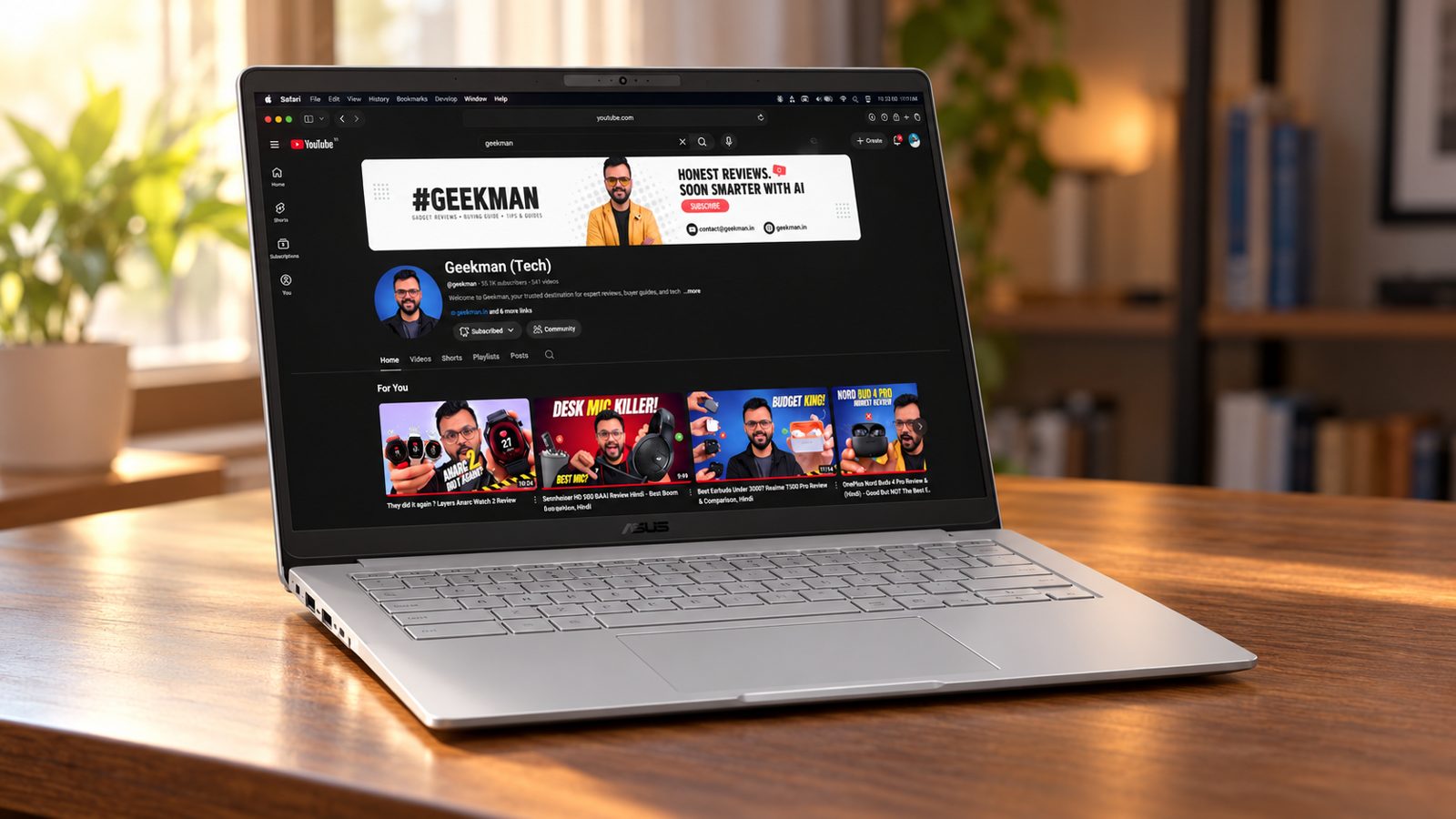
Kompanio 540, 8 cores · 4GB RAM, 128GB · 14 inch Full HD, 300 nits · 42 Wh battery · 1.37 kg
Best for
✓ Students who keep files, PDFs and downloads on the laptop
✓ People who want one dependable Chromebook
✓ Anyone who wants a proper Full HD screen
Not ideal for
– People who need Windows programs
– Anyone who wants more than 4GB of RAM
– Buyers who want an Intel chip
Verdict: The best all round Chromebook at this price. The 128GB of storage fixes the main weakness of the cheaper 64GB model.
Pros and cons
What we like
+ Full HD 300 nit screen
+ 128GB storage
+ 2 USB-C, USB-A and HDMI
What we don’t like
– 4GB of RAM
– ChromeOS only
– ₹5,000 more than the 64GB model
ASUS Chromebook CM1405 review: the 14 inch Chromebook with a proper Full HD screen
The ASUS Chromebook CM1405 (CM1405CM4A, Kompanio 540, 4GB, 128GB) is the Chromebook I would call the default answer at this budget. The MediaTek Kompanio 540 is an 8 core Arm chip that runs from 2.0 GHz to 2.6 GHz with Mali-G57 MC2 graphics. Memory is 4GB of LPDDR5X soldered to the board, and storage is eMMC. The 14 inch panel is Full HD, anti-glare, rated 300 nits on the non-touch version and 250 nits on the touch version, with about 45 percent NTSC colour. The battery is 42 Wh, the weight starts at 1.35 kg, and the charger is a 45 W USB-C brick. ASUS also claims MIL-STD-810H toughness, Wi-Fi 6 and Bluetooth 5.4, and a spill-resistant keyboard with 1.35 mm key travel.
My take: a Chromebook at this price should do four things well, and the CM1405 does all four. It opens fast, it has a screen you can read for hours, it has real ports, and it will keep getting updates for years. It is a perfect second laptop, a school laptop, or the machine for a parent who lives in Gmail, video streaming, WhatsApp Web, Google Docs and Zoom. It is not a replacement for a Windows laptop if you need Excel macros, Tally, Photoshop or any Windows only software. The HP Chromebook 14 uses the same chip but a lower resolution screen, and the ASUS Chromebook CM1505 is the same idea in a bigger body. Between the three, the CM1405 is the one to buy when you move the laptop around.
ASUS Chromebook CM1405 battery, running cost and the 4GB question
The money maths is easy. A 42 Wh pack takes about 0.042 kWh to fill, which is 34 paise at Rs 8 a unit, so charging every day costs about Rs 120 a year. The thing that costs you is memory. The CM1405 is sold in 4GB and 8GB versions, and the memory is soldered, so you cannot add more later. Chrome tabs eat memory fast, and 4GB is enough for ten or twelve tabs plus a document, but a crowded browser with Android apps and a video call will start to reload tabs. If your budget allows, take the 8GB version. An older CM14 with the Kompanio 520 chip ran 12 hours in a Wi-Fi test at 150 nits, which tells you the family is frugal. Expect around 8 to 10 hours of real work on the Kompanio 540.
Living with the CM1405: screen, keyboard and ports
The Full HD screen is the reason to buy this over cheaper 1366 by 768 rivals. Text is sharp and you can fit two windows side by side. The panel is not bright or colourful, and the earlier CM14 measured only 230 nits with uneven backlight, so avoid using it in a sunlit room. The keyboard is comfortable with a spill-resistant design, but it is not backlit. The trackpad is wide and accurate. ASUS gives you two USB-C 3.2 Gen 1 ports with display and charging, one USB-A, full-size HDMI 1.4 and a headphone jack, which is a better set than the single USB-C on the HP. The camera is 720p on most versions, or 1080p with a shutter on others. The laptop is fanless, so it is silent.
ASUS Chromebook CM1405 warranty, service and what to check on delivery
ASUS India gives one year of standard warranty, and its service centres, toll free number and WhatsApp support handle claims. Accidental damage cover is a paid extra, so ask for the price in writing. ChromeOS update support is long for this family: ASUS has promised support until at least 2033 on the older CM14 and newer Kompanio 540 models get a longer window, so open Settings, About ChromeOS and read the auto update expiry date on your unit. On delivery, match the carton for CPU, RAM and storage: it should read Kompanio 540, 4GB or 8GB and 64GB or 128GB. Check the touch or non-touch label, since the touch version has a dimmer 250 nits panel.
Who should buy the ASUS Chromebook CM1405 and where it falls short
It falls short on screen brightness, on the plain plastic build and on the lack of a keyboard backlight. The HP Chromebook 14 has a lower resolution screen but a bigger battery and a Google One plan, and the ASUS Chromebook CM1505 gives a larger screen and a numeric keypad. The ASUS Chromebook CM32 Detachable has a better screen but costs more and has one port. Buy the CM1405 if you want a portable Chromebook with a sharp screen and good ports. Skip it if your work depends on Windows software.
Key specs
| CPU | MediaTek Kompanio 540, 8 cores |
| Memory | 4GB |
| Storage | 128GB |
| Display | 14 inch Full HD, 300 nits |
| OS | ChromeOS |
| Battery and weight | 42 Wh, 1.37 kg |
| Ports | 2 USB-C, USB-A, HDMI |
| Warranty | Check the offer for the exact period |
Best Battery And Memory Speed
2. HP Chromebook 14 (Kompanio 540, 4GB LPDDR5, 128GB UFS)
6.5 Overall
5.8 Performance
7.0 Value
7.0 Service
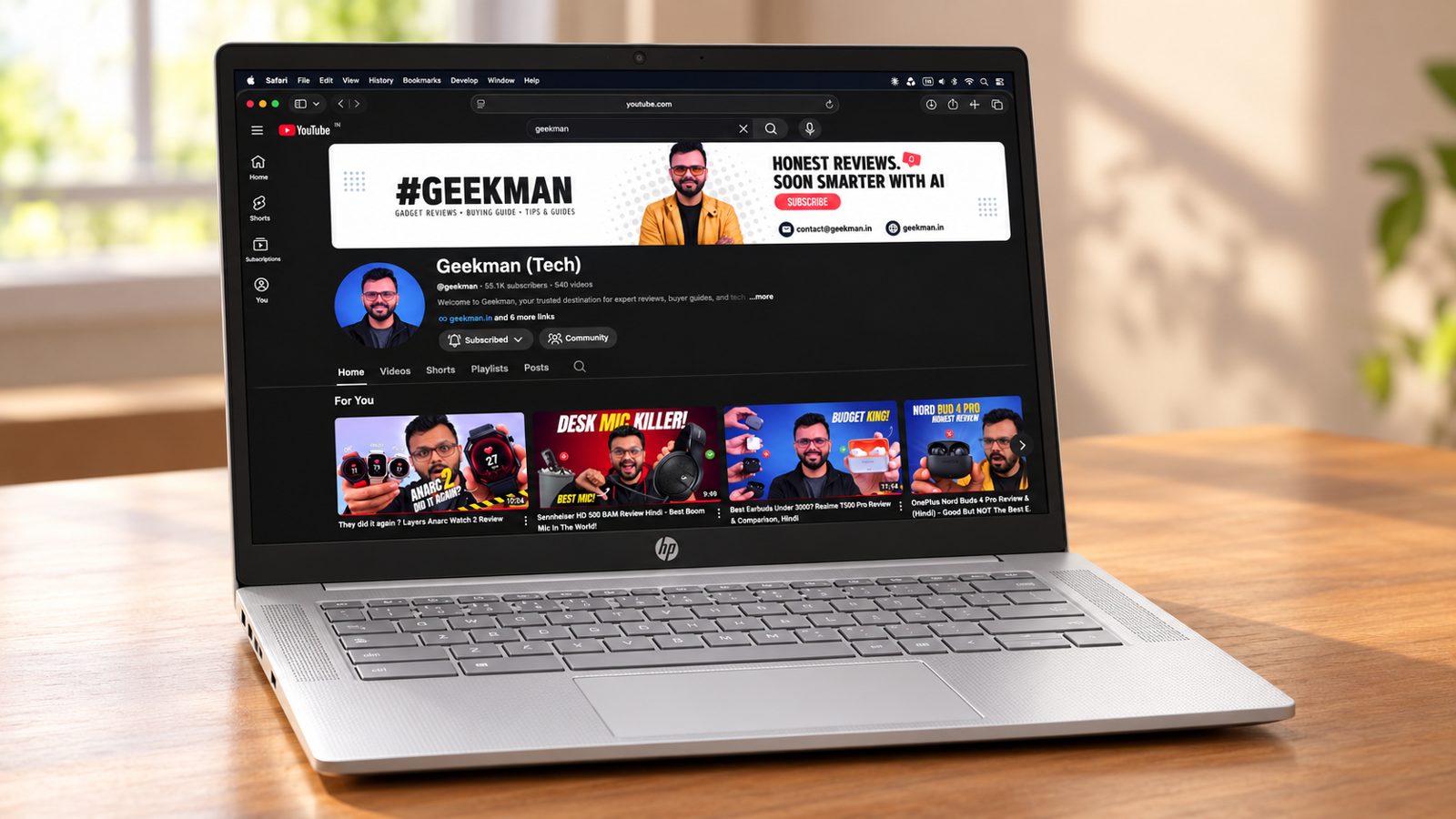
Kompanio 540, 8 cores · 4GB LPDDR5-6400 · 128GB UFS · 14 inch HD, 250 nits · 47 Wh, 1.35 kg
Best for
✓ People who want the longest battery in the group
✓ Buyers who like HP service and support
✓ Users who will use Google Drive heavily
Not ideal for
– Anyone who wants a Full HD screen
– People who look at colour accuracy
– Buyers who want the lowest price
Verdict: A solid, well supported Chromebook with a larger battery and faster memory, held back by an HD screen with limited colour range.
Pros and cons
What we like
+ 47 Wh battery with fast charge
+ LPDDR5 memory and 128GB UFS
+ 100GB Google One for a year
What we don’t like
– HD 250 nit screen
– 62.5% sRGB colour
– 4GB of RAM
HP Chromebook 14 nm0004MU review: the long battery pick with a weak screen
The HP Chromebook 14 (14a-nm0004MU, Kompanio 540, 4GB, 128GB UFS) has two sibling models in India: the nm0004MU is non-touch and the nm0006MU adds touch. Both use the same 8 core MediaTek Kompanio 540 with Mali-G57 MC2 graphics, 4GB of LPDDR5-6400 memory and 128GB of UFS storage, which is faster than the eMMC on cheaper models. The 14 inch screen is anti-glare HD at 1366 by 768, 250 nits and 62.5 percent sRGB. The battery is a 47 Wh two cell pack, the weight is about 1.35 kg and the charger is a 45 W USB-C unit. Wi-Fi 6 and Bluetooth 5.4 are included, and HP adds a one year, 100GB Google One plan.
My take: this is the Chromebook for someone who values battery and storage speed more than screen resolution. HP quotes up to 17 hours of battery, and even if you only get 10, that is a full school or office day. The UFS storage makes app launches and file copies feel quicker than eMMC. The compromise is the screen, which sits at 1366 by 768 and looks soft, with text that is less sharp than the Full HD on the ASUS Chromebook CM1405. Independent notes call the panel the main weakness and note it looks dim near a bright window. If you read long documents or work with spreadsheets, buy the ASUS. If your use is video calls, streaming, Google Classroom and short browsing sessions, the HP is a fine buy.
HP Chromebook 14 battery life and running cost in rupees
A 47 Wh pack takes about 0.047 kWh to fill, which is 38 paise at Rs 8 a unit, so a year of daily charging comes to about Rs 140. HP claims up to 17 hours, which assumes light use and low brightness, so plan for 9 to 12 hours of real work. HP also says the 45 W GaN charger gives about 50 percent in 45 minutes with the laptop off. The 128GB of UFS is a money saver too, because you will not need a microSD card or a paid cloud plan for a while. The first year of Google One 100GB is included, and after that you decide whether to pay. Memory is soldered at 4GB, so do not plan to upgrade.
Living with the HP Chromebook 14: ports, keyboard and camera
HP gives you one USB-C 5 Gbps port that handles charging, display output up to 4K 60 and data, one USB-A 5 Gbps port and a headphone jack. There is no HDMI, no card reader and no Ethernet, so a projector at school or office needs a USB-C adapter. The camera is a 720p HP True Vision unit with a privacy shutter, and it has dual-array microphones with noise reduction, good for classes. The keyboard is not backlit. The laptop is fanless and quiet. If you need two USB-C ports for charging and a monitor at the same time, the ASUS is the better layout.
HP Chromebook 14a-nm0004MU warranty, service and what to check on delivery
HP India gives one year of limited warranty with service through authorised centres, and you should keep the invoice for claims. Accidental damage cover is a paid extra. HP’s own update window for this Kompanio 540 family runs to June 2036 according to Google’s schedule, and you can confirm the exact date in Settings under About ChromeOS. On delivery, match the carton: it should read Kompanio 540, 4GB and 128GB, and the model code should end MU for the India build. Check whether you bought the touch (nm0006MU) or non-touch (nm0004MU) version, because touch costs more and adds a little weight. Register the device on the HP support site.
Who should buy the HP Chromebook 14 and where it falls short
It falls short on resolution, port count and brightness. The ASUS Chromebook CM1405 gives you a sharper 14 inch screen and more ports. The Primebook 2 Neo is an Android laptop with a smaller screen. Buy the HP if battery and storage speed matter most, if the laptop is for streaming and classes, and if you can live with a soft screen. It is also the one to take if your child studies on a Google Classroom account, since the 100GB Google One plan covers school projects and photos for a year. If you need a projector port, add a small USB-C to HDMI adapter to your budget.
Key specs
| CPU | MediaTek Kompanio 540, 8 cores |
| Memory | 4GB LPDDR5-6400 |
| Storage | 128GB UFS |
| Display | 14 inch HD, 250 nits, 62.5% sRGB |
| OS | ChromeOS |
| Battery and weight | 47 Wh, 1.35 kg, fast charge to 50% in 45 min |
| Camera | 720p |
| Extras | 100GB Google One for 1 year |
Best Big Screen
3. ASUS Chromebook CM1505 (Kompanio 540, 4GB, 128GB, 15.6 inch)
6.4 Overall
6.0 Performance
6.6 Value
7.0 Service
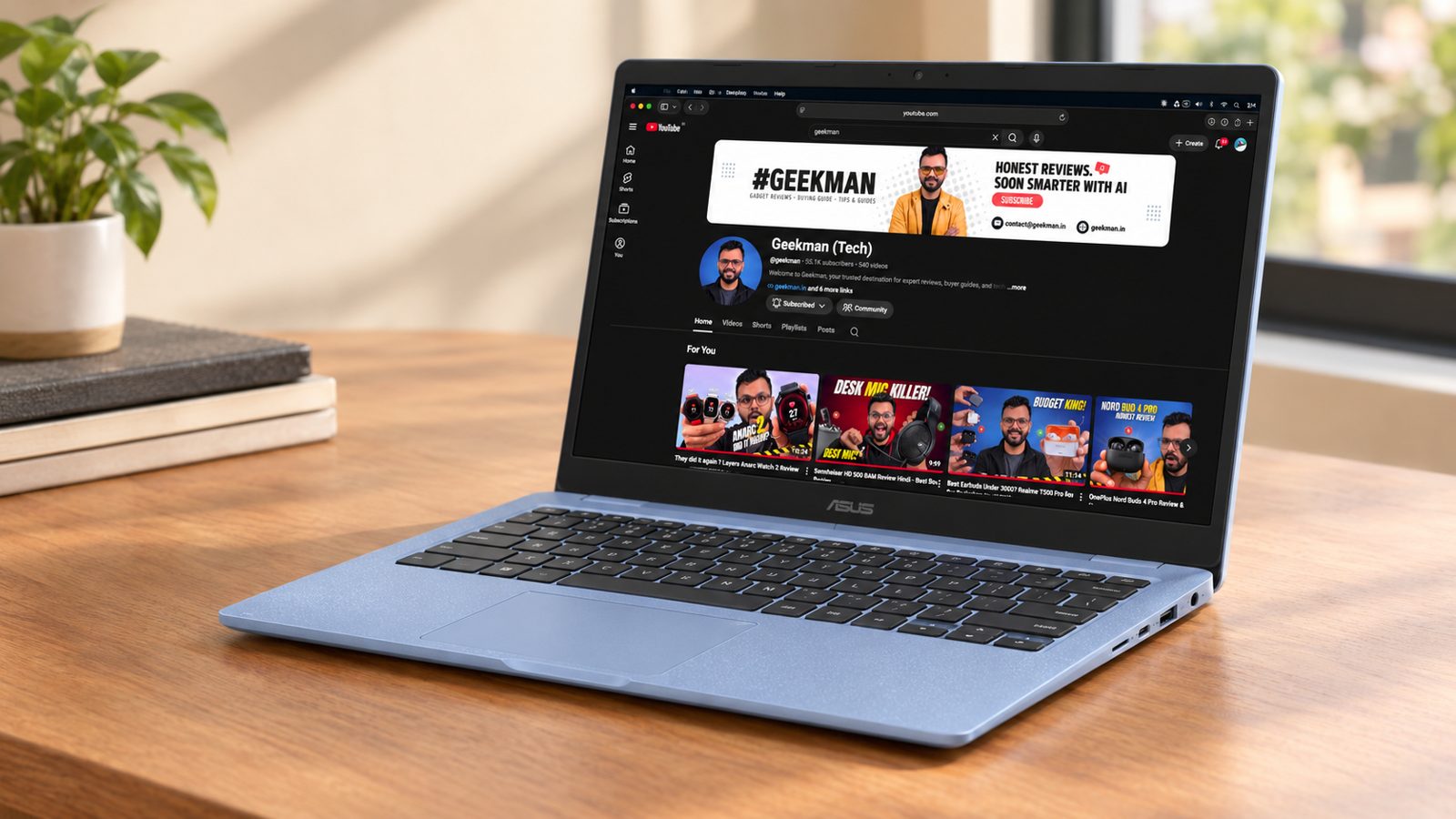
Kompanio 540, 8 cores · 4GB RAM, 128GB · 15.6 inch Full HD · 50 Wh battery · 1.49 kg
Best for
✓ People who want a large screen for study or calls
✓ Families sharing one laptop
✓ Anyone who prefers a 1080p camera
Not ideal for
– Anyone who carries the laptop all day
– Buyers who want more than 4GB of RAM
– People looking for the lowest price
Verdict: The bigger screen version of the CM1405. Buy it if size matters, otherwise save ₹2,000 on the 14 inch.
Pros and cons
What we like
+ 15.6 inch Full HD screen
+ 50 Wh battery
+ 1080p camera and 128GB
What we don’t like
– Heavier at 1.49 kg
– Same 4GB RAM
– ₹2,000 more than the CM1405
ASUS Chromebook CM1505 review: the 15.6 inch Chromebook with a numpad
The ASUS Chromebook CM1505 (CM1505CM4A, Kompanio 540, 4GB, 128GB, 15.6 inch) is the big screen version of the CM1405 family. It uses the same Kompanio 540 chip, with either 4GB and 64GB or 8GB and 128GB of eMMC, and a 15.6 inch Full HD IPS anti-glare screen rated 300 nits. The battery is 42 Wh, ASUS rates up to 12 hours, and the weight is about 1.6 kg. The port set is two USB-C 3.2 Gen 1 with display and charging, one USB-A, full-size HDMI 1.4 and a headphone jack, and there is no card reader. A numeric keypad is built into the keyboard, the webcam is 720p with a shutter and the update expiry is June 2036 according to Google’s schedule. The processor is the same as the smaller CM1405, so speed is identical; you pay for panel size and the extra keys, not for performance. ASUS lists Wi-Fi 6 and Bluetooth 5.4, and the memory and storage are both soldered.
My take: this is a Chromebook for a desk or a shared home. The 15.6 inch screen is easier on the eyes for long reading, the numpad helps with data entry, and a bigger body means a roomier keyboard. It makes less sense as a travel laptop, since 1.6 kg is a lot for a Chromebook. For a student who attends online classes, a parent who pays bills online, or a small shop owner doing Google Sheets, it is a good fit. It does not run Windows software, and a 4GB version will feel tight with many tabs, so lean to the 8GB version.
ASUS Chromebook CM1505 battery and running cost
A 42 Wh charge is 0.042 kWh, which is 34 paise at Rs 8 a unit. Yearly charging is about Rs 120. ASUS rates the battery at up to 12 hours, but a Japanese review unit managed about 6 to 7 hours of normal use, so a day of work on a charge is realistic but not guaranteed. A 42 Wh pack is small for a 15.6 inch screen. If you run the brightness up, it will drain faster than the 14 inch sibling. The upgrade math is simple: the memory and storage are soldered, so spend the extra on the 8GB and 128GB model now.
Living with the CM1505: keyboard, trackpad and ports
The keyboard has no backlight but includes a numeric pad and is comfortable. The touchpad sits left of centre because of the numpad, which takes a few days to get used to. The screen is a standard Full HD IPS panel, good for documents and video, not for colour work. Ports are the same generous set as the CM1405, including full-size HDMI, so a projector or a TV connects without an adapter. The webcam is 720p with a privacy shutter. Wi-Fi 6 is part of the specs. The laptop is fanless and silent.
ASUS Chromebook CM1505 warranty, service and what to check on delivery
ASUS India offers one year of standard warranty with service centres and WhatsApp support. Check the update expiry in Settings, About ChromeOS, since the family is listed to June 2036. On delivery, match the carton: Kompanio 540, 4GB or 8GB, 64GB or 128GB, and 15.6 inch. The touch and non-touch versions differ, so confirm which one you ordered. Keep the invoice. Register the laptop on the ASUS site with the serial number so a claim is quicker later, and ask the seller whether a screen guard or an accidental damage plan is on offer, because a 15.6 inch lid is easy to crack in a crowded school bag. ASUS service is carry in at a service centre for most Chromebook faults, so find your nearest one before you order.
Who should buy the ASUS Chromebook CM1505 and where it falls short
It falls short on weight and on a small battery for the size. The ASUS Chromebook CM1405 is lighter. The HP Chromebook 14 has a bigger battery but a lower resolution screen. Buy the CM1505 if the laptop stays on a desk and you want a numpad and a big screen. Skip it if you travel daily, because the 1.6 kg weight and the large charger add up in a shoulder bag, and skip it if you expect Windows apps. For a family with one shared Chromebook on the dining table, it is the most comfortable of the three.
Key specs
| CPU | MediaTek Kompanio 540, 8 cores |
| Memory | 4GB |
| Storage | 128GB |
| Display | 15.6 inch Full HD, 300 nits |
| OS | ChromeOS |
| Battery and weight | 50 Wh, 1.49 kg |
| Camera | 1080p |
| Warranty | Check the offer for the exact period |
Best 2-in-1
4. ASUS Chromebook CM32 Detachable (4GB, 64GB, 12.1 inch 2-in-1)
5.9 Overall
5.6 Performance
6.0 Value
6.5 Service
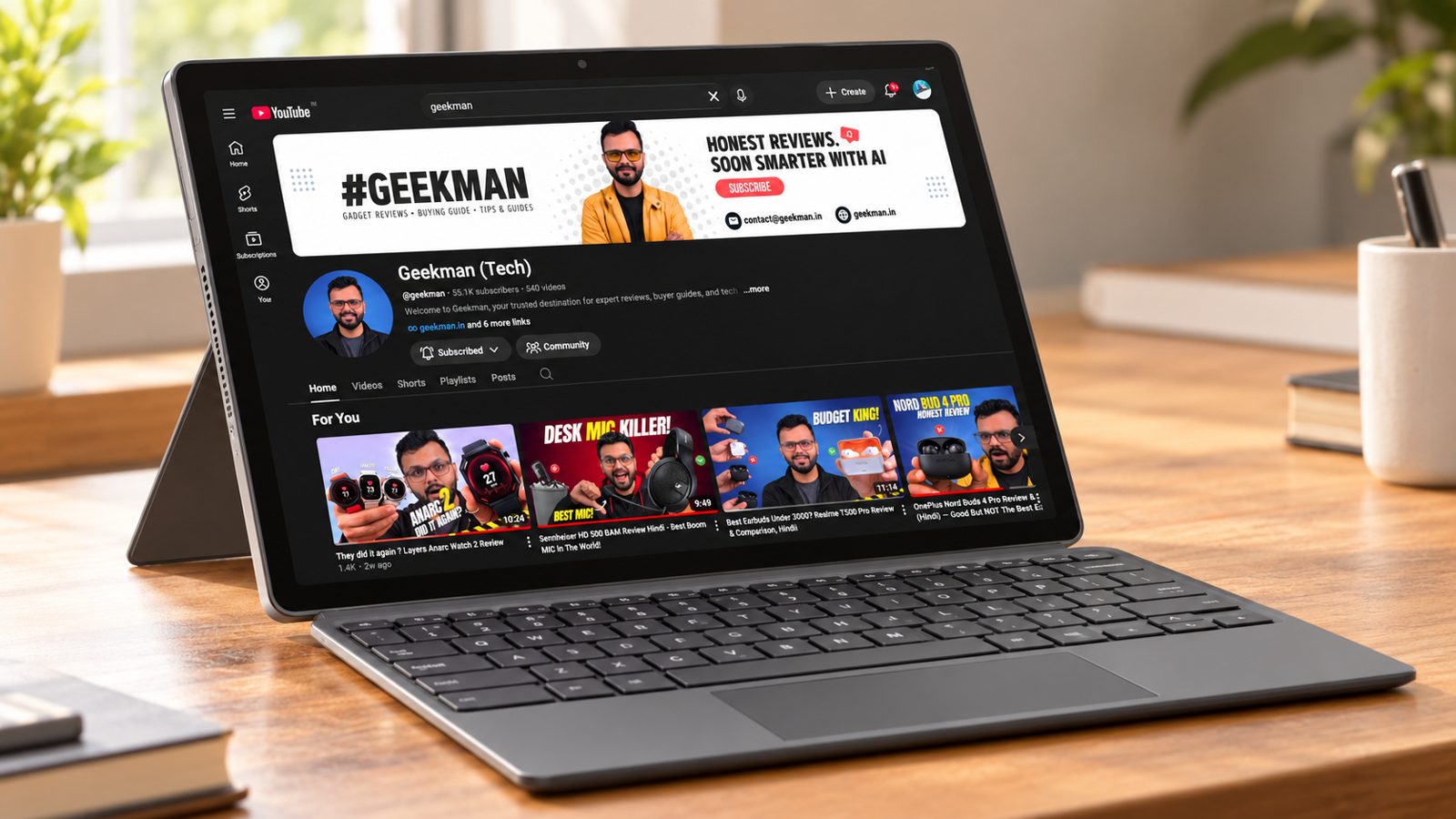
12.1 inch 2560×1600 · 600 nits, 120Hz · 4GB RAM, 64GB · Detachable keyboard · 0.64 kg tablet
Best for
✓ People who want a tablet that also works as a laptop
✓ Anyone who reads, draws or takes notes
✓ Buyers who want the best screen in the guide
Not ideal for
– People who type for hours
– Anyone who needs 128GB of storage
– Buyers who want the best value
Verdict: A very different product from the others here, with a much better screen. It costs more than its speed deserves, so buy it only if you want a tablet.
Pros and cons
What we like
+ 2560×1600 600 nit 120Hz screen
+ 0.64 kg tablet
+ Works as a tablet and laptop
What we don’t like
– 64GB storage
– Detachable keyboard is less comfortable
– Higher price for the speed
ASUS Chromebook CM32 Detachable CM3206 review: a 2-in-1 with a 600 nit screen
The ASUS Chromebook CM32 Detachable (CM3206, Kompanio 540, 4GB, 64GB, 12.1 inch) is a tablet with a keyboard cover, not a normal laptop. The tablet half weighs about 640 g and carries the MediaTek Kompanio 540 chip, soldered LPDDR5X memory and eMMC storage. The 12.1 inch IPS touchscreen is 2560 by 1600 at 16:10, rated up to 600 nits, 120 Hz and about 98 percent DCI-P3, under Gorilla Glass with an anti-fingerprint coating. The battery is 42 Wh with a 45 W charger. ASUS adds 5MP front and rear cameras, Dolby Atmos speakers, USI 2.0 stylus support with 4,096 pressure levels, MIL-STD-810H toughness, Wi-Fi 6 and a fanless body. There is one USB-C port and no microSD slot.
My take: the CM32 is the most interesting laptop in this list because it is the only one with a screen you will enjoy looking at. Text and video look sharp, the 120 Hz refresh makes scrolling smooth, and the tablet works as a reading device or sketchpad on the couch. Lab testing shows it is a good hybrid for students and casual users, and it is easy to like at a lower price. It is the wrong buy if you type for hours on your lap: the keyboard is compact, the kickstand wobbles on a lap and there is no backlight. For a child in Class 6 to 12, a college student who reads PDFs and takes notes, or someone who watches a lot of video, it is lovely.
ASUS Chromebook CM32 battery, memory and the real cost of 4GB
A 42 Wh charge is 0.042 kWh, which is 34 paise at Rs 8 a unit, or about Rs 120 a year with daily charging. ASUS claims up to 12 hours, but independent runs landed at 8 to 9 hours of real use, and one looped video test ran about 5 hours 21 minutes at high brightness, so the 600 nit panel is a battery drinker. The big money decision is memory. India sells a 4GB and 64GB model and an 8GB and 128GB model, and I would not buy the 4GB model for long term use. Since memory and storage are soldered, you cannot change your mind later. If you buy the 4GB model, close tabs and keep Android apps limited.
Living with the CM32: kickstand, keyboard and the single USB-C port
The keyboard cover has 1.35 mm key travel and feels fine on a desk, but it is plain plastic with no backlight. The kickstand is stiff at first, and you can pull off the cover when you mean to open the stand. Once you learn the spot it works well. The single USB-C port handles charging, display and every accessory, so a hub is useful. There is no fingerprint scanner and no card reader. The cameras are fine for classes. The stylus storage and wireless charging are a good touch for note taking, though stylus availability varies by seller, so check the box. Tablet mode with Android apps can feel rough.
ASUS Chromebook CM32 warranty, service and what to check on delivery
ASUS India gives one year of standard warranty, with service centres and WhatsApp support. The keyboard cover and the stylus are accessories that vary by seller, so confirm that both are in the carton before you pay. Check the auto update expiry in Settings, About ChromeOS, because Google’s schedule lists this family to June 2036. On delivery, match the carton for 4GB or 8GB, 64GB or 128GB, and confirm the screen is the 12.1 inch 2560 by 1600 panel. Test the cover connection and the kickstand in front of the seller. Get a tempered glass or a case, since a tablet is easier to drop than a laptop.
Who should buy the ASUS Chromebook CM32 and where it falls short
It falls short on keyboard comfort, on ports and on battery with the bright screen. The ASUS Chromebook CM1405 is the better laptop for typing and costs less. The HP Chromebook 14 lasts longer. Buy the CM32 if you want a Chromebook that doubles as a tablet with a beautiful screen, and choose the 8GB model.
Key specs
| Memory | 4GB |
| Storage | 64GB |
| Display | 12.1 inch 2560×1600, 600 nits, 120Hz |
| OS | ChromeOS |
| Weight | 0.64 kg tablet |
| Form | Detachable 2-in-1 |
| Warranty | Check the offer for the exact period |
Best For Android Apps
5. Primebook 2 Neo (Helio G99, 8GB, 128GB, Android)
5.8 Overall
5.0 Performance
6.6 Value
6.0 Service
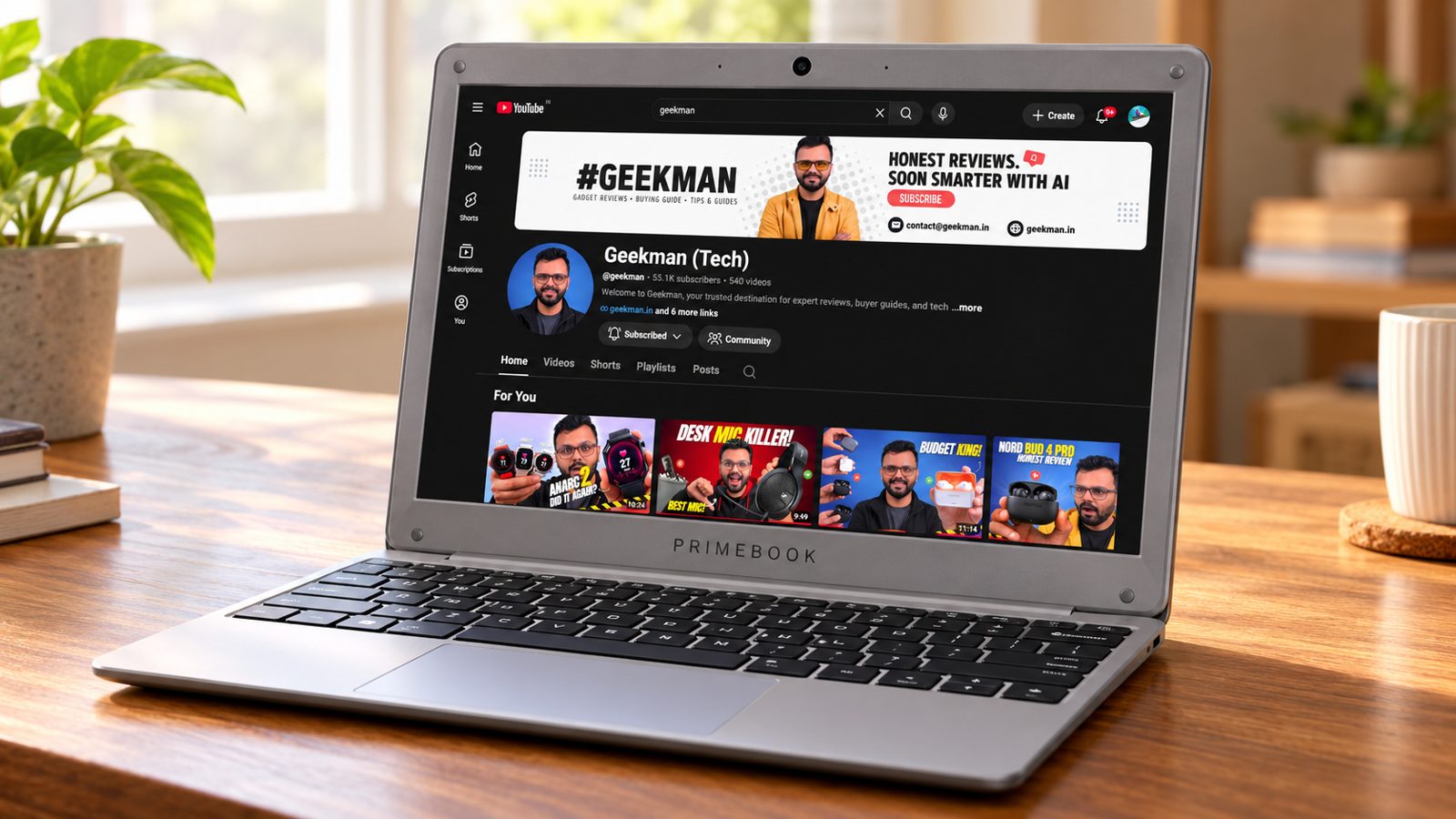
Helio G99 · 8GB LPDDR4, 128GB · microSD up to 512GB · 11.6 inch HD · 1.1 kg
Best for
✓ People who prefer Android apps on a bigger screen
✓ Buyers who want 8GB of RAM
✓ Anyone who wants to expand storage with microSD
Not ideal for
– People who need Windows or ChromeOS
– Anyone who wants a Full HD screen
– Buyers who want a long software support record
Verdict: It is the only laptop here with 8GB of RAM and a microSD slot. The software is the question mark, because PrimeOS is a newer platform.

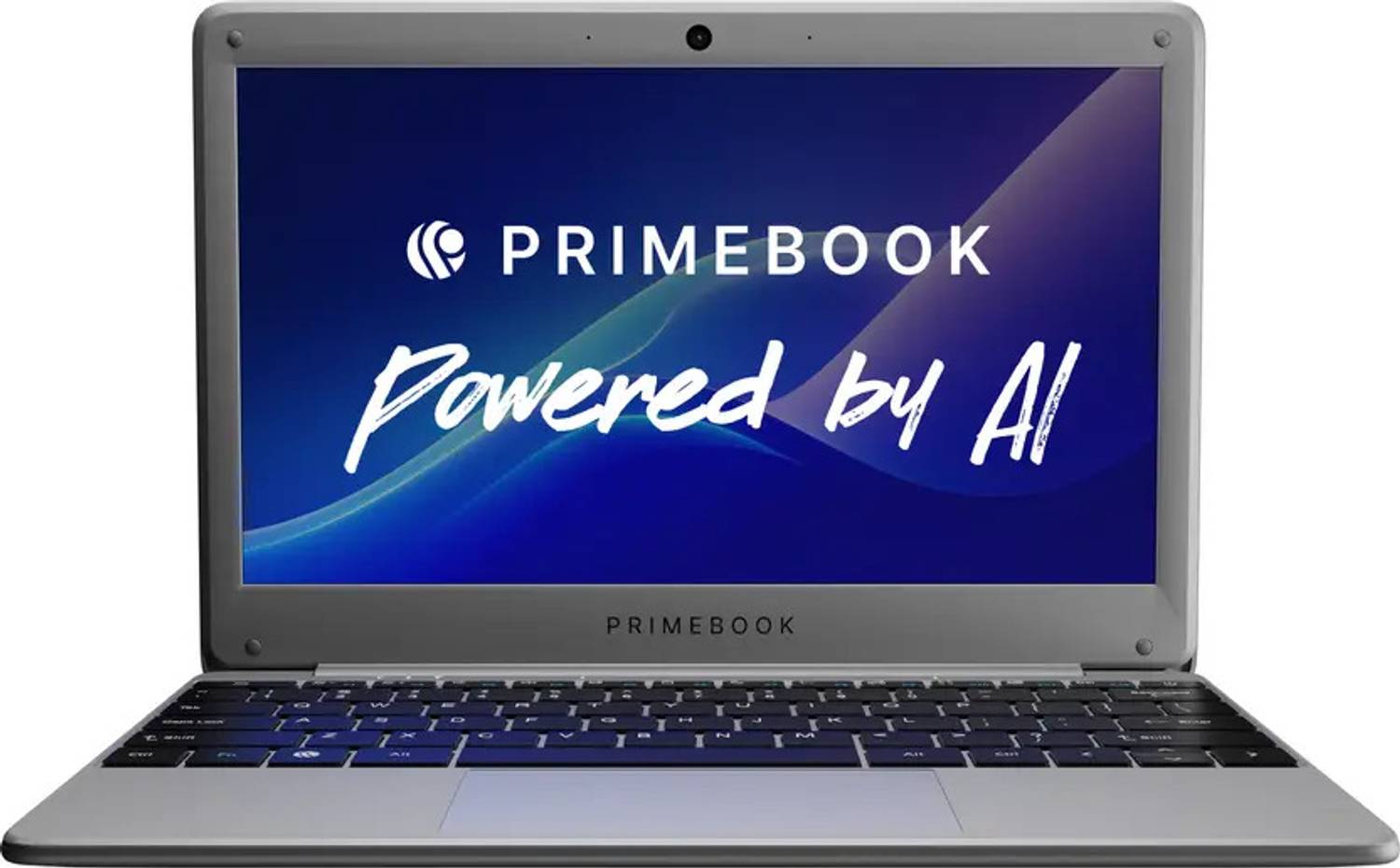
Primebook 2 Neo (2026) in-Built AI MediaTek Helio G99 (MT8781) - (8 GB/128 GB/Android 15) PBG9911128#B7B7B7 Thin and Light Laptop

Up to 5% instant discount on Flipkart SBI & Flipkart Axis cards Details
- Up to 5% instant discount on Flipkart SBI & Flipkart Axis cards
Pros and cons
What we like
+ 8GB of RAM
+ microSD slot up to 512GB
+ 1.1 kg
What we don’t like
– HD screen
– Phone class chip
– Newer platform with less track record
Primebook 2 Neo review: an Android laptop for light work and study
The Primebook 2 Neo (Helio G99, 6GB or 8GB, 128GB UFS, 11.6 inch) is not a Chromebook and not a Windows laptop. It runs PrimeOS 3.0, an Android 15 based desktop system, on a MediaTek Helio G99 phone chip with two Cortex-A76 cores at 2.2 GHz and six Cortex-A55 cores at 2 GHz. The India specs show 6GB of memory and 128GB of UFS storage, while some sellers list 8GB, so match the carton. The 11.6 inch screen is an HD IPS matte panel. Primebook’s Neo page does not print a battery figure, a weight or a port list, and the sibling Primebook 2 Max has a 60.3 Wh battery and about 1.6 kg weight, so do not assume the same on the Neo. On wireless, the sibling Primebook 2 Max uses dual-band 802.11ac Wi-Fi, so expect Wi-Fi 5 speeds and confirm the Neo’s radio on the carton.
My take: this is a niche choice. PrimeOS is built so that Android apps feel like desktop apps, with windows, a taskbar and keyboard shortcuts, and it adds an AI helper and cloud PC streaming of Windows and Linux. Early hands-on use shows good value, easy portability and fluid multitasking across browser tabs and document editors. It makes sense for a child who already uses Android apps for study, a household that mainly needs a typing device and a browser, or a person who wants a cheap light laptop for note taking. It does not make sense if you need Windows software, Excel macros or reliable HD streaming.
Primebook 2 Neo software limits and running cost
Power cost is trivial, since the Helio G99 is a phone chip and the charger is a small unit. A battery in the 40 to 60 Wh class costs under 50 paise a charge at Rs 8 a unit. The real money question is software. PrimeOS does not include the Google Play Store, so apps install through Primestore and some are missing until you request them. The sibling Primebook 2 Max measures Widevine L3, which limits Netflix and Prime Video to standard definition, and cloud PC streaming of Windows costs Rs 490 to Rs 999 a month and needs a 20 Mbps connection with low ping. If you expect to pay for cloud desktops, add that to the real cost.
Living with the Primebook 2 Neo: speed, screen and keyboard
On the Max, the Helio G99 scored 698 single core and 1,687 multi core in Geekbench 6, and it feels quick for ten browser tabs, then slows past that. Heavy 3D games and many background Android apps strain it. The keyboard is comfortable and the trackpad is responsive on the Neo, though the sibling Max trackpad clicks feel soft. The 11.6 inch HD IPS matte screen is good enough for work, class and streaming and has decent viewing angles. Expect no USB-C video output on some Primebook models, so check the ports and the charging method on the carton.
Primebook 2 Neo warranty, service and what to check on delivery
Primebook sells directly and through online stores, and service is handled by the company, so ask the seller for the service centre address in your city before you order. Primebook does not print an OS update policy on the Neo page, so ask the seller in writing how long PrimeOS updates will arrive. Match the carton for 6GB or 8GB of memory and 128GB of UFS storage. Open the lid, run the setup, install your apps from Primestore, and check Netflix and Zoom during the return window. Keep the invoice and the box. Because PrimeOS is a newer platform, ask whether the seller offers a replacement within seven or ten days if an app you rely on does not install.
Who should buy the Primebook 2 Neo and where it falls short
It falls short on app availability, streaming quality and service reach. The ASUS Chromebook CM1405 has the Play Store, a Full HD screen and a longer update promise. The HP Chromebook 14 is a safer pick for school. Buy the Primebook 2 Neo only if you want an Android style laptop and accept the limits. If you are buying for a younger child, the Android app library and the lower price make it easy to try, but buy from a seller with a clear return policy. If this laptop will be your only computer, take a Chromebook or a Windows laptop instead, because Android desktop software is still young and cloud PC streaming depends on your internet connection every day.
Key specs
| CPU | MediaTek Helio G99 |
| Memory | 8GB LPDDR4 |
| Storage | 128GB, microSD up to 512GB |
| Display | 11.6 inch HD |
| OS | Android 15 with PrimeOS 3.0 |
| Weight | 1.1 kg |
| Ports | 2 USB-A, microSD |
| Warranty | Check the offer for the exact period |
Questions other guides skip
The questions most laptop lists leave out
These are questions buyers keep asking about these exact models. Each price was checked on 24 October 2026.
1 · Why is the HP 15s Windows laptop not in the list?
It showed as unavailable at retailers on 24 October 2026, with no price. I removed it rather than recommend a laptop you cannot buy. It is a Celeron N4500 laptop that I would revisit when stock returns.
2 · Is the Primebook a real laptop?
It is a laptop in shape, with a keyboard, a trackpad and a microSD slot, but it runs Android 15 with PrimeOS and not Windows or ChromeOS. Check that the apps you rely on work well on a laptop sized screen before you buy.
3 · Do I get Google Play apps on a Chromebook?
Most current Chromebooks support Google Play apps, though quality depends on the app. Check Google’s supported list for the exact model.
4 · Is the HP Chromebook 14 screen bad?
It is an HD panel at 250 nits with about 62.5% sRGB per the maker specs. That is fine for documents and video calls, but dull next to the Full HD 300 nit ASUS screen.
5 · Will the CM32 detachable keyboard feel good?
A clip on keyboard is usually thinner and has less travel than a normal laptop keyboard, so it suits short typing sessions. For long essays, an ordinary clamshell like the CM1405 is better.
6 · Will Tally, Photoshop or my college software run on a Chromebook?
No. A Chromebook runs web apps, Android apps and, on many models, Linux tools. Windows-only software such as Tally, Photoshop and many engineering tools will not install. Check what your college or office requires. If you need any of them, a Windows laptop is the safe choice.
7 · Can I use a Chromebook without internet?
Yes, with some setup. Google Docs, Sheets and Gmail can work offline once you turn that on. You can download movies in apps like Netflix and Prime for the road, and you can keep files in the local storage. A Chromebook is best when it is online, so plan for that.
8 · Is 4GB of RAM enough for a Chromebook?
For school and light work, yes. ChromeOS is light, but too many tabs, a video call and a few Android apps at once will slow it. Keep the tab count sensible and close tabs you do not need. The 8GB Primebook 2 Neo is the pick if you multitask a lot.
9 · Can I set parental controls on a Chromebook?
Yes. Google’s Family Link lets a parent set screen time, block sites and approve apps for a child’s account. It is one reason these laptops suit school kids. Set it up on the first day, before the child starts using the laptop.
10 · Is 64GB or 128GB of storage enough?
For schoolwork and web apps, yes, as most of your files live in cloud storage. The 128GB models give you more room for downloads and Android apps. If you want more space, the Primebook takes a microSD card up to 512GB, and an external drive works on all of them.
What this means for your buying decision
You want the best deal: the ASUS Chromebook CM1405 with 128GB.
You want the longest battery: the HP Chromebook 14, or the ASUS CM1505 at 50 Wh.
You want a tablet and laptop in one: the ASUS CM32 Detachable.
You want Android apps and 8GB of RAM: the Primebook 2 Neo.
You need Windows: read my laptops under 30000 guide.
You study: read my laptops for students guide.
Compare all 5 laptops at a glance
| Laptop | CPU | RAM and storage | Screen | Weight | Price |
|---|---|---|---|---|---|
| ASUS CM1405 128GB | Kompanio 540, 8 cores | 4GB, 128GB | 14 inch Full HD | 1.37 kg | ₹22,990 |
| HP Chromebook 14 | Kompanio 540, 8 cores | 4GB LPDDR5, 128GB UFS | 14 inch HD | 1.35 kg | ₹22,990 |
| ASUS CM1505 128GB | Kompanio 540, 8 cores | 4GB, 128GB | 15.6 inch Full HD | 1.49 kg | ₹24,990 |
| ASUS CM32 Detachable | See offer | 4GB, 64GB | 12.1 inch 2560×1600 | 0.64 kg tablet | ₹24,990 |
| Primebook 2 Neo | Helio G99 | 8GB, 128GB | 11.6 inch HD | 1.1 kg | ₹24,990 |
Specs are from official maker specs as of October 2026. Prices were seen on 24 October 2026 and move daily. Verify the exact variant before you buy.
The buying guide
How to choose a laptop under 25000
Chip
Kompanio 540 is the sweet spot for ChromeOS here.
Memory
4GB is standard. Only the Primebook has 8GB.
Screen
Full HD 300 nits beats HD 250 nits.
Battery
42 to 50 Wh is good for ChromeOS.
Storage
128GB is far more comfortable than 64GB.
Service
ASUS and HP have service centres across India.
1 · Processor
The Kompanio 540 has 8 cores and is designed for ChromeOS. The Primebook uses a phone chip, the Helio G99.
2 · Memory and storage
4GB of RAM is normal on ChromeOS. Pick 128GB if you keep files on the laptop.
3 · Screen
The ASUS CM1405 and CM1505 have Full HD at 300 nits. The CM32 has a much sharper 2560 by 1600 panel.
4 · Battery and weight
Battery sizes are 42, 47 and 50 Wh on the clamshells. The Primebook is lightest at 1.1 kg.
5 · Software
ChromeOS suits browser and Google Workspace use. Android suits phone style apps. Neither runs Windows programs.
6 · Warranty and service
Most come with 1 year. Register the laptop on day one and keep the invoice.
Other laptops in the lineup
HP 15s Celeron N4500 (Windows, 8GB, 512GB). Unavailable at retailers on 24 October 2026, so it is not ranked.
Refurbished and old business laptops. Many offers from sellers show an older Core i5 with 8GB of RAM for ₹20,000 to ₹25,000. I left them out because condition and warranty vary by seller.
ASUS CM1405 and CM1505 with 64GB. Cheaper at ₹17,990 and ₹19,990, covered in the laptops under 20000 guide.
The verdict
Which laptop under 25000 should you buy?
Best overall: ASUS Chromebook CM1405 128GB, at ₹22,990. Check price
Best battery: HP Chromebook 14, at ₹22,990. Check price
Best big screen: ASUS Chromebook CM1505 128GB, at ₹24,990. Check price
Best 2-in-1: ASUS Chromebook CM32 Detachable, at ₹24,990. Check price
Best for Android: Primebook 2 Neo 8GB, at ₹24,990. Check price
Not sure? Buy the ASUS Chromebook CM1405 with 128GB. It is the best balanced pick here.
More buying guides from Geekman
Laptops under 25000 FAQ
Which is the best laptop under 25000 in India in 2026?
The ASUS Chromebook CM1405 with 128GB at ₹22,990 is the best all round pick. It has a 14 inch Full HD screen, a 42 Wh battery and a full set of ports. It runs ChromeOS, because no new branded Windows laptop with 8GB of RAM sells under ₹25,000 at retailers as of 24 October 2026.
Is there any Windows laptop under 25000?
Not a trustworthy one. The HP 15s with a Celeron N4500 showed as unavailable at retailers on 24 October 2026. The other Windows offers at this price are refurbished or old business laptops from sellers, so we left them out. For Windows, see my guide to the best laptops under 30000.
ASUS CM1405 or HP Chromebook 14, which should I buy?
Take the ASUS if you want a sharper Full HD screen at 300 nits. Take the HP if battery size (47 Wh), faster LPDDR5 memory and the 100GB Google One offer matter more. Both cost ₹22,990 and use the same Kompanio 540 chip.
Is 128GB enough on a Chromebook?
Yes for most students. ChromeOS is light, and Google Drive and microSD cards handle the rest. 64GB can feel tight, which is why the 128GB models rank higher.
Is the ASUS CM32 Detachable worth ₹24,990?
Only if you want a tablet that turns into a laptop. The screen is excellent at 2560 by 1600 and 600 nits, but you get 64GB of storage and a detachable keyboard. For plain typing and study, the CM1405 128GB costs ₹2,000 less and is easier to use.
What is the Primebook 2 Neo?
It is an Android laptop. It runs Android 15 with PrimeOS 3.0 and has 8GB of RAM, 128GB of storage and a microSD slot. It runs Android apps in a desktop style window, but it is not ChromeOS or Windows.
Can I use Microsoft Office on a Chromebook?
Yes, through Office on the web or the Android apps from Google Play, which cover documents, sheets and slides for most users. Heavy Excel work with macros needs a Windows laptop.
Is 4GB RAM enough for these Chromebooks?
For ChromeOS, yes, for browsing, Docs, Meet and video. You will see slowdowns if you open many tabs at once. The Primebook has 8GB if memory worries you, but it uses a phone chip.
Which one has the best battery?
The ASUS CM1505 has the biggest battery here at 50 Wh, followed by the HP Chromebook 14 at 47 Wh and the ASUS CM1405 at 42 Wh. No battery hours figure is printed for these models, so treat these as sizes, not promises.
Should I spend a little more and buy a 30000 laptop?
If you need Windows or want 8GB of RAM with an Intel or AMD chip, yes. Read my guide to the best laptops under 30000. If your work happens in a browser, the Chromebooks here are enough.


mera range 35000 hai…
Brand : HP
Ram : 4GB/8GB
Core i3 (7th Gen)
OS : DOS
color silver or mat black
Buy first one………
Hello Geekman, first of all congratulation to you for this awesome gesture! It’s really very helpful that you provide almost instant answers to tech queries….can u suggest me the best laptop under 25-26k for office use( basically ms-office n tally) n light gaming (crysis 1 types.. mostly 2010-2012 games) but with better after sales service? Regards… looking forward to your reply!
How is hp 14q csooo6tu
Asus X507UA (i3 7th gen) is laptop main m.2 ssd support karega kiya??
1.Acer Aspire 3 A315-51(i3 7th gen)
2.Asus X507UA (i3 7th gen)
3.Asus X541UA (i3 7tj gen)
Inn Thino laptop main se konsi laptop acca hoga??
Yes
Is ordering laptop from paytm is safe??
Yes
Sir Isme lite games support karega.
Lite games.. matlab kesi games.. ek example do….
Sir 8GB RAM or 2GB Graphic card me 30000 ke andar laptop Dekho
Bro….ek laptop he is price range me…..Lenovo Ideapad 320E-15ISK – https://goo.gl/4NmVkD (Price Rs.31,250 – 4500 cashback = Rs.26,750)
Sir Isme lite games support karega.
Sir,
Please suggest laptop under 40k with windows10.