

Short answer: the Intellidesk Eco Dual is my pick for a heavy setup, The Sleep Company AeroPlus is the easy one because the brand installs it, the Wakefit Notiq has the longest frame warranty, and the ARTIKEL Artidesk Eco is the cheapest desk I would still buy.
I built this list from the numbers first. For each desk I compared the maker’s stated motor, load limit, height range, top size, noise level, warranty and installation terms, then checked live Amazon.in prices. Where a detail is missing, I say so instead of guessing.
The list runs from premium to budget, so you can start at the price you are comfortable with. Prices move often, so use the buy box under each review. For a desk on a smaller budget, read our best laptop table guide, and for a gaming setup see our best gaming table guide.
Find your standing desk in 4 quick taps
Short answer: the Intellidesk Eco Dual is my pick for a heavy setup, The Sleep Company AeroPlus is the easy one with installation, the Wakefit Notiq has the longest frame warranty, and the ARTIKEL Artidesk Eco is the cheapest desk I would still buy. Turn on JavaScript to use the Finder.
Pick in 30 seconds
Which standing desk fits you?
Best installation
The brand installs it on selected pincodes.
Read review
If none of these rows sounds like you, read on. A short guide to how standing desks work comes first, then how I ordered the list, the full reviews and the buying checklist.
What matters
What to know before you buy a standing desk
Motor
Dual motor desks have a motor in each leg. They usually handle heavier loads and wobble less. Single motor desks cost less and are fine for a laptop and a monitor.
Height range
Check the maximum height against your elbow height when you stand. Tall people need a high maximum.
Load rating
Add up your monitor, PC and accessories. Many pages state 80 kg, which is plenty for most people.
Noise
Under 50 dB is quiet. The motor only runs for a few seconds at a time.
Top
A 25 mm top feels sturdier than 18 mm. A wider top needs a frame that can widen.
Warranty
The motor and handset fail before the steel frame does, so read what the electrical warranty covers.
The ranking
How I ordered these desks
This list is ordered by price tier, from premium to budget, because most people shop with a budget in mind. Inside each tier I ordered the desks by the features that matter most for daily use: motor type, stated load, warranty and installation.
One honest limit. Load, noise and warranty figures are the maker’s own claims, so treat them as claims and confirm with the seller before you pay. That is also why this guide gives no numeric scores.
See why each pick ranks where it does
| # | Desk | Why it ranks above the next |
|---|---|---|
| 1 | Intellidesk Eco Dual | The only desk with a clearly stated dual motor and the widest frame range. |
| 2 | ErgoYou Electric Desk | An LCD handset and a clear 2 year warranty, but a lower load limit. |
| 3 | The Sleep Company AeroPlus | A big brand with free installation on selected pincodes, but unclear presets. |
| 4 | Wakefit Notiq | The longest frame warranty, with a thinner top. |
| 5 | JIN OFFICE Octave | A tall maximum height and a crossbar option, with self installation. |
| 6 | Green Soul Imperium | Extras and a 3 year warranty, but the load limit is not stated. |
| 7 | Furmax 48 Inch | A wide top for the price, with the warranty and load not stated. |
| 8 | ARTIKEL Artidesk Eco | The lowest price with a stated load and warranty, but the loudest motor. |
This order is my editorial judgement from the maker’s feature lists and live Amazon.in prices. It is not a lab result.
Quick picks
| Pick | Desk | Best for |
|---|---|---|
| Best Dual Motor | Intellidesk Eco Dual Electric Standing Desk | A dual motor for heavy setups |
| Best Display | ErgoYou Electric Height Adjustable Desk | An LCD handset and 2 year warranty |
| Best Installation | The Sleep Company AeroPlus Electric Desk | Free install on selected pincodes |
| Best Warranty | Wakefit Notiq Electric Adjustable Desk | 5 years on the frame |
| Best for Tall Users | JIN OFFICE Octave Electric Standing Desk | A 1,180 mm maximum height |
| Best Extras | Green Soul Imperium Standing Desk | Cup holder, hook and 3 year warranty |
| Biggest Top | Furmax 48 Inch Electric Standing Desk | A 48 x 24 inch top |
| Lowest Price | ARTIKEL Artidesk Eco Electric Desk | 80 kg and a 3 year warranty |
Tap a name to jump to its review. Live prices are in the buy box under each review.
All 8 picks
Best standing desk in India
Eight desks make the list, from a dual motor premium desk to a budget desk that still states its load and warranty. All of them can be bought on Amazon.in.
Best Dual Motor Pick
1. Intellidesk Eco Dual Electric Standing Desk
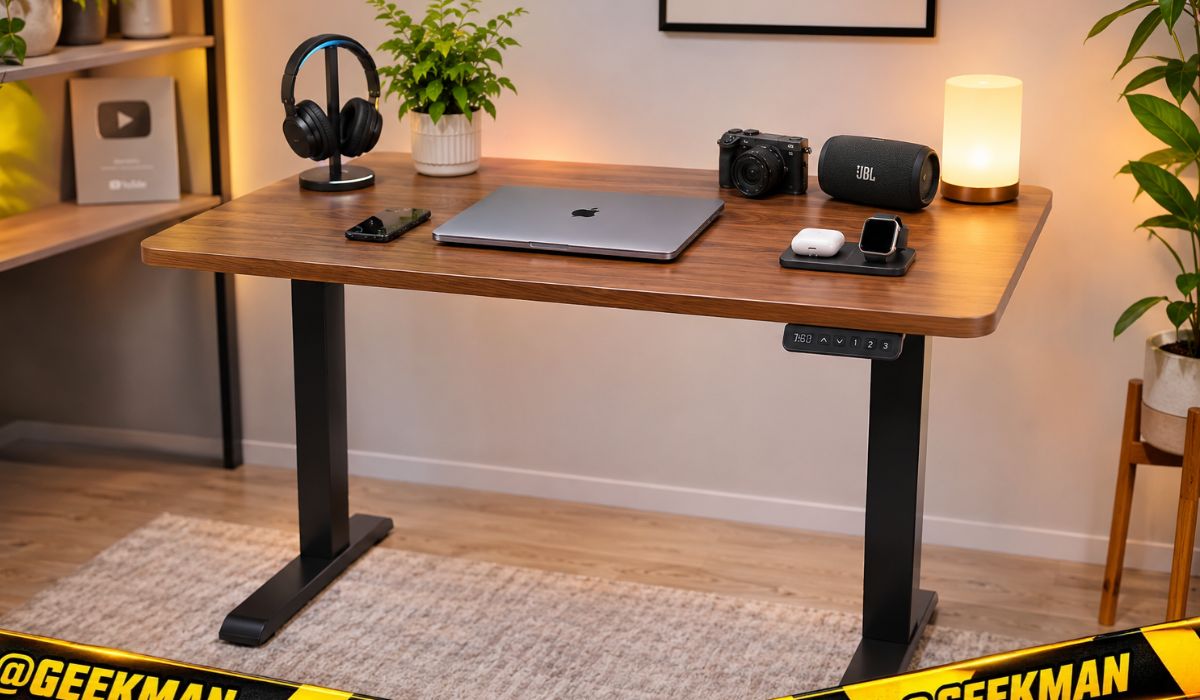
Dual motor · 72 to 120 cm · 4 memory presets · 45 dB · 25 mm top · Frame fits tops up to 150 x 75 cm
Best for
✓ Dual monitor and heavy PC setups
✓ Tall users who want a high maximum height
✓ People who want the quietest motor on this list
Not ideal for
– Tight budgets
– Buyers who want a clearly stated warranty
Verdict: The most serious desk here. It is the only one with a clearly stated dual motor, and it takes a wide top, so it is the one I would pick for a heavy setup.


Intellidesk Eco Dual Electric Height Adjustable Standing Desk with Dual Motor, 4 Memory Controls, Supports Upto 120Kg, Sedimentary Reminder (White+White, 120x75 cm)
 Limited time deal
Up to 6% instant discount on select credit cards +1
- Up to 6% instant discount on select credit cards
- Cashback with Amazon Pay ICICI Bank Credit Cards
Pros and cons
What I like
+ Dual motor with a stated 45 dB noise level
+ Reaches 120 cm, which is useful for tall users
+ 4 memory presets and a thick 25 mm top
+ Frame widens from 96 to 150 cm to fit bigger tops
What I don’t like
– It costs the most on this list
– The load figure is stated as 100 kg in one line and 120 kg in another, so ask the seller
Intellidesk Eco Dual standing desk: what it is and the real numbers
The Intellidesk Eco Dual is the only desk in this list that pairs two motors with a wide 150 by 60 cm top, and that combination is the whole story. Each leg has its own motor, the height range runs from about 72 cm to 120 cm, and the stated load is 120 kg, although the rating is sometimes quoted as 100 kg. Treat 100 kg as the safe planning figure. The control panel has eight buttons, four memory presets, a child lock and anti collision, and there are Type A and Type C charging ports on the desk. Intellidesk quotes under 45 dB in motion and a 90,000 cycle test, which is encouraging but is the maker’s own claim.
My take: this is the desk for someone who will keep it for five years and load it properly. Think a 27 inch monitor on an arm, a laptop, a speaker and a printer, which easily crosses 25 kg before you add a person leaning on the edge. In that kind of setup a dual motor frame is the right tool, because two motors share the weight and lift the top level without strain. If your use is one laptop and a lamp, you are paying for headroom you will never touch, and the cheaper single motor picks like the Green Soul Imperium will do the job. I would set the standing height to your elbow height with the keyboard flat, and save sitting and standing in presets one and two.
Intellidesk Eco Dual cost of ownership and what it saves you
Electricity is not the money question on a standing desk. The motors run only while the desk moves, and one change from sitting to standing takes roughly 16 seconds at the quoted 30 mm per second over a 480 mm stroke. Even twenty moves a day is about five minutes of motor time. The real money lies in the warranty and the extras. Plan for a monitor arm at Rs 2,500 to 5,000 and an anti fatigue mat at Rs 1,500 to 3,000 if you stand for long spells. Spread over the 5 year frame cover, the Intellidesk works out cheaper per warranty year than the two year desks in this list, and that is the maths I would use to compare it with the JIN OFFICE Octave and the Wakefit Notiq.
Living with the Intellidesk Eco Dual: noise, wobble and the control panel
Daily use is where a dual motor desk earns its keep. The lift is quiet enough for a video call, the panel lets you store four heights so two people can share it, and the child lock stops a curious kid from sending the top into a monitor. The one honest wobble warning is at full height. Tall frames sway a little when you type hard or lean on the top, and every standing desk does this, but the Eco Dual is not immune. Keep the feet adjusted flat and keep heavy items near the middle of the top. Check that the anti collision setting is on and test it once by lowering the desk onto a book.
Intellidesk standing desk warranty, assembly and service in India
Intellidesk gives 5 years on the frame and top and 2 years on the electrical parts, which means the motors, controller and panel. That split matters, because the electrical parts are what fail first on any electric desk. Ask in writing what the 2 year cover includes and whether a replaced control box carries a fresh term. Assembly is a two person job. The frame is heavy, and the top is large, so do not try to flip a 150 cm top alone. Run the reset routine after assembly so the desk learns its lowest and highest points. Before you order, ask where a technician would come from for your pin code, since Intellidesk’s service network is strongest in the large metros. On delivery, check the cartons for dents on the column tubes.
Who should buy the Intellidesk Eco Dual and who should skip it
Where it falls short: it is not the cheapest dual motor desk, the load and speed figures are quoted differently in different places, and a wobble at full height is possible. Against the ErgoYou Electric Height Adjustable Desk you get a bigger top and a longer frame warranty, while the ErgoYou counters with a higher quoted static load and four presets. Against the ARTIKEL Artidesk Eco you get a stronger frame and a higher load rating, because the Artikel is a lighter 80 kg desk. Buy the Intellidesk Eco Dual if you want a long lived main desk with several screens and a dual motor frame. Skip it if you only need a small laptop surface, or if you cannot get a firm answer about service in your city.
Key specs
| Motor | Dual motor |
| Height range | 72 to 120 cm |
| Load (as stated) | 100 kg dynamic, up to 120 kg in another line |
| Noise (as stated) | 45 dB |
| Presets | 4 memory presets |
| Tabletop | 25 mm E1 engineered wood |
| Frame width | 96 to 150 cm, fits tops 120 x 60 to 150 x 75 cm |
| Warranty | Check the product page |
Best Handset Display
2. ErgoYou Electric Height Adjustable Desk
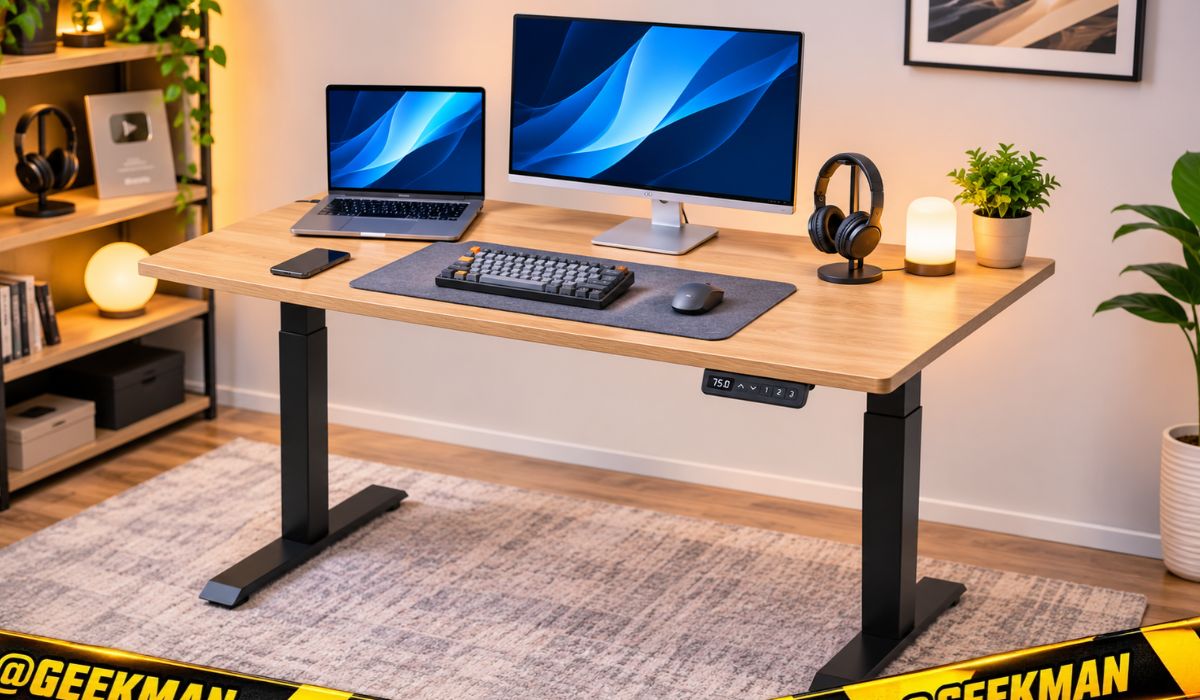
LCD handset with height display · 4 presets · 90 kg · 710 to 1,160 mm · 2 yr warranty
Best for
✓ People who like seeing the exact height on a screen
✓ Buyers who want a brand that only sells standing desks
✓ Home offices with a laptop and one or two monitors
Not ideal for
– Heavy PC setups
– Buyers who want a stated dual motor
Verdict: A focused standing desk brand with a handset that shows the exact height and a clear 2 year warranty on all components.

ErgoYou Electric Height Adjustable Table Motorized Ergonomic Sit Stand Desk - 90 Kgs Max Weight Capacity - SM3 Series - 47 x 23.5 inches - Maple Laminated Table Top
Great Indian Festival Up to 6% instant discount on select credit cards +1
- Up to 6% instant discount on select credit cards
- Cashback with Amazon Pay ICICI Bank Credit Cards
Pros and cons
What I like
+ LCD handset shows the exact height
+ 4 customisable memory presets
+ 2 year warranty on all components
+ Video call help for assembly
What I don’t like
– 90 kg limit is lower than the Intellidesk
– The motor count is not stated, so it cannot be called dual motor
ErgoYou electric height adjustable desk: what it is and the real numbers
The ErgoYou Electric Height Adjustable Desk is a 120 by 60 cm sit stand desk with a 25 mm top, which is thick for this price band and the first thing you feel when you lean on it. The height range runs from about 70.5 cm to 120.5 cm. The load figures are the most useful detail: ErgoYou quotes 125 kg static and 100 kg while lifting, so there is a real gap between what it can carry and what it can raise. There are four memory presets. Check whether the frame uses one motor or two, and do not assume dual motor on the strength of the load figure alone.
My take: this is a very good desk for a home office with one big monitor, a laptop dock and not much else. The 120 cm width is the sweet spot for a bedroom corner, and the 25 mm top gives it a solid feel that thinner tops lack. Because the lifting rating is 100 kg, I would not worry about a desktop PC tower plus two monitors, as long as the weight sits towards the middle. For someone who wants a desk that looks and feels like a proper piece of furniture, the ErgoYou suits better than the cheaper particle board models. Set preset one to sitting and preset two to standing, and use the other two for a second person or a perching stool height.
ErgoYou desk cost of ownership and the extras to budget for
As with every electric desk, power use is trivial. A move from sitting to standing runs the motor for under half a minute, so the electricity bill barely changes. The money angle is the warranty and the missing parts. ErgoYou gives 4 years, which is more than the 2 year desks in this list, so over a typical five year life you only carry one year without cover. Budget Rs 400 to 800 for a cable tray or clips, because the top has no grommet hole, and Rs 2,500 to 5,000 for a monitor arm if you want the top clear. A mat adds Rs 1,500 to 3,000. These small costs decide whether the desk feels finished, and they are the same ones I would add to the Wakefit Notiq.
Living with the ErgoYou desk: stability, noise and cable mess
Day to day the thick top helps with stability, because a heavy top damps the sway you feel at standing height. The four presets are enough for two users. The weak point is cables. With no grommet hole or built in tray you will see power leads dangle behind the desk, and you will need to route them with clips so they do not snag when the desk lowers. That is a real problem, because a snagged cable during the lowering is what damages ports. Test the full travel with everything plugged in before you go back to work. ErgoYou does not print a noise figure, so judge it yourself on a quiet evening after setup.
ErgoYou standing desk assembly, warranty and service
This is a DIY assembly desk with detailed instructions, so allow an hour or two and a second pair of hands for the top. Warranty is 4 years, but ask what the split is between the frame and the electrical parts. Keep the invoice and photograph the serial label on the control box. Service reach in India is the open question, so ask the seller for the technician route to your pin code before payment. When the carton arrives, check that the controller, the two leg columns, the crossbar and every screw bag are present, because a missing bag on a heavy desk means a week of waiting.
Who should buy the ErgoYou desk and who should skip it
Its shortcomings: no cable management, no stated motor setup and a price that is not the lowest. Against the Intellidesk Eco Dual it gives up the stated anti collision feature and the larger top, though it counters with a thicker 25 mm surface and a higher static load figure. Against the Sleep Company AeroPlus it offers a longer warranty and a sturdier top, but without free installation. Buy the ErgoYou if you want a solid, wide, simple sit stand desk for one or two monitors and you are happy to assemble it. Skip it if you want built in cable routing, wireless charging or a visit from an installer, or if your pin code has no clear service support.
Key specs
| Motor | Electric, motor count not stated on the page |
| Height range | 710 to 1,160 mm with the top |
| Load (as stated) | 90 kg |
| Presets | 4, with LCD height display |
| Tabletop | 25 mm pre laminated engineered wood, 750 x 1500 mm |
| Assembly | DIY, 30 to 60 minutes, video call help |
| Warranty (as stated) | 2 years on all components, not misuse |
Best Installation Support
3. The Sleep Company AeroPlus Electric Desk
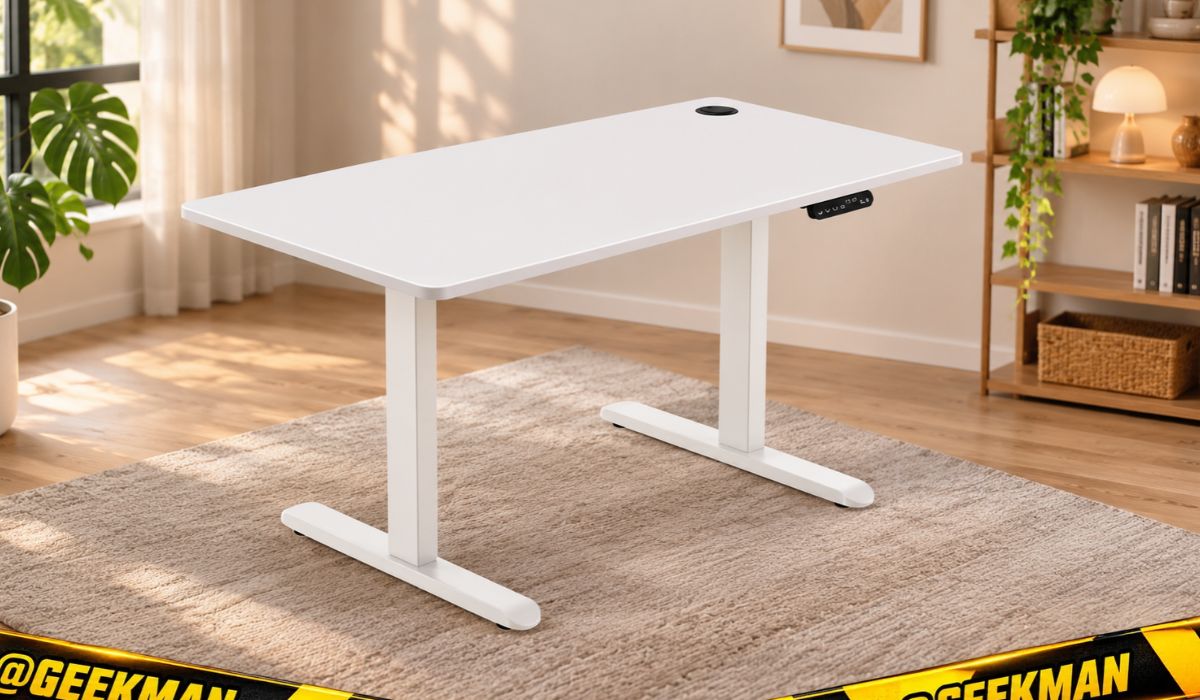
Two stage electric lift · 80 kg · Memory presets · Free installation on selected pincodes · 2 yr warranty
Best for
✓ Buyers who do not want to assemble a desk themselves
✓ People who want a known home brand
✓ Home offices that need a clean, simple look
Not ideal for
– Heavy PC setups
– People outside the installation pincodes who hate DIY
Verdict: The easiest desk on this list to live with. A big brand, a stated 2 year warranty and free installation by its own technicians on selected pincodes.

The Sleep Company - AeroPlus Electric Height Adjustable Desk | Ergonomic Work from Home Table | 4 Memory Presets | 2 Years Warranty | 1200 x 600 Thick Top | Free Installation | Black & Black
Great Indian Festival Up to 6% instant discount on select credit cards +1
- Up to 6% instant discount on select credit cards
- Cashback with Amazon Pay ICICI Bank Credit Cards
Pros and cons
What I like
+ Free installation by company technicians on selected pincodes
+ 2 year warranty stated in the title
+ Quiet two stage electric lift
+ 80 kg load, enough for a normal desk setup
What I don’t like
– Presets are given as 3 in one place and 4 in another
– Motor count is not clearly stated
Sleep Company AeroPlus electric desk: what it is and the real numbers
The Sleep Company AeroPlus Electric Desk is a two stage electric standing desk on a powder coated steel frame with an engineered wood top. It comes in a 1200 by 600 mm size and a larger 1600 by 700 mm one, and the height range runs from about 72 cm to 120 cm. It has a digital display, memory presets and a cable grommet hole in the top, and the top is 18 mm thick. The load figure is where I would slow down. The load is quoted as 80 kg in some places and 60 kg in others, so plan around 60 kg and not the larger number. The preset count is also quoted as three in one place and four in another.
My take: this is a desk for a bedroom or a rented flat where installation and looks matter more than carrying a heavy rig. One laptop, one monitor, a lamp and a notebook sit comfortably inside a 60 kg limit. If you plan a desktop tower and two screens, I would look at the Intellidesk Eco Dual instead. The larger 1600 by 700 mm top is the one I would pick if you have the wall for it, because the depth of 70 cm lets a monitor sit at a proper arm distance, which a 60 cm deep top does not. Set the standing height so your elbows sit at 90 degrees and your screen top is at eye level.
Sleep Company AeroPlus cost of ownership and what the warranty means
Power draw is not worth costing, since the motor works for about 15 seconds at a time and the desk sits idle the rest of the day. The money question is the warranty, which is 2 years. Over a five year life that leaves three years uncovered, so I would count on one paid repair, probably the controller. Free professional installation saves you the Rs 800 to 1,500 a fitter would charge for a heavy electric desk, and that is a genuine saving worth putting a number on. Add Rs 2,500 to 5,000 if you want a monitor arm to free the top. Compared with the Wakefit Notiq, which carries a longer frame warranty, the saving here is mostly in the installation, not the cover.
Living with the Sleep Company AeroPlus: display, noise and gaps
The digital display is a real convenience, because you see the exact height instead of guessing, and the presets get you back to a saved height with one press. The grommet hole is a thoughtful touch that many cheaper desks skip, and it keeps the cables off the floor. What is missing is storage furniture: there are no hooks, no cup holder and no drawer, so a headphone hook or a clip on organiser is a small extra. The motor is advertised as quiet, but no decibel figure is printed, so listen to it during installation.
Sleep Company standing desk installation, warranty and service
The Sleep Company sends a technician to assemble the desk, so you do not need to read a 40 step manual or lift the frame yourself. Ask them to run the reset routine, to level the feet on your actual floor and to show you how to set the presets before they leave. Warranty is 2 years. Ask whether it covers parts and labour, and whether the cover is on the motor, the controller and the handset. The brand runs its own stores and a service line, which is a better position than a seller who only ships boxes, but ask for the nearest service point for your pin code, since response times outside the large cities vary. On delivery, photograph the cartons before the technician opens them.
Who should buy the Sleep Company AeroPlus and who should skip it
It falls short on three things: the unclear load figure, a warranty of only 2 years and the lack of hooks. Against the Wakefit Notiq the AeroPlus gives you a wider choice of top sizes and a grommet hole, while the Notiq gives you a longer frame warranty. Against the ErgoYou Electric Height Adjustable Desk it gives you free installation and the larger top, but loses on top thickness and warranty length. Buy the Sleep Company AeroPlus if you want a good looking desk that someone else assembles, for light to medium use. Skip it if you will load it with a heavy desktop and several monitors, or if you want the longest warranty in the price band.
Key specs
| Motor | Two stage electric lift |
| Load (as stated) | 80 kg |
| Presets | 3 to 4, the page differs |
| Top | 1200 x 600 mm thick top, engineered wood |
| Frame | Steel |
| Installation | Free, by company technicians on selected pincodes |
| Warranty (as stated) | 2 years |
Best Frame Warranty
4. Wakefit Notiq Electric Adjustable Desk
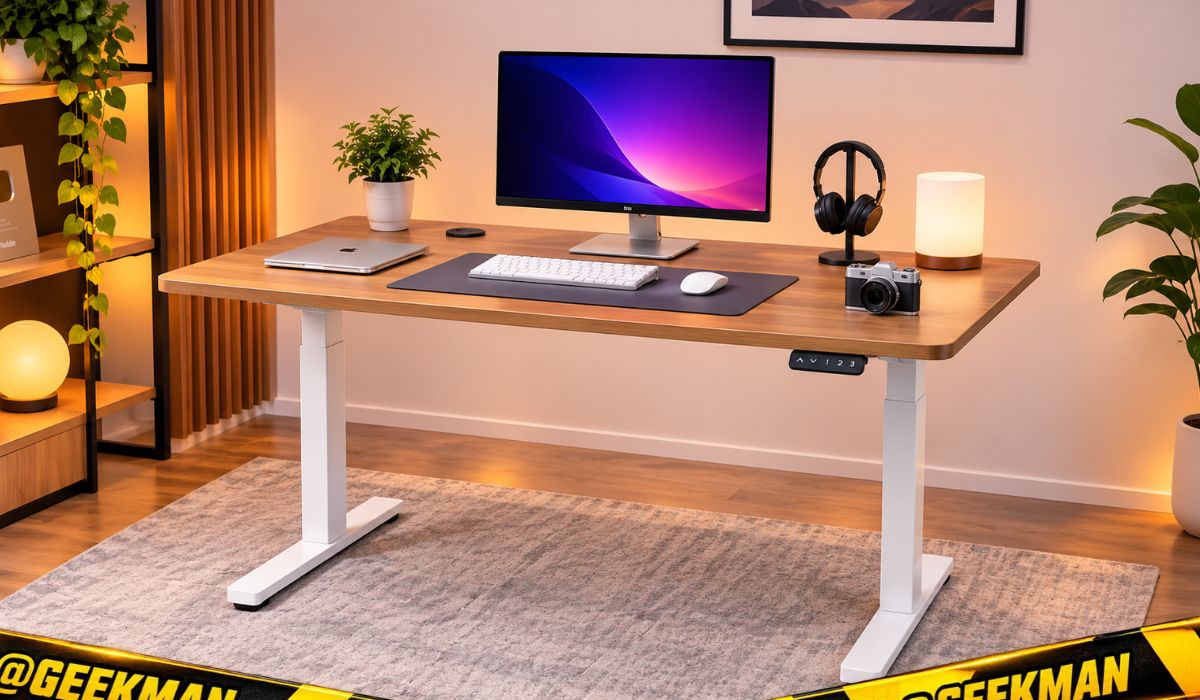
5 yr frame warranty · 2 yr electrical · 70 to 120 cm · 80 kg · 120 cm top · Memory presets
Best for
✓ Buyers who care about warranty length
✓ Study and work from home desks
✓ People who like a known furniture brand
Not ideal for
– Buyers who need a wide top
– Heavy PC setups
Verdict: The warranty pick: 5 years on the frame and 2 years on the electrical parts, from a brand that has its own service network.

Wakefit Notiq Electric Adjustable Study Table - 120 Cms (Black Frame)
Up to 6% instant discount on select credit cards +1
- Up to 6% instant discount on select credit cards
- Cashback with Amazon Pay ICICI Bank Credit Cards
Pros and cons
What I like
+ 5 year warranty on the frame
+ 2 year warranty on the electrical parts
+ 70 to 120 cm height range
+ Cold rolled carbon steel frame
What I don’t like
– An 18 mm particle board top is thinner than the 25 mm tops on some rivals
– Top is 120 cm wide, so it is on the compact side
Wakefit Notiq electric adjustable desk: what it is and the real numbers
The Wakefit Notiq Electric Adjustable Desk is a motorised sit stand desk with a height range of about 70 cm to 120 cm, a rated load of 70 kg and an 18 mm particle board top on a steel frame. It stores four memory presets and runs a quiet electric motor. Top size differs between variants, so check the dimensions on the carton before you plan a layout. The number to hold on to is 70 kg, the lowest load rating among the electric desks in this list, which tells you what kind of desk this is.
My take: the Notiq is an entry level desk with a good warranty, and it suits a student or a person who works from one laptop and one monitor. At 70 kg it is not for a desktop tower, two large monitors and a speaker set. For that you want the Intellidesk Eco Dual or the ErgoYou Electric Height Adjustable Desk. Where the Notiq is strong is the buying experience: it is a brand most people already trust for beds and chairs, which makes a claim easy to raise. I would set the height presets for sitting and standing and keep the other two for a footrest height and a quick break stand.
Wakefit Notiq cost of ownership and what you save
Electricity does not matter here, as the motor runs for seconds at a time. The savings are in the warranty and the installation. Wakefit gives 5 years on the frame and 2 years on the electrical parts, and the installation is free. A fitter for an electric desk usually costs Rs 800 to 1,500, so free installation pays for a monitor arm by itself. Over five years the frame is covered all the way, and the part that can fail, the electronics, is covered for two. Plan for one possible controller replacement after year two. Compared with the Sleep Company AeroPlus, which gives 2 years in all, the Notiq looks the better deal on paper, and the gap between them is the frame cover.
Living with the Wakefit Notiq: noise, top and daily habits
The 18 mm particle board top is plain, and it will show a coffee ring if you leave a cup on it, so a desk mat is worth a few hundred rupees. Four presets are enough for two people. The motor is described as quiet, and with a modest load it should be, but judge any noise claim by hearing it, so run the desk up and down twice during installation. With a 70 kg limit, keep the heaviest items near the centre and avoid leaning on the front edge when standing. Check that the top sits flat and the edges are sealed, because particle board swells if water gets into a raw edge.
Wakefit standing desk warranty, installation and service in India
Wakefit installs the desk for free, so you should not have to assemble it. Be there when the technician works, ask them to run the reset routine and ask them to show you each preset. Warranty is 5 years on the frame and 2 years on the electrical parts, so ask them to note this on the invoice. Wakefit is a large, well known brand, but a technician may take longer to reach smaller towns, so ask about your pin code. When it arrives, check that the carton lists the right size and finish, since a wrong colour or size is easiest to sort out on the day.
Who should buy the Wakefit Notiq and who should skip it
The weak points are the 70 kg limit, an 18 mm top and a controller cover of only 2 years. Against the JIN OFFICE Octave it offers a longer warranty and free installation, while the Octave counters with a thicker 25 mm top and a higher 80 kg rating. Against the Sleep Company AeroPlus it gives you a longer frame cover, but fewer top size options. Buy the Wakefit Notiq if you want a trusted brand, free fitting and a long frame warranty for light work. Skip it if you plan a heavy desktop setup, want a thick top or need a very wide surface.
Key specs
| Motor | Electric, motor count not stated |
| Height range | 70 to 120 cm |
| Load (as stated) | 80 kg |
| Top | 120 cm wide, 18 mm particle board |
| Frame | Cold rolled carbon steel |
| Presets | Memory presets on the panel |
| Warranty (as stated) | 5 years frame, 2 years electrical |
Best for Tall Users
5. JIN OFFICE Octave Electric Standing Desk
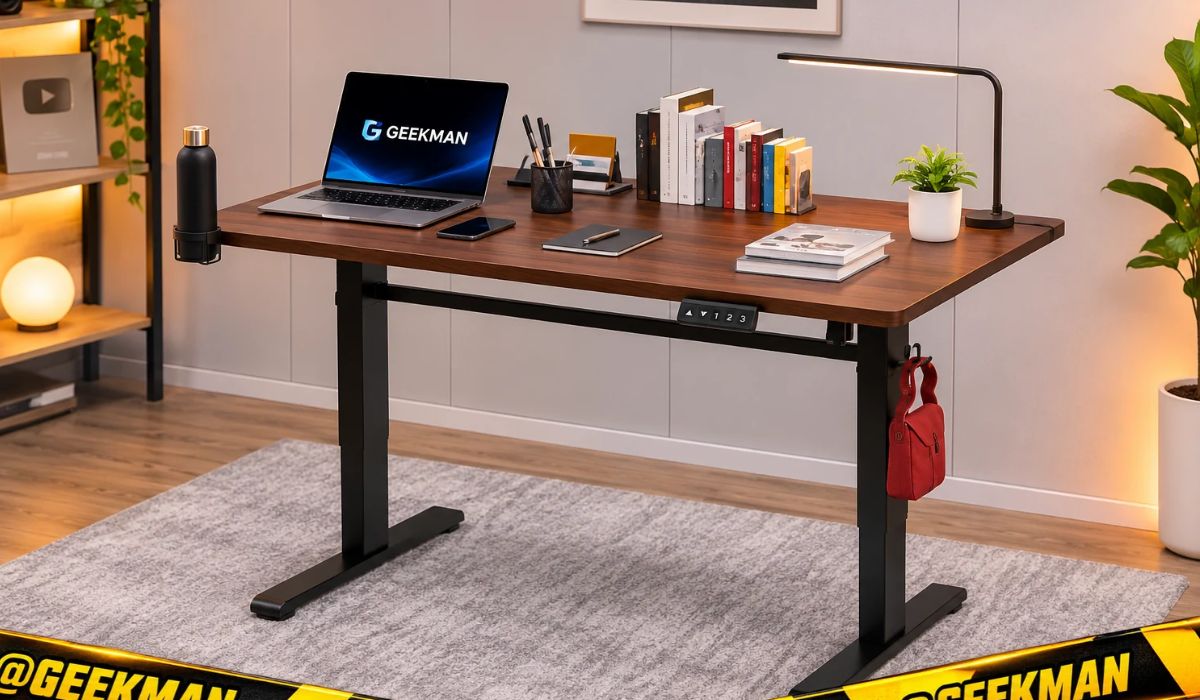
80 kg · 25 mm one piece top · Memory presets · Max height 1,180 mm · Optional stability crossbar · 2 yr warranty
Best for
✓ Tall users who need a high maximum height
✓ Buyers who want an optional crossbar for extra stability
✓ People who want a 2 year manufacturer warranty
Not ideal for
– Buyers who want installation done for them
– Heavy PC setups
Verdict: A well known desk brand with a tall 1,180 mm maximum height, an optional crossbar and a clear 2 year warranty.

JIN OFFICE Octave Height Adjustable Desk Electric | Sit Stand Table, 80 Kg Wt. Cap, 2 Year Warranty| Standing Desk with Memory Preset, Cup Holder| Stability Crossbar| Brown 1200*750mm/25mm Thick Top
Mega Festival Deal Up to 6% instant discount on select credit cards +1
- Up to 6% instant discount on select credit cards
- Cashback with Amazon Pay ICICI Bank Credit Cards
Pros and cons
What I like
+ Maximum height of 1,180 mm
+ Optional stability crossbar for tall settings
+ 25 mm one piece, pre drilled top
+ 2 year manufacturer warranty
What I don’t like
– Self installation with a screwdriver
– Motor count is not clearly stated
JIN OFFICE Octave electric standing desk: what it is and the real numbers
The JIN OFFICE Octave Electric Standing Desk is a 120 by 75 cm desk with a one piece laminated MDF top that is 25 mm thick, and the depth of 75 cm is unusual at this price. Maximum height is 118 cm, load is rated at 80 kg and the warranty is 2 years against manufacturing defects. The top is pre drilled, so you fix it to the frame with a screwdriver. There is an optional crossbar that adds side to side stability at tall settings. The motor count, minimum height and number of stored presets are not clearly stated, so confirm them with the seller before you pay.
My take: the Octave is a desk for someone who cares about the surface. A 75 cm deep, 25 mm thick laminated top lets you push a monitor back to a comfortable distance and still have space for a notebook in front. For writers, designers and people who work on a laptop plus one external screen, that depth matters more than extra motors. The 118 cm maximum height suits people up to about 180 cm when the keyboard is at elbow height, but a very tall user should check the sizing rule: if your standing elbow height is above 118 cm, this desk will not reach you. Fit the crossbar, because it costs nothing and stops sway.
JIN OFFICE Octave cost of ownership and where the money goes
Power cost is negligible, because the motor runs only while the desk moves. The money angle is the 2 year warranty. Over five years that leaves three uncovered, so budget for a possible controller fix. The top is thick and heavy, so free fitting is not offered, and a fitter may charge Rs 800 to 1,500. If you assemble it yourself you save that, since the top is pre drilled and the job is mostly lifting. A cable tray at Rs 400 to 800 and a monitor arm at Rs 2,500 to 5,000 are the sensible extras. Against the Wakefit Notiq, which has a longer cover, the Octave charges you for its better surface in warranty length, and I would weigh that trade.
Living with the JIN OFFICE Octave: surface, hooks and stability
Side hooks and a cup holder are part of the package, which is practical for headphones and a bag, though a cup next to a keyboard is a risk I would avoid. The laminated top resists water and scratches better than a raw particle board top. With the crossbar fitted, the frame is steadier at full height, and a heavy top damps vibration while typing. Presets let you return to a saved sitting or standing height with one press. Check how quietly it runs when you first set it up, since no noise figure is printed for it. Keep the cables loose enough to follow the top as it travels, and test the full range before you plug in the monitor.
JIN OFFICE standing desk assembly, warranty and service
Assembly is a DIY job: bolt the legs to the crossbar, fix the controller, then screw the top onto the pre drilled holes. Two people make it easier because a 25 mm MDF top is heavy. The warranty is 2 years and excludes misuse, so a desk overloaded or dropped will not be covered. The brand has no clear service network beyond the seller, so ask who handles a motor or controller fault and how long a replacement takes. Keep the invoice and photograph the controller label. On delivery, check the top for chipped corners, because laminated MDF shows damage at the edges first.
Who should buy the JIN OFFICE Octave and who should skip it
Where it falls short: only 80 kg rating, a 2 year warranty, and no clear service route. Against the Green Soul Imperium Standing Desk it offers a deeper, thicker top, while the Green Soul gives a longer 3 year warranty and a digital display. Against the Intellidesk Eco Dual you lose the dual motor, anti collision and the 5 year frame cover. Buy the JIN OFFICE Octave if you want a deep, solid feeling surface for one laptop and one monitor and are comfortable assembling it. Skip it if you need a long warranty, a clear service promise or a heavy multi screen load.
Key specs
| Motor | Electric, motor count not stated |
| Max height (as stated) | 1,180 mm |
| Load (as stated) | 80 kg |
| Top | 25 mm engineered wood, pre drilled, 1200 x 750 mm option |
| Extras | Optional stability crossbar, cup holder |
| Assembly | Self installation with a screwdriver |
| Warranty (as stated) | 2 years manufacturer warranty |
Best Extras With Installation
6. Green Soul Imperium Standing Desk
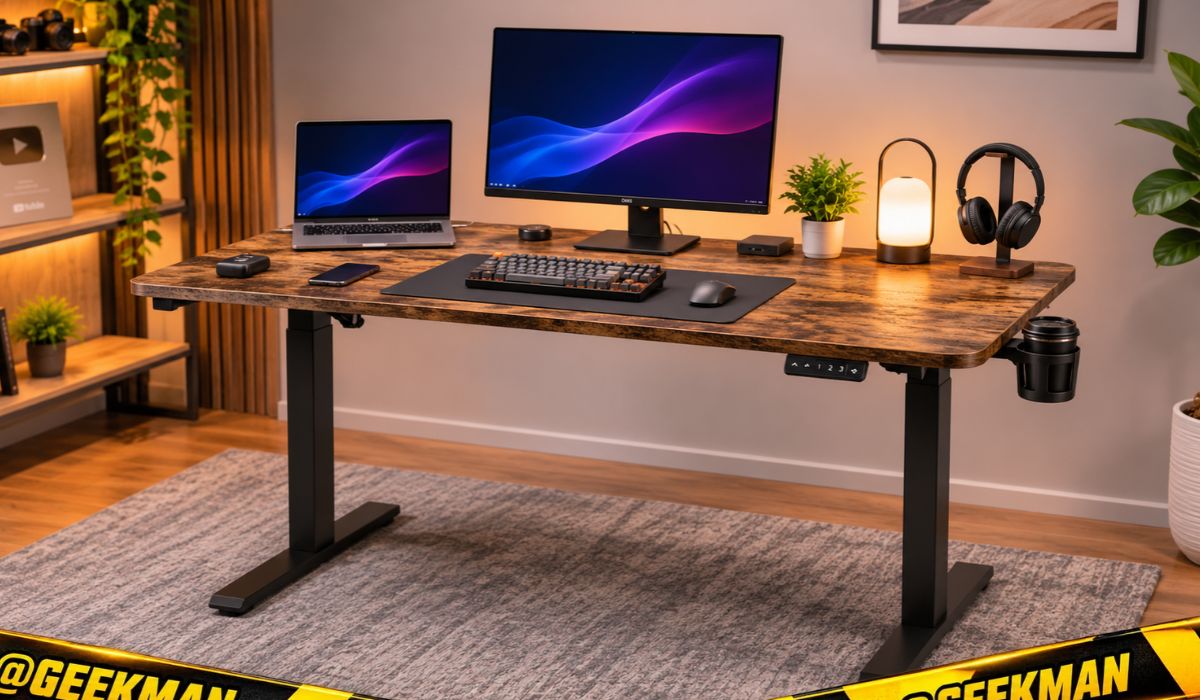
72 to 117 cm · 110 x 60 cm top · T shaped alloy frame · 3 yr warranty · Installation provided
Best for
✓ Gamers and creators who like cup and headphone holders
✓ Buyers who want installation included
✓ People who want a 3 year warranty at a mid price
Not ideal for
– Heavy PC setups, because the load limit is not stated
– Buyers who want more than 2 presets
Verdict: A feature packed desk with a 3 year warranty and installation provided, though I would want the weight limit confirmed first.

Green Soul Imperium Height Adjustable Table for Office Work | Everyday Ergonomic Desk with One Piece Top | Advance Memory Preset | 3 Year Warranty | Installation Provided (GreyOak,1100 x 600 Top)
Great Indian Festival Up to 6% instant discount on select credit cards +1
- Up to 6% instant discount on select credit cards
- Cashback with Amazon Pay ICICI Bank Credit Cards
Pros and cons
What I like
+ 3 year warranty stated in the title
+ Installation provided
+ Headphone hook and cup holder built in
+ T shaped aluminium alloy frame
What I don’t like
– Load rating is not clearly stated
– Only 2 height presets
Green Soul Imperium standing desk: what it is and the real numbers
The Green Soul Imperium Standing Desk is a single motor electric desk from an Indian brand that sells a whole range of them. It is a 4 foot desk with a height range of 72 to 117 cm, a load rating of 80 kg, three memory presets and a digital height display. It ships in four colours with a cup holder and headphone hook. Green Soul quotes a 3 year warranty, though its FAQ splits this into 3 years on the frame and 1 year on the motor, so read the card. Single motor frames lift at about 25 mm per second, which means a full travel of 450 mm takes about 18 seconds.
My take: this is the sensible budget pick for a first standing desk. A 4 foot top is enough for a laptop, a monitor and a notebook, and the 72 to 117 cm range covers most people up to about 180 cm. A single motor desk is fine for that kind of load, and the Imperium is cheaper than the dual motor desks. It is not the desk for a gaming tower and three screens. If you are heavier on equipment, the Intellidesk Eco Dual is a better frame. I would set preset one for sitting, preset two for standing and use the third for a perch stool height for the afternoon slump.
Green Soul Imperium cost of ownership and the cost per year
Electricity is a rounding error on any electric desk, so the useful maths is cost per year of cover. With 3 years on the frame and 1 on the motor, you carry the motor risk yourself from year two. A replacement controller or motor is the likeliest repair, so I would set aside a small repair fund. Free installation in select pin codes saves Rs 800 to 1,500 if your area is covered, and the brand says its team contacts you within three days of delivery. Extras that make sense are a monitor arm at Rs 2,500 to 5,000 and a mat at Rs 1,500 to 3,000. Compared with the Furmax 48 Inch Electric Standing Desk, the Imperium is a safer buy because its terms are written down.
Living with the Green Soul Imperium: display, hooks and limits
The digital display shows height, so you do not have to guess, and three presets give one position for each way you work. The cup holder and headphone hook are small helpful touches. With a single motor the frame is slower and can sway slightly more at standing height than a dual motor one, especially if the load sits off centre. Keep monitors close to the middle and avoid leaning on the front edge. The 4 foot top is compact, which is good for a small room and tight for two monitors. Test the desk through its full travel on the day it is installed, and check that the top is level with a phone spirit level.
Green Soul standing desk installation, warranty and service
Green Soul offers free installation in select pin codes. Ask, before you pay, whether your pin code is one of them, because outside the list you either assemble it yourself or pay a fitter. The warranty is 3 years on the frame, with a 1 year term on the motor mentioned in the brand’s own FAQ, so ask for the exact wording. The brand sells a large number of models, which helps with spare parts, but ask whether service reaches your smaller town. Keep the invoice, photograph the serial label and run the reset routine after assembly. On delivery, check that the colour and the 4 foot size match what you ordered.
Who should buy the Green Soul Imperium and who should skip it
Its weaknesses are single motor sway at height, an 80 kg rating and a motor warranty that may be shorter than the headline. Against the Wakefit Notiq it offers a higher load rating and a display, while the Notiq gives a longer frame cover and the stronger brand name. Against the JIN OFFICE Octave it gives a longer cover and a display, but a thinner top, so check the thickness before you buy. Buy the Green Soul Imperium if you want a first standing desk at a sensible cost with written terms. Skip it if you need a dual motor frame for heavy equipment or you live outside the installation pin codes.
Key specs
| Motor | Electric |
| Height range | 72 to 117 cm |
| Top | 110 x 60 cm particle board |
| Frame | T shaped aluminium alloy |
| Presets | 2 height positions |
| Extras | Headphone hook, cup holder |
| Installation | Provided, subject to technician availability |
| Warranty (as stated) | 3 years |
Best Large Top for Budget
7. Furmax 48 Inch Electric Standing Desk
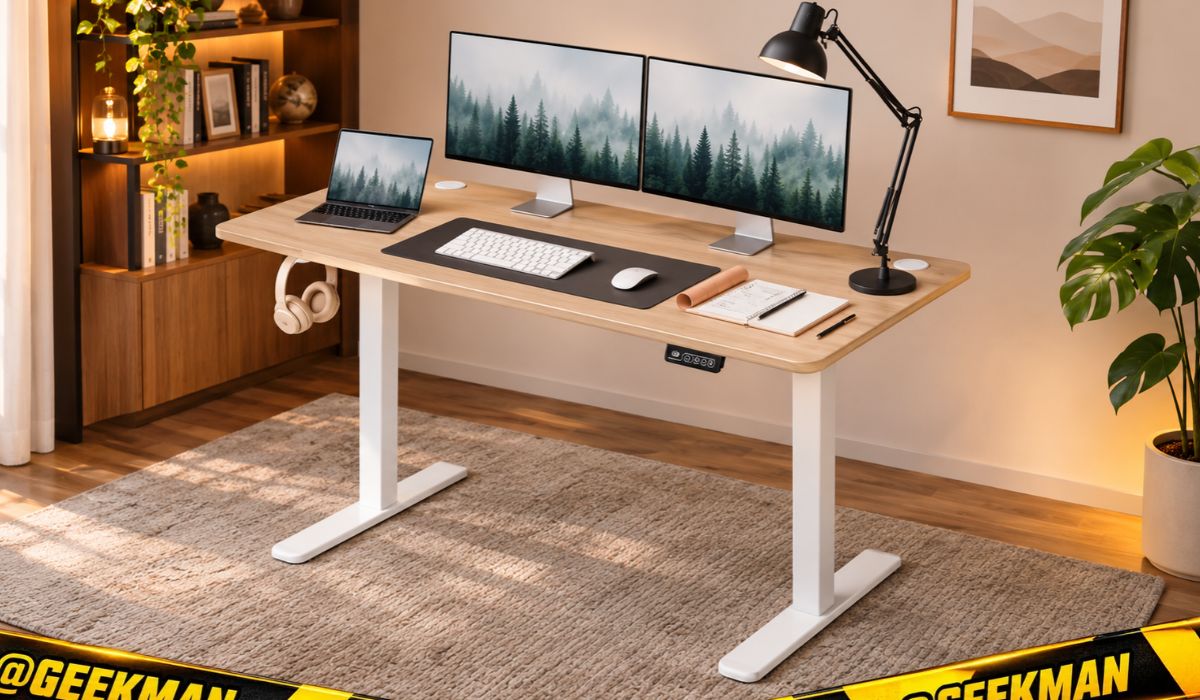
48 x 24 in top · 28.7 to 46.4 in · Under 50 dB · 2 memory keys · T shaped feet
Best for
✓ Budget buyers who want a wide top
✓ Home offices with a laptop and a monitor
✓ People who do not need installation help
Not ideal for
– Buyers who want a stated warranty
– Heavy PC setups
Verdict: A big 48 x 24 inch top at a budget price, but the load limit and the warranty are not stated, so I would ask first.

Furmax 48 Inches Electric Height Adjustable Standing Desk Home Office Desk | Large Sit Stand Up Computer Desk Memory Preset with T-Shaped Metal Bracket, Wood
Up to 6% instant discount on select credit cards +1
- Up to 6% instant discount on select credit cards
- Cashback with Amazon Pay ICICI Bank Credit Cards
Pros and cons
What I like
+ 48 x 24 inch top for the price
+ Under 50 dB motor, as stated
+ 2 memory keys and a wire hole
+ T shaped feet for balance
What I don’t like
– Load rating and warranty are not stated
– Only 2 memory keys
Furmax 48 inch electric standing desk: what it is and the real numbers
The Furmax 48 Inch Electric Standing Desk is the odd one out in this list, because Furmax is a brand built for the US market and its published numbers are thin. The basics: the height range runs from about 28.7 to 48 inches, which is roughly 73 to 122 cm, the lift speed is about 1 inch per second, the noise is quoted under 50 dB, and the desk has two memory keys. The top ships in two pieces. The load rating, motor count and top thickness are not clearly stated, and most importantly there is no clear warranty or service promise for India, so get all of it in writing. The desk is also sold in several lengths, so match the carton to the 48 inch size.
My take: treat the Furmax as a light duty desk for one laptop and one monitor, and not as a main workstation. The numbers I do have are fine for that. A lift of about an inch a second means the full travel takes around 17 seconds, which is quick, and the 73 cm minimum suits an average desk chair. A 48 inch top is compact enough for a small room or a corner. Where I would hesitate is anything heavy, because without a stated load rating you are guessing. If you want a desk to carry two screens, a tower and accessories, the Intellidesk Eco Dual or the ErgoYou Electric Height Adjustable Desk are the safer choices.
Furmax desk cost of ownership and the risk you carry
Power use is trivial, with the motor running about 17 seconds per move, so the cost sits in what happens when something breaks. The brand’s own warranty is a short 30 days in the US. If the Indian seller gives a longer term, get it in writing, because without it a failed controller after the first month is your repair bill. Compare that with the 5 years on the frame from Intellidesk and the 3 years from Green Soul. Over five years the gap in cover is the real price difference. Add Rs 2,500 to 5,000 for a monitor arm and Rs 400 to 800 for cable clips. A fitter for a self assembled desk costs Rs 800 to 1,500 if you want one.
Living with the Furmax 48 inch desk: speed, noise and top
The speed is the pleasant part, since a one inch per second lift gets you from sitting to standing before your coffee cools. Two memory keys are enough for one person, one for sitting and one for standing, but a shared desk would want more. The top ships in two pieces, which means a seam across the middle, and a seam will catch a mouse pad edge. Under 50 dB is a normal figure for a quiet motor, though that figure may rise under load. There is no mention of anti collision, so keep the underside clear and do not rely on the desk to stop when it meets a shelf or a chair arm.
Furmax standing desk assembly, warranty and service in India
Assembly is a DIY job, with legs, crossbar, controller and a two piece top to fit. Allow two hours and keep a second person for the flip. Furmax has no clear Indian service network, so ask the seller who handles a faulty motor, how long it takes and whether the warranty is on the seller or the brand. Photograph the controller label and keep the invoice. Run the reset routine after assembly so the desk learns its travel. On delivery, check that the carton is the 48 inch size, since the brand sells both 48 and 55 inch versions.
Who should buy the Furmax 48 inch desk and who should skip it
It falls short on information: no load rating, no India warranty and no clear service route, plus a two piece top. Against the Green Soul Imperium Standing Desk you give up written terms and a display, though you keep a quick lift. Against the ARTIKEL Artidesk Eco Electric Desk you give up a 3 year warranty and a known frame. Buy the Furmax 48 inch only if the seller puts a real warranty in writing and your use is light, such as one laptop and one monitor. Skip it if you need a heavy load, a main workstation or a dependable service line.
Key specs
| Motor | Electric, quiet (under 50 dB as stated) |
| Top | Up to 48 x 24 in |
| Height range | 28.7 to 46.4 in |
| Speed | About 1 in per second |
| Memory | 2 memory keys |
| Load | Ask the seller |
| Warranty | Ask the seller |
Lowest Price Pick
8. ARTIKEL Artidesk Eco Electric Desk
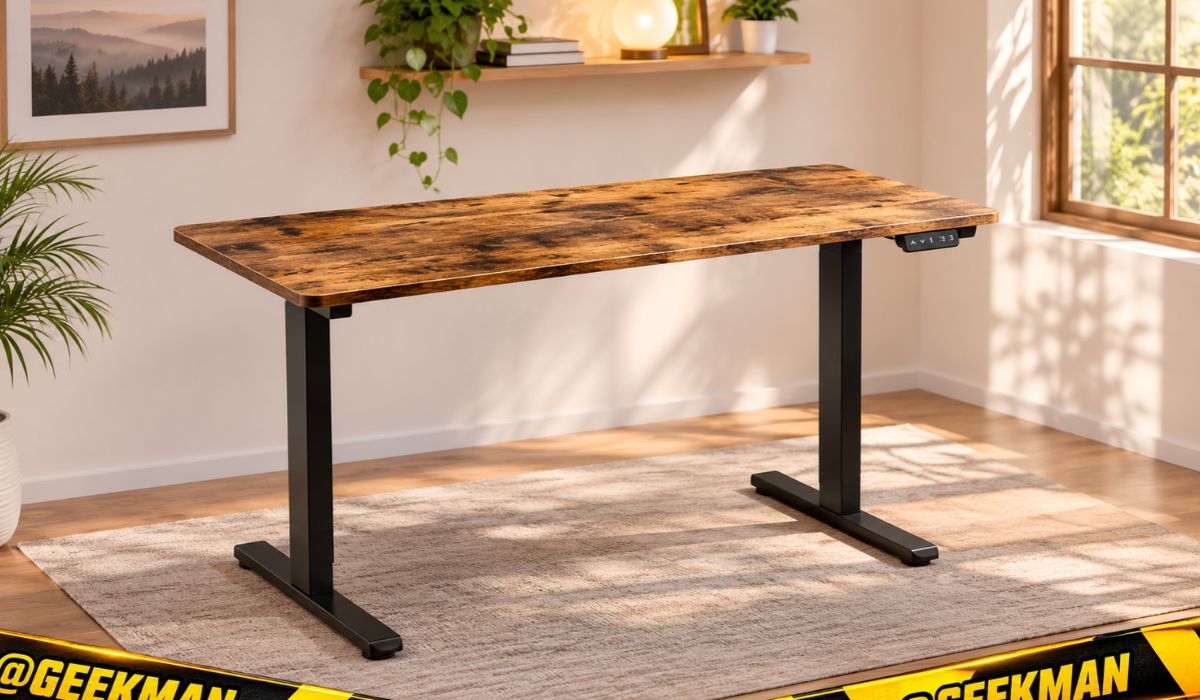
80 kg · 72 to 118 cm · 3 presets with child lock · Under 55 dB · 100 or 120 cm top · 3 yr warranty
Best for
✓ The tightest budget
✓ First time standing desk buyers
✓ Students and light work from home use
Not ideal for
– Heavy PC setups
– People who want a quiet motor like the premium desks
Verdict: The cheapest desk on this list that still states an 80 kg load, a height range and a 3 year warranty that covers the motor.

ARTIKEL Artidesk Eco Electric Height Adjustable Table for Office Work & Home-Sit Stand Gaming Desk 80kg Load, Cup Holder, 2 Hooks,Cable Organizer 2Split Tabletop (Rustick Brown, Eco - 100x60 CM)
Great Indian Festival Up to 6% instant discount on select credit cards +1
- Up to 6% instant discount on select credit cards
- Cashback with Amazon Pay ICICI Bank Credit Cards
Pros and cons
What I like
+ Lowest price here
+ 80 kg load and a 65 x 45 mm steel frame
+ 3 presets and a child lock
+ 3 year warranty that covers the motor and controller
What I don’t like
– Noise is stated under 55 dB, louder than the 45 dB Intellidesk
– Basic top and no frills
ARTIKEL Artidesk Eco AAD-ECO standing desk: what it is and the real numbers
The ARTIKEL Artidesk Eco (model code AAD-ECO) is a family of electric desks in 100, 120 and 140 cm widths, all 60 cm deep, with a height range of 72 to 118 cm and an 80 kg load rating. The frame is 65 by 45 mm steel and the top comes in two pieces. The controller has an LED display, three memory presets and a child lock, and the motor is quoted at under 55 dB. The lift speed is about 2.5 cm every 3 seconds, so a full 46 cm travel takes close to 55 seconds, which is slow. The frame alone weighs about 15 kg. Ask whether it uses one motor or two.
My take: the Artidesk Eco is a good value desk for a bedroom or a spare room, and the 140 cm version is the one I would choose, because the 100 cm top is crowded with a second monitor. It is an 80 kg desk, so one or two monitors on arms and a laptop are fine. A person heavier on gear should look at the Intellidesk Eco Dual. The slow lift is something you notice only if you change height often, and I would pick preset one for sitting and preset two for standing and change position every 45 minutes. A one minute lift is annoying if you expect a quick change.
ARTIKEL Artidesk Eco cost of ownership and extras
Power cost is not worth working out, since the motor runs for about a minute at a time at most. The warranty is where the money sits: 3 years on the motor, controller and adapter, plus manufacturing defects. That is longer than the 2 year desks in this list and shorter than the 5 year Intellidesk frame cover. Over a five year life, plan for two uncovered years. Extras: a monitor arm at Rs 2,500 to 5,000, anti slip pads at under Rs 300 since the feet lack them, and a mat at Rs 1,500 to 3,000. A paid fitter, if you want one, costs Rs 800 to 1,500, which is a real addition to a budget desk.
Living with the ARTIKEL Artidesk Eco: reset, presets and the top
The first run needs a reset routine: after assembly you press reset, the desk drops to its lowest point, pauses for about 3 seconds and then rises to its limit so it can learn its range. Skip this and the presets will not work properly. A child lock releases when you hold both arrow keys for about 5 seconds. The cup holder, two hooks and a cable organiser are included, which is more than most desks at this level. The two piece top leaves a seam across the middle, and the top itself is the part I would not overload. The feet have no anti slip pads, so a desk on a smooth floor can creep.
ARTIKEL standing desk assembly, warranty and service
The Artidesk Eco arrives unassembled, so it is a DIY job or a paid installation. A second person helps, especially for the 140 cm top, which is awkward to lift onto the frame and to turn upright. Warranty is 3 years on the motor, controller and adapter and covers manufacturing defects. Keep the invoice and register the serial number if the brand offers it. Ask about your pin code before you order, since Artikel’s service outside the large cities is limited. On delivery, check the carton for the right width, the frame box, the controller, the adapter and every bag of screws.
Who should buy the ARTIKEL Artidesk Eco and who should skip it
The shortfalls are the slow lift, no stated motor setup, a two piece top that I would not overload and a heavy assembly. Against the Intellidesk Eco Dual it gives up the load rating, speed and anti collision, but it is the simpler desk. Against the Wakefit Notiq you get a heavier rating and a similar warranty, but no free installation. Buy the ARTIKEL Artidesk Eco AAD-ECO if you want a budget desk with a decent warranty, and you are happy to assemble it. Skip it if you change height all day, need a heavy load or want someone else to fit it.
Key specs
| Motor | Electric |
| Height range | 72 to 118 cm |
| Load (as stated) | 80 kg |
| Frame | 65 x 45 mm steel, 2 split |
| Presets | 3 plus child lock |
| Noise (as stated) | Under 55 dB |
| Top size options | 100 or 120 cm |
| Warranty (as stated) | 3 years, covers motor and controller |
Motor types
Single motor or dual motor: does it matter?
A standing desk has a motor that drives the legs up and down. A dual motor desk has a motor in each leg. A single motor desk has one motor and a rod that links both legs.
| Single motor | Dual motor | |
|---|---|---|
| Load | Fine for a laptop and one monitor | Better for dual monitors and a big PC |
| Stability | Fine at normal heights | Usually steadier at full height |
| Speed | Slower | Faster |
| Cost | Lower | Higher |
| Failure | Fewer parts to fail | Two motors to keep in step |
My view: if you have a laptop and one monitor, a single motor is enough. If you have two monitors, a tower PC or you are tall, the dual motor is worth the extra money.
Height check
Will it fit your height?
Stand with your arms relaxed and note the height of your elbows from the floor. That is roughly where your keyboard should sit when you stand. A rough rule is about 0.62 times your height.
| Your height | Elbow height (rough) | Check the maximum height |
|---|---|---|
| 5 ft 0 in (152 cm) | About 95 cm | Any desk here |
| 5 ft 6 in (168 cm) | About 105 cm | Any desk here |
| 6 ft 0 in (183 cm) | About 115 cm | Pick a desk that reaches 118 cm or more |
These are rough figures. The stated maximum height may or may not include the top, so check with the seller. If you are taller than 6 ft, look at the Intellidesk, the Octave or the ARTIKEL Artidesk Eco.
Desk or converter
Full desk, frame only or a converter?
You have three ways to get a standing desk. A full desk comes with the top. A frame only is just the legs, and you add your own top. A converter sits on your existing table and lifts your screen and keyboard.
| Type | Good for | Watch out for |
|---|---|---|
| Full desk | Most people | The top is part of the price |
| Frame only | People who already own a good top | Check the width range of the frame |
| Converter | Renters, tight budgets | Smaller space and a slightly wobbly feel |
I focus on full desks here. If you want a small riser or a table for the sofa, see our best laptop table list.
Setup
How to set up your desk in five minutes
A good desk set up badly still hurts. Do these in order.
1. Sitting height
Elbows at about 90 degrees, forearms flat on the desk.
2. Standing height
Set the desk to elbow height when you stand and save it on a preset.
3. Monitor
Top of the screen at eye level, about an arm’s length away.
4. Chair
Use a proper chair for sitting hours. See our best ergonomic chair list.
5. Switch often
Change position every 30 to 60 minutes, and do not stand all day.
6. Check wobble
Raise the desk to full height with your load on it before you trust it.
A standing desk helps you move more, but it does not treat pain. If you have ongoing back or leg pain, see a doctor.
Warranty check
How long are you covered?
The motor and the handset fail more often than the steel frame, so read what the electrical cover is.
Warranty terms are from the product pages and can change by seller. Keep your invoice and read what the warranty excludes.
Buying guide
How to choose a standing desk: a short checklist
1. Measure your space
Check the top size against your room and your monitor.
2. Pick the motor
One monitor and a laptop: single motor is fine. Heavy setup: dual.
3. Check the load
Add up everything on the desk and keep a margin.
4. Read the warranty
Years, what is covered and who services it in your city.
5. Think about installation
DIY takes 30 to 60 minutes. Some brands install for you.
6. Buy from a good seller
Pick an Amazon fulfilled or brand seller and keep the box until you are sure.
Compare
Standing desk comparison table
| Desk | Motor | Height range | Load | Warranty |
|---|---|---|---|---|
| Intellidesk Eco Dual | Dual | 72 to 120 cm | 100 to 120 kg | Check page |
| ErgoYou Electric Desk | Not stated | 710 to 1,160 mm | 90 kg | 2 years |
| The Sleep Company AeroPlus | Two stage lift | Check page | 80 kg | 2 years |
| Wakefit Notiq | Not stated | 70 to 120 cm | 80 kg | 5 + 2 years |
| JIN OFFICE Octave | Not stated | Up to 1,180 mm | 80 kg | 2 years |
| Green Soul Imperium | Not stated | 72 to 117 cm | Not stated | 3 years |
| Furmax 48 Inch | Not stated | 28.7 to 46.4 in | Not stated | Not stated |
| ARTIKEL Artidesk Eco | Not stated | 72 to 118 cm | 80 kg | 3 years |
Specs are from the product pages on 31 Oct 2026 and can change. “Not stated” means the maker gives no figure.
Skipped questions
Questions other standing desk guides skip
1 · How long should I stand in a day?
There is no magic number. Most guidance says to change position every 30 to 60 minutes. A simple start is 15 to 20 minutes of standing for every hour and then you build up as it feels comfortable. Standing all day is not better than sitting all day.
2 · Is a standing desk really worth the money?
It is worth it if you will use it. The desk helps you change position, but it does not do the moving for you. If you know you will leave it at one height, save the money.
3 · Will the desk wobble at full height?
Every desk wobbles a little at full height, and tall settings make it worse. A dual motor, a wide frame and a crossbar help. Raise it fully with your load on it before you trust it.
4 · Does the motor use a lot of electricity?
No. The motor only runs for a few seconds each time you move the desk, so the running cost is very small. The handset uses a trickle of power while the desk is plugged in.
5 · What happens in a power cut?
The desk stays at the height it was at. You can still use it, and it moves again when power returns. Presets are usually stored in the handset memory.
6 · Can I use my own tabletop?
On a frame only desk, yes. Check that the frame width range fits your top and that the top is thick enough to hold the screws. On a full desk, you can swap the top, but you may lose the warranty.
7 · Why do some pages not state the load limit?
Cheaper pages often skip it. If a page does not say, ask the seller in writing before you load the desk with a heavy PC.
8 · Is a standing desk good for back pain?
It can help because you change posture more often, but pain has many causes. It is not a treatment. If pain continues, see a doctor.
9 · Do I need an anti fatigue mat?
It is optional, but standing on a hard floor for 20 minutes is tiring for some people. A mat or soft shoes can help.
10 · Will it fit in a small bedroom?
Choose a top of 100 to 120 cm and check the depth. A wide desk looks nice, but a smaller one leaves room to walk.
Other desks I looked at
Lukzer electric desks. A budget range with many variants and a 90 kg load on one version. I left it out because it overlaps the ARTIKEL Artidesk Eco and the model names vary a lot.
Green Soul Trigger 2.0, ARTIKEL Case 2.0 and JIN OFFICE EcoSmart and Ascend. Good options in the same price zones as the desks above. I kept one pick per brand and tier.
Manual desks and converters. A manual crank desk like the ARTIKEL Manova saves money but takes effort. For converters and small risers, see our best laptop table list.
Gaming desks. Some of these desks are listed for gaming too, but I cover gaming specific desks in our best gaming table guide.
The verdict
Which standing desk should you buy?
Best Dual Motor: Intellidesk Eco Dual Electric Standing Desk. Check price
Best Display: ErgoYou Electric Height Adjustable Desk. Check price
Best Installation: The Sleep Company AeroPlus Electric Desk. Check price
Best Warranty: Wakefit Notiq Electric Adjustable Desk. Check price
Best for Tall Users: JIN OFFICE Octave Electric Standing Desk. Check price
Best Extras: Green Soul Imperium Standing Desk. Check price
Biggest Top: Furmax 48 Inch Electric Standing Desk. Check price
Lowest Price: ARTIKEL Artidesk Eco Electric Desk. Check price
Not sure? If you have a heavy setup, buy the Intellidesk Eco Dual. If you want someone to install it, take The Sleep Company AeroPlus. If you want the longest frame warranty, take the Wakefit Notiq. If you want the cheapest desk I would still buy, take the ARTIKEL Artidesk Eco.
More buying guides from Geekman
Best standing desk in India FAQ
What is the best standing desk in India?
My pick for a heavy setup is the Intellidesk Eco Dual, because it states a dual motor and has the widest frame range. For an easy purchase, The Sleep Company AeroPlus is installed by the brand on selected pincodes. Check the buy box for the current price.
Which standing desk has the longest warranty?
The Wakefit Notiq states 5 years on the frame and 2 years on the electrical parts. The Green Soul Imperium and the ARTIKEL Artidesk Eco state 3 years.
Which is the best standing desk for a tall person?
Pick a desk with a high maximum height. The Intellidesk Eco Dual reaches 120 cm, the JIN OFFICE Octave states 1,180 mm and the ARTIKEL Artidesk Eco reaches 118 cm.
Is a dual motor standing desk worth it?
It is worth it for dual monitors, a tower PC or a tall user. For a laptop and one monitor, a single motor desk is enough.
Which is the best cheap standing desk?
The ARTIKEL Artidesk Eco is the cheapest desk on this list that states its load, height range and a 3 year warranty. The Furmax 48 Inch has a bigger top but does not state its load or warranty.
How long should I stand at a standing desk?
There is no set number. Most guidance says to change position every 30 to 60 minutes. Start with 15 to 20 minutes of standing in an hour and build up slowly.
Do standing desks wobble?
A little, especially at full height. A dual motor, a wide frame and an optional crossbar reduce it. Test the desk at full height with your load before you rely on it.
Do these desks come installed?
The Sleep Company AeroPlus is installed free by the brand on selected pincodes, and the Green Soul Imperium lists installation as provided. The others are DIY, and most take 30 to 60 minutes.
Can I put a standing desk on carpet?
Yes, but a very soft carpet can make the desk feel less stable. A hard floor is better, or place a thin board under the feet.
Where should I buy a standing desk?
Amazon.in lists all of these desks. Prices were seen on 31 October 2026 and change often, so check the buy box and the seller before you pay.