

Short answer: buy the Lenovo LOQ Essential for the best screen and a published 65W GPU. If you want a lower price, the Acer Aspire 7 (Core 7 240H) at ₹84,990 on Flipkart is the better deal. Every pick here has a 6GB RTX 3050, and none of them has an RTX 4050.
Geekman has covered consumer tech for over 10 years, and this ranking is built the way our buying guides always are: research first, then a hard look at the numbers. For every model we compared official specs, GPU memory and power, display, memory, battery, price, warranty and service reach, and live prices.
The market in 2026
What ₹90,000 buys in a gaming laptop right now
We went through gaming laptops priced between ₹80,000 and ₹91,500, and the picture is clearer than we expected. This price band is the sweet spot for the RTX 3050 6GB. Under it, most laptops ship with a 4GB version of the same chip. Above it, around ₹1 lakh, the RTX 4050 laptops begin.
You will not find an RTX 4050 or RTX 4060 laptop under ₹90,000 today. Memory and graphics chip prices have jumped because of AI demand, and laptops followed. If you want the faster chip, my best gaming laptops under 1 lakh guide is where to look.
95W
Lenovo LOQ 15IRX9
Not in this list, but a good reference for the chip.
Read review
This is the thing I wish more buyers knew. All five laptops here have the same RTX 3050 6GB chip, but the manufacturer decides how many watts it gets. MSI caps the Thin 15 at 45W, Lenovo lists 65W for the LOQ Essential, and MSI lists up to 75W for the Katana. Acer does not publish its number at all.
Find your gaming laptop under 90000 in 3 quick taps
Short answer: the Lenovo LOQ Essential has the best screen and a published 65W GPU, and the Acer Aspire 7 is the better deal on Flipkart. Turn on JavaScript to use the Finder.
The ranking
How I ranked these gaming laptops
Each laptop gets a score out of 10 for performance (40%), value (40%) and service (20%). Performance covers the GPU and its power limit, the CPU, the screen and the RAM. Value is price against what you get and what you can upgrade. Service looks at warranty and how easy it is to get help.
See the scores
| # | Laptop | Perf. | Value | Service | Overall |
|---|---|---|---|---|---|
| 1 | Lenovo LOQ Essential (Ryzen 5 7535HS, RTX 3050 6GB) | 8.0 | 7.8 | 8.0 | 7.9 |
| 2 | Acer Aspire 7 A715-79G (Core 7 240H, RTX 3050 6GB) | 7.8 | 8.3 | 6.8 | 7.8 |
| 3 | Acer ALG AL15G-53 (Core i7, RTX 3050 6GB) | 7.4 | 8.6 | 6.4 | 7.7 |
| 4 | MSI Katana 15 (Core i5-13420H, RTX 3050 6GB, 1TB) | 7.4 | 7.6 | 7.8 | 7.6 |
| 5 | MSI Thin 15 B13UDX (Core i5-13420H, RTX 3050 6GB) | 6.8 | 7.2 | 7.6 | 7.1 |
Scores weigh performance 40%, value 40% and service 20%. They come from official specs, independent test data, listed warranty terms and live prices on 22 October 2026.
Quick picks
| Pick | Laptop | Best for |
|---|---|---|
| Best Overall | Lenovo LOQ Essential (Ryzen 5 7535HS, RTX 3050 6GB) | The best screen under 90,000, with a published 65W GPU |
| Best Value | Acer Aspire 7 A715-79G (Core 7 240H, RTX 3050 6GB) | A newer CPU and 6GB graphics for ₹84,990 |
| Cheapest 6GB | Acer ALG AL15G-53 (Core i7, RTX 3050 6GB) | The cheapest 6GB RTX 3050 laptop here |
| Best for Storage | MSI Katana 15 (Core i5-13420H, RTX 3050 6GB, 1TB) | 1TB SSD, DDR5 and a two year warranty note on Flipkart |
| Lightest | MSI Thin 15 B13UDX (Core i5-13420H, RTX 3050 6GB) | A light laptop with a low-power graphics card |
Tap a name to jump to its review. Live prices are in the buy box under each review. Prices are as seen on 22 October 2026 and bank offers can change them.
The reviews
Best gaming laptops under 90000 in India: 5 picks
Best Overall
1. Lenovo LOQ Essential (Ryzen 5 7535HS, RTX 3050 6GB)
7.9 Overall
8.0 Performance
7.8 Value
8.0 Service
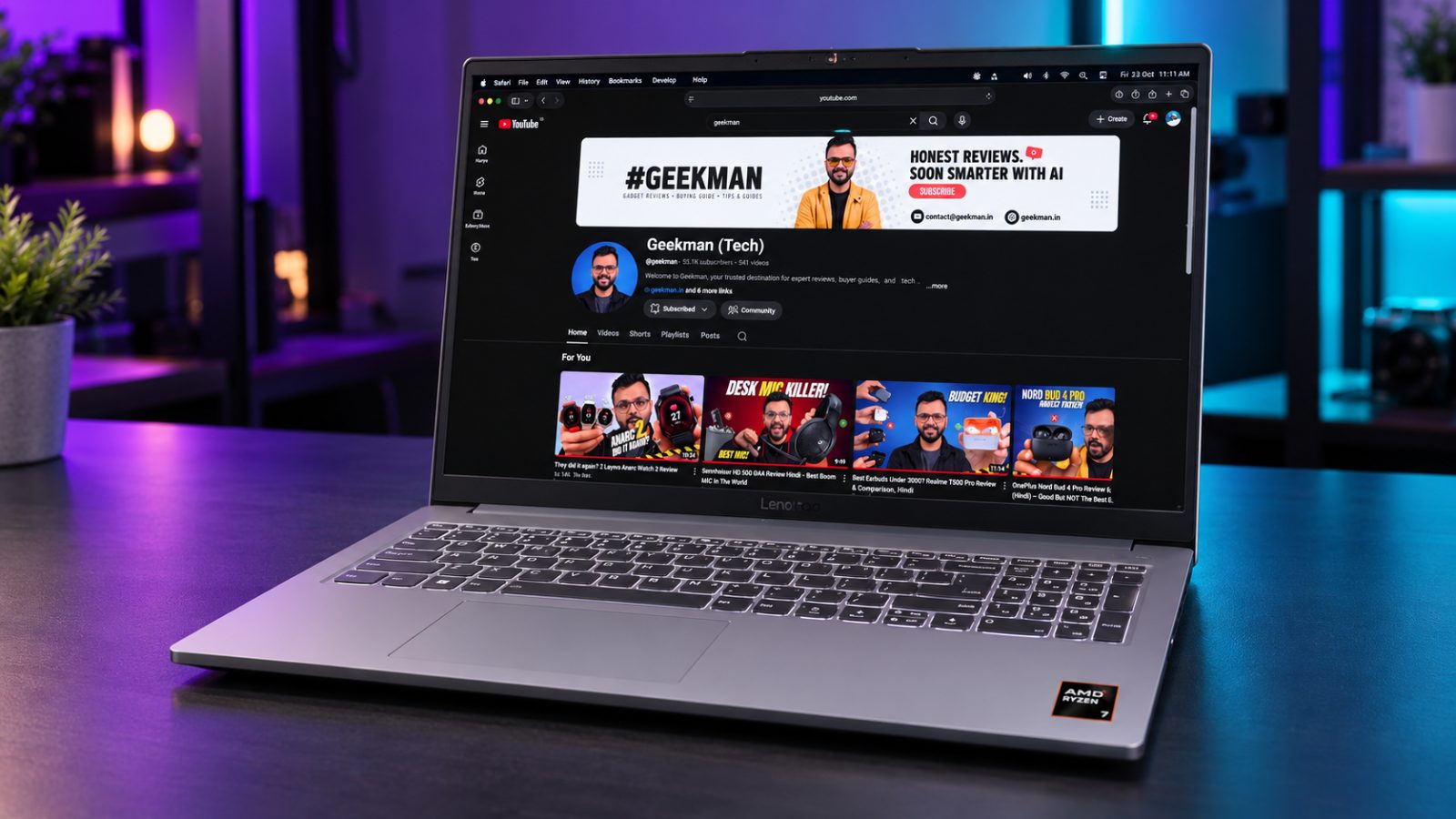
Ryzen 5 7535HS · RTX 3050 6GB, 65W · 144Hz, 100% sRGB · 300 nits · 1.8 kg
Best for
✓ Gamers who also watch a lot of video or edit photos
✓ Anyone who wants a screen that does not look washed out
✓ Buyers who want a lighter laptop (1.8 kg)
Not ideal for
– People who want to upgrade RAM beyond 16GB
– Anyone who wants a big SSD out of the box
Verdict: If I had to pick one laptop for ₹90,000, this is it. The screen alone sets it apart.


Lenovo LOQ Essential AMD Ryzen 5 7535HS | NVIDIA RTX 3050 6GB (16GB RAM/512GB SSD/144Hz Refresh Rate/15.6" (39.6cm)/Windows 11/Office Home 2024/3 Mon. Game Pass/Grey/1.8Kg), 83S000G8IN Gaming Laptop

Up to 6% instant discount on select credit cards +1
- Up to 6% instant discount on select credit cards
- Cashback with Amazon Pay ICICI Bank Credit Cards
Pros and cons
What we like
+ 100% sRGB, 300 nit screen
+ GPU power is published at 65W
+ Light at 1.8 kg
What we don’t like
– Single 16GB RAM stick, max 16GB listed
– 512GB SSD
– Amazon only at this price
Lenovo LOQ Essential 15ARP10E RTX 3050 6GB review: the best screen under Rs 90,000
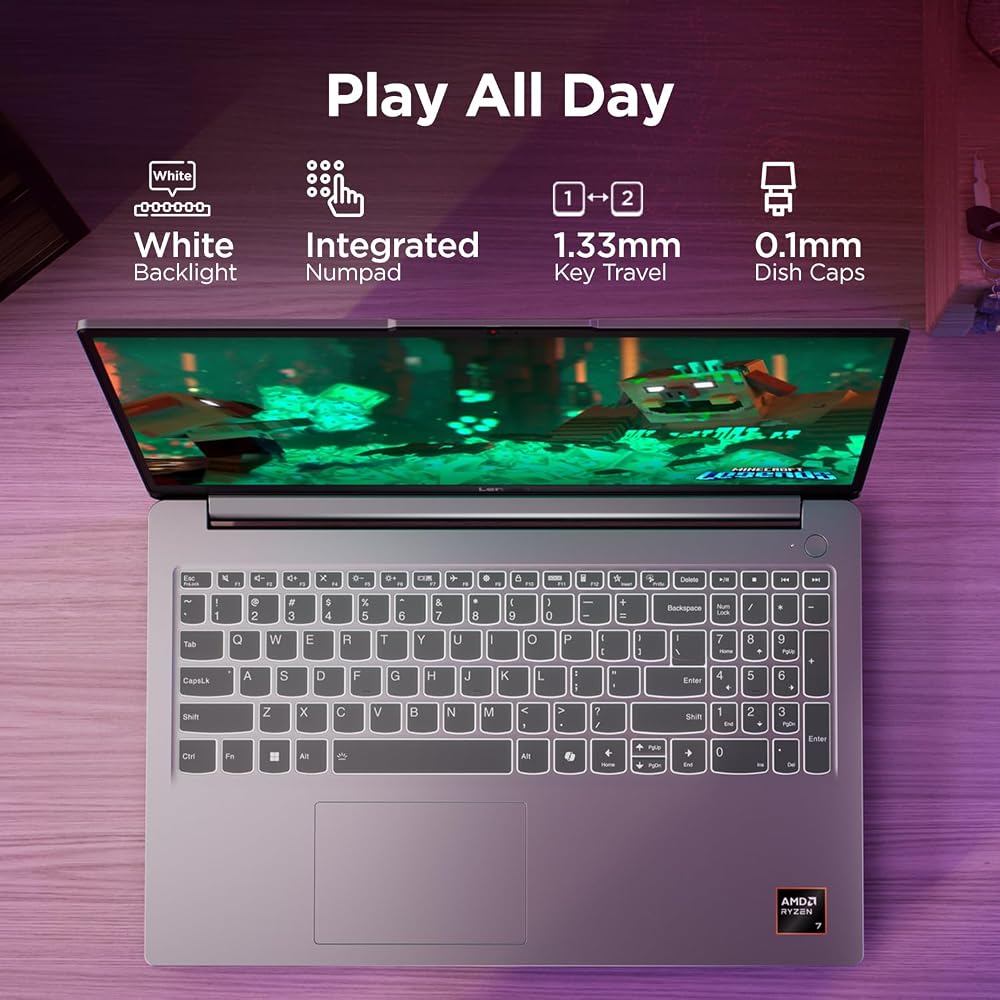
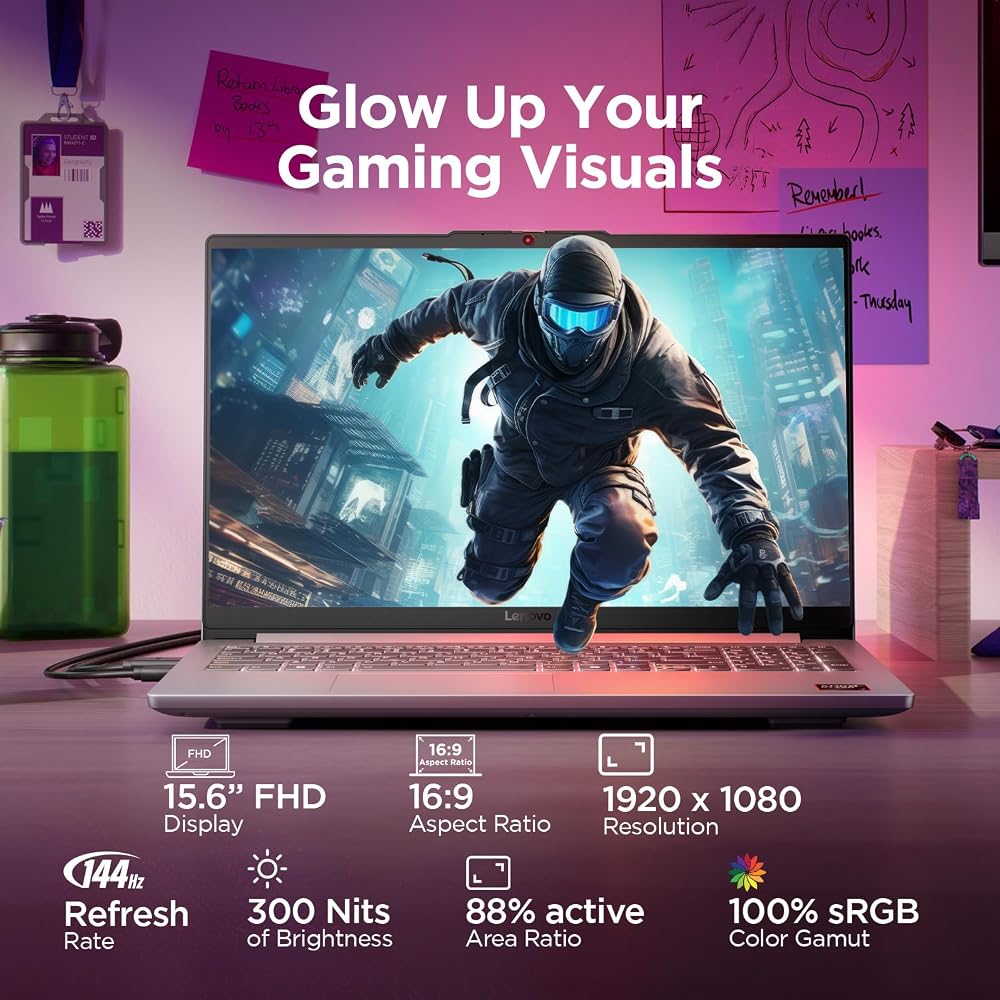
The Lenovo LOQ Essential (83S000FYIN) is the laptop I would buy first in this price band, and the reason is the screen rather than the processor. It is a 15.6 inch 1080p IPS panel at 144Hz with FreeSync, 300 nits and 100% sRGB, which almost no other RTX 3050 laptop at this money can claim. Inside sit a Ryzen 5 7535HS with 6 cores and 12 threads, an RTX 3050 6GB at 65W, 16GB of DDR5-4800 in a single stick and a 512GB PCIe 4.0 drive. At 1.8 kg with a 57.5Wh battery and a 135W charger it is also the lightest, most portable machine here, which matters if the laptop goes to college or office most days.
My take: a gaming laptop at this budget is a compromise machine, and the LOQ Essential makes the smartest compromise. The RTX 3050 6GB has 2048 shader cores on a 96-bit bus and, at 65W, it plays esports titles at 1080p with high settings and handles heavier games at medium with DLSS upscaling. What it does not have is frame generation, which is a 40-series feature, so do not expect the smoothness tricks that RTX 4050 laptops offer. The Ryzen 5 is quick enough for the GPU and does not bottleneck it. I would tell a student or first-time gaming buyer to choose this over the bulkier rivals because the colours look right in every game and every film.
Lenovo LOQ Essential 15ARP10E running cost and what you save on the power brick
The 135W slim-tip charger is a clue to how efficient this machine is. Gaming draws about 100 to 110W from the wall, so three hours a day for 300 days is 900 hours, or about 95 units. At Rs 8 a unit that is roughly Rs 760 a year. Office and study work sits near 30 to 40W, which is under Rs 3 for an eight hour day. In this budget you also save on accessories: the compact brick fits a normal backpack pocket and the 1.8 kg body does not call for a heavy bag. If you compare the total ownership cost with the heavier rivals, the LOQ Essential is the cheapest to live with, and a second charger for the hostel or office is an affordable add-on.
Lenovo LOQ Essential daily use: keyboard, ports, speakers and fan noise
Ports are better than the price suggests: two USB-A, a USB-C at 5Gbps with power delivery, HDMI 2.1, Ethernet and a card reader, which is rare in the class. The keyboard has a numpad and decent travel, and the clickpad is fine for lectures. Fans are tuned for a smaller power budget, so they are less aggressive than on the 95W to 115W LOQ models, and the plastic deck stays reasonable to touch. Do not expect a premium finish or a USB-C port fast enough for the quickest SSDs. The screen has no major flaws for the price, and 300 nits is enough for indoor gaming but not for a sunny window. Battery life is a few hours on light work, and gaming needs the charger.
Lenovo LOQ Essential 83S000FYIN upgrades, warranty and service in India
There are two SODIMM slots but Lenovo lists 16GB as the supported maximum and the factory stick fills one slot, so check that a second stick works before buying one. The 512GB drive is a short 2242 module and the second M.2 2242 slot gives you a storage upgrade, though short drives are less common and slightly dearer. Warranty is one year carry-in, with accidental damage cover and onsite upgrades sold as add-ons, and I would take the onsite upgrade if you live outside a big city. On delivery, check the sticker for Ryzen 5 7535HS and RTX 3050 6GB, and confirm the Vantage GPU readout. Laptop SKUs change by configuration, so match the CPU, GPU, RAM and storage on the carton to avoid a 4GB RTX 3050 unit.
Who should buy the Lenovo LOQ Essential in this price band and who should skip it
The weak spots are the 16GB memory ceiling, the single RAM stick as shipped, the one year warranty, and the GPU power, which is modest next to the RTX 3050 models that run at 75W. The Acer Aspire 7 A715-79G has a stronger CPU but a far dimmer, 45% NTSC panel. The MSI Katana 15 has a higher 75W GPU and a 1TB drive, but it weighs 2.25 kg and its screen is unspecified. If you want a balanced laptop with a good display that goes everywhere with you, and you accept that 3050 power has limits, the LOQ Essential is the one to buy. If frames per second matter more than colour, look at the Katana.
Key specs
| CPU | AMD Ryzen 5 7535HS, 6 cores, 12 threads |
| GPU | NVIDIA RTX 3050 6GB, TGP 65W |
| Memory | 16GB DDR5-4800, one SODIMM, up to 16GB |
| Display | 15.6 inch FHD IPS, 144Hz, 300 nits, 100% sRGB |
| Storage | 512GB PCIe 4.0, two M.2 slots |
| Weight | About 1.8 kg |
| Warranty | Check the seller offer |
Best Value
2. Acer Aspire 7 A715-79G (Core 7 240H, RTX 3050 6GB)
7.8 Overall
7.8 Performance
8.3 Value
6.8 Service
Core 7 240H · RTX 3050 6GB · 16GB DDR4 · 54Wh · 1.99 kg
Best for
✓ Students who need a light laptop
✓ Gamers who want the newest CPU in this price band
✓ Buyers who plan to add RAM later
Not ideal for
– Anyone who cares about screen colour
– People who want long service reach
Verdict: The best value here if you can live with a basic screen.

Acer Aspire 7(i7 14th Gen) Intel Core 7 240H - (16 GB/512 GB SSD/Windows 11 Home/6 GB Graphics/NVIDIA GeForce RTX 3050) A715-79G Gaming Laptop

Up to 5% instant discount on Flipkart Axis & Flipkart SBI credit cards Details
- Up to 5% instant discount on Flipkart Axis & Flipkart SBI credit cards
Pros and cons
What we like
+ 6GB RTX 3050 for ₹84,990
+ Two RAM slots, upgradable to 32GB
+ Light at about 1.99 kg
What we don’t like
– About 45% NTSC screen
– GPU power not stated by the maker
– One year warranty
Acer Aspire 7 A715-79G Core 7 240H RTX 3050 6GB review: the upgrade-friendly value pick
The Acer Aspire 7 A715-79G in its Core 7 240H trim is the value pick of this list. The processor is a 10 core, 16 thread Intel chip that is clearly faster than the Ryzen 5 in the LOQ Essential for multitasking, compiling code and exporting video, and it is paired with an RTX 3050 6GB, 16GB of DDR4 and a 512GB SSD. The body weighs 1.99 kg, the battery is 54Wh and the charger is 150W. The 15.6 inch 1080p panel runs at 144Hz, but it is a basic WVA screen rated at about 45% NTSC, which is the biggest compromise here. Acer does not state the GPU wattage, so treat the 3050 as a mid-power part.
My take: choose the Aspire 7 if you want a laptop that is more than a gaming machine. The Core 7 chip gives it the legs for engineering coursework, Premiere projects and a heavy browser at the same time, and the DDR4 memory is cheap and easy to expand. Gaming at 1080p on medium to high settings in esports titles is fine. Heavier games need medium settings with DLSS upscaling. The panel is the part to be honest about: with weak colour coverage, skin tones and reds look flat, and it is not a laptop for photo editing or grading. If you plan to attach an external monitor at a desk, that weakness disappears, and the Aspire 7 becomes very good value.
Acer Aspire 7 A715-79G running cost and battery reality
A 54Wh battery sounds fair on paper, but a gaming laptop with a 10 core chip uses it quickly. Expect two to three hours of normal use and well under an hour of gaming. At the wall, gaming draws 100 to 120W, so 900 hours a year is about 100 units, and at Rs 8 a unit it costs roughly Rs 800. Light work uses 30 to 45W. The 150W charger is thin enough to carry, and Acer’s Control Center lets you choose Quiet, Entertainment or Performance profiles, which is the simplest way to cut the power bill and the fan noise at the same time. The running costs are in line with every other RTX 3050 machine in the list.
Acer Aspire 7 A715-79G daily use: keyboard, ports, fans and heat
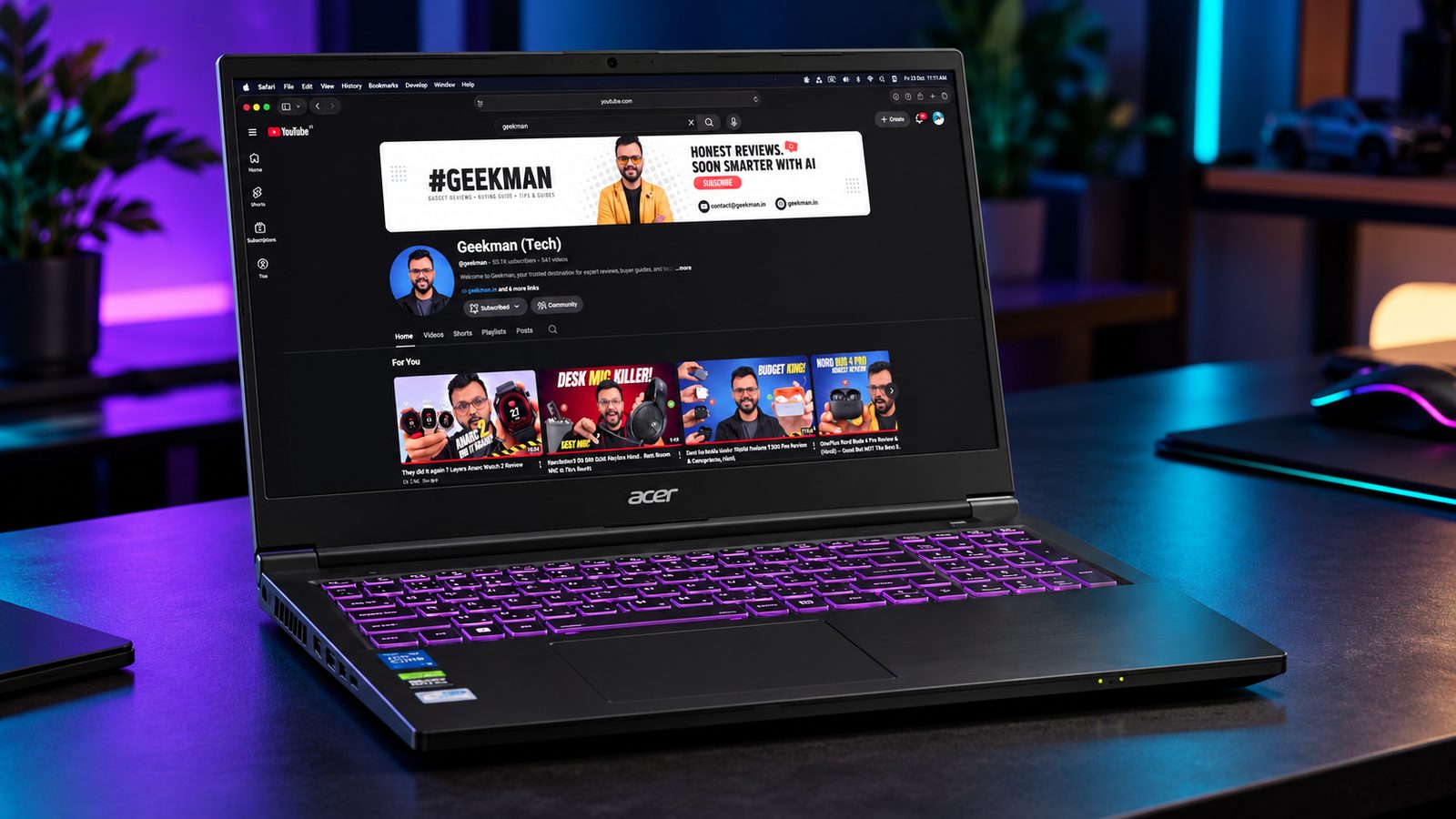
The keyboard is full size, backlit in multiple colours and has a numpad, and the typing feel is comfortable for long sessions. The plastic body is solid, with little flex in the deck and lid. Ports include one USB 2.0, one USB 3.2 Type-A, two USB-C ports and HDMI, but the USB-C ports do not charge the laptop, so the proprietary charger is mandatory. The webcam is 720p. Heat is the area to watch: the Core 5 version of this chassis runs the CPU into the 90s under load, and a cooling pad is a cheap, effective fix. Fans get loud in Performance mode, and I would use Entertainment for daily gaming.
Acer Aspire 7 A715-79G upgrades, warranty and Acer service in India
This is an easy laptop to upgrade. The DDR4 memory is a SODIMM, not soldered, with room for a second 16GB stick, and the M.2 slot takes a drive up to 1TB. That means a 32GB, 1TB Aspire 7 is within reach for a modest outlay. Warranty is one year, and Acer sells a one-year extension and third-party accidental damage plans. Acer’s service network in India is wide and quality varies by city, so register the product on day one and keep the invoice. On delivery, check the sticker for Core 7 240H and RTX 3050 6GB, because Acer sells the same name with a 4GB 3050 and a Core 5 chip. Match the CPU, GPU, RAM and storage on the carton.
Who should buy the Acer Aspire 7 A715-79G and who should look elsewhere
The shortfalls are the dull display, the hot CPU, the unstated GPU power and the one year warranty. The Lenovo LOQ Essential is better for colour and weight, and the MSI Katana 15 has a higher stated GPU limit and a longer two year warranty. Against the Acer ALG AL15G-53 it has a newer processor. If you want an all-round student or coding laptop that also plays games, and you plan to use an external monitor or can live with a plain screen, the Aspire 7 is a strong buy. If colour matters, spend your money on the LOQ.
Key specs
| CPU | Intel Core 7 240H |
| GPU | NVIDIA RTX 3050 6GB, graphics power not stated by the maker |
| Memory | 16GB DDR4, up to 2x16GB |
| Display | 15.6 inch FHD, 144Hz, about 45% NTSC |
| Battery | 54Wh |
| Weight | About 1.99 kg |
| Warranty | 1 year |
Cheapest 6GB
3. Acer ALG AL15G-53 (Core i7, RTX 3050 6GB)
7.7 Overall
7.4 Performance
8.6 Value
6.4 Service
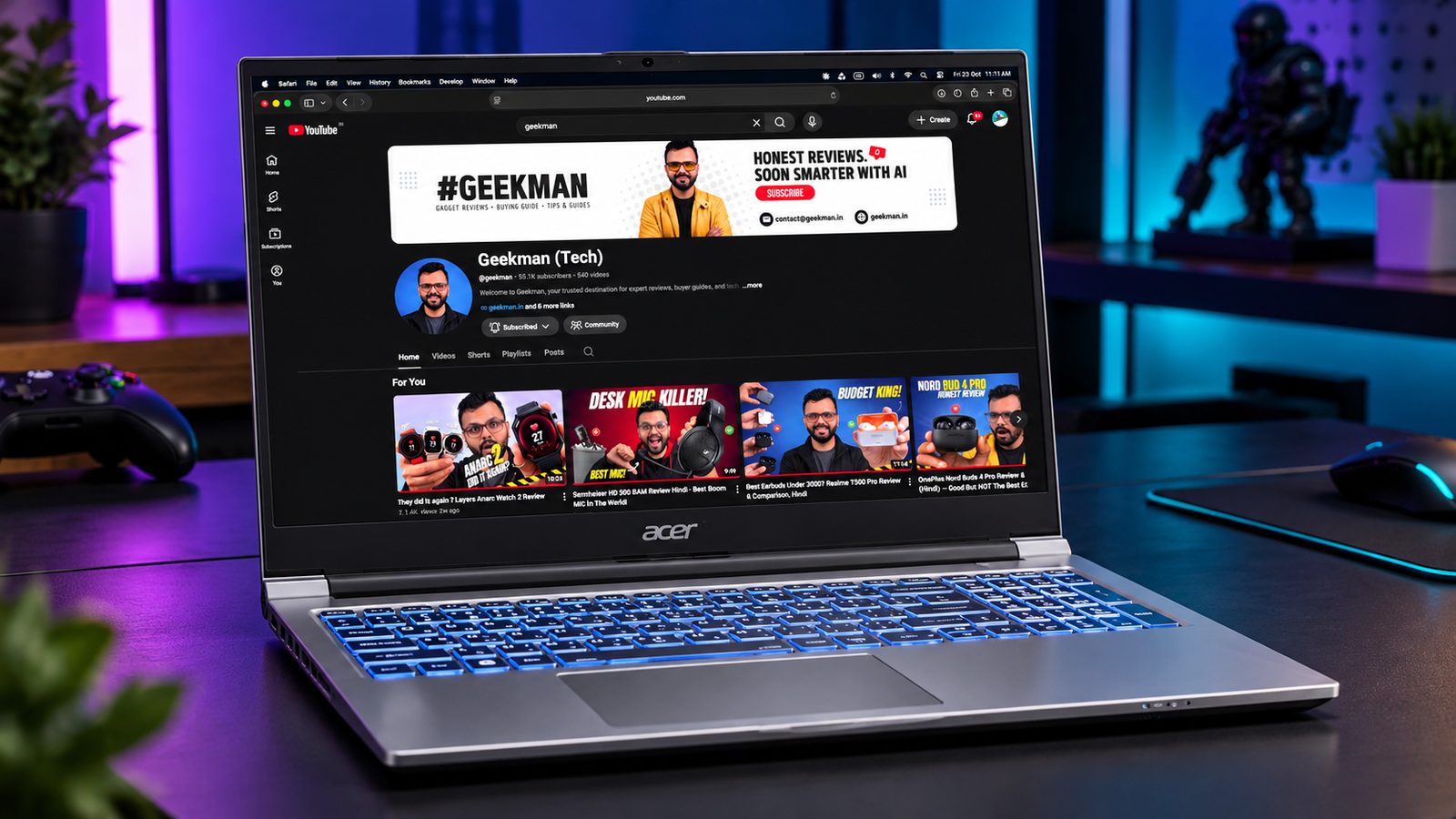
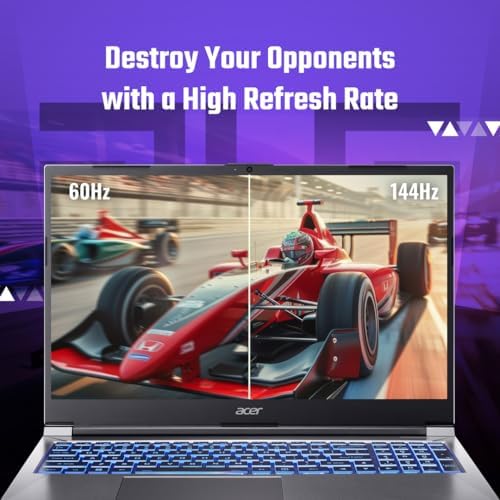
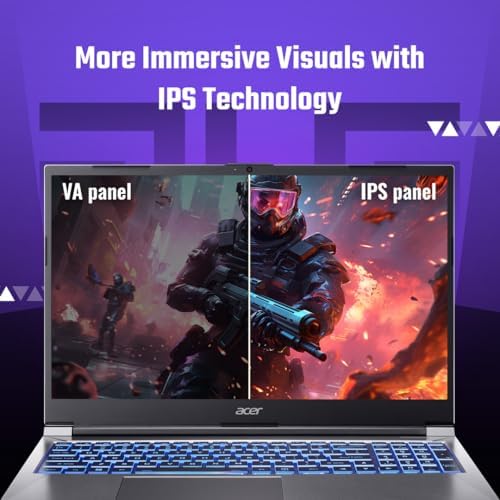
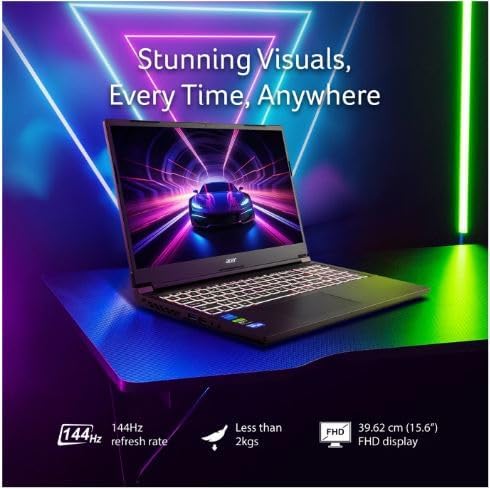
i7-13620H · RTX 3050 6GB · 16GB DDR4 · 45% NTSC · 1.99 kg
Best for
✓ Buyers who want to save ₹5,000 to ₹10,000
✓ Casual and esports gaming
✓ A first gaming laptop
Not ideal for
– Editors and colour work
– Anyone who wants strong service
Verdict: It costs ₹10,000 less than the LOQ Essential. You pay for that with a worse screen and thinner service.

Acer ALG, 13th Gen, Intel Core i7 13620H, NVIDIA GeForce RTX 3050-6GB, 16GB RAM, 512GB SSD, FHD 15.6"/39.62 cm, 144Hz, Windows 11 Home, Steel Gray, 1.99 KG, AL15G-53, Premium Metal Body Gaming Laptop
Pros and cons
What we like
+ Lowest price for a 6GB RTX 3050
+ Core i7 CPU
+ RAM expandable to 32GB
What we don’t like
– About 45% NTSC screen
– One RAM slot
– GPU power and battery not stated by the maker
Acer ALG AL15G-53 Core i7-13620H RTX 3050 6GB review: cheap, light and plain
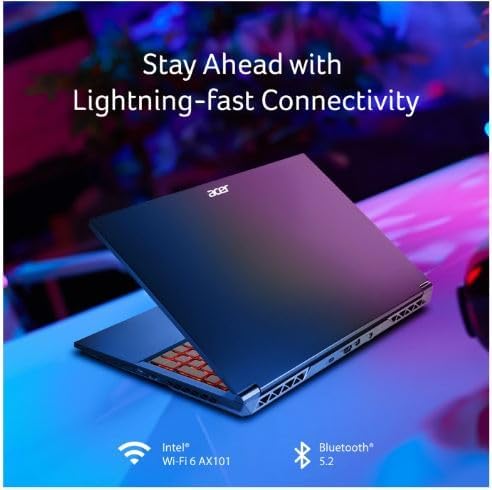
The Acer ALG AL15G-53 is the plain-spoken budget gaming laptop of this list. It has the Core i7-13620H, a 10 core, 16 thread 13th generation chip, an RTX 3050 6GB, 16GB of DDR4 and a 512GB SSD, in a 1.99 kg body that is 22.7 mm thick. The 15.6 inch 1080p panel runs at 144Hz and is anti-glare, but like the Aspire 7 it sits at about 45% NTSC. Acer fits a backlit keyboard with a numpad, Wi-Fi 6 and Bluetooth 5.1, and sells the laptop in several trims, including the 3050 6GB version here and cheaper 4GB versions that you must avoid. The maker does not state the GPU power.
My take: the ALG is a hit when you find it at a good price and a trap when you do not. The i7-13620H is a very capable processor, and the 6GB RTX 3050 keeps 1080p gaming comfortable in esports titles at high settings. It is the cheapest way into this price band for someone who wants a real 6GB GPU. However, it is mostly a plain machine: no fancy panel, no Thunderbolt, no premium finish. The decision comes down to price, and I would not pay more than the Aspire 7 for it, because the Aspire 7 has a newer chip and similar features. If stock shows up near the low end, it is the thrifty buy of the group.
Acer ALG AL15G-53 running cost for hostel and home
Run costs are standard for an RTX 3050 laptop with a 10 core processor. Gaming pulls around 100 to 120W, so 900 hours a year uses about 100 units and costs near Rs 800 at Rs 8 a unit. Light work needs 30 to 45W. The power adapter is 150W, and the 4-cell battery is rated at 54Wh, so assume two to three hours of light use. If you live in a hostel with metered power, the Quiet profile keeps the draw lower. The real money point is upgrades: the cheap DDR4 memory means you can reach 32GB for a small outlay, which costs less than any DDR5 laptop’s upgrade.
Acer ALG AL15G-53 daily use: build, ports and fan behaviour
The build is plastic, as expected, and Acer keeps the weight to 1.99 kg and the thickness to 22.7 mm, so it slips into a backpack more easily than the MSI Katana 15. The ports include one USB 2.0, one USB 3.2 Type-A, two USB-C and HDMI, and the keyboard has a numpad with backlighting. The screen is dim. Fans spin up quickly in gaming, so use headphones. As a daily driver for a student the ALG is fine, but the screen is the type that makes you want an external monitor at your desk.
Acer ALG AL15G-53 upgrades, warranty and Acer service in India
Memory configurations differ across trims. One trim has a single DDR4 SODIMM slot with a 32GB ceiling, and another trim has two slots with up to 64GB, so ask the seller for the exact configuration before you buy. The SSD is a Gen4 drive that takes up to 2TB, which is generous. Warranty is one year, and Acer sells a paid extension. On delivery, check the sticker for Core i7-13620H and RTX 3050 6GB, because the AL15G-53 name also covers Core 5 210H trims and 4GB graphics versions. Run a quick GPU monitor test to confirm 6GB of video memory. Laptop SKUs change by configuration, so match the CPU, GPU, RAM and storage on the carton.
Who should buy the Acer ALG AL15G-53 and who should not
The shortfalls are the dim 45% NTSC panel, the unstated GPU wattage, the one year warranty and the fact that stock is irregular. The Acer Aspire 7 A715-79G has a newer processor, the Lenovo LOQ Essential has a better screen, and the MSI Thin 15 B13UDX is lighter on paper but has a weaker GPU limit. Buy the ALG if you see it at a clear discount, you want a real 6GB RTX 3050 and an i7, and you can live with a plain screen. Skip it if the price is within a whisker of the Aspire 7 or the LOQ Essential.
Key specs
| CPU | Intel Core i7-13620H, 10 cores |
| GPU | NVIDIA RTX 3050 6GB, graphics power not stated by the maker |
| Memory | 16GB DDR4, one slot, up to 32GB |
| Display | 15.6 inch FHD, 144Hz, about 45% NTSC |
| Weight | About 1.99 kg |
| Warranty | 1 year |
Best for Storage
4. MSI Katana 15 (Core i5-13420H, RTX 3050 6GB, 1TB)
7.6 Overall
7.4 Performance
7.6 Value
7.8 Service
i5-13420H · RTX 3050 6GB, up to 75W · 1TB SSD · DDR5, 2 slots · 2 year onsite on Flipkart
Best for
✓ Gamers with a big library
✓ Buyers who plan to upgrade RAM later
✓ Anyone who wants a longer warranty
Not ideal for
– People who want a light laptop
– Anyone who cares about screen details
Verdict: The most upgradable laptop here, with the biggest SSD and a better warranty on Flipkart.
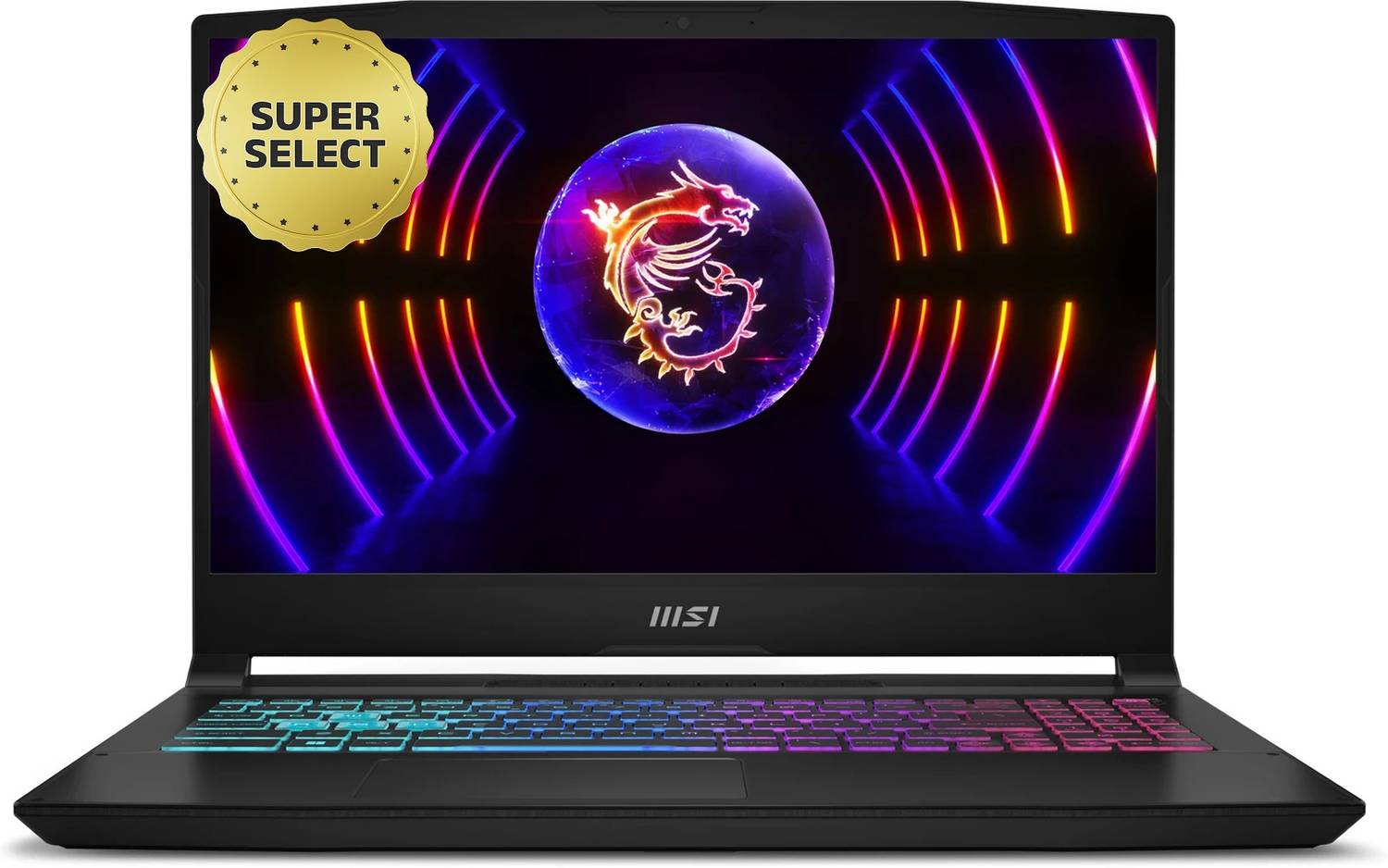
MSI Katana 15 Intel Core i5 13th Gen 13420H - (16 GB/1 TB SSD/Windows 11 Home/6 GB Graphics/NVIDIA GeForce RTX 3050/144 Hz/75 W) Katana 15 B13UDXK Gaming Laptop
Up to 5% instant discount on Flipkart Axis & Flipkart SBI credit cards Details
- Up to 5% instant discount on Flipkart Axis & Flipkart SBI credit cards
Pros and cons
What we like
+ 1TB SSD
+ DDR5 with two slots
+ Up to 75W GPU power listed
What we don’t like
– Screen details not stated by the maker
– Heaviest at 2.25 kg
– Amazon price is much higher
MSI Katana 15 B13UDXK Core i5-13420H RTX 3050 6GB review: the highest GPU power in the list
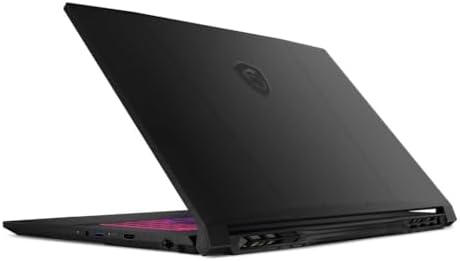
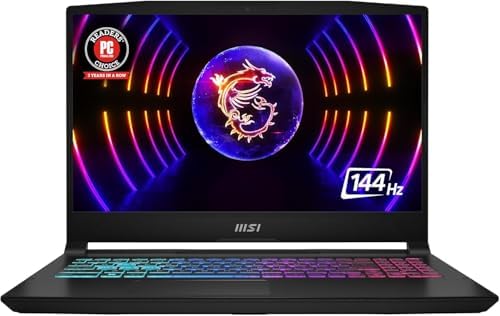
The MSI Katana 15 is the gaming laptop here with the highest stated graphics power. MSI lists the RTX 3050 6GB at up to 75W with Dynamic Boost, compared with 65W on the LOQ Essential and 45W on the MSI Thin 15. The Core i5-13420H has 8 cores and 12 threads, and the memory is DDR5-5200 in two slots, up to 64GB. This trim ships with a 1TB SSD, and MSI gives it two M.2 PCIe Gen4 slots. The body weighs 2.25 kg, the battery is 53.5Wh, and the 180W adapter drives a 4-zone RGB keyboard. The 15.6 inch 1080p panel runs at 144Hz, though MSI does not state its brightness or colour coverage.
My take: if frame rates per rupee is your yardstick, the Katana is the pick. A 75W RTX 3050 is a noticeably faster 3050 than a 45W or 65W part, and the 1TB of storage means you can install several large games without buying anything else. DDR5 memory also helps frame rates and loads in CPU-heavy games. I would pair it with a mouse and headphones and enjoy the extra performance. The compromise is the screen, which is a plain IPS-level 144Hz panel; the brightness and colour coverage are not stated, so colour fans should look at the LOQ Essential instead. For games you will not notice the difference, for photo editing you will. If you plan to hook up an external 1080p or 1440p monitor at your desk, the Katana is the most capable machine in this article for the money, and the 4-zone keyboard is a pleasant bonus rather than a reason to buy.
MSI Katana 15 running cost and what the 180W adapter means
The 180W adapter is the largest of the 3050 laptops in the list, and the draw at the wall is higher when the GPU runs at its 75W limit. Plan on 120 to 140W while gaming, so 900 hours a year uses about 120 units, and at Rs 8 a unit that is about Rs 960. Light work uses 35 to 45W, which is cheap. The 53.5Wh battery gives a couple of hours of light use and under an hour of gaming. Because MSI recommends service-centre fitting for upgrades, factor in a small labour cost if you add memory or a drive. The 1TB drive in this trim spares you that expense for a long time.
MSI Katana 15 daily use: keyboard, ports and cooling
The Katana has a better port set than the Thin 15, with an RJ45 jack, a USB-C with DisplayPort and power delivery, two USB-A 3.2, one USB 2.0 and an HDMI 2.1 port. The 4-zone RGB keyboard is a nicer typing surface than the single-zone blue backlit board on the Thin, and the numpad is standard. MSI Center offers performance profiles, and the fans get audible at full load. At 2.25 kg it is a desk laptop first. The chassis is plastic with a reasonable finish, and the speakers are average. Keep a cooling pad in mind if you play long sessions.
MSI Katana 15 B13UDXK upgrades, warranty and MSI service in India
The upgrade path is strong: two SODIMM slots take up to 64GB of DDR5-5200 and two M.2 Gen4 slots take extra drives. MSI says the warranty on gaming laptops is two years carry-in, with a one year limit on the battery and adapter, and that upgrading RAM or storage does not void it, though MSI recommends having a service centre fit the parts. MSI India’s service runs through partner centres in the major cities, so a small town buyer may need to courier the laptop. On delivery, check the sticker for Core i5-13420H and RTX 3050 6GB and the 1TB drive. Laptop SKUs change by configuration, so match the CPU, GPU, RAM and storage on the carton.
Who should buy the MSI Katana 15 and who should skip it
The shortfalls are weight, the unpublished screen quality, the small 53.5Wh battery and a thinner service network than Lenovo, Acer or ASUS. The Lenovo LOQ Essential has a far better display and weighs 450 g less. The Acer Aspire 7 A715-79G has a faster CPU and is cheaper to upgrade. The MSI Thin 15 is lighter but has a much lower GPU limit. If you want the strongest RTX 3050 performance and a two year warranty and you will game on a monitor or accept a plain screen, the Katana 15 is the one to buy. If you need colour accuracy, choose the LOQ.
Key specs
| CPU | Intel Core i5-13420H |
| GPU | NVIDIA RTX 3050 6GB, up to 75W with Dynamic Boost |
| Memory | DDR5-5200, 2 slots |
| Storage | 1TB SSD |
| Battery | 53.5Wh |
| Weight | About 2.25 kg |
| Warranty | 2 year onsite on the Flipkart offer |
Lightest
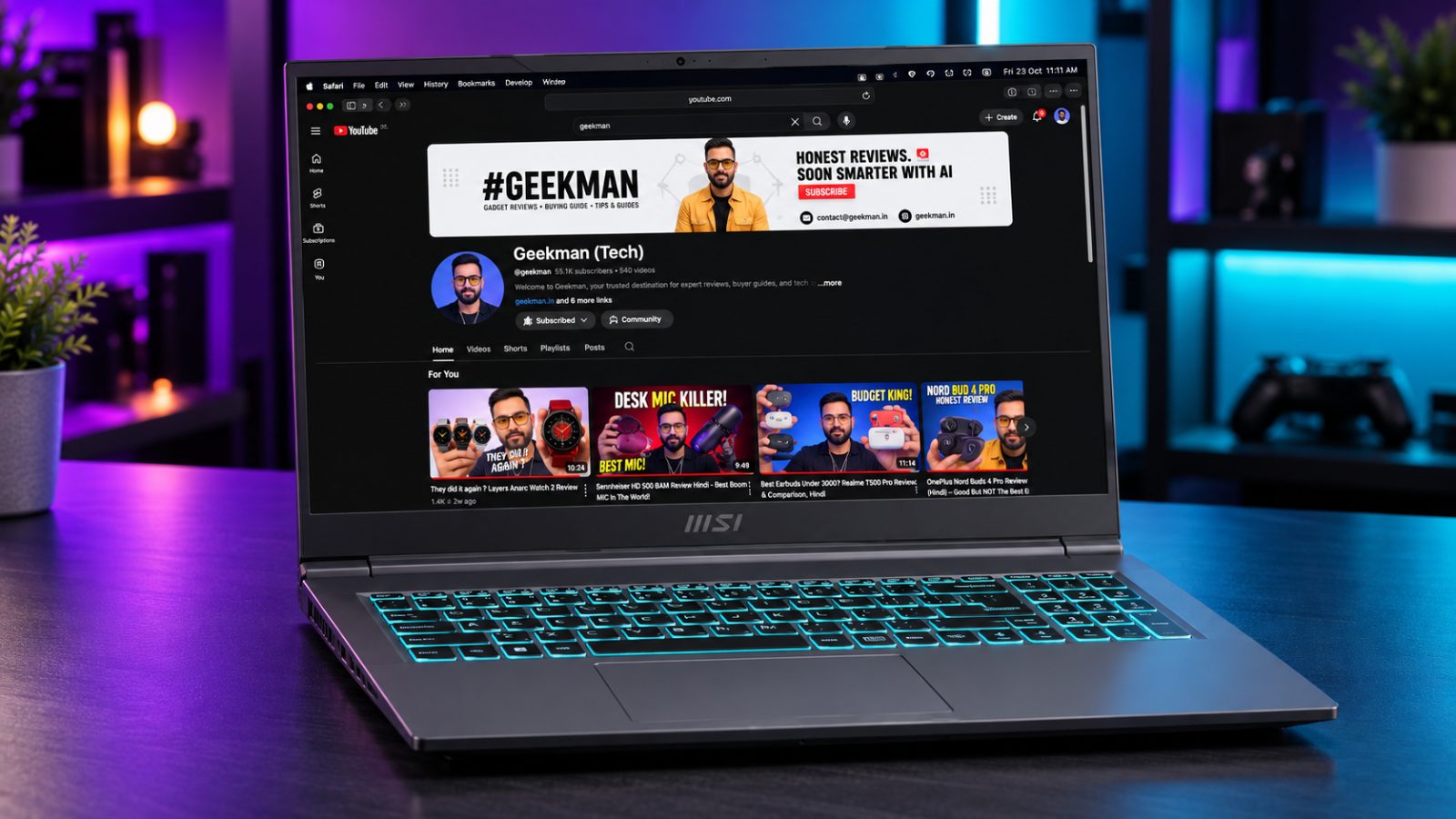
5. MSI Thin 15 B13UDX (Core i5-13420H, RTX 3050 6GB)
7.1 Overall
6.8 Performance
7.2 Value
7.6 Service
i5-13420H · RTX 3050 6GB, up to 45W · 1TB SSD · DDR4, 2 slots · 1.86 kg
Best for
✓ Students who carry the laptop daily
✓ Esports and lighter games
✓ Buyers who want 1TB of storage
Not ideal for
– Anyone who wants the most frames
– People who plan heavy new games
Verdict: Light and well stocked, but MSI caps the GPU at 45W, so it is the slowest here in games.

MSI Thin 15, Intel 13th Gen. i5-13420H, 40CM FHD 144Hz Gaming Laptop (16GB/1TB NVMe SSD/Windows 11 Home/NVIDIA GeForce RTX 3050, GDDR6 6GB/Cosmos Gray/1.86Kg) B13UDX-128IN
Up to 6% instant discount on select credit cards +1
- Up to 6% instant discount on select credit cards
- Cashback with Amazon Pay ICICI Bank Credit Cards
Pros and cons
What we like
+ Lightest at 1.86 kg
+ 1TB SSD and two RAM slots
+ Microsoft 365 Basic and Office included
What we don’t like
– GPU capped at 45W
– DDR4 memory
– Screen details not stated by the maker
MSI Thin 15 B13UDX Core i5-13420H RTX 3050 6GB review: light, but the GPU is held back
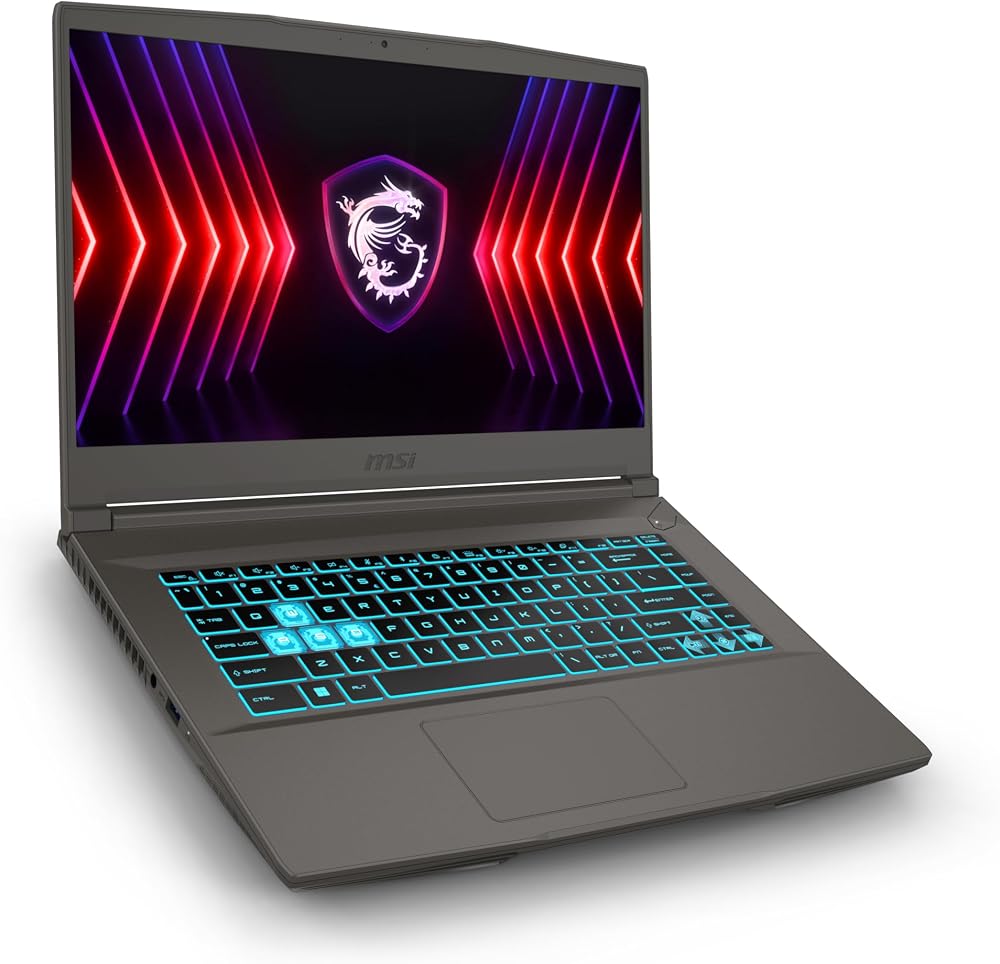
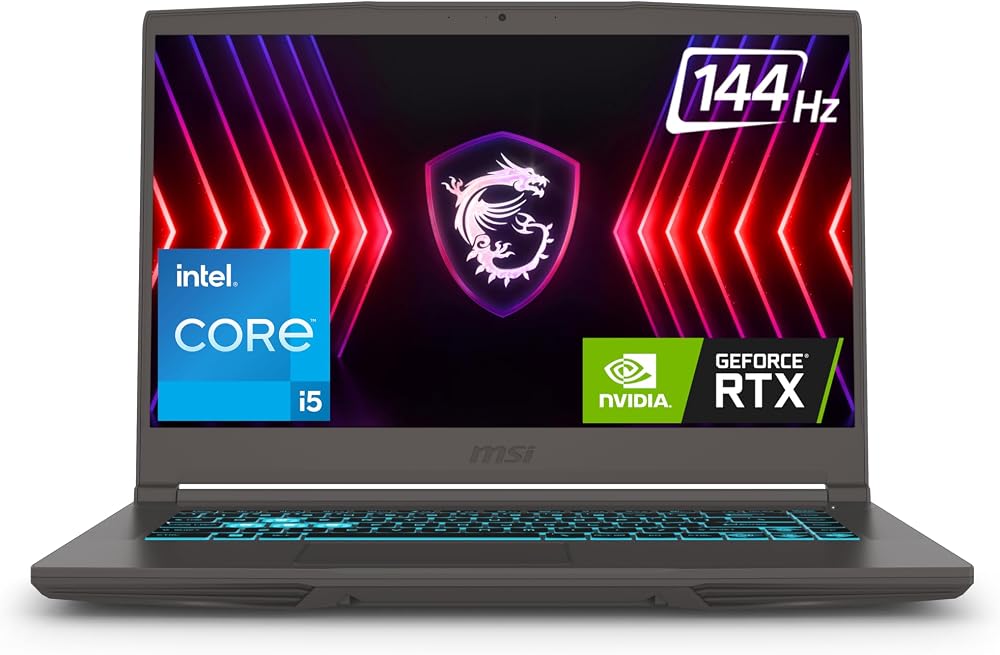
The MSI Thin 15 B13UDX is the lightest option from the big brands in this list after the LOQ Essential, at 1.86 kg and 21.7 mm thick. It pairs the Core i5-13420H with an RTX 3050 6GB, 16GB of DDR4-3200 in two slots and a 1TB NVMe drive in this trim. The 15.6 inch 1080p IPS-level panel runs at 144Hz, the battery is 52.4Wh and the charger is 120W. The important number is the GPU limit. MSI lists the RTX 3050 here at up to 45W with Dynamic Boost, which is well below the 75W of the MSI Katana 15 and below the 65W of the LOQ Essential. That is the price of the thin body.
My take: be clear about what you are buying. The Thin 15 is a light, quiet-ish laptop that plays games, not a gaming laptop that happens to be thin. At 45W the 3050 delivers good 1080p performance in esports titles with medium to high settings, but heavier games will need lower settings and DLSS. The i5 is fine for study and office use, and the 1TB drive gives you room for a few big games and your coursework. If you travel often and want a laptop that carries well and still plays games after hours, it makes sense. If you buy it as a primary gaming machine, the Katana’s 75W GPU gives a visible gain for a heavier laptop and a similar price tier.
MSI Thin 15 B13UDX running cost and the 120W adapter
The 120W adapter is the smallest in the list for an RTX 3050 laptop, and the machine matches it. Gaming draws 80 to 100W from the wall, so 900 hours a year is about 85 units and costs around Rs 680 at Rs 8 a unit. Light work needs 25 to 40W. That is the cheapest running cost in this article, and the lighter brick makes the whole package easier to carry. The 52.4Wh battery gives two or three hours of light use. If you compare cost of ownership, the Thin 15 wins on electricity and on carrying effort, and loses on frames per second.
MSI Thin 15 B13UDX daily use: keyboard, ports and noise
The ports are practical: an RJ45 jack, a USB-C with DisplayPort, three USB-A 3.2 Gen1 and an HDMI port that outputs 4K at 30Hz, so a 4K monitor will run at a limited refresh rate. The keyboard is a single-zone blue backlit unit, which is simpler than the Katana’s RGB board, and the typing feel is fine. The display is the weak point: MSI gives no brightness or colour data, and in my view you should assume a plain panel and plan an external monitor for colour work. For gaming it is fine, and the 144Hz refresh keeps motion smooth. Fans are quieter than on the 75W machines because the power budget is lower. The chassis is plastic and the lid is firm enough. It is a decent work and study laptop, and the two year warranty is a real point in its favour for a buyer who plans to keep it through college and into the first job.
MSI Thin 15 B13UDX upgrades, warranty and MSI service in India
Upgrades are generous: two DDR4-3200 slots up to 64GB, one M.2 Gen4 slot and a 2.5 inch SATA bay for cheap bulk storage. MSI says upgrading RAM or storage does not void the warranty, but it recommends having a service centre install the parts. Warranty on MSI gaming laptops in India is two years carry-in, with the battery and adapter covered for one year, and service goes through partner centres in the big cities. On delivery, check the sticker for Core i5-13420H, RTX 3050 6GB and the memory size. Thin 15 names also cover RTX 2050 and RTX 4050 trims, so match the CPU, GPU, RAM and storage on the carton.
Who should buy the MSI Thin 15 B13UDX and who should skip it
The shortfalls are the 45W GPU, the dim screen, the small battery and the HDMI limit of 4K at 30Hz. The MSI Katana 15 gives a much stronger GPU in a 2.25 kg body, and the Lenovo LOQ Essential is lighter still with a far better display and a 65W GPU. The Acer ALG AL15G-53 is the cheaper choice. Buy the Thin 15 if portability and a two year warranty matter most and your gaming is casual. If you game seriously, pick the Katana or the LOQ Essential instead.
Key specs
| CPU | Intel Core i5-13420H |
| GPU | NVIDIA RTX 3050 6GB, up to 45W with Dynamic Boost |
| Memory | 16GB DDR4-3200, 2 slots, up to 64GB |
| Storage | 1TB NVMe SSD |
| Battery | 52.4Wh |
| Weight | 1.86 kg |
| Warranty | On site, check the term |
Real game speed
What games can an RTX 3050 6GB laptop run?
These numbers come from a published independent test of an RTX 3050 6GB laptop running at 95W, like the Lenovo LOQ 15IRX9, at 1080p. The laptops in this guide run the same chip at lower power, so treat these numbers as a ceiling. The MSI Thin 15 at 45W will land lowest.
| Game | Settings | Average fps | Verdict |
|---|---|---|---|
| Counter-Strike 2 | Very High | ~125 | Excellent, use the high refresh screen |
| GTA V | Ultra | ~87 | Smooth at max |
| Red Dead Redemption 2 | High | ~59 | Close to 60 |
| Black Myth: Wukong | Medium, FSR and frame generation | ~56 | Playable with upscaling |
| Hogwarts Legacy | High, DLSS Quality | ~51 | Playable |
| Cyberpunk 2077 | High, DLSS Quality | ~40 | Playable, turn on upscaling |
Numbers are averages from a published test of a 95W RTX 3050 6GB laptop at 1080p. We did not run these benchmarks ourselves. Game updates and drivers change results.
RTX 3050 6GB or RTX 4050: is it worth saving up?
About 7,679
RTX 4050 laptop
Time Spy graphics score, with DLSS 3 frame generation and an AV1 encoder.
Read review
About 4,631
RTX 3050 6GB laptop
Time Spy graphics score, roughly 66% lower than the RTX 4050.
Read review
Both chips have 2560 CUDA cores and a 96-bit memory bus, but the RTX 4050 laptop averages about 7,679 in Time Spy graphics against 4,631 for the RTX 3050 6GB, roughly 66% higher. It also adds DLSS 3 frame generation and an AV1 hardware encoder. The cheapest RTX 4050 laptop here was about ₹1,00,750, so the jump is about ₹10,000 to ₹15,000 from this page. If you can stretch, I think it is worth it.
For gamers
Which gamer are you? Beginner to pro
| You are | What you play | Best pick here | Settings to use |
|---|---|---|---|
| Beginner | Valorant, CS2, Fortnite, GTA V, Minecraft | Acer ALG AL15G-53 or Aspire 7 | High to max at 1080p |
| Casual | RDR2, Hogwarts Legacy, Cyberpunk | Lenovo LOQ Essential | Medium with DLSS |
| Enthusiast | New releases with upscaling | MSI Katana 15 | Medium with DLSS or FSR |
| Competitive pro | CS2, Valorant at 144fps | Lenovo LOQ Essential | Low graphics, high fps |
| Student on the move | Esports plus college work | MSI Thin 15 or Lenovo LOQ Essential | Medium, plugged in |
Will new and upcoming games run on these laptops?
Every studio publishes a minimum and a recommended graphics card, and we matched those against where an RTX 3050 6GB sits. It scores about 4,571 in Time Spy graphics against 6,141 for the older RTX 2060 laptop chip, so it lands clearly below an RTX 2060. The wattage matters here too, because a 45W 3050 will be slower than a 75W one.
| Game | Studio’s GPU tiers | RTX 3050 6GB |
|---|---|---|
| Gears of War: E-Day, 6 Oct 2026 | Min: RTX 2060, RTX 5050, RX 6600. Rec: RTX 5060, RTX 3060 Ti. 8GB VRAM advised | Below the minimum list. Low settings |
| Call of Duty: Modern Warfare 4, 23 Oct 2026 | Min: GTX 1060, RX 470, Arc A580 (3GB). Rec: RTX 3060 Ti for 90 fps on High | Above the minimum. Use Medium |
| Phantom Blade Zero, 29 Oct 2026 | Min: GTX 1660 6GB (1080p, 30 fps, upscaling). Rec: RTX 3060 Ti | Meets the minimum with upscaling |
| Path of Exile 2 (1.0), 11 Dec 2026 | Min: GTX 960 (3GB). Rec: about an RTX 2060 (early access figures) | Fine at Medium |
| GTA 6, 19 Nov 2026 (PS5, Xbox only) | No PC version announced | Nothing to test yet |
Requirements are the studios’ published figures, collected in October 2026. They can change before launch. The RTX 3050 column is Geekman’s reading of where the chip sits against those tiers, not a benchmark result. Real results depend on the laptop’s GPU power limit, the CPU and the settings.
What this means for your buying decision
You play CoD, Fortnite, Valorant, CS2, GTA V and similar: any laptop here works.
You want new big games at Medium with DLSS or FSR: choose a higher power laptop, such as the Katana, over the Thin 15.
You want High settings at 60 fps in every new release: ₹90,000 will not do that in 2026. Look at RTX 4050 laptops from about ₹1 lakh.
You are buying for GTA 6: wait. It is console only for now and no PC date exists.
You want the laptop to last years: 6GB of video memory and 16GB of RAM is the floor. Pick one where you can add RAM.
How to check any game before you buy
Open the Steam page
Read the minimum and recommended lines.
Match the GPU
RTX 3050 6GB is above a GTX 1060 and below an RTX 2060.
Check VRAM
If the game asks for 8GB, expect lower textures on 6GB.
Turn on upscaling
DLSS or FSR gives the biggest free boost.
AI and video
Can these laptops run local AI and AI agents?
Small models, yes. A 6GB card runs 3B to 4B parameter models comfortably at Q4 quality. 8B models are tight. Self hosted AI agents need long context, which eats memory quickly, so I would run the heavy model through a cloud API and keep the laptop for tools and code. All five laptops here have NVIDIA GPUs, which most local AI tools prefer.
| VRAM | What fits (Q4) | Good for |
|---|---|---|
| 4GB | About 3B models | Simple chat and tiny helpers |
| 6GB (these laptops) | 3B to 4B easily, 8B tight | Small assistants, code autocomplete |
| 8GB | 7B to 8B models | Coding help, chat, document search |
| 12GB | Comfortable dev work | Heavier local AI development |
| 24GB | 32B class models | Serious local agents |
If local AI matters, RAM matters too. The Katana and Thin 15 take up to 64GB, the Aspire 7 and ALG up to 32GB, and the LOQ Essential tops out at 16GB.
Are they good for video editing?
For 1080p editing in CapCut, DaVinci Resolve or Premiere, yes. The LOQ Essential is the one with a screen you can trust for colour. For 4K, you want 8GB or more of video memory and 32GB of RAM, so these laptops will struggle.
Compare all 5 gaming laptops at a glance
| Laptop | CPU | GPU power | RAM | Weight | Price |
|---|---|---|---|---|---|
| Lenovo LOQ Essential | Ryzen 5 7535HS | 65W | 16GB DDR5, one stick | 1.8 kg | ₹89,990 (Amazon) |
| Acer Aspire 7 A715-79G | Core 7 240H | Not stated by the maker | 16GB DDR4, upgradable | 1.99 kg | ₹84,990 (Flipkart) |
| Acer ALG AL15G-53 | Core i7-13620H | Not stated by the maker | 16GB DDR4, one slot | 1.99 kg | ₹79,990 (Amazon) |
| MSI Katana 15 | Core i5-13420H | Up to 75W | DDR5, 2 slots, 1TB SSD | 2.25 kg | ₹89,990 (Flipkart) |
| MSI Thin 15 B13UDX | Core i5-13420H | Up to 45W | DDR4, 2 slots, 1TB SSD | 1.86 kg | ₹87,990 (Amazon) |
Specs and prices are as of October 2026. Prices were seen on 22 October 2026 and move daily. Verify the exact variant before you buy.
The buying guide
How to choose a gaming laptop under 90,000
Short on time? Check four things: GPU wattage, the screen, RAM slots and the price on both stores.
GPU wattage
Same chip, 45W to 95W. More watts, more frames.
Screen
Look for 300 nits and 100% sRGB if you also edit.
RAM slots
Two slots let you upgrade. One stick does not.
Both stores
Prices differ by ₹10,000 or more between Amazon and Flipkart.
1 · Why GPU wattage matters more than the name
Laptop GPUs run anywhere from 35W to 95W and above, and the same chip name performs very differently. MSI lists up to 45W for the Thin 15, Lenovo lists 65W for the LOQ Essential and MSI lists up to 75W for the Katana. Acer does not publish its figure.
2 · Why 6GB of VRAM is the floor
Games keep textures in video memory. With 4GB, new games force lower textures or stutter. 6GB gives room for medium settings. Local AI models also load into video memory, so more is better.
3 · The single RAM stick trap
Some laptops ship with one 16GB stick, which runs in single channel and is slower than two sticks. Look at the number of slots in the spec sheet. The LOQ Essential and the ALG list one slot. The Katana, Thin 15 and Aspire 7 list two.
4 · Screens in this price band
Most gaming laptops here have panels around 45% to 62% sRGB, which look washed out for photos and video. The LOQ Essential is the exception with 100% sRGB. If colour matters, add an external monitor to the budget.
5 · Battery reality
Gaming on battery lasts under an hour on laptops like these. For web and video, expect a few hours. Plan to plug in for games.
6 · Crossed out prices
Flipkart shows large crossed out prices, such as ₹1,49,990 on the Aspire 7. Ignore them and look at the real price, then check which bank offer applies at checkout.
7 · Which version are you buying
Retailers sell several versions of the same laptop with different graphics memory, CPU and RAM. The Aspire 7 comes in 4GB and 6GB versions and with Core 5 and Core 7 chips. Match the offer to the one in this guide before paying.
8 · Warranty and service
Most of these list one year. The MSI Katana carries two years onsite warranty. Keep the invoice, register the laptop on day one and note the nearest service centre.
Gaming laptop warranty compared
| Laptop | What the offer says | What to check |
|---|---|---|
| Lenovo LOQ Essential | Check the seller offer | Term and service reach |
| Acer Aspire 7 | 1 year | Variant and seller |
| Acer ALG AL15G-53 | 1 year | Seller terms |
| MSI Katana 15 | 2 years onsite on Flipkart | The Amazon offer may differ |
| MSI Thin 15 | On site warranty type | The term in years |
Terms are as listed by sellers and can change. Always read the warranty card for what is covered.
Best gaming laptop under 90,000 by need
Best overall: Lenovo LOQ Essential.
Best value: Acer Aspire 7 (Core 7 240H).
Cheapest 6GB RTX 3050: Acer ALG AL15G-53.
Most storage and upgrades: MSI Katana 15.
Lightest: Lenovo LOQ Essential (1.8 kg) and MSI Thin 15 (1.86 kg).
For editing: Lenovo LOQ Essential for its screen.
For local AI: MSI Katana 15, then upgrade the RAM.
Other gaming laptops we considered
RTX 3050 4GB laptops. Acer ALG Core 5 (₹82,990 to ₹87,150), HP Victus 12450H (₹89,990) and similar. They cost the same as the 6GB laptops here and have less video memory.
Acer ALG i5-13420H with an RTX 3050 6GB. It costs ₹89,800 to ₹90,000 at retailers. The ALG i7 is ₹10,000 cheaper.
HP Victus with a GTX 1650. ₹89,990, but the GTX 1650 is an older card with no DLSS or ray tracing.
Lenovo IdeaPad Gaming 3 with 8GB RAM. ₹89,590, and 8GB of RAM is too little in 2026.
RTX 4050 and RTX 4060 laptops. They start near ₹1 lakh. See my under 1 lakh guide.
The verdict
Which gaming laptop should you buy under 90,000?
Best overall: Lenovo LOQ Essential, for the screen and the 65W GPU. Check price
Best value: Acer Aspire 7 (Core 7 240H), for ₹84,990. Check price
Cheapest 6GB: Acer ALG AL15G-53, for ₹79,990. Check price
Best for storage: MSI Katana 15, for the 1TB SSD and warranty. Check price
Lightest: MSI Thin 15, with a 45W GPU cap. Check price
Not sure? Buy the Lenovo LOQ Essential if you can. If you want to save ₹5,000, pick the Aspire 7 on Flipkart. If you can add ₹10,000 to ₹15,000, look at an RTX 4050 laptop instead.
More buying guides from Geekman
Best gaming laptops under 1 lakh
Best gaming laptops under 80000
Best gaming laptops under 70000
Best gaming laptops under 60000
Questions other guides skip
Gaming laptop questions most guides skip
Buyers keep asking these and the top guides rarely answer them. Each is matched to the makers’ own spec pages (last checked 22 October 2026).
1 · Does the RTX wattage matter more than the card name?
Yes, it can. The same RTX chip runs at different power limits in different laptops. Lenovo lists the RTX 4050 at 65W in the LOQ Essential and 105W in the LOQ i7 model, and the RTX 5050 at 100W in the LOQ 2025 and 115W in the Legion 5. Some makers, like ASUS on the Gaming V16, do not publish it at all. Compare the wattage line when it is listed, and treat a missing number as a question mark.
2 · Will the screen show true colours if I also edit videos or photos?
Check the panel before you buy. Several gaming laptops list only about 62.5% of sRGB, which looks muted, and I left the HP Victus R7 260 and the Alienware 15 out of my editing guides for that reason. Look for a model that says 100% sRGB, and read the maker’s specs rather than the shop title.
3 · Is a single 16GB RAM stick a problem?
It can be. Many laptops here list one 16GB stick, which runs in single channel and gives less memory speed than two sticks. The LOQ 2025 and Legion 5 have room for a second stick, but the LOQ Essential tops out at 16GB. Check the maximum before you plan an upgrade.
4 · Can I play GTA 6 on a gaming laptop?
Not yet. GTA 6 has only been announced for PlayStation 5 and Xbox Series consoles, and no PC version had been announced on 22 October 2026. Do not pay extra for a laptop just for that game.
5 · Can a gaming laptop under 90000 charge from a USB-C charger?
Not properly while gaming. The laptop uses a big power brick, often 135 W or more. A small USB-C charger can run light work if the laptop supports charging that way. Carry the original brick, and avoid cheap chargers that are not rated for the laptop.
6 · Is accidental damage covered on a laptop under 90000?
Usually not. The standard one year covers faults, not drops or spills. Brands and sellers offer a paid plan for accidental damage, and I would look at it, because a cracked screen on a gaming laptop is costly. Check whether the service is on-site.
7 · Is 144 Hz or 165 Hz enough for a gaming laptop under 90000?
Yes. At this price the graphics card seldom pushes games past 120 to 140 frames, so a 144 or 165 Hz panel matches what the laptop can deliver. A faster panel would not change the feel. Look at the panel’s colour coverage and brightness instead.
Gaming laptop under 90000 FAQ
Which is the best gaming laptop under 90000 in India in 2026?
The Lenovo LOQ Essential with a Ryzen 5 7535HS and an RTX 3050 6GB at ₹89,990 at retailers. It has the best screen here (100% sRGB, 300 nits) and a published 65W graphics power figure. If you want the best price, the Acer Aspire 7 with a Core 7 240H at ₹84,990 on Flipkart is the pick.
Can I buy an RTX 4050 laptop under 90000?
Not right now. The cheapest RTX 4050 laptop here at retailers and Flipkart on 22 October 2026 was about ₹1,00,750. You can see those in my best gaming laptops under 1 lakh guide.
Is there an RTX 4060 gaming laptop under 90000?
No. RTX 4060 laptops start around ₹1.7 lakh in 2026.
Why are gaming laptops so expensive in 2026?
Memory and graphics chips have become pricier as AI demand takes a big share of supply, and laptop makers have passed that on. That is why an RTX 3050 laptop now sits near ₹85,000 to ₹90,000.
What is the difference between the RTX 3050 4GB and 6GB?
The 6GB version has more video memory, which matters for textures in new games and for local AI models. In a synthetic test they score close to each other (about 4,448 and 4,571), but games that need more memory run better on the 6GB version. All five laptops here have the 6GB card.
Does GPU wattage really matter?
Yes. The same RTX 3050 6GB chip is listed at 45W on the MSI Thin 15, 65W on the Lenovo LOQ Essential, up to 75W on the MSI Katana 15 and 95W on the Lenovo LOQ 15IRX9. More power usually means more frames, though cooling and CPU matter too. Acer does not publish its figure.
Will new games like Gears of War: E-Day run on these laptops?
Gears of War: E-Day lists an RTX 2060 or RTX 5050 as its minimum and suggests 8GB of VRAM. An RTX 3050 6GB sits below that line, so expect low settings.
Will GTA 6 run on a gaming laptop under 90000?
GTA 6 launches on 19 November 2026 for PlayStation 5 and Xbox Series consoles only. No PC version has been announced, so no laptop can run it yet.
Can I run local AI models on these laptops?
Small ones. An RTX 3050 6GB runs 3B to 4B parameter models comfortably and 8B models are tight. For coding agents and larger models you want 8GB of video memory or more.
Are these laptops good for video editing?
For 1080p editing, yes. The Lenovo LOQ Essential is the one with a screen you can trust for colour. For 4K editing you want 8GB or more of video memory and 32GB of RAM.
Should I buy at retailers or Flipkart?
Check both. On 22 October 2026 the Katana was ₹89,990 on Flipkart against about ₹97,800 at retailers, and the ALG i7 was ₹79,990 at retailers against about ₹1,01,564 on Flipkart. Prices and bank offers change daily.
Is a gaming laptop under 90000 good for a student?
Yes. The MSI Thin 15 (1.86 kg) and the Lenovo LOQ Essential (1.8 kg) are the lightest here. All of them last under an hour when gaming on battery, so plan to plug in.
Should I spend 80,000 or 90,000?
If you want the better screen and a published GPU power figure, go to ₹90,000 for the LOQ Essential. If your budget stops at ₹80,000, my best gaming laptops under 80000 guide covers the Acer ALG and the options at that price.