

If you’re looking for the best laptop under 40000 in India, the market has way more solid options than it did even a year ago. Ryzen 3 processors, DDR5 RAM, SSD storage, Full HD IPS displays — things that were ₹50K territory in 2024 are now landing comfortably under 40. Whether you’re a college student, a work-from-home professional, or someone who just needs a reliable daily driver for browsing, Netflix and MS Office, this budget actually gets you a proper machine in 2026.
I’ve tested and compared the top laptops under ₹40,000 that you can buy right now from Amazon and Flipkart. From a 1.59kg metal-body Acer with a Full HD IPS panel to an Android-powered Primebook that gives you 12 hours of battery — every pick here solves a different problem. Here are the ones worth your money.
QUICK VERDICT
⚡ QUICK VERDICT
- Best Overall (2 Variants): Acer Aspire One A114-43 — comes in Ryzen 5-40 (₹~40,990) and Ryzen 3-7320U (₹~36,990) variants, DDR5, lightest at 1.48kg
- Best 15.6″ Value: ASUS Vivobook Go 15 E1504FA (₹~37,000) — Ryzen 3 30 (2026 chip), 512GB SSD, MS Office bundled, Flipkart exclusive
- Best for Office Work: Acer One Z14-55M (₹~38,000) — 14-inch with good keyboard, solid build, no-frills workhorse
- Best Display & Build: Acer Aspire Lite AL15-41 (₹~35,000) — Full HD IPS, metal body, Ryzen 3 5400U
- Best Budget Android Laptop: Primebook 2 Max (₹~19,490) — MediaTek Helio G99, 12-hour battery, PrimeOS, not Windows
These are the best Laptops Under 40000 in India
Acer Aspire OneBest laptop under 40000
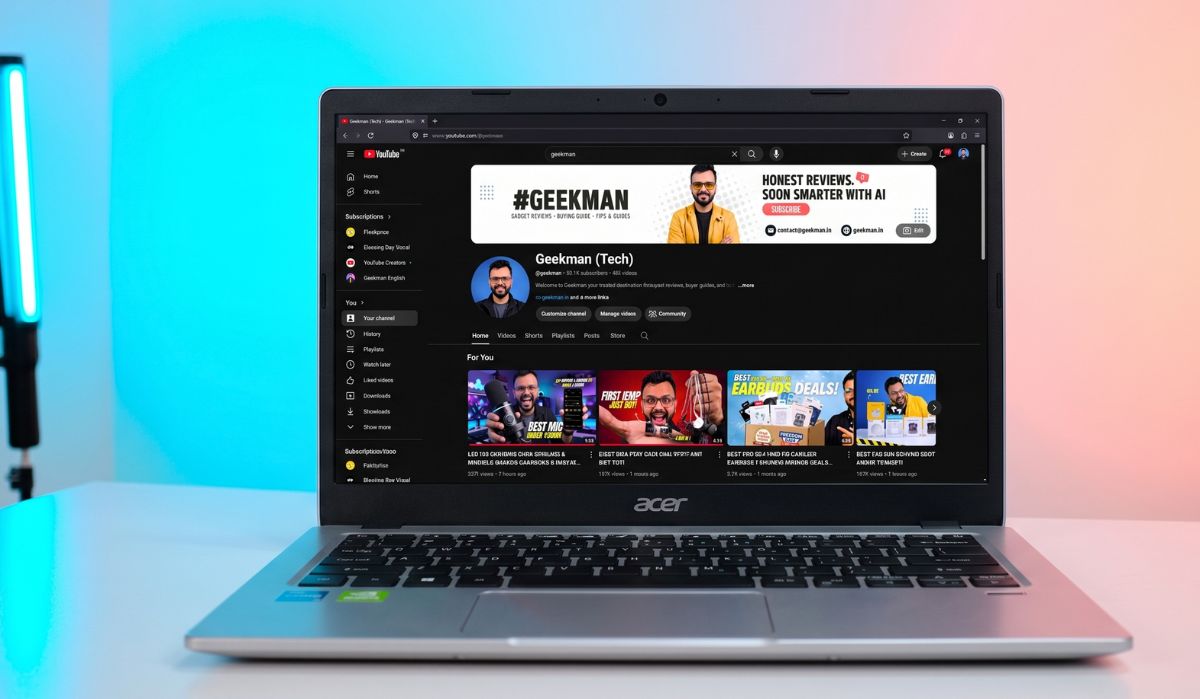
The Acer Aspire One A114-43 is the laptop I’m recommending at the top of this list because it gives you two solid options under one roof. You can pick the Ryzen 5-40 variant if you want more processing muscle, or save a few thousand with the Ryzen 3-7320U variant if your usage is lighter. Both share the same 1.48kg chassis, 8GB LPDDR5 RAM, and the same compact 14-inch body — so the decision comes down to how much CPU power you actually need.
Variant 1: AMD Ryzen 5-40 (Better Processor)
The Ryzen 5-40 variant is what I’d pick if budget allows. The Ryzen 5-40 is a 4-core chip clocked at 2.8 GHz base with boost up to 4.3 GHz and 4MB cache. That’s noticeably faster than the Ryzen 3-7320U in single-core tasks — Chrome tabs load snappier, Excel sheets with formulas respond quicker, and VS Code feels less laggy on medium projects. Comes with a 14-inch WXGA (1366×768) display.
Price: ₹40,990 (256GB SSD) | ₹38,990 on bank card offers
Variant 2: AMD Ryzen 3-7320U (Better Value)
The Ryzen 3-7320U variant costs ₹36,990 for the 256GB SSD model. Same 4-core chip but with 8 threads (vs 4 threads on Ryzen 5-40), based on Zen 2 architecture on TSMC 6nm. For everyday tasks — 10-12 Chrome tabs, Word, Excel, Zoom calls — you won’t feel the difference from the Ryzen 5 variant. The 512GB SSD variant goes up to ₹40,990. Variants with Office 2024 + M365 Basic pre-loaded are also available (₹37,990 for 256GB, ₹43,990 for 512GB).
Display is 14-inch TN HD (1366×768) — same resolution but potentially a slightly different panel than the Ryzen 5’s WXGA listing.
What Both Variants Share
Both run the same chassis: 1.48kg, Pure Silver finish, 55Wh battery (one of the biggest in this segment — expect 7-8 hours of real use), 8GB LPDDR5 (that DDR5 matters — faster than DDR4 competitors), USB-C, USB-A, HDMI, headphone jack, and Windows 11 Home.
The Display Trade-off
The biggest compromise on both variants is the display. 1366×768 resolution on a 14-inch screen is sharp enough for documents and browsing, but if you’re used to Full HD on your phone, you’ll notice the difference. Colours on TN panels wash out when viewed from the side. If display quality is your priority, skip to the Acer Aspire Lite AL15-41 at #4 which has a Full HD IPS panel.
Who Should Buy Which Variant
Ryzen 5-40: College students doing coding, light data work, or anyone who keeps 15+ tabs and multiple apps open. The faster single-core speed makes a daily difference.
Ryzen 3-7320U: School students, parents buying for kids, anyone whose usage is browsing + Office + video calls. Save ₹4,000 and put it towards a good mouse or bag.
Show more +Pros & Cons
Specifications
- Processor: AMD Ryzen 5-40 (4C/4T, up to 4.3 GHz)
- RAM: 8 GB LPDDR5Storage: 256 GB / 512 GB SSD
- Display: 14″ WXGA (1366 × 768)
- Graphics: AMD Radeon 610M
- Operating System: Windows 11 Home
- Battery: 55 Wh (~7–8 hours)
- Weight: 1.48 kg
- Price: ₹40,990 (256 GB)
- Warranty: 1 Year Manufacturer Warranty



ASUS Vivobook Go 15BEST 15.6 laptop
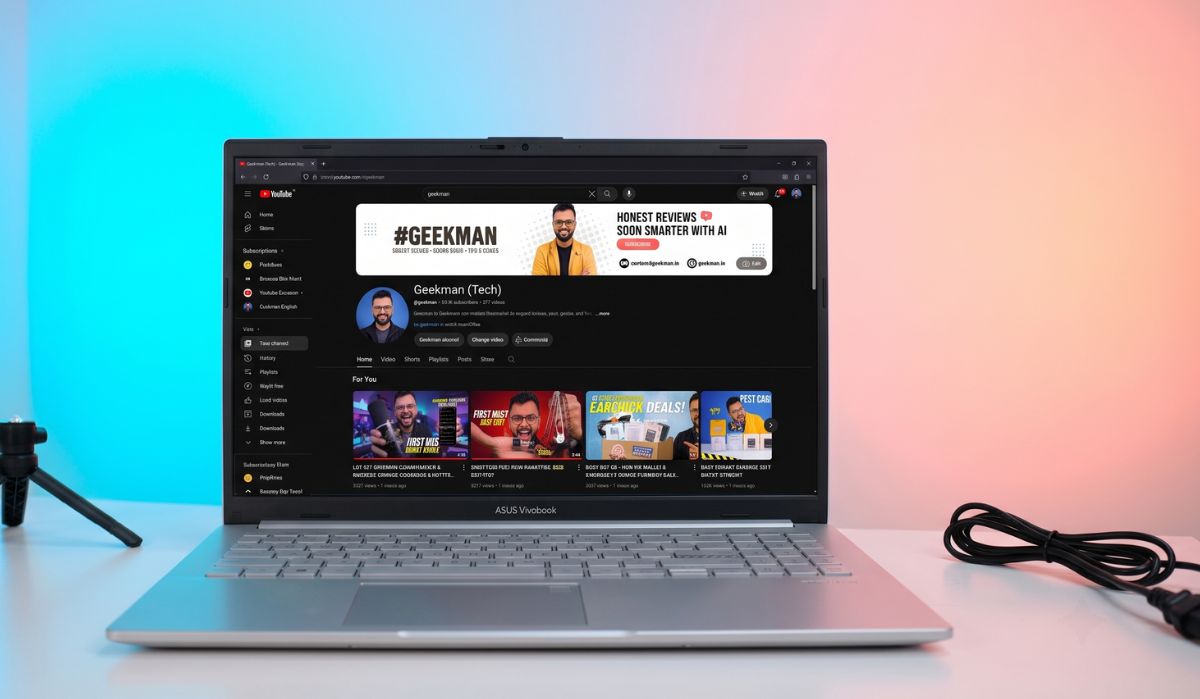
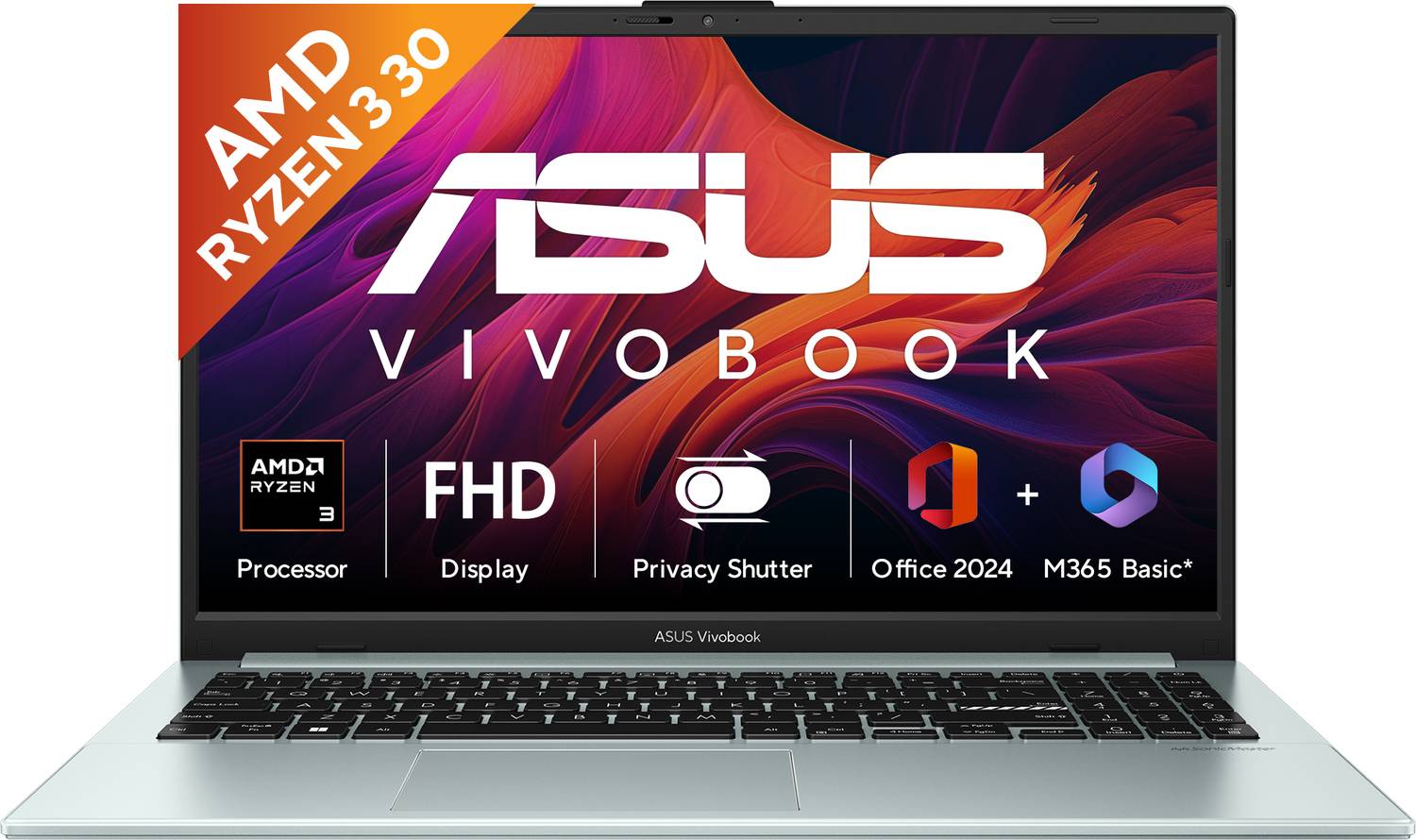
Buy the ASUS Vivobook Go 15 if you want a 2026-spec laptop (Ryzen 3 30 processor) with a 15.6-inch Full HD display and 512GB SSD — all under ₹40,000 during Flipkart sales. Spec-sheet winner of this list.
ASUS has been dominating the budget segment on Flipkart for a while now. The 2026 refresh of the Vivobook Go 15 (E1504FA-BQ2117WS) brings the latest AMD Ryzen 3 30 processor paired with 8GB DDR5 and 512GB SSD. The Full HD display with narrow NanoEdge bezels gives you noticeably more screen area and clarity than the 14-inch HD options above. ASUS also bundles Office 2024 + M365 Basic — genuine Office without paying extra.
Build & Display
Plastic body, which is expected at this price. The build feels sturdy enough for daily use but won’t impress anyone used to metal laptops. The 15.6-inch FHD display is where it earns its spot — clear text, decent colours for a budget panel, and narrow bezels that make the laptop look more modern than its price suggests. If display quality matters to you and you want the biggest screen at this budget, this is the one.
Performance & Battery
The Ryzen 3 30 is AMD’s 2026-gen budget chip. Real-world performance difference versus the Ryzen 3 7320U (in the Acer options) isn’t dramatic, but you do get improvements in power efficiency. Actual battery life lands around 6-7 hours of mixed use. MIL-STD-810H military-grade durability testing is a practical plus — ASUS claims it can handle drops, vibrations, and temperature extremes better than uncertified competitors.
User reviews on Flipkart consistently rate it 4+ stars. Multiple buyers have confirmed it handles college work, online classes, and even light coding without issues. “I purchased this laptop under 40K and at this price range, it’s excellent” is a typical review — and that checks out.
Flipkart Pricing
The MRP is ₹52,990 but it regularly drops to ₹35,000-38,000 during Flipkart sales. At full MRP it’s overpriced — at sale price it’s arguably the best value on this list. Keep an eye on Big Billion Days and Republic Day sales.
Show more +Pros & Cons
Specifications
- Processor: AMD Ryzen 3 30 (Quad Core, 2026 Gen)
- RAM: 8 GB DDR5Storage: 512 GB SSD
- Display: 15.6-inch Full HD (1920 × 1080), Anti-Glare
- Graphics: AMD Radeon Integrated Graphics
- Operating System: Windows 11 Home + Office 2024
- Battery: Up to ~7 hours (rated)
- Weight: 1.63 kg
- Durability: MIL-STD-810H
- Warranty: 1 Year ASUS Warranty


Acer One 15BEST FOR OFFICE WORK
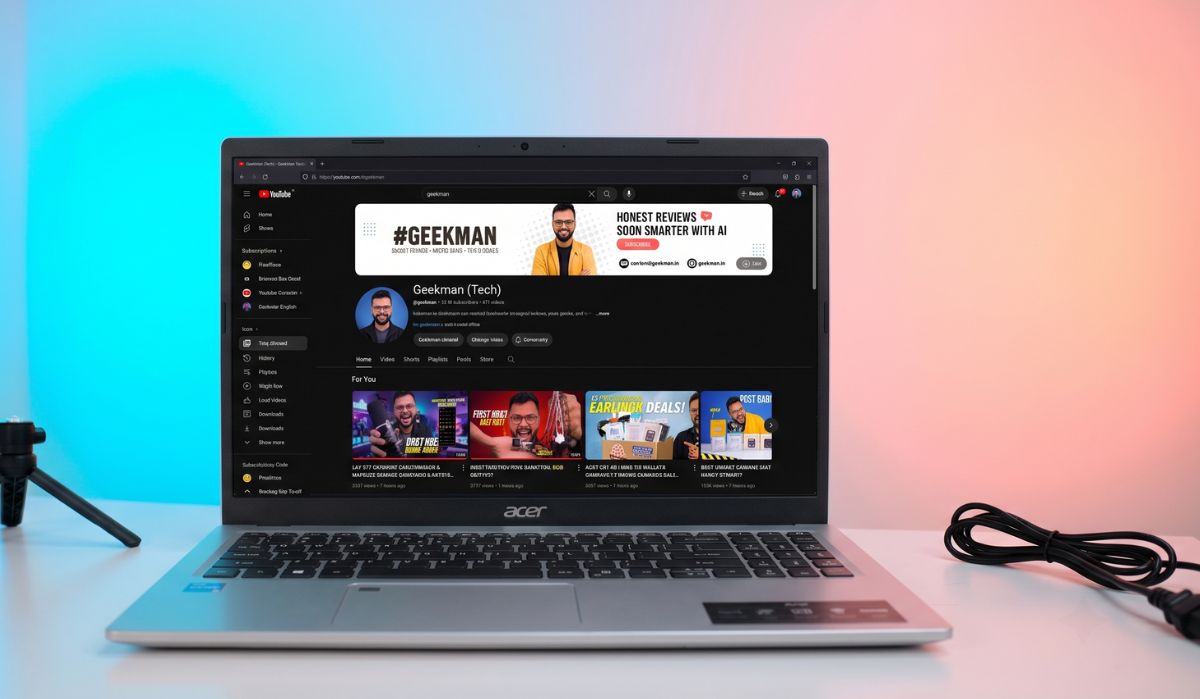
Buy the Acer One Z14-55M if you need a compact office laptop from a brand with one of the widest service networks in India. Not flashy, not exciting — just reliable.
The Acer One Z14-55M is the kind of laptop IT departments buy in bulk for offices. Ryzen 3 7320U, 8GB RAM, 512GB SSD, 14-inch display, Windows 11 — all the basics covered, nothing extra. And that’s actually a positive. At around ₹38,000, you’re paying for Acer’s service network (covers most tier-2 and tier-3 cities in India), a predictable performance profile, and a laptop that won’t give you surprises two years down the line.
Build & Everyday Use
The build is functional — not premium, not flimsy. The keyboard has decent travel for a 14-inch laptop, which matters if you type reports and emails all day. Ports are practical: USB-A, USB-C, HDMI, and a headphone jack. The display is standard HD — similar to the Aspire One above, so the same colour and sharpness limitations apply.
Why It Makes This List
The Acer One series is designed for reliability, not spec-sheet wins. The Ryzen 3 7320U with LPDDR5 handles everything an office user needs. Acer’s service network advantage is real — if you’re in Ahmedabad, Jaipur, Lucknow, or any tier-2 city, getting warranty service for an ASUS or Primebook can be a headache. Acer makes that easy.
Show more +Pros & Cons
Specifications
- Processor: AMD Ryzen 3 7320U (4C/8T, up to 4.1 GHz)
- RAM: 8 GB LPDDR5
- Storage: 512 GB SSD
- Display: 14-inch HD (1366 × 768)
- Graphics: AMD Radeon 610M Integrated Graphics
- Operating System: Windows 11 Home
- Weight: ~1.5 kg
- Warranty: 1 Year Manufacturer Warranty


Acer Aspire LiteBEST DISPLAY & BUILD QUALITY
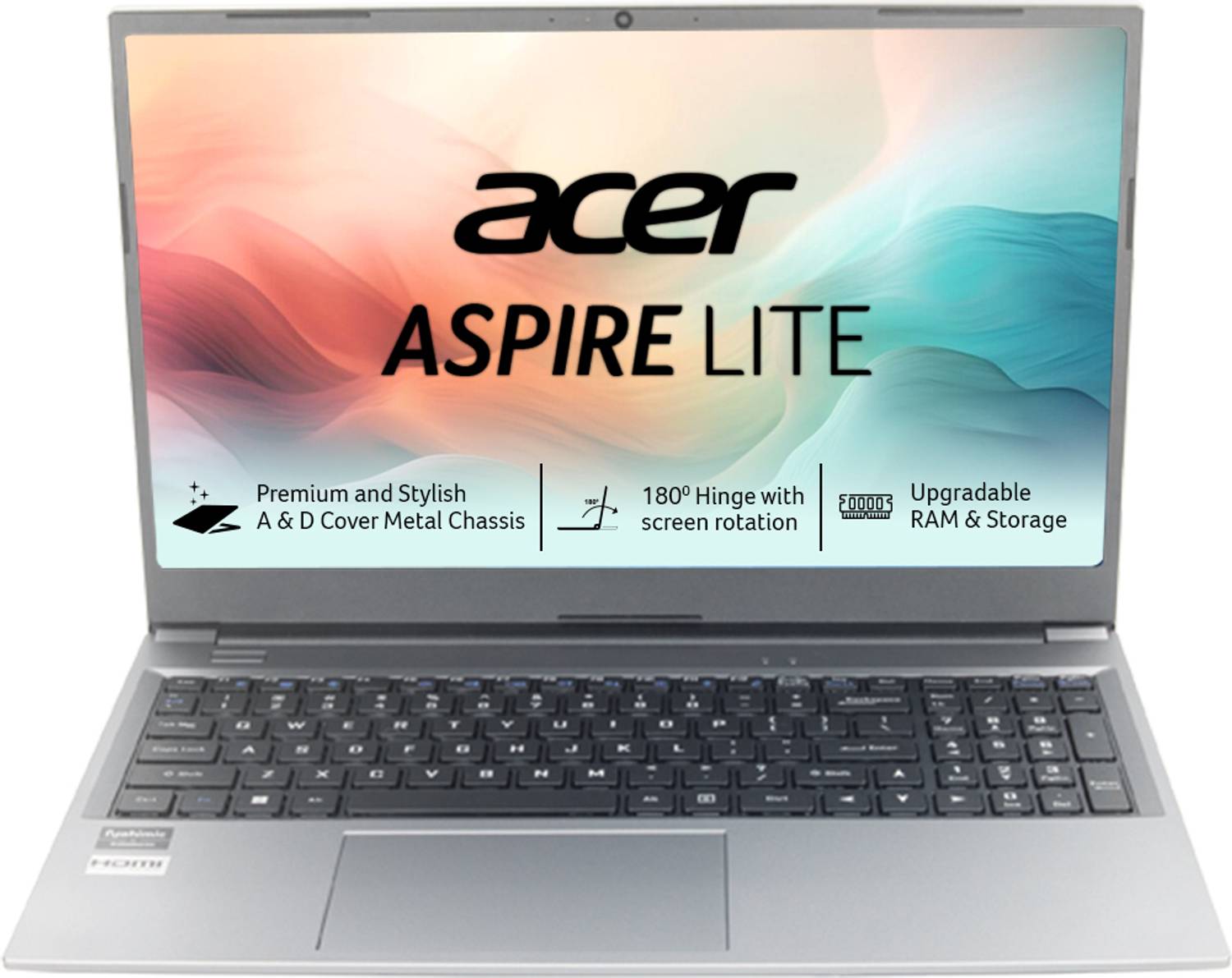
Buy the Acer Aspire Lite AL15-41 if display quality matters to you the most. Full HD IPS at this price, wrapped in a metal body — that’s a combination you don’t get anywhere else under ₹40K.
The AL15-41 earns its spot in the list of best laptops under 40000 because of two things no other laptop on this list offers together: a 15.6-inch Full HD IPS display and a metal body. At roughly ₹35,000, you get sharp text, accurate colours, and wide viewing angles — you can share your screen with someone next to you without the colours washing out. The Ryzen 3 5400U is a 4-core, 8-thread processor that handles 15-20 Chrome tabs, MS Office, light Photoshop, and even Android Studio without choking.
Build & Display
Metal body at this price is rare. Most competitors at ₹35K give you full plastic, so the AL15-41 feels like a ₹50K laptop in hand. The 15.6-inch Full HD IPS display has anti-glare coating — helps when working near a window. If you’ve been looking at the HD TN panels on the Acer Aspire One above and thinking “I need something better” — this is your answer.
Performance & Battery
The Ryzen 3 5400U is a Zen 2 chip with Radeon integrated graphics. Not the newest chip on this list (the ASUS above uses a 2026 Ryzen 3 30), but a proven workhorse. 8GB RAM handles day-to-day multitasking fine. The 512GB SSD means Windows boots in under 15 seconds. Battery life is around 5-6 hours of real use with Wi-Fi and brightness at 60-70%.
The variant with Office 2024 + M365 Basic pre-loaded saves you ₹5,000-7,000 on a separate license.
Show more +Pros & Cons
Specifications
- Processor: AMD Ryzen 3 5400U (4C/8T, up to 4.0 GHz)
- RAM: 8 GB DDR4Storage: 512 GB SSD
- Display: 15.6-inch Full HD IPS (1920 × 1080), Anti-Glare
- Graphics: AMD Radeon Integrated Graphics
- Operating System: Windows 11 Home + MS Office
- Battery: ~7 hours (rated), ~5–6 hours real-world
- Weight: 1.59 kg
- Warranty: 1 Year Manufacturer Warranty

Primebook 2 MaxBEST BUDGET ANDROID LAPTOP
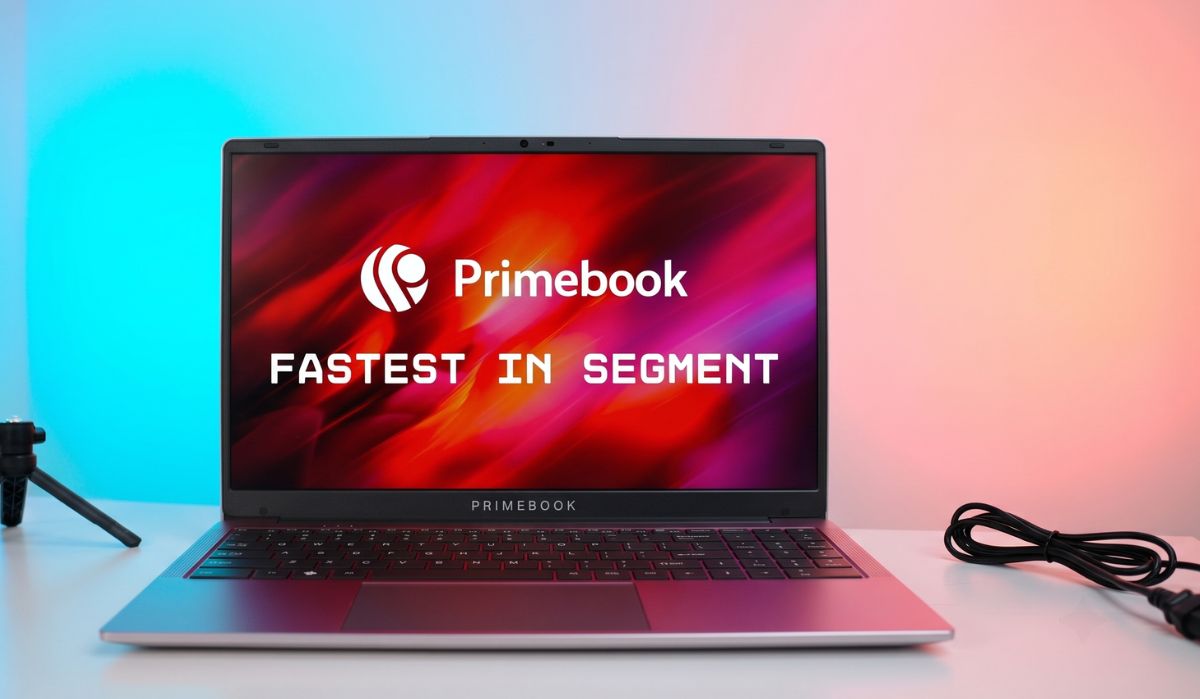
Buy the Primebook 2 Max at ₹19,490 if you understand what you’re getting: an Android laptop that handles browser-based work, Google apps, and YouTube brilliantly — for about half the price of any Windows laptop on this list. Don’t buy it expecting Windows.
The Primebook 2 Max is the wildcard on this list of best laptops under 40000. At ₹19,490, it’s by far the cheapest — but comes with a massive caveat: it runs PrimeOS 3.0, an Android 15-based operating system, not Windows. No MS Office desktop app, no Tally, no .exe files. You get Google Docs, Sheets, and browser-based tools. For a student whose entire workflow lives in Chrome and Google Workspace, that might be enough. For everyone else, it’s a dealbreaker.
What It Does Well
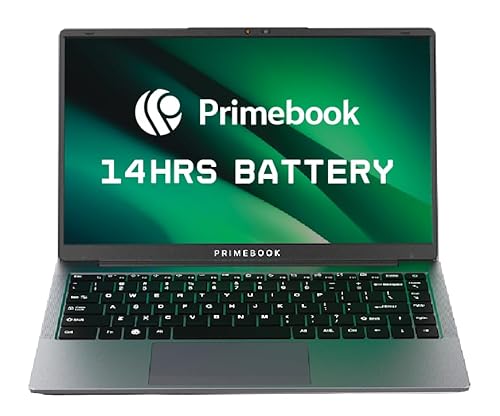
The MediaTek Helio G99 is an octa-core mobile chip (2x Cortex-A76 + 6x Cortex-A55) that handles Android apps smoothly. 8GB LPDDR4X RAM and 256GB UFS storage keep things snappy. The 15.6-inch Full HD IPS display is actually better than several Windows laptops at double the price. Battery life is the star — 12 hours on a single charge with a 60.3Wh battery. Backlit keyboard is a bonus you don’t expect at this price. Made in India.
What It Doesn’t Do
No Windows. No desktop-grade multitasking. No professional software support. The “Cloud PC” feature lets you connect to a remote Windows desktop, but that requires good internet and a separate subscription — not a replacement for native Windows.
Who Should Actually Buy This
School-going kids who need a laptop for online classes, Google Classroom, and YouTube — genuinely unbeatable value. College students who can survive entirely on Google Workspace and browser apps — works. Everyone else — spend the extra ₹15K and get a proper Windows laptop from this list.
Show more +Pros & Cons
Specifications
- Processor: MediaTek Helio G99 (Octa-Core, 2× A76 + 6× A55)
- RAM: 8 GB LPDDR4X
- Storage: 256 GB UFS
- Display: 15.6-inch Full HD IPS (1920 × 1080)
- Graphics: ARM Mali-G57 MC2
- Operating System: Android 15 (PrimeOS 3.0) — Not Windows
- Battery: 60.3 Wh (~12 hours)
- Weight: ~1.8 kg
- Connectivity: Wi-Fi, Bluetooth 5.1, USB-A, USB-C, MicroSD
- Warranty: 1 Year Manufacturer Warranty


Quick Comparison Table — Best Laptops Under 40000
| Model | Price (Approx.) | Processor | RAM | Storage | Display | Weight |
|---|---|---|---|---|---|---|
| Acer Aspire One A114-43 (R5-40) | ₹40,990 | Ryzen 5-40 | 8GB LPDDR5 | 256GB SSD | 14″ HD | 1.48 kg |
| Acer Aspire One A114-43 (R3) | ₹36,990 | Ryzen 3 7320U | 8GB LPDDR5 | 256GB SSD | 14″ HD | 1.48 kg |
| ASUS Vivobook Go 15 | ₹37,000* | Ryzen 3 30 | 8GB DDR5 | 512GB SSD | 15.6″ FHD | 1.63 kg |
| Acer One Z14-55M | ₹38,000 | Ryzen 3 7320U | 8GB LPDDR5 | 512GB SSD | 14″ HD | ~1.5 kg |
| Acer Aspire Lite AL15-41 | ₹35,000 | Ryzen 3 5400U | 8GB DDR4 | 512GB SSD | 15.6″ FHD IPS | 1.59 kg |
| Primebook 2 Max | ₹19,490 | Helio G99 | 8GB LPDDR4X | 256GB UFS | 15.6″ FHD IPS | ~1.8 kg |
What to Check Before Buying a Laptop Under 40000
Processor: AMD dominates this budget in India. The Ryzen 5-40 is the fastest chip on this list, followed by the Ryzen 3 30 (ASUS) and Ryzen 3 7320U. Intel options exist too, but AMD generally delivers better value under ₹40K.
RAM: 8GB is the minimum you should accept in 2026. Avoid 4GB laptops — Windows 11 plus Chrome alone eats up 3-4GB. LPDDR5 is faster than DDR4, though the real-world difference in daily use isn’t dramatic.
Storage: SSD is mandatory. Don’t buy a laptop with an HDD, no matter how cheap it is. 256GB works if you use cloud storage. 512GB is more comfortable long-term.
Display: Full HD IPS is always better than HD TN. If your budget allows, go for a Full HD IPS panel (Acer Aspire Lite or ASUS Vivobook Go). TN panels look washed out from the side and show dull colours.
Battery: Most Windows laptops in this budget deliver 5-7 hours of real-world use. If battery life is your top priority, the Primebook’s 12-hour backup is unbeatable — but it doesn’t run Windows.
FAQ
Which is the best laptop under 40000 in India?
The Acer Aspire One A114-43 (Ryzen 5-40 variant) offers the newest processor, DDR5 RAM, and weighs just 1.48kg. If you want a Full HD display instead, go for the Acer Aspire Lite AL15-41 or ASUS Vivobook Go 15.
No. You won’t find a laptop with a dedicated GPU at this budget. For gaming, you need at least ₹50,000-60,000.
No. Primebook is an Android-based laptop that runs PrimeOS (based on Android 15). Windows software like MS Office desktop, Tally, or any .exe file won’t work on it. It’s designed for students who use Google apps and browser-based tools.
For college students, the Acer Aspire One A114-43 is ideal — lightweight, DDR5 RAM, easy to carry daily. If display quality matters more, the ASUS Vivobook Go 15 has a 15.6-inch Full HD screen. For school students on a tight budget, the Primebook 2 Max is the most affordable option.
For basic use — browsing, Office, video calls, Netflix — yes. If you plan to do coding, video editing, or heavy multitasking, 16GB would be better, but finding 16GB under ₹40K is difficult.
Pick the Ryzen 5-40 if you code regularly or keep 15+ browser tabs open at once. The Ryzen 3-7320U handles basic browsing, Office, and video calls just fine — and saves you about ₹4,000.
Upgrading your home too? Our latest Best Buy guides
Done with gadgets? These Geekman buying guides compare price, running cost and service before you spend on the big home upgrades.
- Best AC Under ₹30,000 in India (2026) — 1.5 ton splits compared on price and power bill
- Best Air Fryer in India (2026) — 7 picks compared on price and running cost
- Best Air Purifier in India (2026) — 8 picks by room size, CADR and filter cost
- Best Robot Vacuum Cleaner & Mop in India (2026) — 7 picks from ₹14,999 to ₹69,999
- Best Dishwasher in India (2026) — 10 picks with price, water use and service
More buying guides from Geekman: Best Wireless Headphones Under 5000 in India (2026) · Best Earbuds Under 10000 In India 2026 · Best USB Microphone Under 5000 in India (2026) — For Youtube, Gaming, Podcast · Best Gaming Headphones Under 5000 In India (2026)





Hi, how beautifully u wrote yarr. I think avita is a good laptop but I don’t prefer to buy because Avita is looks like weak I mean the hinge is so week and the wholesome laptop body is not good but by the configuration it’s good at this price point.
Before choosing for buy from where I can get information about m.2 slot and memory slots? Please help me sir.
Now a day’s laptops have ssd slots(m.2,nvme,)/hybrid type and have 2 memory slots -is it true sir!!
From where I can get information? Please help me sir.
Yes, most of the newly launched laptop have m2 SSD slot, For information, you need to check the user manual of the laptop
I want to buy a laptop and i am confused in HDD and SSD…so i have two options of laptop i.e HP-15s-eq0024au OR HP-15q-ds0010tu….so tell me which one should i buy?
Hello..I have a budget of 50k I want a full speed laptop for work purpose..which laptop should you prefer..please!!
And sir perfer unto 35000/-