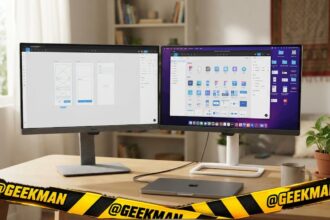

Short answer: The Samsung Smart Monitor M7 32 is the best mix of 4K picture and mature apps. For the best value, the Samsung M5 32. For smoother 120Hz, the LG 32U501SB.
Smart monitors run Netflix, Prime Video and other apps without a PC, come with a remote and have speakers, so one screen works as a monitor and a TV. That is perfect for hostels, bedrooms and small flats. In India this category is just Samsung’s M series and LG’s smart range, so I compared every current model from both. Prices change every week during sales, so live prices sit in the buy buttons, not in the text. Updated on 17 November 2026.
Quick picks
| Pick | Monitor | Best for |
|---|---|---|
| Best overall (4K) | Samsung Smart Monitor M7 32 | Rooms that need a TV and a monitor in one |
| Best value big screen | Samsung Smart Monitor M5 32 | Budget TV-plus-monitor setups |
| Best LG (120Hz) | LG 32U501SB | LG and webOS fans who want a big smart screen |
| Best for bedroom or study | LG 27U511SB | Bedroom and study desks |
| 4K with USB-C 65W | LG 32U721SB | Laptop desks that double as a TV |
| TV-size 43-inch | Samsung Smart Monitor M7 43 | People who want a TV-size screen on a desk |
| Cheapest smart monitor | LG 24U511SB | Budget smart setups on small desks |
| Smart ultrawide | LG 34SR60QC | Wide work plus streaming |
Tap a name to jump to its review. Ranked by Geekman Score, best first.
Monitor finder
Answer 3 quick questions, get your top 3
Not sure which one? Start with Samsung Smart Monitor M7 32, Samsung Smart Monitor M5 32, LG 32U501SB.
How I ranked them
The Geekman Score
Geekman has reviewed screens, laptops and PC gear for over 10 years. For this list I went through every smart monitor sold in India (Samsung M series and LG smart ranges) sold in India, from the big stores and the brands’ own pages, and compared what decides whether you still like a monitor after two years: the panel type and resolution for its size, the real refresh rate on each port, colour coverage, the ports (HDMI version, DisplayPort, USB-C charging watts), the stand, speakers, the warranty and pixel policy, and how easy service is in Indian cities. Where a store page and the brand’s spec sheet disagree, I went with the brand. Every pick gets a Geekman Score out of 10: Picture and speed 35%, Features and build 20%, Service 15% and Value 30%. Scores compare monitors inside this list only.
See all Geekman Scores
| # | Monitor | Picture | Features | Service | Value | Score |
|---|---|---|---|---|---|---|
| 1 | Samsung Smart Monitor M7 32 | 9.0 | 9.0 | 9.2 | 9.6 | 9.2 |
| 2 | Samsung Smart Monitor M5 32 | 7.9 | 8.4 | 9.2 | 9.6 | 8.7 |
| 3 | LG 32U501SB | 8.2 | 8.4 | 9.2 | 8.9 | 8.6 |
| 4 | LG 27U511SB | 8.3 | 8.2 | 9.2 | 8.6 | 8.5 |
| 5 | LG 32U721SB | 9.1 | 9.0 | 9.2 | 6.8 | 8.4 |
| 6 | Samsung Smart Monitor M7 43 | 9.0 | 8.8 | 9.2 | 6.7 | 8.3 |
| 7 | LG 24U511SB | 8.1 | 8.0 | 9.2 | 8.0 | 8.2 |
| 8 | LG 34SR60QC | 8.7 | 8.4 | 9.2 | 6.7 | 8.1 |
The reviews
Best smart monitor in India: 8 picks reviewed
Best overall (4K)
1. Samsung Smart Monitor M7 32-inch 4K
9.2Geekman Score
9.0 Picture & speed
9.0 Features & build
9.2 Service
9.6 Value
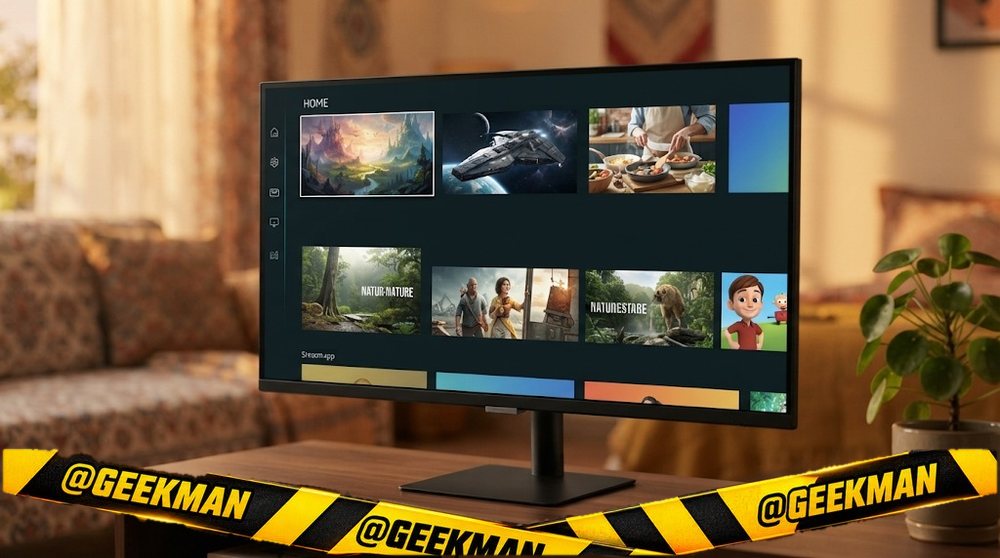
A 4K monitor that is also a smart TV, with Samsung’s app platform and a remote.
32″ 4K VA · 60Hz · USB-C video · Speakers · Tizen smart TV apps · Remote · 3 years
Best for
✓ Hostel and bedroom setups without a TV
✓ Laptop work by day, Netflix by night
Skip if
• Gaming above 60Hz
• Colour-critical work
My take: The best all-round smart monitor. The 4K panel and mature apps make it feel like a real TV when you need one.


Samsung 32" (80 cm) 4K M7 Vision AI Smart Monitor|UHD 3840 x 2160|Smart TV Experience with AI|Type-C|Apple AirPlay|Gaming Bar|Remote|Speakers|Wi-Fi|Bluetooth|AI Picture & Sound|LS32FM700UWXXL|Black

Bank offers on select credit cards +1
- Bank offers on select credit cards
- Cashback with Amazon Pay ICICI Bank Credit Cards
Pros and cons
What I like
+ 4K smart monitor
+ Mature Samsung apps
+ Remote included
What I don’t like
• 60Hz, no adaptive sync
Full review
The M7 32 (LS32FM700) is a 32-inch 4K VA smart monitor with Samsung’s Tizen apps, a remote, speakers and USB-C.
As a TV. Netflix, Prime Video and other streaming apps run without a PC. The remote makes it easy from the bed or sofa.
What to know. It is 60Hz and reviewers note it has no adaptive sync, so it is not for serious gaming. Check the USB-C charging wattage on the box.
Key specs
| Screen | 32 inch |
| Resolution | 4K 3840×2160 |
| Panel | VA |
| Refresh rate | 60Hz |
| Response time | Not stated |
| Colour | Not stated |
| HDR | No |
| Ports | HDMI, USB-C |
| USB-C | Yes, video only |
| Stand | Not stated |
| Speakers | Yes |
| Warranty | 3 years |
Best value big screen
2. Samsung Smart Monitor M5 32-inch
8.7Geekman Score
7.9 Picture & speed
8.4 Features & build
9.2 Service
9.6 Value
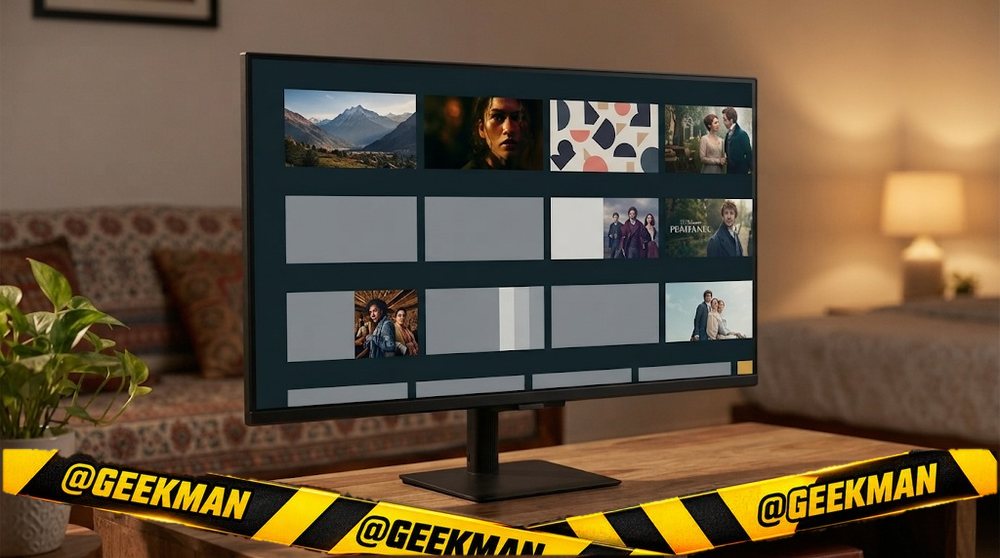
The value smart monitor: a big 32-inch screen with apps, speakers and a remote.
32″ FHD VA · 60Hz · Speakers · Tizen smart TV apps · Remote · 3 years
Best for
✓ Students and hostel rooms
✓ Watching shows from the bed
Skip if
• Sharp text up close
• Gaming
My take: For the price of a basic monitor plus a streaming stick, you get both in one box.

Samsung 32" (80cm) M5 Smart Monitor with Smart TV Experience|FHD 1920 x 1080|Screen Mirroring TV Plus|Speakers|Adaptive Sound|Wi-Fi|HDMI|Bluetooth|LS32FM500EWXXL|Black
Bank offers on select credit cards +1
- Bank offers on select credit cards
- Cashback with Amazon Pay ICICI Bank Credit Cards
Pros and cons
What I like
+ Smart apps and remote
+ 32-inch at a low price
+ Speakers
What I don’t like
• Full HD at 32 inches
Full review
The M5 32 is a 32-inch Full HD VA smart monitor with Samsung’s Tizen apps, HDR10 support, speakers, Bluetooth and a remote.
As a TV. Apps run without a PC, and Bluetooth lets you connect a keyboard, mouse or headphones.
What to know. Full HD at 32 inches looks soft up close. Sit back for TV use.
Key specs
| Screen | 32 inch |
| Resolution | Full HD 1920×1080 |
| Panel | VA |
| Refresh rate | 60Hz |
| Response time | 4ms |
| Colour | Not stated |
| HDR | HDR10 |
| Ports | HDMI, USB, Bluetooth |
| USB-C | No |
| Stand | Not stated |
| Speakers | Yes |
| Warranty | 3 years |
Best LG (120Hz)
3. LG Smart AI 32U501SB 32-inch Smart Monitor
8.6Geekman Score
8.2 Picture & speed
8.4 Features & build
9.2 Service
8.9 Value
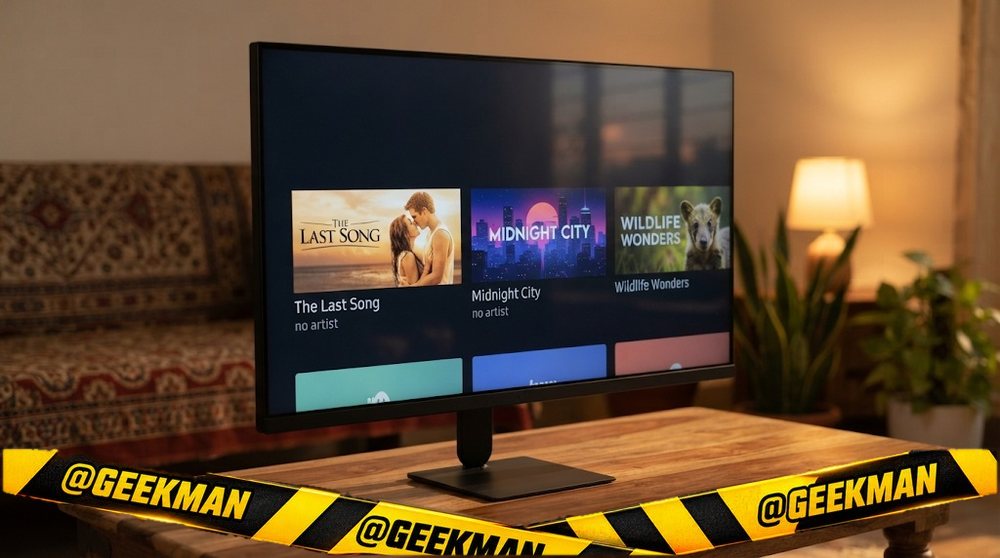
LG’s 2026 webOS smart monitor at 120Hz, smoother than most smart monitors.
32″ FHD IPS · 120Hz · Speakers · webOS 26 apps · Wi-Fi · 3 years
Best for
✓ Streaming and casual use
✓ Smoother scrolling than 60Hz smart monitors
Skip if
• Sharp text up close
• Laptops needing USB-C
My take: A strong rival to the Samsung M5, with 120Hz as the edge.

LG 32U501SB 80 cm (32 Inch) Full HD (1920x1080) Smart Monitor with webOS26, 120Hz, Wi-Fi, Bluetooth, Miracast, AirPlay, Speakers 5WX2, HDMI, USB-A, Slim Stand, 3-Side Virtually Borderless (Black)
Bank offers on select credit cards +1
- Bank offers on select credit cards
- Cashback with Amazon Pay ICICI Bank Credit Cards
Pros and cons
What I like
+ 120Hz smart monitor
+ webOS apps
+ Speakers
What I don’t like
• Full HD at 32 inches
Full review
The 32U501SB is a 32-inch Full HD smart monitor at 120Hz with LG’s webOS 26 apps, Wi-Fi, speakers and 99 percent sRGB.
As a TV. webOS runs the main streaming apps. 120Hz makes menus and scrolling smoother.
What to know. Full HD at 32 inches is soft up close. I could not confirm every smart feature on LG’s India page, so check the app list before buying.
Key specs
| Screen | 32 inch |
| Resolution | Full HD 1920×1080 |
| Panel | IPS |
| Refresh rate | 120Hz |
| Response time | 5ms |
| Colour | 99% sRGB |
| HDR | No |
| Ports | HDMI, USB |
| USB-C | No |
| Stand | Not stated |
| Speakers | Yes |
| Warranty | 3 years |
Best for bedroom or study
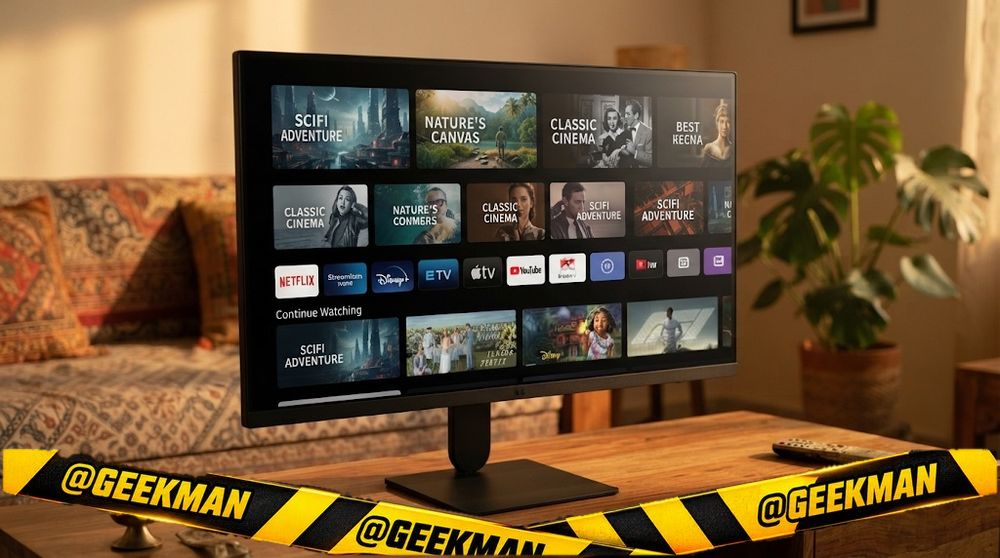
4. LG Smart AI 27U511SB 27-inch Smart Monitor
8.5Geekman Score
8.3 Picture & speed
8.2 Features & build
9.2 Service
8.6 Value
A 27-inch webOS smart monitor for a bedroom or study desk.
27″ FHD IPS · 120Hz · Speakers · webOS 26 apps · 3 years
Best for
✓ Study by day, shows by night
✓ Smaller rooms
Skip if
• Gaming
• USB-C laptops
My take: The right size for a study table. Sharper than the 32-inch models at the same resolution.
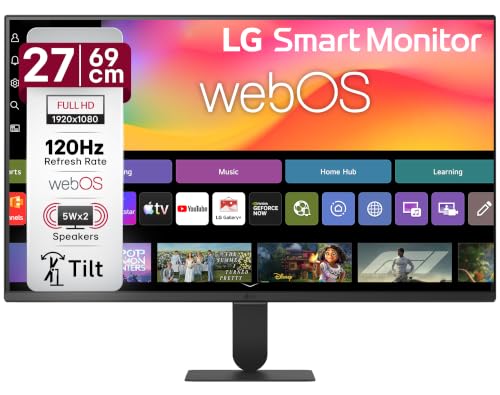
LG 27U511SB 69 cm (27 Inch) Full HD (1920x1080) IPS Smart Monitor with webOS26, 120Hz, Wi-Fi, Bluetooth, Miracast, AirPlay, Speakers, HDMI, USB-A, Slim Stand, 3-Side Virtually Borderless (Black)
Bank offers on select credit cards +1
- Bank offers on select credit cards
- Cashback with Amazon Pay ICICI Bank Credit Cards
Pros and cons
What I like
+ 27-inch IPS smart
+ 120Hz
+ Speakers
What I don’t like
• Full HD only
Full review
The 27U511SB is a 27-inch Full HD IPS smart monitor at 120Hz with webOS 26, HDR10 support and speakers.
Daily use. IPS colours and 120Hz on a smart screen. Apps run without a PC.
What to know. Check the app list on LG’s page before buying.
Key specs
| Screen | 27 inch |
| Resolution | Full HD 1920×1080 |
| Panel | IPS |
| Refresh rate | 120Hz |
| Response time | 5ms |
| Colour | 99% sRGB |
| HDR | HDR10 |
| Ports | HDMI, headphone |
| USB-C | No |
| Stand | Not stated |
| Speakers | Yes |
| Warranty | 3 years |
4K with USB-C 65W
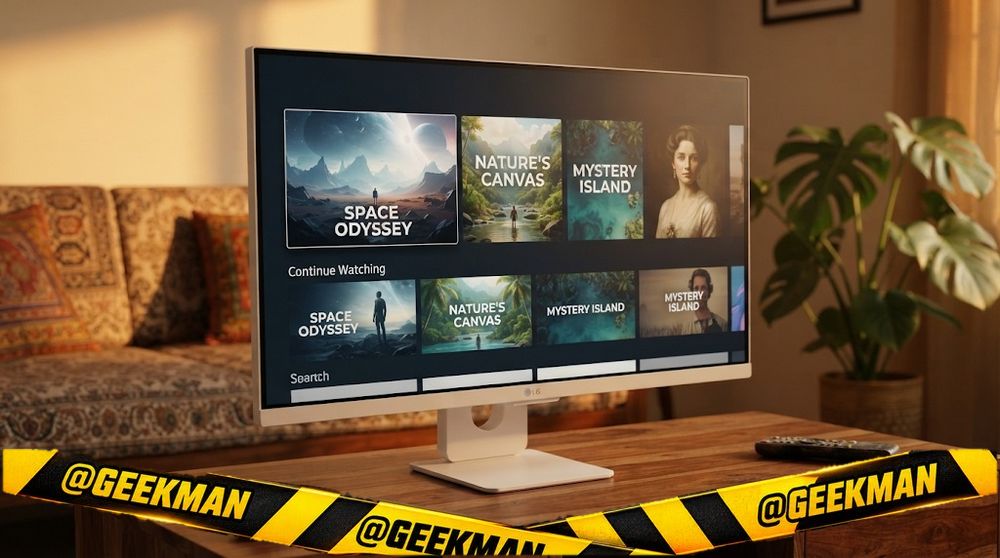
5. LG 32U721SB 32-inch 4K Smart Monitor with USB-C
8.4Geekman Score
9.1 Picture & speed
9.0 Features & build
9.2 Service
6.8 Value
A 4K webOS smart monitor that also charges a laptop at 65W.
31.5″ 4K IPS · 60Hz · USB-C 65W · Speakers · webOS 26 apps · 3 years
Best for
✓ Laptop work and streaming on one screen
✓ 4K content
Skip if
• Gaming
• Budget buyers
My take: A neat combination: 4K, smart apps and USB-C charging. It is a direct rival to the Samsung M7.

LG 32U721SB Smartchoice 80 cm (31.5 Inch) 4K UHD (3840 x 2160) Smart Monitor, webOS26, Wi-Fi, Bluetooth, Miracast, AirPlay, Speakers 5WX2, HDMI, USB-C (PD 65W), Slim Stand, 3-Side Virtually Borderless
Bank offers on select credit cards +1
- Bank offers on select credit cards
- Cashback with Amazon Pay ICICI Bank Credit Cards
Pros and cons
What I like
+ 4K smart monitor
+ USB-C 65W
+ Speakers
What I don’t like
• 60Hz
Full review
The 32U721SB is a 31.5-inch 4K smart monitor with webOS 26, USB-C with 65W charging and speakers.
Daily use. One cable to a laptop for work, then apps and a remote for shows.
What to know. It is 60Hz. Check the panel type on LG’s page.
Key specs
| Screen | 31.5 inch |
| Resolution | 4K 3840×2160 |
| Panel | IPS |
| Refresh rate | 60Hz |
| Response time | Not stated |
| Colour | Not stated |
| HDR | No |
| Ports | HDMI, USB-C (65W), USB |
| USB-C | Yes, 65W charging |
| Stand | Not stated |
| Speakers | Yes |
| Warranty | 3 years |
TV-size 43-inch
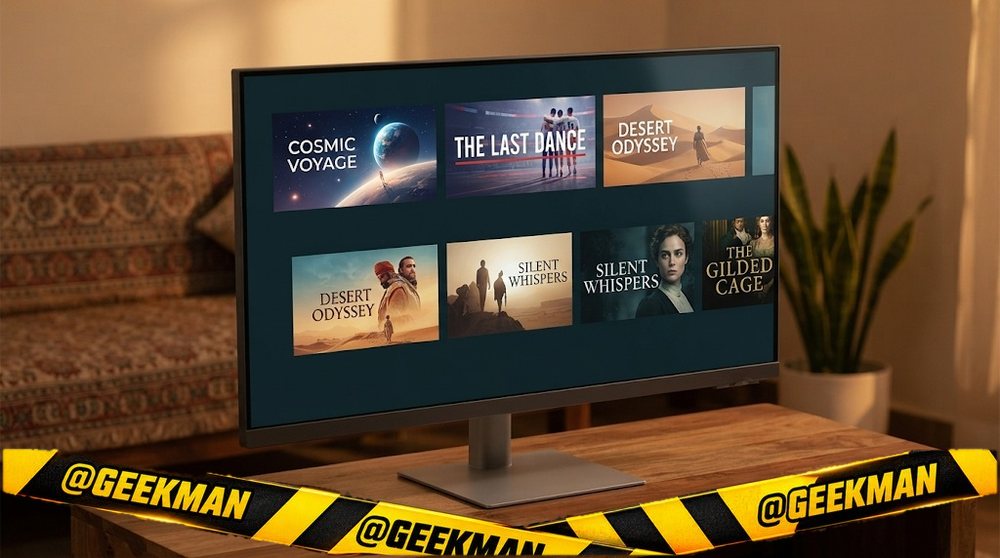
6. Samsung Smart Monitor M7 43-inch 4K
8.3Geekman Score
9.0 Picture & speed
8.8 Features & build
9.2 Service
6.7 Value
A TV-sized 43-inch 4K smart monitor for big desks and small rooms.
43″ 4K VA · 60Hz · Speakers · Tizen smart TV apps · 3 years
Best for
✓ Small rooms where a monitor is also the TV
✓ Big desks with deep space
Skip if
• Normal-depth desks
• Gaming
My take: Think of it as a small TV with a monitor’s inputs. Only buy it if your desk is deep.
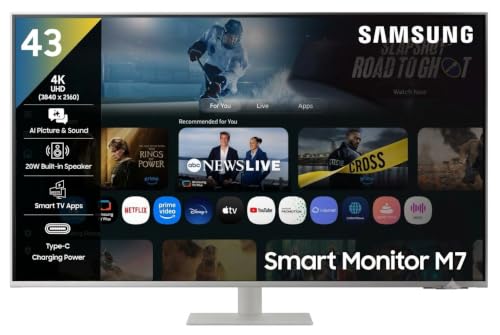
Samsung 43"(1.08m) 4K M7 Vision AI Smart Monitor|UHD 3840 x 2160|Smart TV Experience with AI|Type-C|Apple AirPlay|Gaming Bar|Remote|Speakers|Wi-Fi|Bluetooth|AI Picture & Sound|LS43FM701UWXXL|White
Bank offers on select credit cards +1
- Bank offers on select credit cards
- Cashback with Amazon Pay ICICI Bank Credit Cards
Pros and cons
What I like
+ 43-inch 4K smart
+ Mature apps
What I don’t like
• Needs a deep desk
Full review
The M7 43 is a 43-inch 4K VA smart monitor with Samsung’s Tizen apps and speakers.
Daily use. At 43 inches, 4K looks like a TV from a few feet away. Apps and a remote make it easy to use without a PC.
What to know. You need to sit at least a metre away. Check the port list on the box.
Key specs
| Screen | 43 inch |
| Resolution | 4K 3840×2160 |
| Panel | VA |
| Refresh rate | 60Hz |
| Response time | Not stated |
| Colour | Not stated |
| HDR | No |
| Ports | Not stated |
| USB-C | No |
| Stand | Not stated |
| Speakers | Yes |
| Warranty | 3 years |
Cheapest smart monitor
7. LG Smart AI 24U511SB 24-inch Smart Monitor
8.2Geekman Score
8.1 Picture & speed
8.0 Features & build
9.2 Service
8.0 Value
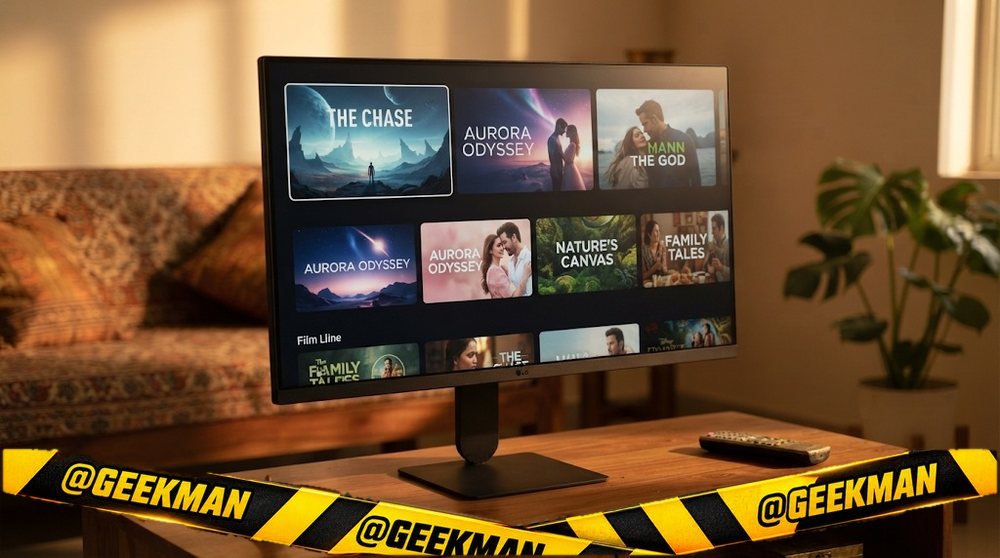
The cheapest smart monitor here, a 24-inch webOS screen for small rooms.
24″ FHD IPS · 120Hz · webOS 26 apps · Wi-Fi · 3 years
Best for
✓ Hostel rooms
✓ A kitchen or study screen
Skip if
• Big-screen watching
• Gaming
My take: A small, sharp smart screen for the price. Good as a second TV.

LG 24U511SB 60 cm (24 Inch) Full HD (1920x1080) IPS Smart Monitor, 120Hz, webOS26, Wi-Fi, Bluetooth, AirPlay, 5W X 2 Speakers, HP Out, HDMI x2, USB-A, Reader Mode, 3-Side Virtually Borderless (Black)
Bank offers on select credit cards +1
- Bank offers on select credit cards
- Cashback with Amazon Pay ICICI Bank Credit Cards
Pros and cons
What I like
+ Cheapest smart monitor
+ IPS at 120Hz
What I don’t like
• Small screen for TV use
Full review
The 24U511SB is a 24-inch Full HD IPS smart monitor at 120Hz with webOS 26 and Wi-Fi.
Daily use. Sharp at 24 inches and smooth at 120Hz. Apps run without a PC.
What to know. Check the speaker and port details on LG’s page before buying.
Key specs
| Screen | 24 inch |
| Resolution | Full HD 1920×1080 |
| Panel | IPS |
| Refresh rate | 120Hz |
| Response time | Not stated |
| Colour | Not stated |
| HDR | No |
| Ports | Not stated |
| USB-C | No |
| Stand | Not stated |
| Speakers | No |
| Warranty | 3 years |
Smart ultrawide
8. LG 34SR60QC 34-inch Smart Curved Ultrawide
8.1Geekman Score
8.7 Picture & speed
8.4 Features & build
9.2 Service
6.7 Value
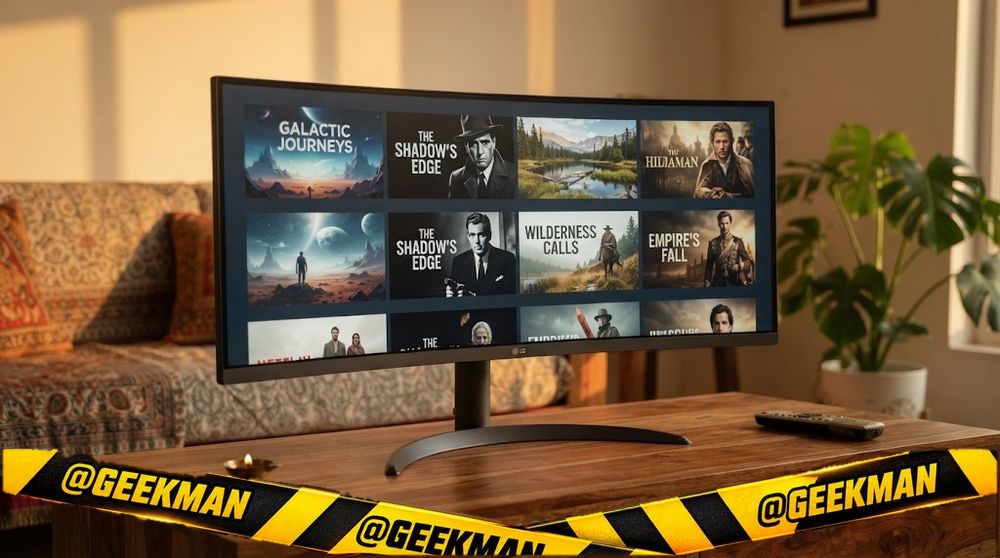
An ultrawide that is also a smart TV, for wide work and streaming.
34″ UWQHD VA curved · 100Hz · webOS apps · 3 years
Best for
✓ Ultrawide work and shows on one screen
✓ Desks without a TV
Skip if
• Gaming
• USB-C laptops
My take: A niche but clever mix. Ultrawide for work, webOS for shows.
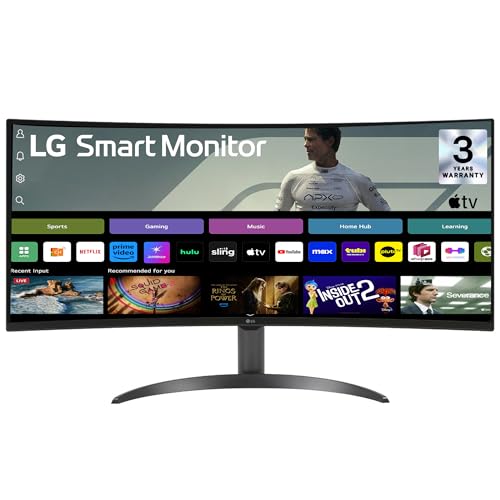
LG 34SR60QC 86.42cm (34in) Smart Curved (1800R) Monitor w/webOS Platform for Smart TV Experience, WQHD 3440x1440, Bluetooth, Screen Mirroring, Built-in Channels, ThinQ, HDMIx2, 5Wx2 Speakers (Black)
Bank offers on select credit cards +1
- Bank offers on select credit cards
- Cashback with Amazon Pay ICICI Bank Credit Cards
Pros and cons
What I like
+ Smart ultrawide
+ webOS apps
What I don’t like
• Black bars on normal videos
Full review
The 34SR60QC is a 34-inch 3440×1440 curved VA smart monitor at 100Hz with webOS.
Daily use. Work in two windows side by side, then switch to apps for films.
What to know. Films are 16:9, so you see black bars on the sides of an ultrawide.
Key specs
| Screen | 34 inch, curved curved |
| Resolution | UWQHD 3440×1440 |
| Panel | VA |
| Refresh rate | 100Hz |
| Response time | Not stated |
| Colour | Not stated |
| HDR | No |
| Ports | Not stated |
| USB-C | No |
| Stand | Not stated |
| Speakers | No |
| Warranty | 3 years |
Compare all 8 at a glance
| Monitor | Size | Resolution | Panel | Refresh | USB-C | Stand | Speakers | Warranty |
|---|---|---|---|---|---|---|---|---|
| Samsung Smart Monitor M7 32 | 32″ | 4K | VA | 60Hz | Video | Not stated | Yes | 3 years |
| Samsung Smart Monitor M5 32 | 32″ | FHD | VA | 60Hz | No | Not stated | Yes | 3 years |
| LG 32U501SB | 32″ | FHD | IPS | 120Hz | No | Not stated | Yes | 3 years |
| LG 27U511SB | 27″ | FHD | IPS | 120Hz | No | Not stated | Yes | 3 years |
| LG 32U721SB | 31.5″ | 4K | IPS | 60Hz | 65W | Not stated | Yes | 3 years |
| Samsung Smart Monitor M7 43 | 43″ | 4K | VA | 60Hz | No | Not stated | Yes | 3 years |
| LG 24U511SB | 24″ | FHD | IPS | 120Hz | No | Not stated | No | 3 years |
| LG 34SR60QC | 34″ | UWQHD | VA curved | 100Hz | No | Not stated | No | 3 years |
Specs from brand pages and the brand’s own product details. Refresh rates are the highest the monitor runs; some need DisplayPort.
The buying guide
How to choose a smart monitor
Best overall
Samsung M7 32 (4K).
Value
Samsung M5 32.
Smoother
LG 32U501SB (120Hz).
Laptop too
LG 32U721SB (USB-C 65W).
Small room
LG 27U511SB or 24U511SB.
TV-size
Samsung M7 43.
Smart monitors: what you get and what you give up
A smart monitor runs streaming apps without a PC, comes with a remote and usually has speakers. It is a TV and a monitor in one, which suits hostels, bedrooms and small flats.
The trade-offs: most run at 60Hz (some LG models now at 120Hz), and built-in speakers are average. If you mostly game or edit, a normal monitor plus a streaming stick can be better.
Resolution and size: pixels per inch decide sharpness
Sharpness depends on resolution and size together. A simple rule for normal desk distance: Full HD up to 24 inches, QHD (2K) at 27 inches, 4K at 27 to 32 inches. Full HD on a 27-inch screen shows visibly soft text.
More pixels also need more graphics power in games. A mid-range GPU runs QHD well; 4K gaming at high frame rates needs a high-end card. For office work any laptop can drive 4K.
Ports: HDMI versions, DisplayPort and USB-C charging
DisplayPort is the best choice for a gaming PC. HDMI 2.0 handles QHD at 144Hz and 4K at 60Hz. HDMI 2.1 is needed for 4K at 120Hz on a PS5 or Xbox. Some monitors say “HDMI 2.1 (TMDS)”, which works at lower bandwidth, so do not expect 4K 120 from those.
USB-C can carry video, data and power on one cable, but only if the monitor supplies enough watts: 65W suits a MacBook Air and thin laptops, 90 to 96W suits a 14 or 16-inch MacBook Pro. A USB-C port that gives 15W will not charge a laptop.
IPS, VA, OLED or TN: which panel?
IPS gives accurate colour from any angle and clean motion. It is the safe choice for work, gaming and editing. Blacks look a little grey in a dark room (“IPS glow”).
VA has two to three times the contrast of IPS, so films and dark games look deeper. The trade-off is slight smearing behind dark moving objects, which competitive players notice. Most curved monitors are VA.
OLED (QD-OLED or WOLED) lights each pixel on its own: perfect blacks and near-instant response. It costs more and can burn in with static images over years, so warranty terms matter. TN is old and cheap; skip it unless the price is very low.
Warranty, dead pixels and service in India
Most brands give 3 years on monitors now, but the fine print differs. Dell replaces S, P and UltraSharp monitors for even one bright pixel (Premium Panel Exchange). BenQ offers onsite service on LCD monitors. Acer, ViewSonic and Zebronics allow a few bad pixels before they call it a defect.
Budget brands often give 1 year, sometimes carry-in only. On a monitor you will use for five years, a longer warranty and a service centre in your city are worth more than one extra feature.
Questions other guides skip
1 · Can I use a TV instead of a monitor?
For console gaming and films from a sofa, yes. On a desk, TVs are too big, often have more input lag and do not have stands that adjust. A 27 or 32-inch monitor is better for close-up work.
2 · Are monitor speakers good enough?
For calls, online classes and videos, yes. For games and music they sound thin. 5W speakers are clearly better than 2W ones. You can always plug headphones into the monitor’s audio jack.
3 · How much electricity does a monitor use?
A 24-inch office monitor uses about 15 to 25W, a 27-inch QHD about 25 to 40W, and big 4K or OLED monitors 40 to 70W. Even at eight hours a day that is a small part of a home bill.
4 · What if my new monitor has a dead pixel?
Check it on day one with a full-screen white, black, red, green and blue image. Most brands allow a few bad pixels before they replace a panel; Dell’s S, P and UltraSharp lines replace for even one bright pixel. Report it within the return window or the first 90 days.
Also consider
Want a big screen for work? See the best 32-inch monitor.
For a MacBook? See the best monitor for macbook.
Mostly gaming? See the best gaming monitor in india.
More from Geekman
More monitor buying guides
Best 32-inch monitorBest 4K monitorBest ultrawide monitorBest monitor in IndiaBest monitor for MacBook
FAQs
Which is the best smart monitor in India?
The Samsung Smart Monitor M7 32: 32-inch 4K with Samsung’s smart TV apps, speakers and a remote.
Can a smart monitor replace a TV?
For one person or a small room, yes. It runs streaming apps and comes with a remote. For a family living room, a TV is bigger and has better speakers.
Can I play games on a smart monitor?
Casual games are fine. Most smart monitors are 60Hz, though LG’s newer models run at 120Hz.
Do smart monitors need a set-top box?
No. They stream over Wi-Fi like a smart TV. They do not have a TV tuner for cable, though you can connect a set-top box over HDMI.
Samsung or LG smart monitor?
Samsung has the more mature app platform and 4K options. LG’s 2026 models run at 120Hz and some have USB-C charging.
My final smart monitor picks
Best overall: Samsung M7 32. Check price
Value: Samsung M5 32. Check price
Smoother: LG 32U501SB. Check price
If your monitor is also your TV, a smart monitor saves money and desk space. If it is mostly for work or games, buy a normal monitor and add a streaming stick.