
Short answer: The LG UltraGear 27GS60QC is the curved monitor I would recommend first: QHD, 180Hz and a deep 1000R curve. Want bigger? The LG 32GS60QC. Want ultrawide? The LG 34G600A.
A curve does two things: it brings the edges of a big screen into your view and it makes games and films feel more immersive. It matters most at 32 inches and on ultrawide screens. Almost all curved monitors use VA panels, which have deep blacks but can smear in fast dark scenes, so I note that in each card. Prices change every week during sales, so live prices sit in the buy buttons, not in the text. Updated on 17 November 2026.
Quick picks
| Pick | Monitor | Best for |
|---|---|---|
| Best overall | LG UltraGear 27GS60QC | Single-player gaming and movies on a curved screen |
| Best value | Acer ED270U S3 | Budget curved QHD for games and films |
| Best 32-inch curved | LG UltraGear 32GS60QC | Big-screen gaming and movies from a little further back |
| Cheapest curved ultrawide | Acer Nitro ED340CUR J0 | Getting into ultrawide on a budget |
| Best curved ultrawide | LG UltraGear 34G600A | Ultrawide gaming and wide work layouts |
| Samsung classic with height stand | Samsung Odyssey G5 curved | Curved QHD gaming from Samsung |
| Fastest curved (280Hz) | Acer Nitro ED270 Z | Fast curved gaming on a budget |
| Budget big curved | Samsung S3 32 curved | Big-screen media and casual use on a budget |
Tap a name to jump to its review. Ranked by Geekman Score, best first.
Monitor finder
Answer 3 quick questions, get your top 3
Not sure which one? Start with LG UltraGear 27GS60QC, Acer ED270U S3, LG UltraGear 32GS60QC.
How I ranked them
The Geekman Score
Geekman has reviewed screens, laptops and PC gear for over 10 years. For this list I went through more than 80 curved monitors sold in India, from the big stores and the brands’ own pages, and compared what decides whether you still like a monitor after two years: the panel type and resolution for its size, the real refresh rate on each port, colour coverage, the ports (HDMI version, DisplayPort, USB-C charging watts), the stand, speakers, the warranty and pixel policy, and how easy service is in Indian cities. Where a store page and the brand’s spec sheet disagree, I went with the brand. Every pick gets a Geekman Score out of 10: Picture and speed 35%, Features and build 20%, Service 15% and Value 30%. Scores compare monitors inside this list only.
See all Geekman Scores
| # | Monitor | Picture | Features | Service | Value | Score |
|---|---|---|---|---|---|---|
| 1 | LG UltraGear 27GS60QC | 8.6 | 8.2 | 9.2 | 9.6 | 8.9 |
| 2 | Acer ED270U S3 | 8.4 | 8.1 | 8.1 | 9.6 | 8.7 |
| 3 | LG UltraGear 32GS60QC | 8.8 | 8.2 | 9.2 | 8.2 | 8.6 |
| 4 | Acer Nitro ED340CUR J0 | 8.5 | 8.4 | 8.1 | 8.6 | 8.5 |
| 5 | LG UltraGear 34G600A | 9.1 | 9.0 | 9.2 | 6.6 | 8.3 |
| 6 | Samsung Odyssey G5 curved | 8.4 | 8.6 | 9.2 | 7.4 | 8.3 |
| 7 | Acer Nitro ED270 Z | 8.3 | 8.0 | 8.1 | 8.1 | 8.2 |
| 8 | Samsung S3 32 curved | 7.5 | 7.6 | 9.2 | 8.4 | 8.0 |
The reviews
Best curved monitor in India: 8 picks reviewed
Best overall
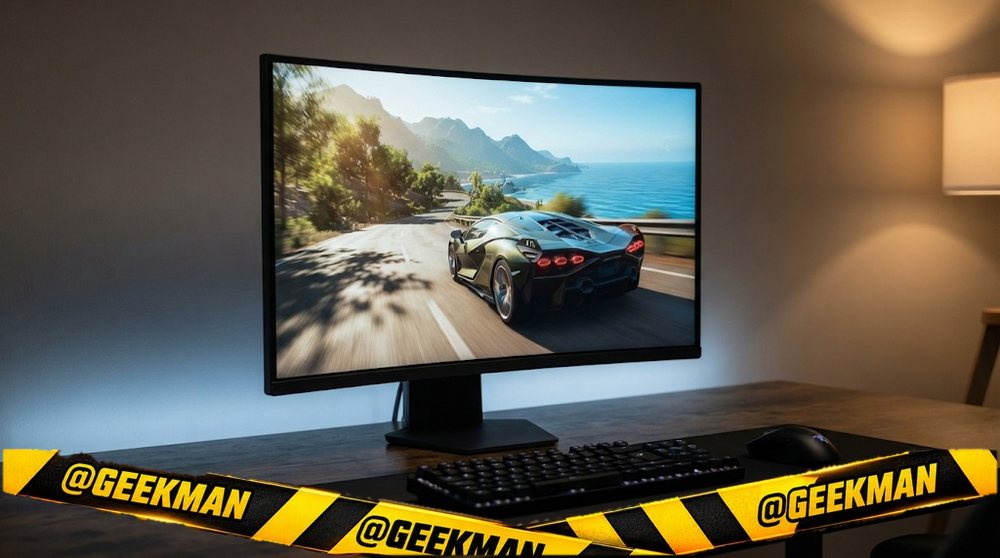
1. LG UltraGear 27GS60QC 27-inch QHD 180Hz Curved Gaming Monitor
8.9Geekman Score
8.6 Picture & speed
8.2 Features & build
9.2 Service
9.6 Value
An affordable curved QHD gaming monitor from LG, with deep VA blacks for movies and story games.
27″ QHD VA curved · 180Hz · 3 years
Best for
✓ Story games, racing and movies in a dark room
✓ A curved setup without a big budget
Skip if
• You play fast shooters competitively
• You need a height stand
My take: For immersive games and films this is lovely value. If you mostly play fast shooters, a flat IPS monitor will feel cleaner in motion.


LG 27GS60QC 68.4cm (27 Inch) Ultragear Curved (1000R) QHD (2560x1440) Gaming Monitor, 180Hz, 1ms, 3-Side Virtually Borderless, Anti-Glare, DP, HDMI X 2, HP Out, AMD FreeSync™, Tilt Adjustment (Black)

Bank offers on select credit cards +1
- Bank offers on select credit cards
- Cashback with Amazon Pay ICICI Bank Credit Cards
Pros and cons
What I like
+ Curved QHD at 180Hz
+ Deep VA contrast
+ LG service
What I don’t like
• Some dark smearing in fast games
• Tilt-only stand
Full review
The 27GS60QC is a 27-inch QHD VA panel with a tight 1000R curve, 180Hz and HDR10 support. It has two HDMI ports and one DisplayPort 1.4.
Picture. VA panels have much deeper blacks than IPS, so dark scenes look richer. The 1000R curve wraps the edges of the screen into your view at 27 inches.
What to know. VA panels can leave a faint trail behind dark moving objects. It is mild for most people, but competitive players notice it. The stand tilts only.
Key specs
| Screen | 27 inch, curved 1000R |
| Resolution | QHD 2560×1440 |
| Panel | VA |
| Refresh rate | 180Hz |
| Response time | 1ms |
| Colour | 99% sRGB |
| HDR | HDR10 |
| Ports | 2x HDMI, 1x DisplayPort 1.4 |
| USB-C | No |
| Stand | Tilt only |
| Speakers | No |
| Warranty | 3 years |
Best value
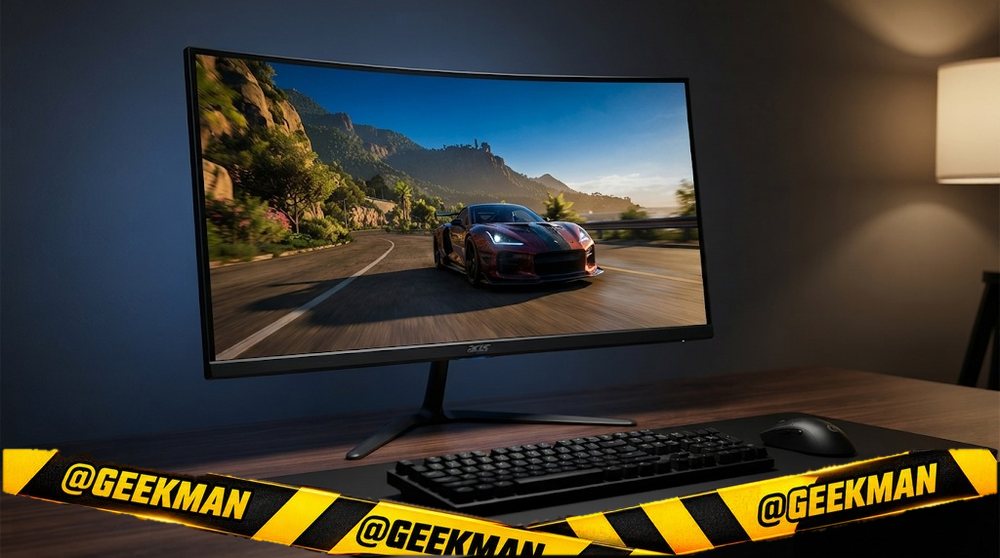
2. Acer ED270U S3 27-inch QHD 180Hz Curved Monitor
8.7Geekman Score
8.4 Picture & speed
8.1 Features & build
8.1 Service
9.6 Value
A curved QHD 180Hz monitor at a price that undercuts most flat QHD rivals.
27″ QHD VA curved · 180Hz · Speakers · 3 years
Best for
✓ Movies and story games on a budget
✓ Buyers who like a gentle curve
Skip if
• Fast shooters
• Colour-critical work
My take: A quietly popular pick that people buy on its own merits. Good value if you want a curve and QHD together.

Acer ED270U S3 27 Inch WQHD 2560x1440 1500R Curved Gaming Backlit LED LCD Monitor I 1MS VRB, 180Hz Refresh Rate I AMD FreeSync I 2 x HDMI 1 x Display Port I Stereo speakers I Eye Care I HDR 10 I Black
Bank offers on select credit cards +1
- Bank offers on select credit cards
- Cashback with Amazon Pay ICICI Bank Credit Cards
Pros and cons
What I like
+ QHD 180Hz curved
+ Speakers built in
+ 3 year warranty
What I don’t like
• VA smearing in dark fast scenes
Full review
The ED270U S3 is a 27-inch QHD VA monitor with a 1500R curve, 180Hz, 1ms response, HDR10 and built-in speakers.
Picture. 1500R is a gentler curve than LG’s 1000R, which some people find easier for office work too. VA contrast keeps dark scenes deep.
What to know. Standard VA trade-offs apply: some smearing in dark fast scenes and narrower colour than IPS.
Key specs
| Screen | 27 inch, curved 1500R |
| Resolution | QHD 2560×1440 |
| Panel | VA |
| Refresh rate | 180Hz |
| Response time | 1ms |
| Colour | Not stated |
| HDR | HDR10 |
| Ports | HDMI, DisplayPort |
| USB-C | No |
| Stand | Not stated |
| Speakers | Yes |
| Warranty | 3 years |
Best 32-inch curved
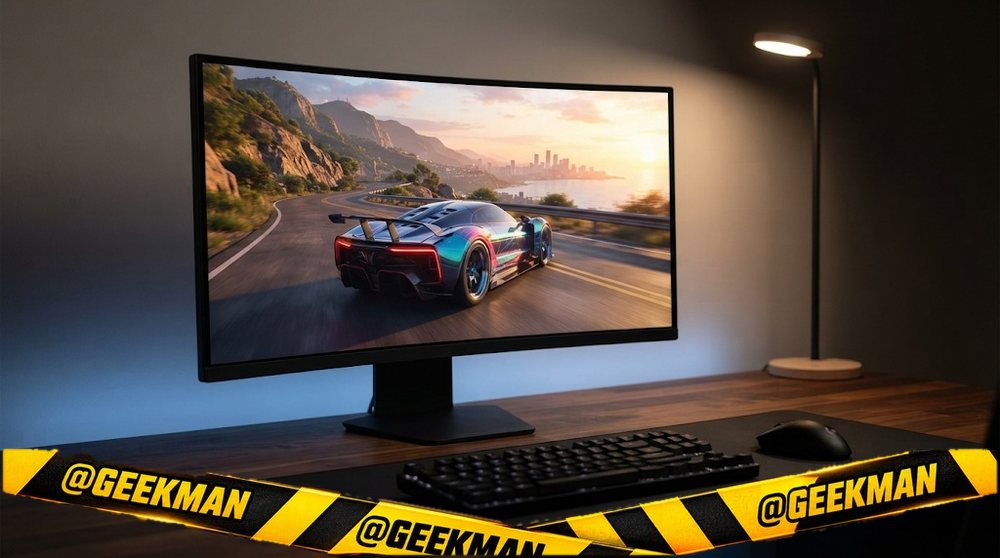
3. LG UltraGear 32GS60QC 32-inch QHD 180Hz Curved Gaming Monitor
8.6Geekman Score
8.8 Picture & speed
8.2 Features & build
9.2 Service
8.2 Value
The 32-inch curved monitor most Indian gamers end up buying, and for good reason.
31.5″ QHD VA curved · 180Hz · 3 years
Best for
✓ Deep desks or sitting back with a controller
✓ Movies and story games
Skip if
• Small desks
• Fast competitive shooters
My take: At 32 inches QHD still looks sharp, and the curve makes the size easy to take in. This is my default pick for a big gaming screen under twenty thousand.

LG 32GS60QC 80cm (32 Inch) Ultragear Curved (1000R) QHD (2560x1440) Gaming Monitor, 180Hz, 1ms, 3-Side Virtually Borderless, Anti-Glare, DP, HDMI X 2, HP Out, AMD FreeSync™, Tilt Adjustment (Black)
Bank offers on select credit cards +1
- Bank offers on select credit cards
- Cashback with Amazon Pay ICICI Bank Credit Cards
Pros and cons
What I like
+ 32-inch curved QHD at 180Hz
+ Two HDMI plus DP 1.4
+ LG service
What I don’t like
• Tilt-only stand
• No speakers
Full review
The 32GS60QC is a 31.5-inch QHD VA UltraGear with a 1000R curve, 180Hz, HDR10 support, two HDMI ports and DisplayPort 1.4.
Picture. Deep VA blacks and a big curved screen make films and open-world games feel immersive. Two HDMI ports work well for a PC and a PS5, which gets 1440p at 120Hz.
What to know. There are no speakers, the stand tilts only, and VA panels show slight dark smearing in fast scenes. You need a desk at least 70 cm deep to sit comfortably.
Key specs
| Screen | 31.5 inch, curved 1000R |
| Resolution | QHD 2560×1440 |
| Panel | VA |
| Refresh rate | 180Hz |
| Response time | 1ms |
| Colour | 99% sRGB |
| HDR | HDR10 |
| Ports | 2x HDMI, 1x DisplayPort 1.4 |
| USB-C | No |
| Stand | Tilt only |
| Speakers | No |
| Warranty | 3 years |
Cheapest curved ultrawide
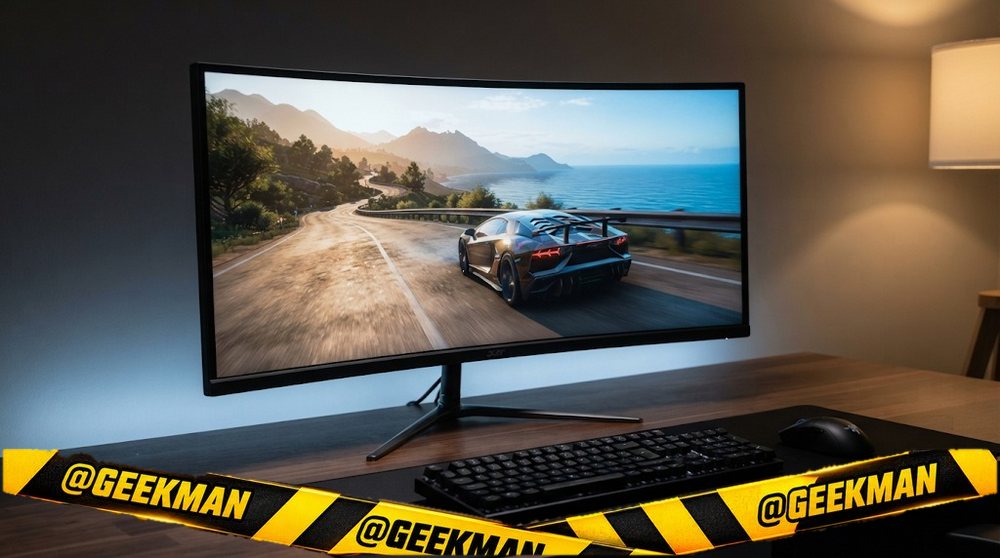
4. Acer Nitro ED340CUR J0 34-inch Curved Ultrawide Monitor
8.5Geekman Score
8.5 Picture & speed
8.4 Features & build
8.1 Service
8.6 Value
The cheapest proper 34-inch ultrawide from a big brand.
34″ UWQHD VA curved · 120Hz · Speakers · 3 years
Best for
✓ Ultrawide work and games for less
✓ First ultrawide setup
Skip if
• Very fast shooters
• USB-C laptops
My take: A lot of screen for the money. It is the easy entry into 21:9.

Acer Nitro ED340CUR J0 34 Inch UWQHD Curved Gaming Monitor | 3440x1440 VA Panel | 120Hz (DP) | 1ms VRB | AMD FreeSync Premium | HDR10 | 1500R | 2x HDMI 2.1 + DP 1.4 | Easy Tilt | Speakers | VisionCare
Bank offers on select credit cards +1
- Bank offers on select credit cards
- Cashback with Amazon Pay ICICI Bank Credit Cards
Pros and cons
What I like
+ 34-inch UWQHD at a low price
+ 120Hz
+ Speakers built in
What I don’t like
• Panel type unclear on store pages
Full review
The ED340CUR J0 is a 34-inch 3440×1440 curved monitor at 120Hz with HDR10 support, HDMI, DisplayPort and speakers. Amazon lists the panel as VA.
Daily use. 3440×1440 gives the room of two small monitors without the gap in the middle. 120Hz is smooth for games.
What to know. Store pages disagree on the panel type, so check the box. Acer’s warranty is 3 years.
Key specs
| Screen | 34 inch, curved curved |
| Resolution | UWQHD 3440×1440 |
| Panel | VA |
| Refresh rate | 120Hz |
| Response time | 1ms |
| Colour | 99% sRGB |
| HDR | HDR10 |
| Ports | HDMI, DisplayPort |
| USB-C | No |
| Stand | Not stated |
| Speakers | Yes |
| Warranty | 3 years |
Best curved ultrawide
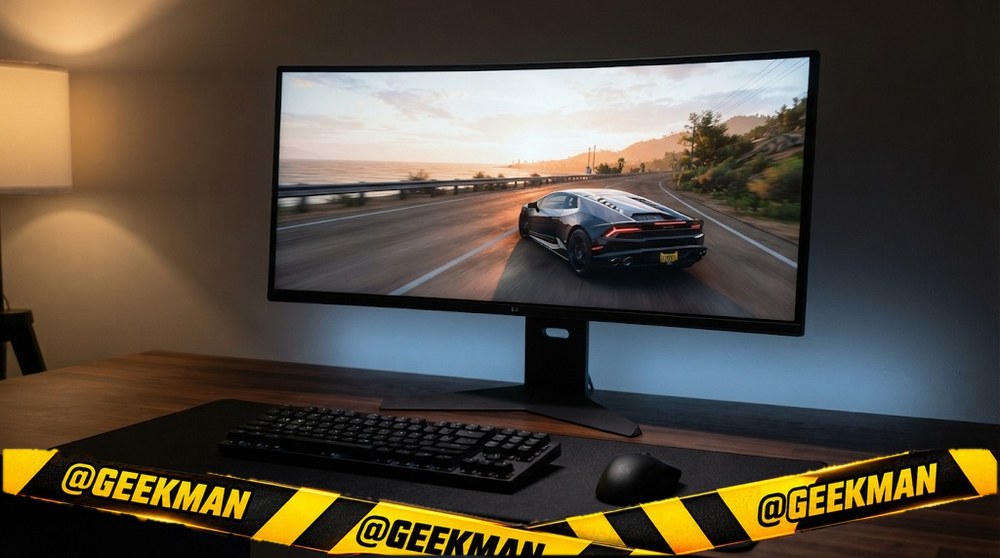
5. LG UltraGear 34G600A 34-inch Curved Ultrawide 160Hz Monitor
8.3Geekman Score
9.1 Picture & speed
9.0 Features & build
9.2 Service
6.6 Value
A 34-inch curved ultrawide at 160Hz from LG, the one most Indian buyers pick in this class.
34″ UWQHD VA curved · 160Hz · Speakers · 3 years
Best for
✓ Racing, open-world and strategy games
✓ Editing timelines and two apps side by side
Skip if
• Laptops needing USB-C
• Bright rooms (glossy finish)
My take: If you want one big ultrawide for games and work, this is my first pick. It sells well for good reason.

LG 34G600A Smartchoice 86.36cm(34 Inch) Ultragear Curved (1800R) WQHD (3440x1440) Gaming Monitor, 160Hz, 1ms, Speakers, Anti-Glare, AMD FreeSync Premium, DP, HDMI, Tilt/Height/Swivel Adjustment(Black)
Bank offers on select credit cards +1
- Bank offers on select credit cards
- Cashback with Amazon Pay ICICI Bank Credit Cards
Pros and cons
What I like
+ 34-inch ultrawide at 160Hz
+ Speakers built in
+ LG service
What I don’t like
• No USB-C
• Reflective in bright rooms
Full review
The 34G600A is a 34-inch 3440×1440 VA UltraGear with an 1800R curve, 160Hz, HDR10 support, HDMI, DisplayPort and speakers.
Gaming and work. 21:9 shows more of the game world and gives room for two full windows. 160Hz keeps it smooth.
What to know. There is no USB-C. A glossy finish looks rich but reflects windows behind you.
Key specs
| Screen | 34 inch, curved 1800R |
| Resolution | UWQHD 3440×1440 |
| Panel | VA |
| Refresh rate | 160Hz |
| Response time | 1ms |
| Colour | 99% sRGB |
| HDR | HDR10 |
| Ports | HDMI, DisplayPort |
| USB-C | No |
| Stand | Not stated |
| Speakers | Yes |
| Warranty | 3 years |
Samsung classic with height stand
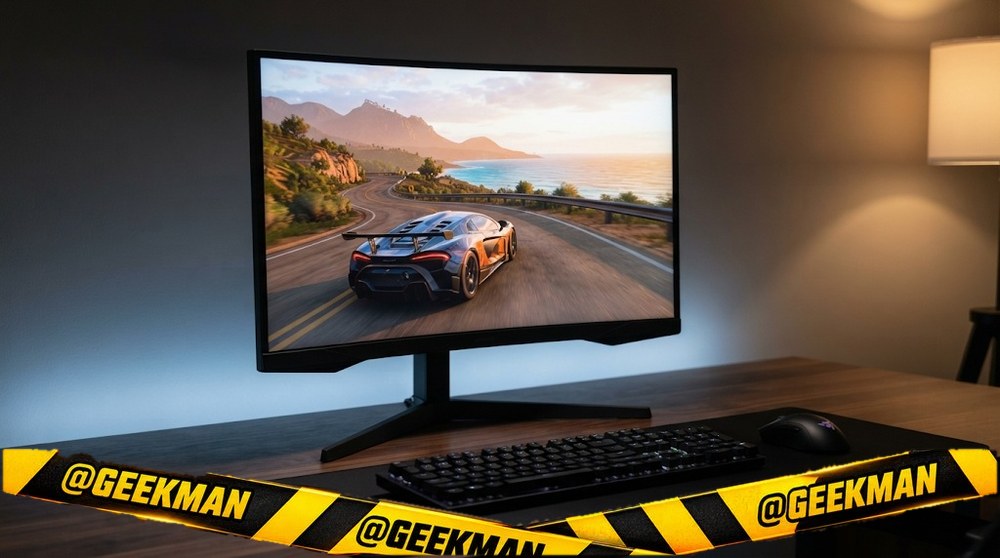
6. Samsung Odyssey G5 27-inch QHD 165Hz Curved Gaming Monitor
8.3Geekman Score
8.4 Picture & speed
8.6 Features & build
9.2 Service
7.4 Value
The classic curved Odyssey G5, now with a height stand, for fans of the deep curve.
27″ QHD VA curved · 165Hz · Height and tilt stand · 3 years
Best for
✓ Single-player and racing games
✓ Samsung buyers who want a curve
Skip if
• Fast shooters
• Dark scenes with lots of motion
My take: Still a good curved monitor, but the newer flat IPS G5 is cleaner in motion. Pick this one for the curve.

Samsung 27" (68.5cm) Odyssey G5 2K Curved Gaming Monitor|QHD 2560 X 1440|1000R Curved|165Hz|1ms(MPRT)|300nits|Ports-HDMI,DP,Headphone|DP Cable|HDR10|FreeSync|LS27CG550EWXXL|Black
Bank offers on select credit cards +1
- Bank offers on select credit cards
- Cashback with Amazon Pay ICICI Bank Credit Cards
Pros and cons
What I like
+ 1000R curved QHD
+ Height stand
+ Samsung service
What I don’t like
• VA smearing in dark scenes
Full review
This Odyssey G5 is a 27-inch QHD VA monitor with a 1000R curve, 165Hz, 1ms response and a height-adjustable stand.
Gaming. The tight curve is immersive at 27 inches. QHD keeps it sharp.
What to know. VA smearing in dark scenes is the common complaint about this model. If that bothers you, choose an IPS monitor.
Key specs
| Screen | 27 inch, curved 1000R |
| Resolution | QHD 2560×1440 |
| Panel | VA |
| Refresh rate | 165Hz |
| Response time | 1ms |
| Colour | Not stated |
| HDR | No |
| Ports | HDMI, DisplayPort |
| USB-C | No |
| Stand | Height and tilt |
| Speakers | No |
| Warranty | 3 years |
Fastest curved (280Hz)
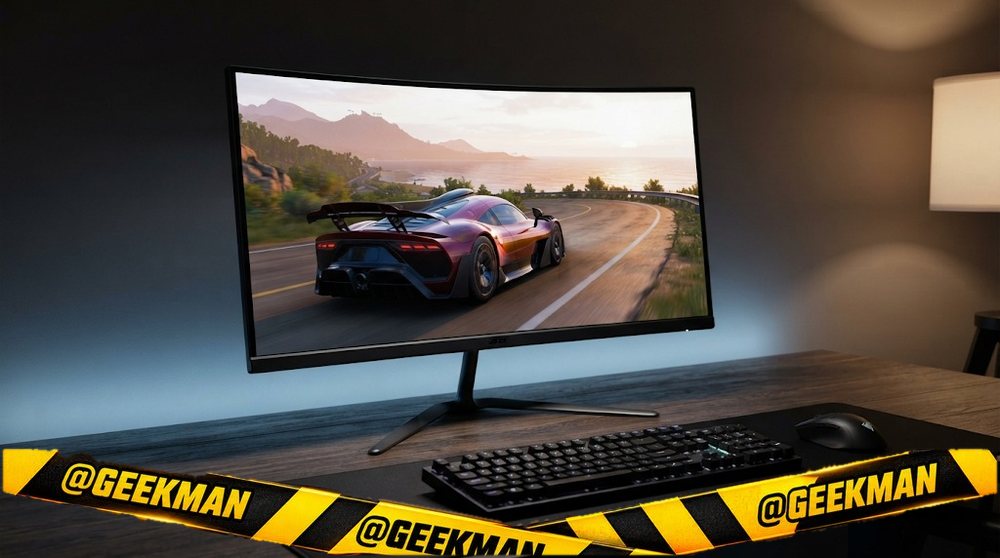
7. Acer Nitro ED270 Z 27-inch 280Hz Curved Gaming Monitor
8.2Geekman Score
8.3 Picture & speed
8.0 Features & build
8.1 Service
8.1 Value
A curved 280Hz screen for players who want very high frame rates on a mid-range card.
27″ FHD VA curved · 280Hz · Speakers · 3 years
Best for
✓ Esports with an immersive curve
✓ High frame rates on a mid-range GPU
Skip if
• Sharp text for work
• Dark fast scenes
My take: Niche but fun. If you want a curve and very high refresh, this is the cheapest way to get both.

Acer ED270 Z 27 Inch Full HD 1500 R Curved Gaming Backlit LED LCD Monitor I 1MS VRB, 280Hz Refresh Rate I AMD Freesync Premium I HDR10 I 2 x HDMI(2.0) 1 x DP(1.4), Audio Out I 2W x 2 Speakers I Black
Bank offers on select credit cards +1
- Bank offers on select credit cards
- Cashback with Amazon Pay ICICI Bank Credit Cards
Pros and cons
What I like
+ 280Hz curved
+ Speakers built in
+ Low price for the speed
What I don’t like
• Full HD is soft at 27 inches
• VA smearing
Full review
The ED270 Z is a 27-inch Full HD VA monitor with a 1500R curve, up to 280Hz, HDR10 support and built-in speakers.
Gaming. 280Hz is very smooth, but Full HD at 27 inches looks soft for text. VA can smear dark motion, which works against the high refresh rate.
What to know. Use DisplayPort for the full refresh rate. Acer gives 3 years of warranty.
Key specs
| Screen | 27 inch, curved 1500R |
| Resolution | Full HD 1920×1080 |
| Panel | VA |
| Refresh rate | 280Hz |
| Response time | 1ms VRB |
| Colour | Not stated |
| HDR | HDR10 |
| Ports | HDMI, DisplayPort |
| USB-C | No |
| Stand | Not stated |
| Speakers | Yes |
| Warranty | 3 years |
Budget big curved
8. Samsung S3 32-inch Full HD Curved Monitor
8.0Geekman Score
7.5 Picture & speed
7.6 Features & build
9.2 Service
8.4 Value
The cheapest big curved screen from a big brand, for movies and casual use.
32″ FHD VA curved · 100Hz · 3 years
Best for
✓ Movies and online videos from a few feet back
✓ Parents who want large text
Skip if
• Sharp text up close
• Gaming above 100Hz
My take: A big friendly screen for the money. Full HD at 32 inches is soft up close, so sit back.
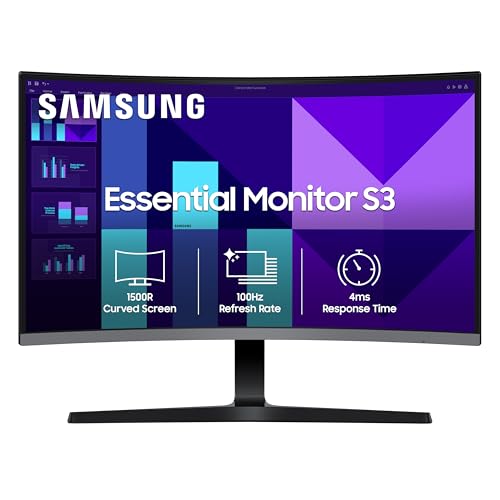
Samsung 32" (80 cm) S3 1500R Curved Monitor|FHD 1920 x 1080|100 Hz|4 ms|Ports-HDMI,VGA|Game Mode|Eye Saver Mode|LS32D390GAWXXL||Wall Mountable|Black
Bank offers on select credit cards +1
- Bank offers on select credit cards
- Cashback with Amazon Pay ICICI Bank Credit Cards
Pros and cons
What I like
+ 32-inch curved on a budget
+ Samsung warranty
+ Deep contrast
What I don’t like
• Soft text up close
Full review
The S3 LS32D390 is a 32-inch Full HD VA monitor with a 1500R curve, 100Hz, HDMI, VGA and an audio out.
Daily use. Large and immersive for films. VA contrast makes dark scenes look good.
What to know. Full HD at 32 inches means visible pixels at normal desk distance. Sit at least 80 cm away.
Key specs
| Screen | 32 inch, curved 1500R |
| Resolution | Full HD 1920×1080 |
| Panel | VA |
| Refresh rate | 100Hz |
| Response time | 4ms |
| Colour | Not stated |
| HDR | No |
| Ports | HDMI, VGA (D-Sub), 3.5mm |
| USB-C | No |
| Stand | Not stated |
| Speakers | No |
| Warranty | 3 years |
Compare all 8 at a glance
| Monitor | Size | Resolution | Panel | Refresh | USB-C | Stand | Speakers | Warranty |
|---|---|---|---|---|---|---|---|---|
| LG UltraGear 27GS60QC | 27″ | QHD | VA curved | 180Hz | No | Tilt | No | 3 years |
| Acer ED270U S3 | 27″ | QHD | VA curved | 180Hz | No | Not stated | Yes | 3 years |
| LG UltraGear 32GS60QC | 31.5″ | QHD | VA curved | 180Hz | No | Tilt | No | 3 years |
| Acer Nitro ED340CUR J0 | 34″ | UWQHD | VA curved | 120Hz | No | Not stated | Yes | 3 years |
| LG UltraGear 34G600A | 34″ | UWQHD | VA curved | 160Hz | No | Not stated | Yes | 3 years |
| Samsung Odyssey G5 curved | 27″ | QHD | VA curved | 165Hz | No | Height | No | 3 years |
| Acer Nitro ED270 Z | 27″ | FHD | VA curved | 280Hz | No | Not stated | Yes | 3 years |
| Samsung S3 32 curved | 32″ | FHD | VA curved | 100Hz | No | Not stated | No | 3 years |
Specs from brand pages and the brand’s own product details. Refresh rates are the highest the monitor runs; some need DisplayPort.
The buying guide
How to choose a curved monitor
27-inch
LG 27GS60QC or Acer ED270U S3.
32-inch
LG 32GS60QC.
Ultrawide
LG 34G600A or Acer ED340CUR.
Very fast
Acer ED270 Z (280Hz).
Budget
Samsung S3 32 curved.
Curved OLED
See the 49-inch Samsung Odyssey OLED G9 in our OLED list.
Curved: 1000R, 1500R or 1800R?
The number is the radius in millimetres: a smaller number means a deeper curve. 1000R wraps the screen around you, great for games. 1500R and 1800R are gentler and easier for office work.
Curves help most on 32-inch and ultrawide screens. On a 24-inch screen a curve adds little.
IPS, VA, OLED or TN: which panel?
IPS gives accurate colour from any angle and clean motion. It is the safe choice for work, gaming and editing. Blacks look a little grey in a dark room (“IPS glow”).
VA has two to three times the contrast of IPS, so films and dark games look deeper. The trade-off is slight smearing behind dark moving objects, which competitive players notice. Most curved monitors are VA.
OLED (QD-OLED or WOLED) lights each pixel on its own: perfect blacks and near-instant response. It costs more and can burn in with static images over years, so warranty terms matter. TN is old and cheap; skip it unless the price is very low.
Resolution and size: pixels per inch decide sharpness
Sharpness depends on resolution and size together. A simple rule for normal desk distance: Full HD up to 24 inches, QHD (2K) at 27 inches, 4K at 27 to 32 inches. Full HD on a 27-inch screen shows visibly soft text.
More pixels also need more graphics power in games. A mid-range GPU runs QHD well; 4K gaming at high frame rates needs a high-end card. For office work any laptop can drive 4K.
Ultrawide: 2560×1080 or 3440×1440?
21:9 ultrawide monitors give the room of two small screens without a gap in the middle. 3440×1440 (UWQHD) at 34 inches is the sweet spot for sharpness. 2560×1080 at 29 to 30 inches is cheaper but only as sharp as a 24-inch Full HD.
Check game support: most new PC games support 21:9, but some cap at 16:9 with black bars. Consoles do not support ultrawide at all. You need a desk at least 90 cm wide.
Refresh rate: 60, 100, 144, 180 or 240Hz?
60 to 100Hz is fine for office work, though 100Hz already makes scrolling feel nicer. 144 to 180Hz is the sweet spot for most gamers. 240Hz and above helps only if your PC reaches those frame rates, mostly in esports titles.
Check the port. Many monitors hit their top refresh only on DisplayPort; some cap at 144Hz on HDMI, and cheap ones drop to 60 or 75Hz on VGA. I note the limits in each card.
Stand and ergonomics: why height adjustment matters
The top of the screen should sit at or just below eye level. Most budget monitors only tilt, so they sit too low for many people. A height-adjustable stand fixes that; a pivot stand also turns the screen to portrait for code and long documents.
If your monitor only tilts, it almost always has VESA holes on the back. A basic monitor arm costs much less than the price gap to a monitor with a full stand.
Questions other guides skip
1 · What is VA smearing and will I notice it?
VA pixels switch slowly from dark shades, so a dark object moving fast leaves a faint trail. In films and slow games most people never notice. In fast shooters with dark maps, IPS or OLED look cleaner.
2 · Matte or glossy screen?
Matte screens hide reflections from windows and lights, so they suit most Indian rooms. Glossy screens look a little richer but reflect everything behind you.
3 · Should I buy a monitor arm?
If your monitor only tilts, an arm fixes the height and frees desk space. Check that the monitor has VESA holes (75×75 or 100×100) and that the arm supports its weight. Clamp arms need a desk edge they can grip.
4 · What if my new monitor has a dead pixel?
Check it on day one with a full-screen white, black, red, green and blue image. Most brands allow a few bad pixels before they replace a panel; Dell’s S, P and UltraSharp lines replace for even one bright pixel. Report it within the return window or the first 90 days.
5 · Can I use a TV instead of a monitor?
For console gaming and films from a sofa, yes. On a desk, TVs are too big, often have more input lag and do not have stands that adjust. A 27 or 32-inch monitor is better for close-up work.
Also consider
Want ultrawide? See the best ultrawide monitor.
Gaming focus? See the best gaming monitor in india.
Big screen? See the best 32-inch monitor.
More from Geekman
More monitor buying guides
Best ultrawide monitorBest 32-inch monitorBest gaming monitor in IndiaBest gaming monitor under 20,000Best OLED monitorBest monitor in India
FAQs
Which is the best curved monitor in India?
The LG UltraGear 27GS60QC: 27-inch QHD at 180Hz with a 1000R curve and LG service.
Is a curved monitor good for office work?
A gentle curve (1500R to 1800R) is fine for office work, especially on 32-inch and ultrawide screens. For design work with straight lines, flat is better.
What does 1000R mean?
It is the curve radius in millimetres. 1000R is a deep curve; 1800R is gentle.
Is a curved monitor worth it at 24 inches?
Rarely. The curve adds little at that size. It matters from 27 inches up.
Which curved monitor is best under 20000?
The LG 27GS60QC, LG 32GS60QC and Acer ED270U S3 are all curved QHD monitors under twenty thousand.
My final curved picks
Best overall: LG UltraGear 27GS60QC. Check price
Best value: Acer ED270U S3. Check price
Best 32-inch: LG UltraGear 32GS60QC. Check price
Best ultrawide: LG UltraGear 34G600A. Check price
Buy curved for games and films at 27 inches and above. If you mostly work, a gentle curve or a flat screen is the better choice.