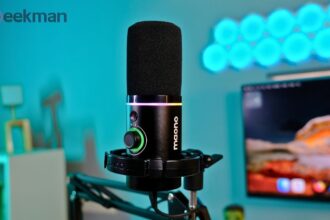
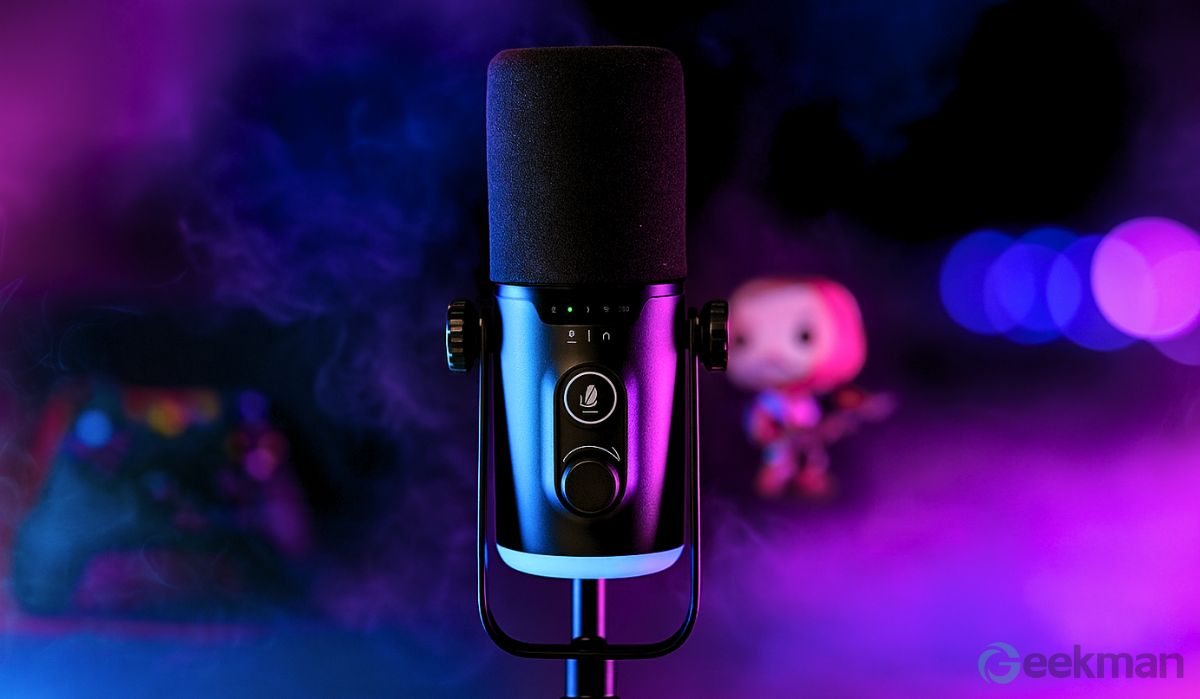

Hello people! So, if you’re a content creator, a gamer, a streamer, or you’re planning to start your own podcast — or even if you’re just like me and need a good professional mic for online meetings, that too at a budget-friendly price — then there are obviously a lot of options available in the market. But out of all those, you should definitely check out this new Claw GM43.
Out of the box, the Claw GM43 looks very promising, but apart from that, its performance, after-sales service, and warranty also make it worth considering.
Claw GM43 Review

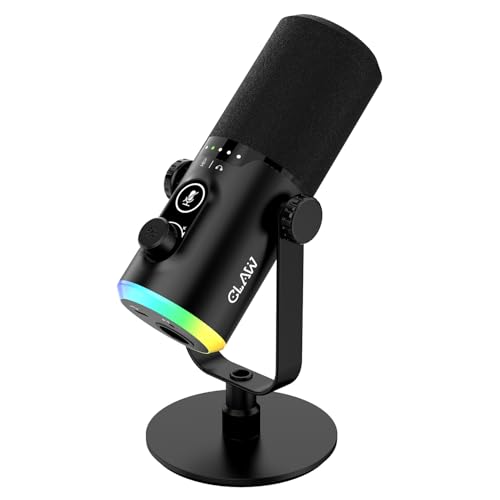

Claw GM43 Specifications
| Specification | Details |
|---|---|
| Type | Dynamic |
| Polar Pattern | Cardioid |
| Input Sample Rate | 192kHz |
| Bit Rate | 24bit |
| Frequency Response | 50Hz–12kHz |
| Sensitivity | 53dB ±3dB (0dB+1V/Pa, at 1kHz) |
| Output Impedance | 600 Ω |
| THD+N | <1% |
| S/N Ratio | 97dB |
| Interface Type | USB Type-C & XLR |
What is it like to use the Claw GM43?
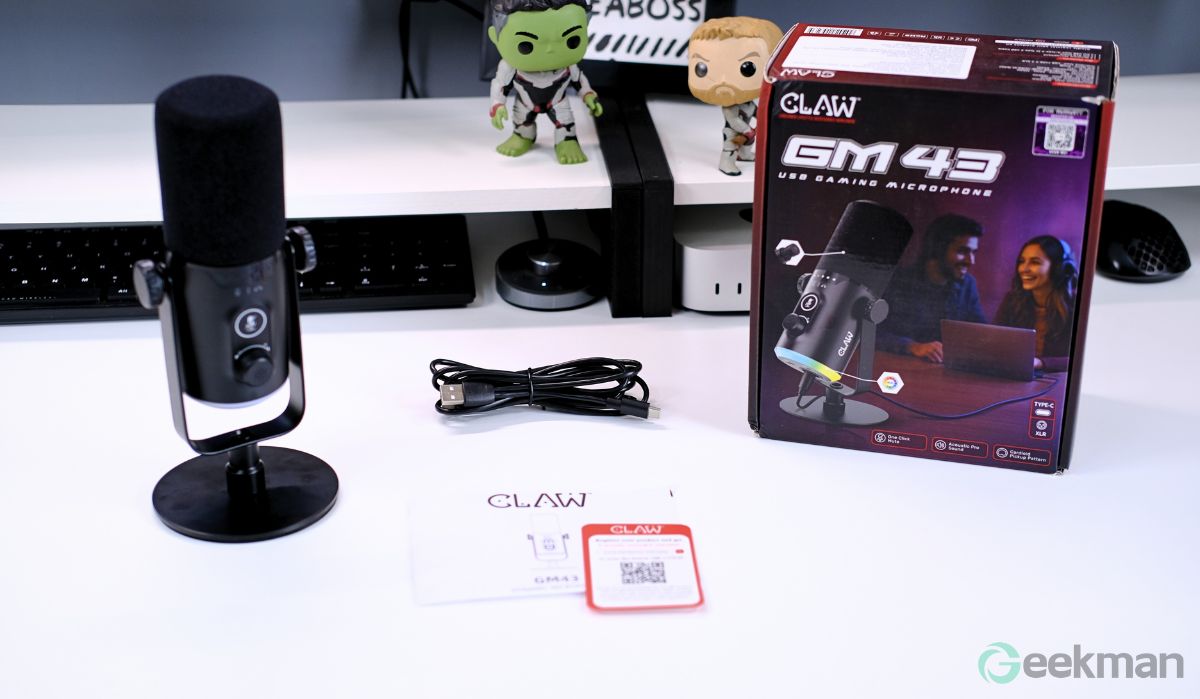
One of the biggest advantages of the Claw GM43 is that it covers all your connectivity needs. It’s completely plug-and-play — no drivers or extra software needed. You get both USB Type-C and USB Type-A connectivity options, so you can easily use it with your Windows PC, Mac, Xbox, or PlayStation. The best part is, you can even connect it to your smartphone. And yes, the USB Type-C and Type-A cables come combined in the box itself.
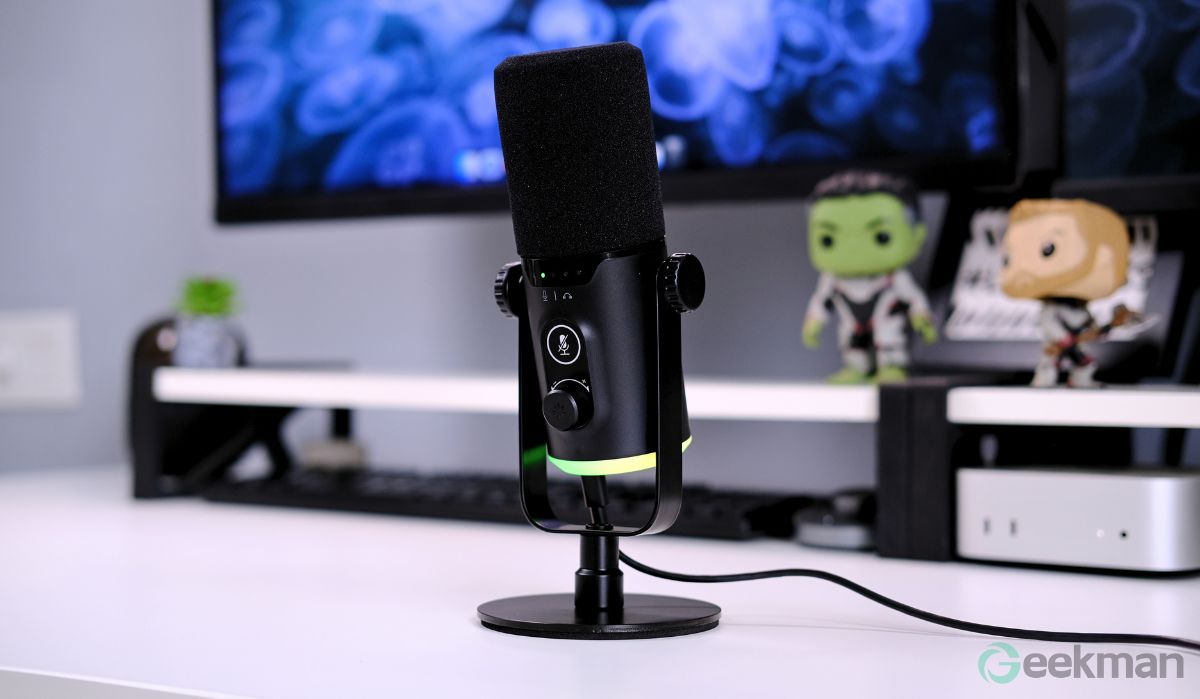
For advanced users, there’s even XLR output support so that you can hook it up to a mixer or any other professional audio gear, too.
And yes, it even has a built-in headphone port, so real-time audio monitoring is super easy — that’s definitely one of the main plus points of the Claw GM43.
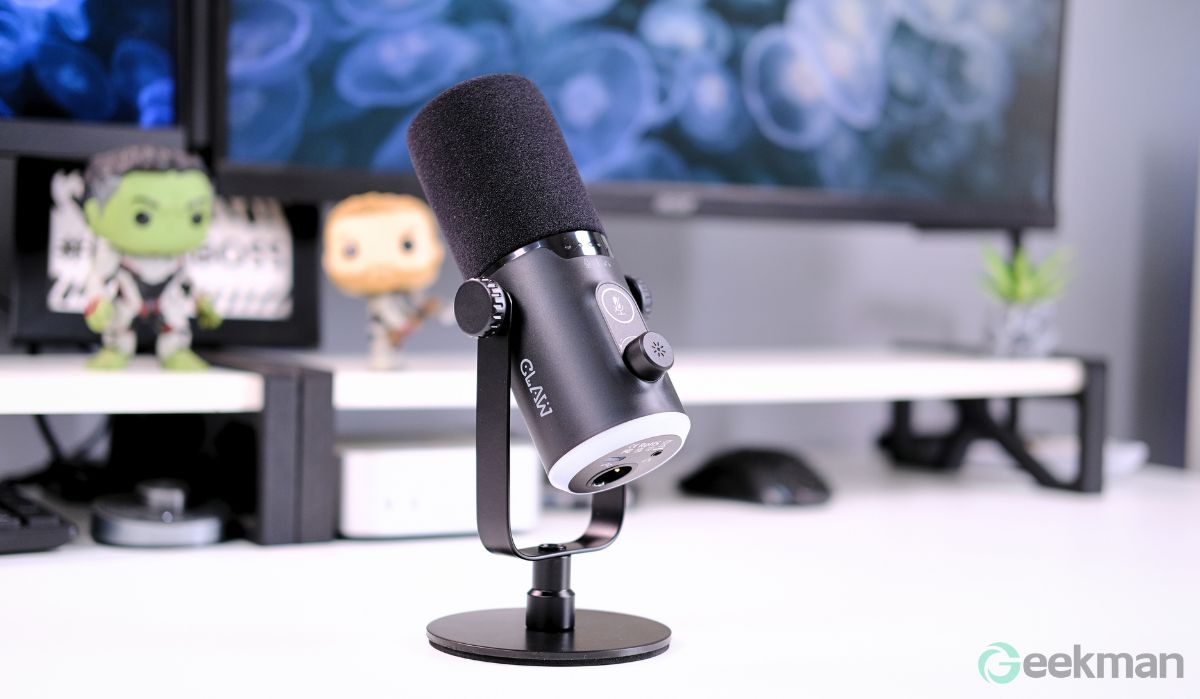
I also think one of GM43’s biggest strengths is just how easy it is to use, whether we’re talking about its design or the controls.
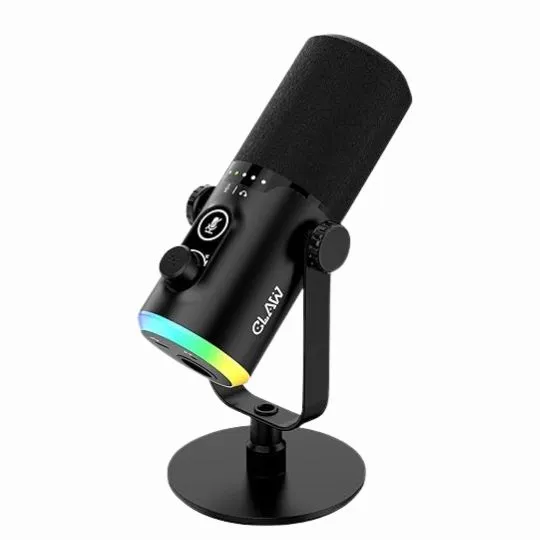
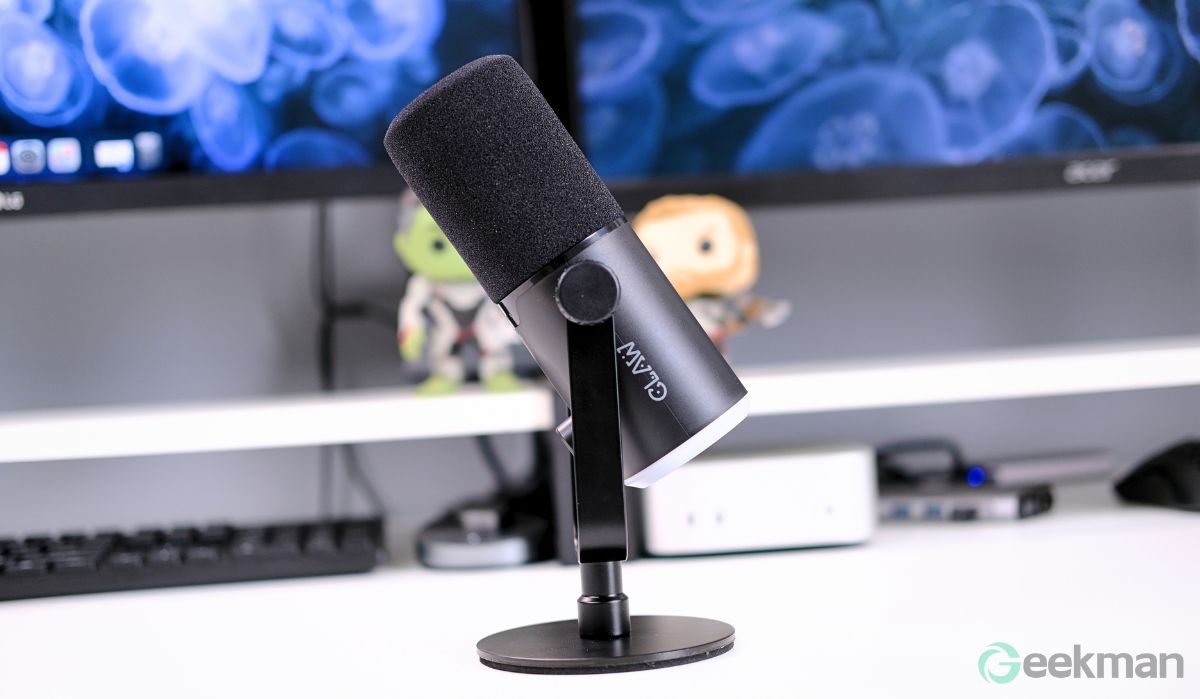
Since it’s a desk microphone, you simply attach the removable metal stand, plug in the USB Type-C cable, and that’s it, you’re good to go. But if you’d rather mount it on a boom stand, don’t worry, that option’s there too. It supports both 3/8 and 5/8 screw sizes, so it’s compatible with pretty much any boom arm.
Whether you’re using it on the desk stand or a boom stand, its design lets you rotate it 360 degrees, which makes positioning really convenient — something I liked a lot.
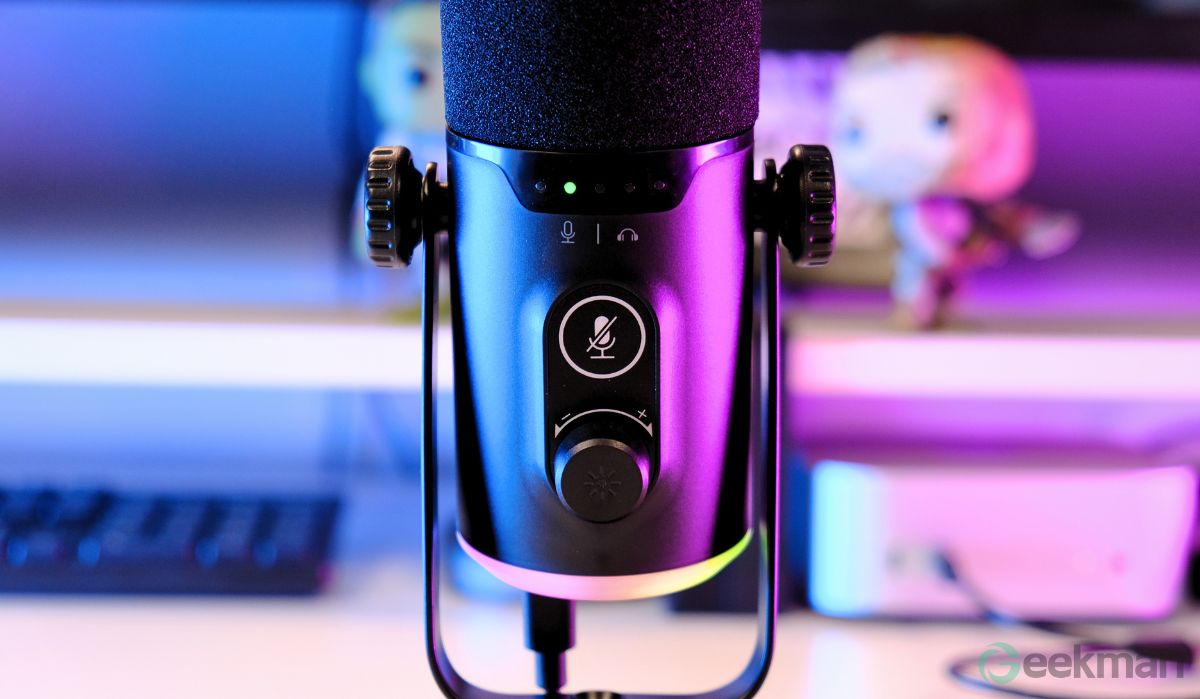
Coming to the controls, again, it’s super straightforward. It has a built-in mic input gain control, which, to be fair, is pretty standard these days, but still good to have. There’s even an indicator light for it, which helps a lot in dark environments, especially if you’re live streaming. Plus, you can control the audio monitoring volume with the same knob, which is handy.
There’s also a big touch button to turn the mic on or off, and it has an LED indicator too. The size of this button is nice and big, so it’s easy to find and use, which is always a good thing for quick access.
Also, the pop filter is actually built into the mic’s design itself, so you don’t need to attach any extra pop filter separately, which is super convenient.
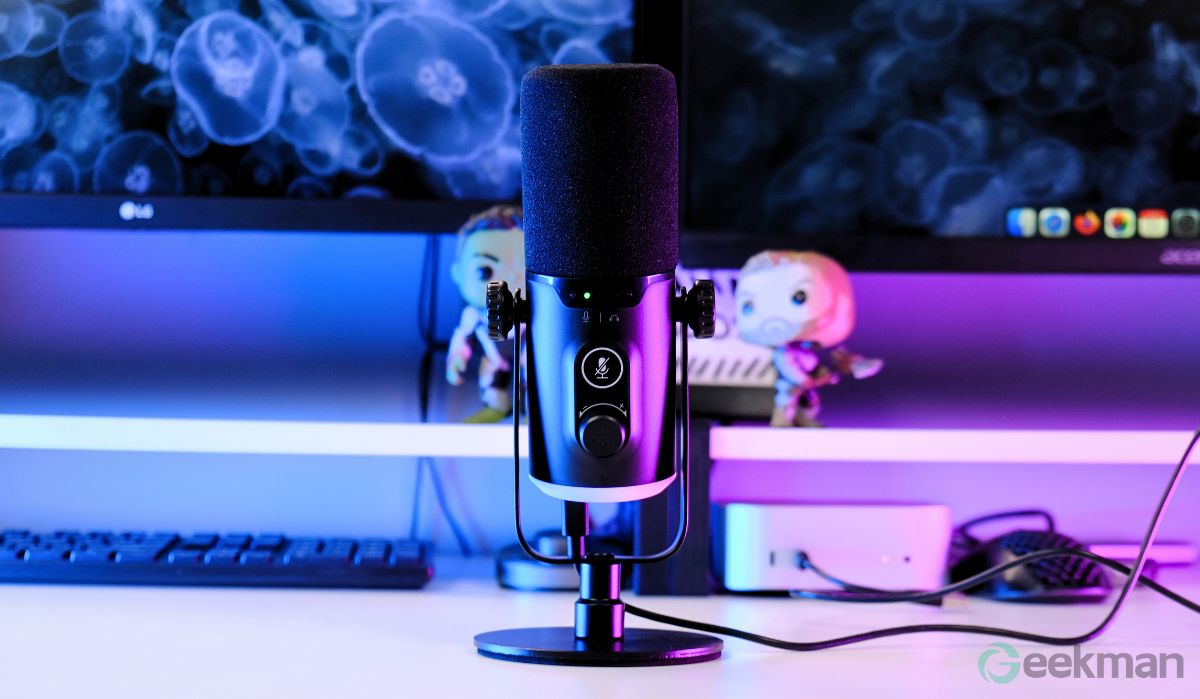
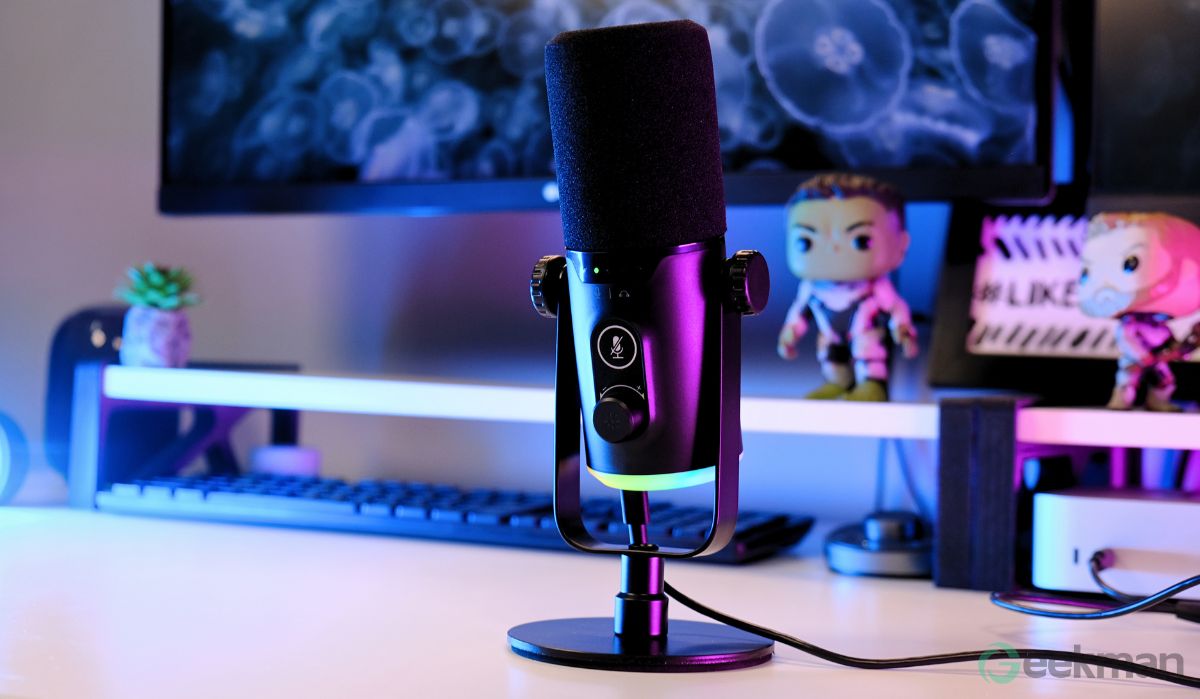
And when it comes to RGB, it’s definitely one of the main highlights of the Claw GM43 design. Of course, you won’t get unlimited RGB options at this price point, which is fair, but you do get around 7–8 different RGB effects, including breathing and rainbow effects. The RGB lighting is pretty subtle and goes well with the overall design of the mic. And if you’re like me and don’t really care for RGB, you can switch it off completely too.
So, design-wise, I really don’t have any complaints. As for the build quality, I’d say it’s 50-50. It’s average — not the best out there, but it does feel decently sturdy for the price. So overall, I’d say the build quality is good enough and justifies what you’re paying for it.
Performance
Now let’s talk about its real-world performance and recording quality. I tested the Claw GM43 both with raw, unedited audio and with some basic post-processing, so you get a clear idea of what to expect.
For my test, I used OBS Studio without any audio filters — just the mic plugged in and recording straight out of the box. With the gain set around 80% on both the mic and my PC, the recording quality was pretty decent. The mic picks up your voice naturally and clearly, with a good amount of crispness. It doesn’t sound overly harsh or too processed, which is nice at this price point.
I also tried adjusting the input gain from low to high to check how it handles different levels. Even when you push the gain up to 100%, the mic still manages to capture a clean signal without introducing too much distortion, as long as you’re not screaming into it.
One thing that works well in its favor is the cardioid pickup pattern. It does a decent job of isolating your voice and minimizing background noise. In my test, my PC fans were running, and I was typing on my keyboard, but the mic cut out most of that unwanted noise quite well.
Of course, you can always take the quality up a notch with some light post-processing. When I added basic audio filters like noise suppression and a bit of EQ, the audio sounded noticeably smoother and more professional.
Now, obviously, you shouldn’t expect Blue Yeti or Rode-level studio quality — those mics cost three to four times more than this one. But for the price, the Claw GM43 delivers more than respectable performance.
For beginners who want to do streaming, gaming, or even start a podcast, this mic is more than enough to get the job done without breaking the bank.
Worth buying the Claw GM43?
So, if you’re looking for a good USB/XLR/Type-C microphone for YouTube, streaming, and podcasting on a budget, you should definitely consider the Claw GM43.
And one last reason is that Claw’s marketing and distribution are handled by Origin Marketing — they manage multiple brands, so they have a solid service network. That means you’ll likely get better after-sales service compared to some of its competitors, which is always a plus.